
180 rooms · updated weekly
Free Zoom & Teams BackgroundsChange the room.
Free Zoom & Teams BackgroundsChange the room.
Not the call.
HD 1920×1080 backgrounds for Zoom, Teams and Meet. No signup, no watermark — just a better room behind you in one click.


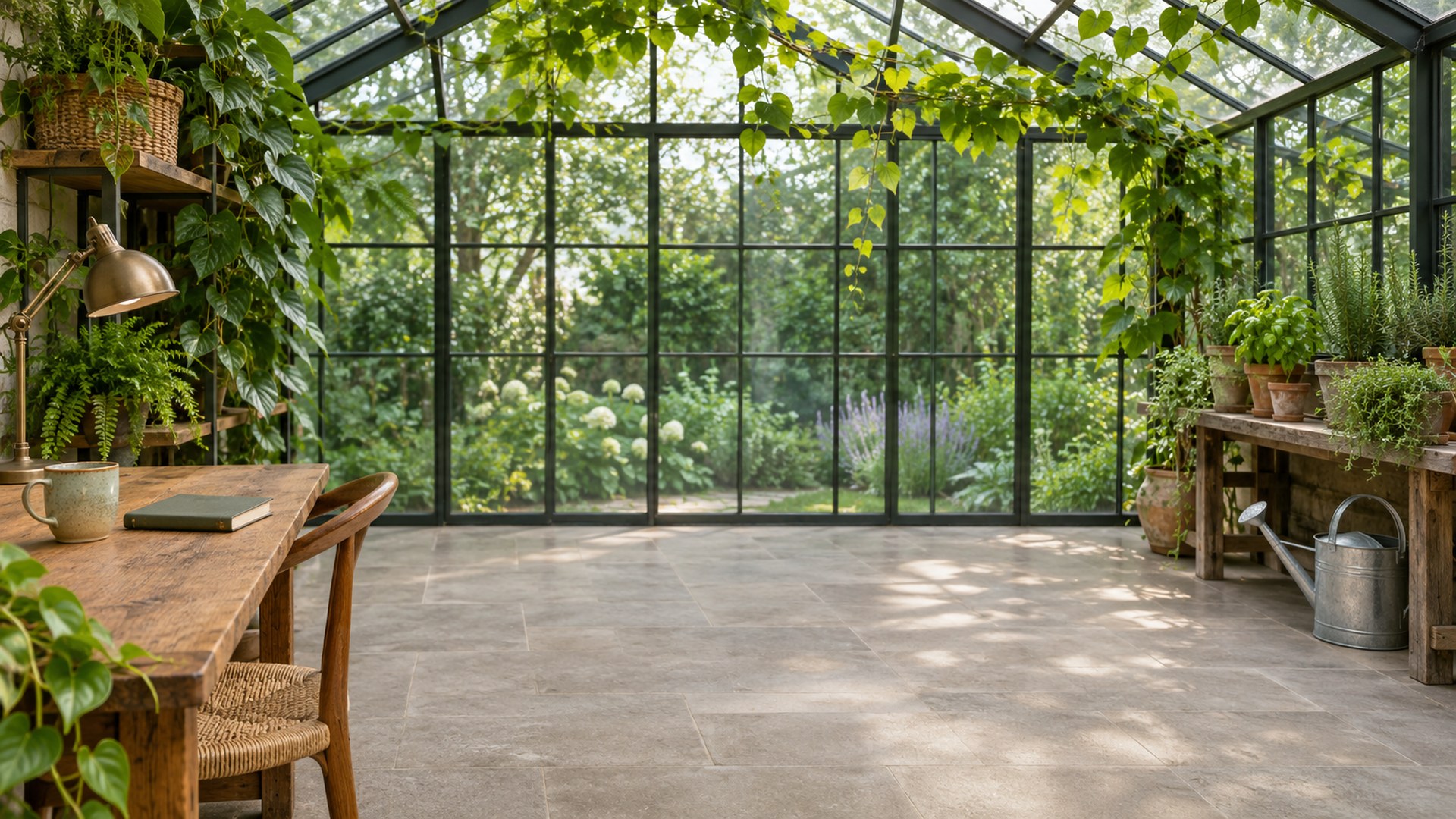

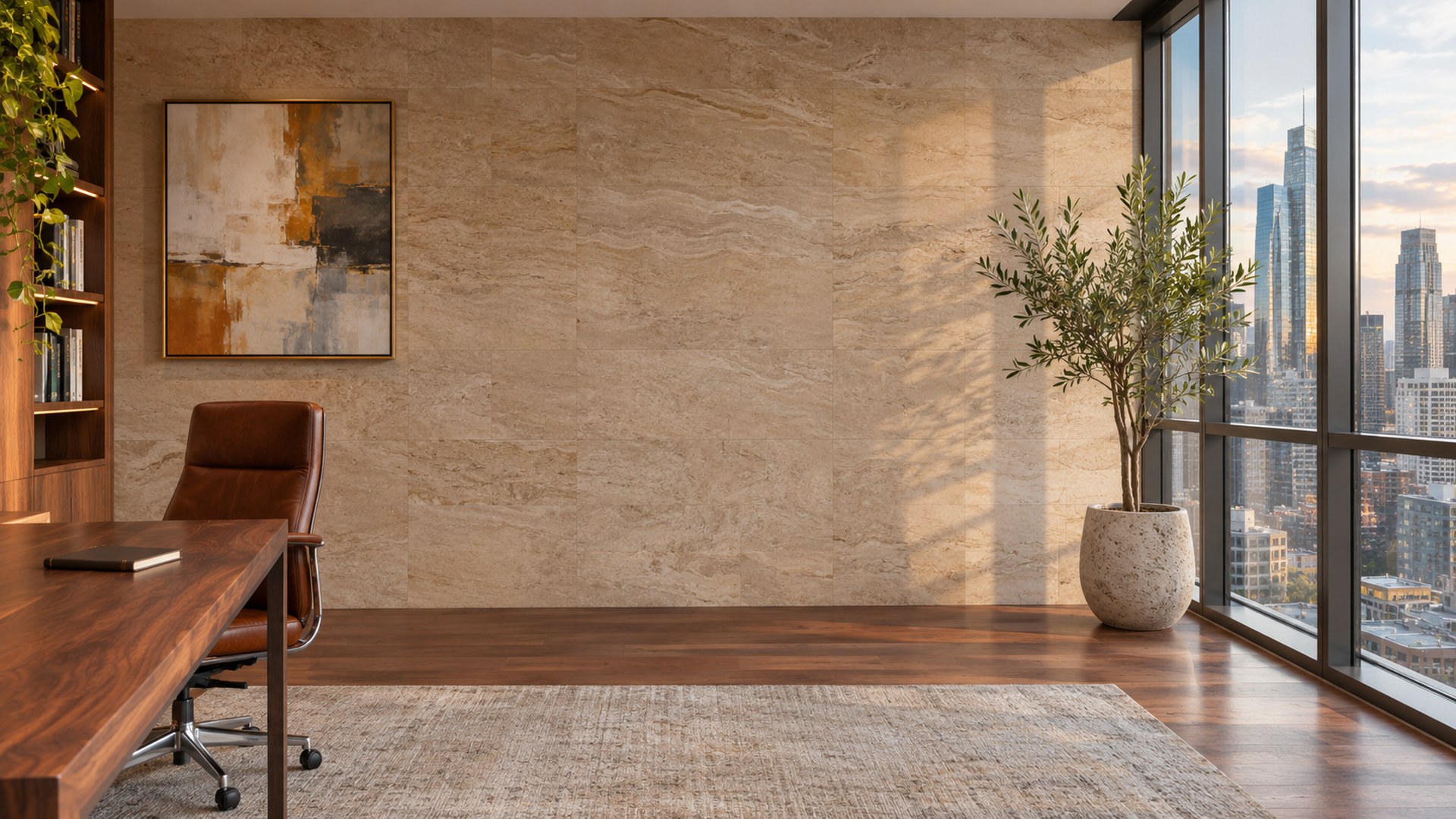

180 total
The collection
All backgrounds
Start with eight. Stay for all 180.







Browse by roomPick the version of you
Pick the version of you
that shows up.
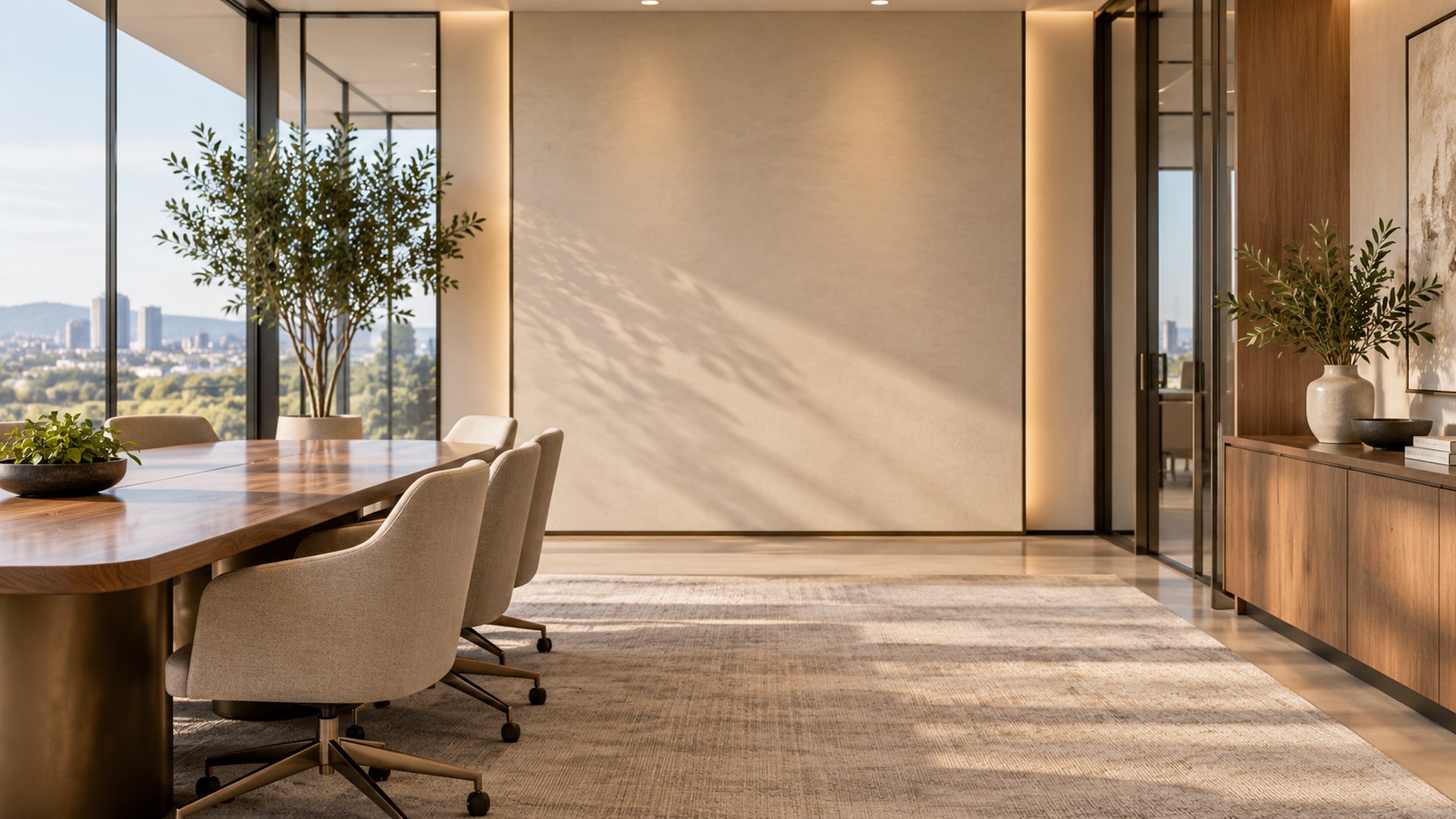
Six collections, one standard: clear wall behind your head and light that does not fight your webcam.



Free tools
When the photo is almost right.
Three small tools that run in your browser. Nothing uploads, nothing is stored.
Seasonal
A room for the month.
Enough theme for the call to notice. Not enough for anyone to ask.




How it works
Thirty seconds, no account.
Set it once. It stays put until you decide you would rather be in a library.
STEP 01
Pick a room
Filter by office, library, plants, interview or whatever month it is.
STEP 02
Download the JPG
One click, full 1920×1080, no watermark and no email gate.
STEP 03
Set it in your app
Zoom, Teams or Meet — the exact menu path is on the how-to page.
Questions
Small print, short.
Everything people ask before they download their first room.
Do I need an account?
No. Every background downloads directly as a JPG. There is no email gate, no trial and no watermark.
Will it look stretched in Zoom or Teams?
No. Every file is exactly 1920×1080 — a true 16:9 frame, which is what Zoom, Teams and Meet expect for a virtual background.
Can I use these at work?
Yes — use them in any personal or work call. The only thing you cannot do is resell the images or claim them as your own stock library.
How often are new rooms added?
Weekly, plus a seasonal set each month. The Thanksgiving and Christmas collections are live now.
Step into a room
that isn’t there.
180 free backgrounds. No signup, no watermark, no catch.
Find your room