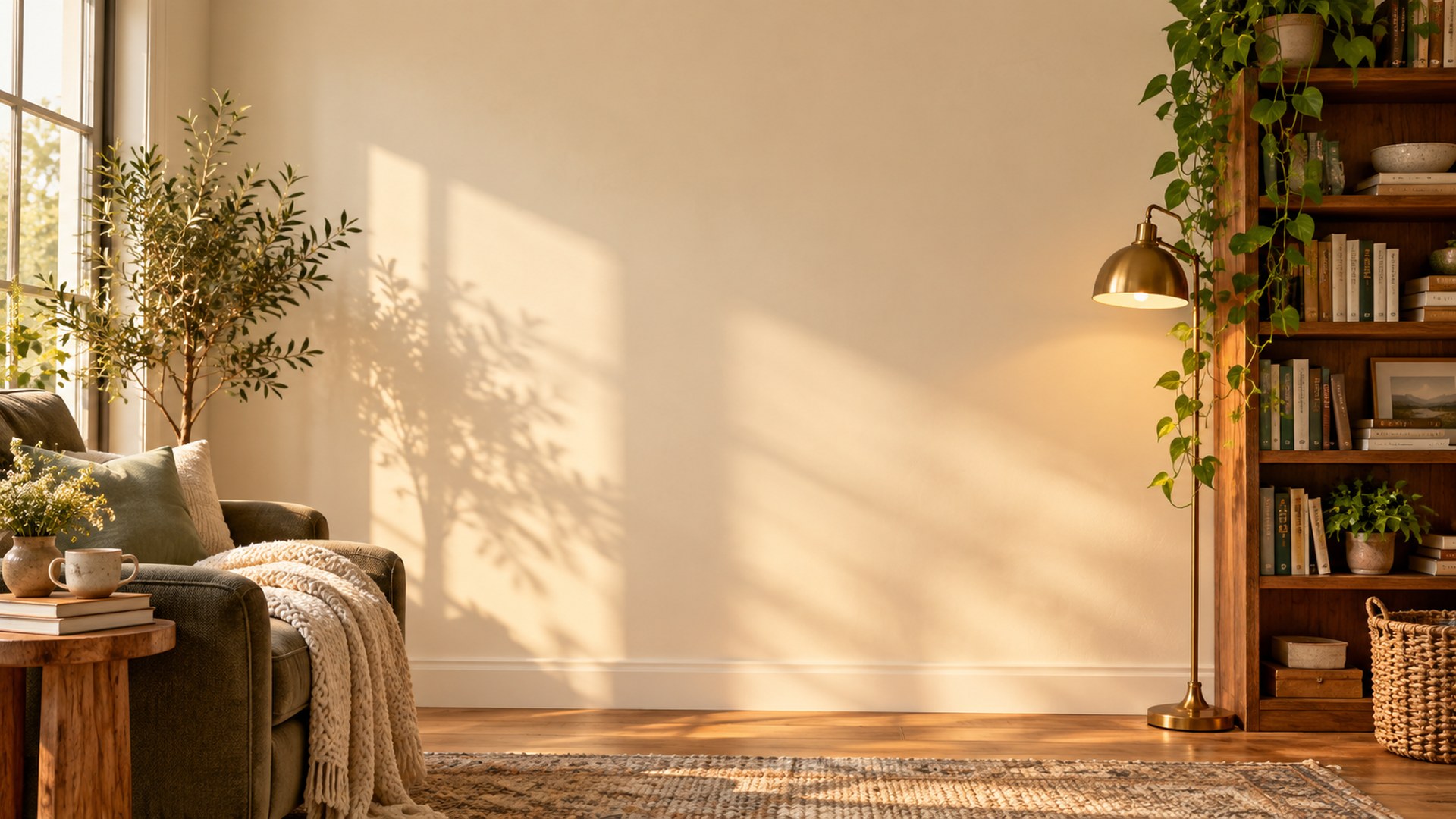
01 / 04
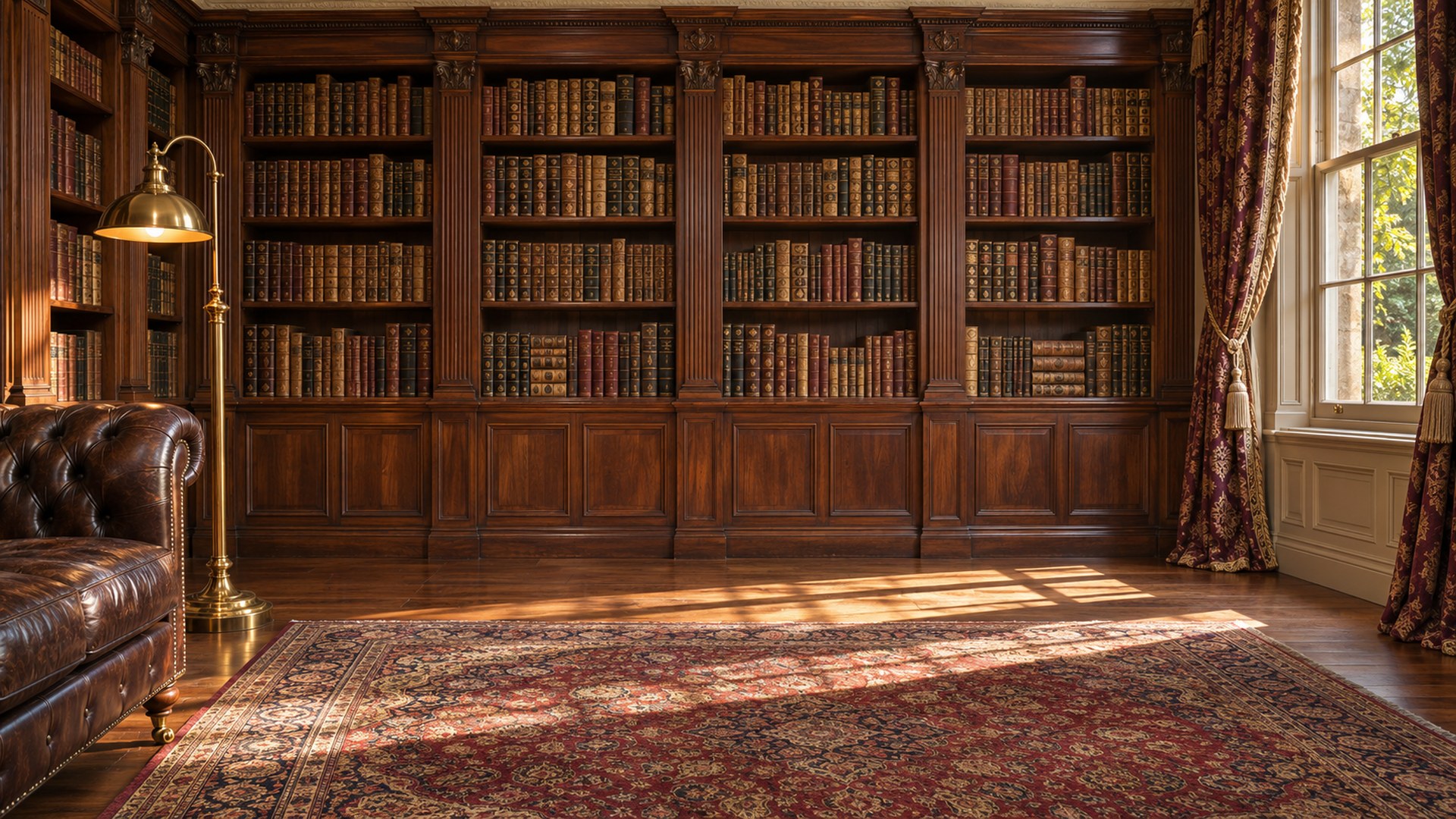
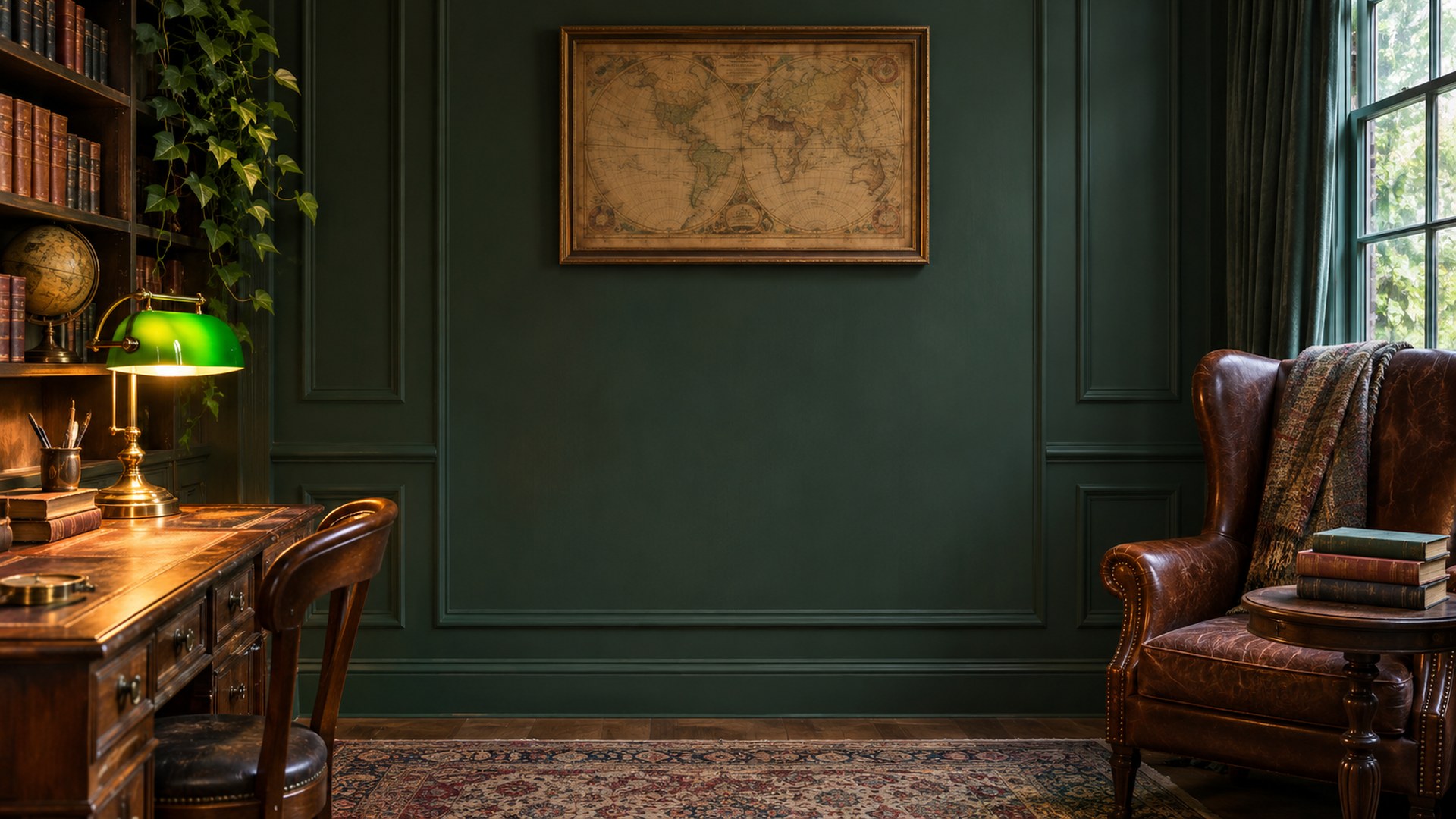
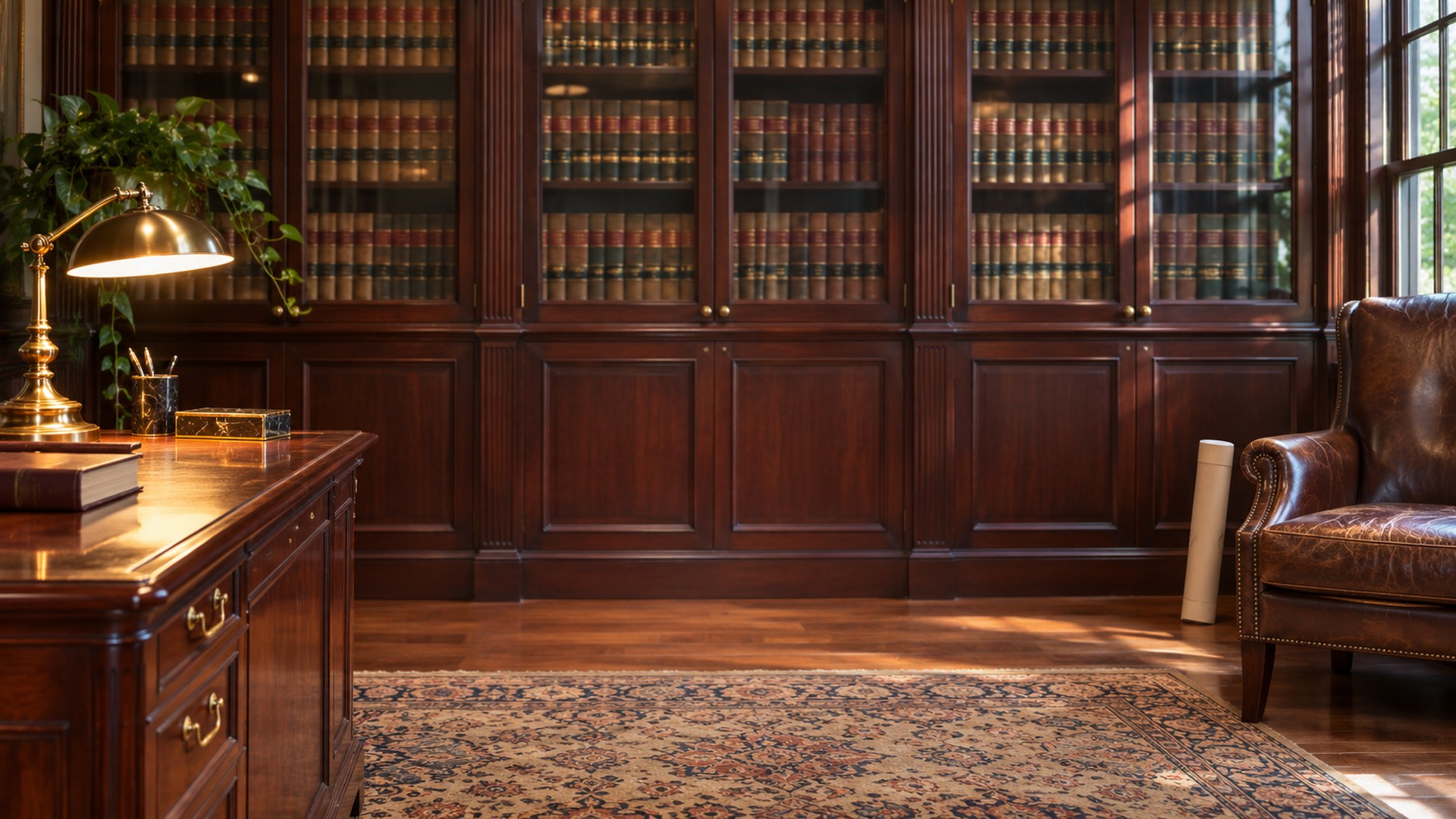
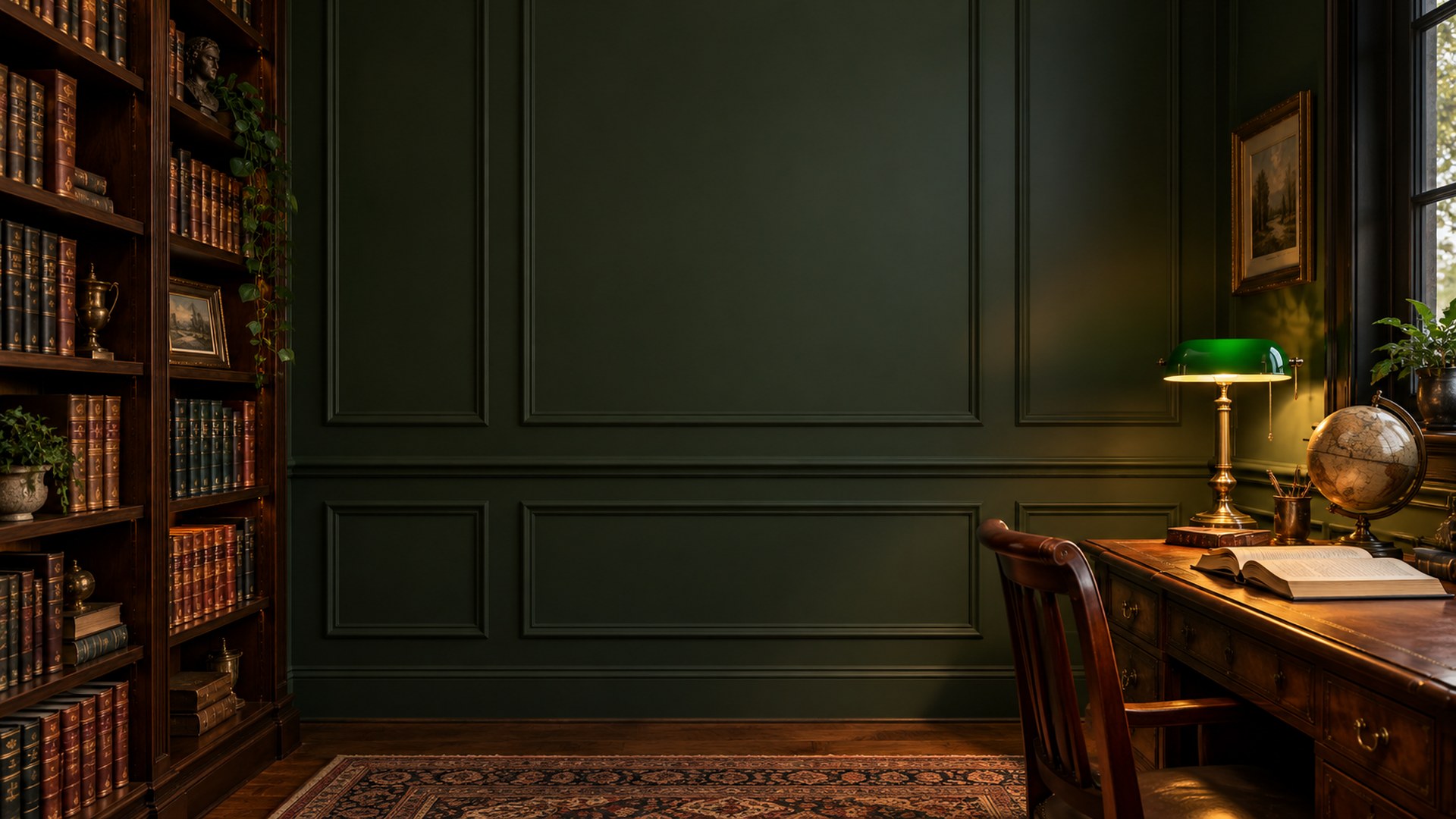
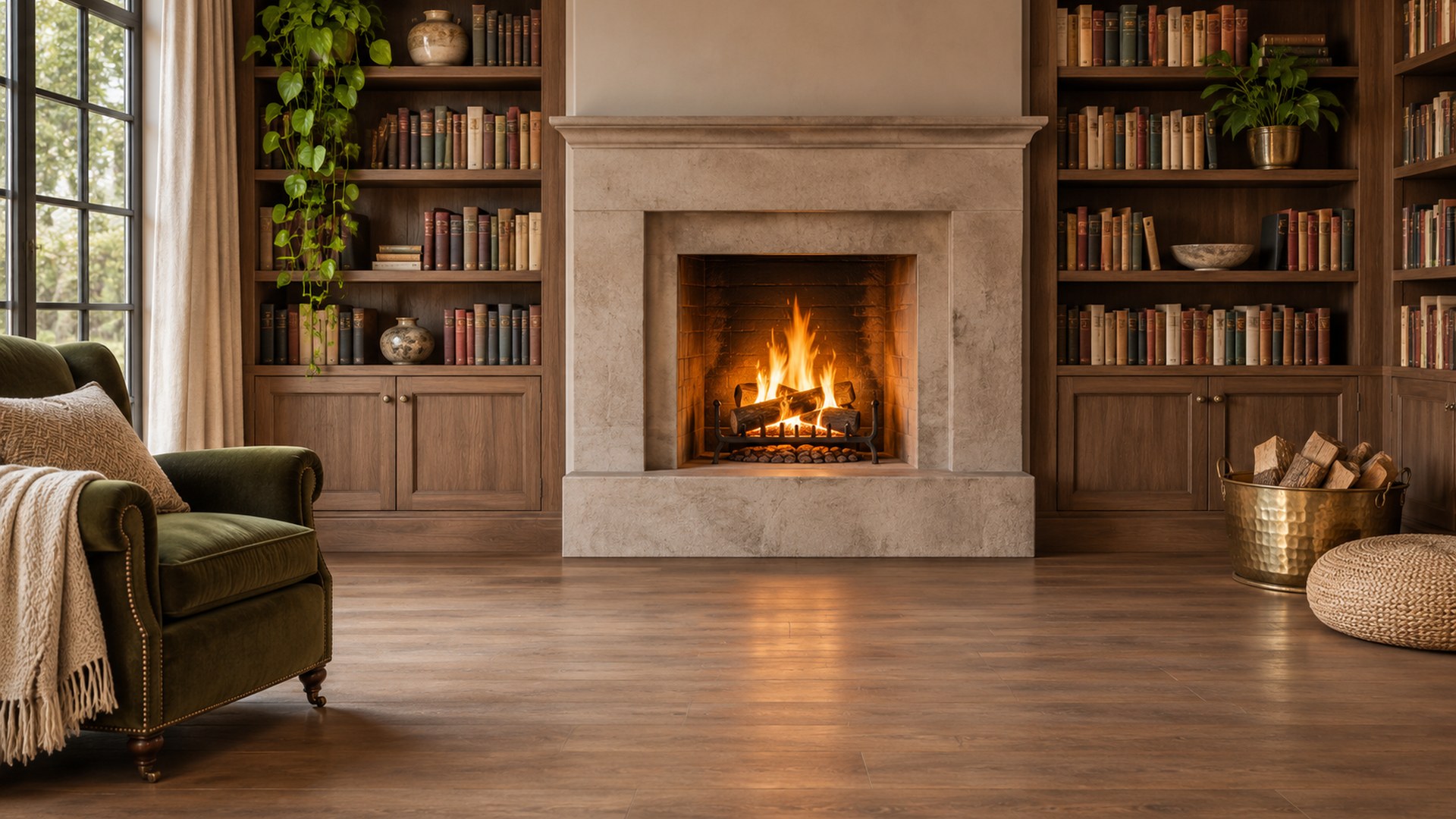
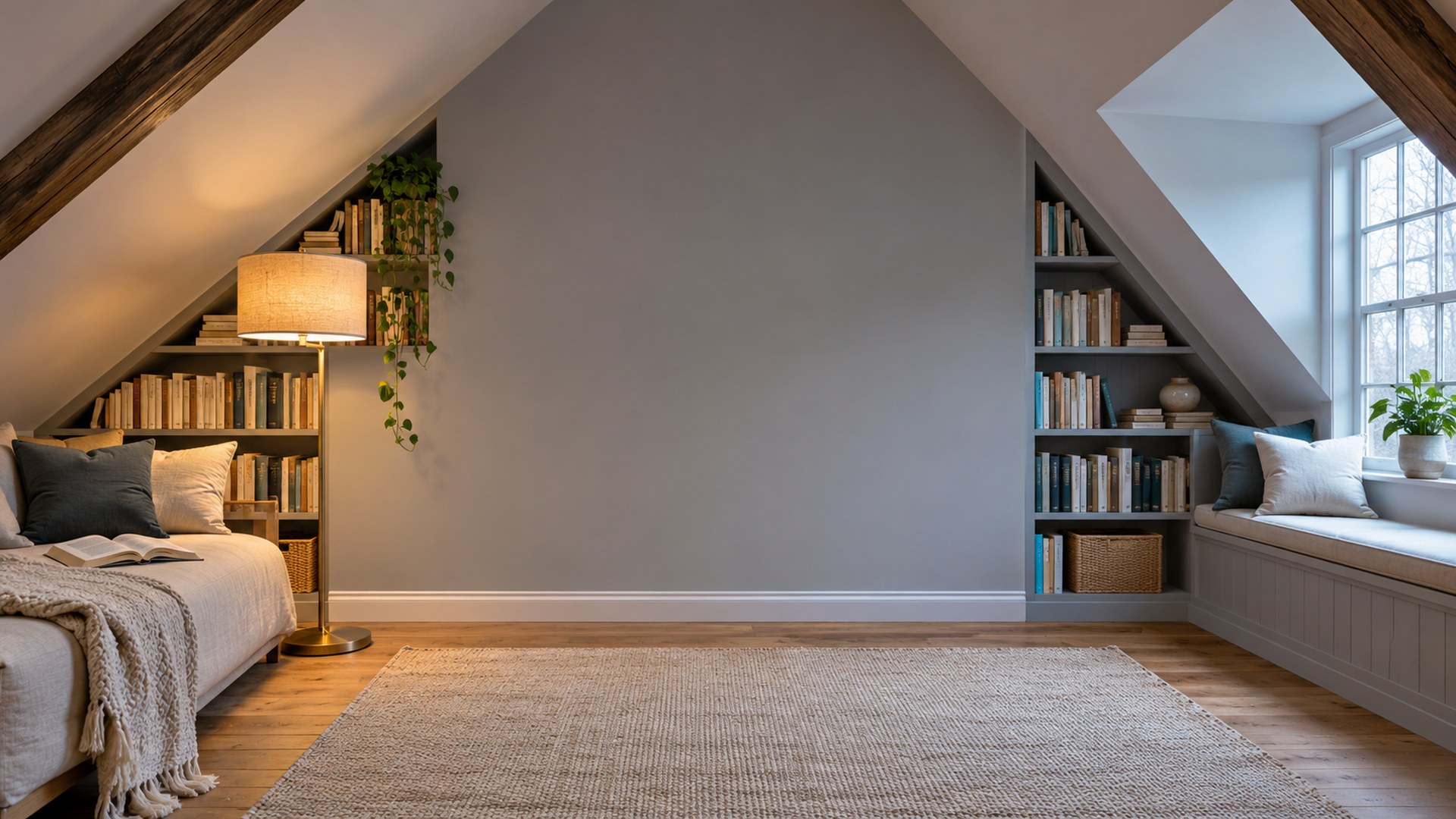
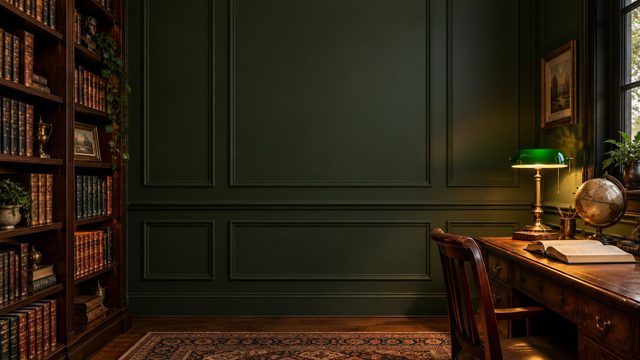
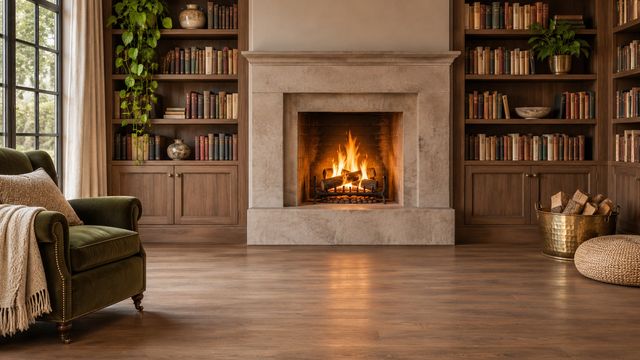
Traditional libraries and dark academia
Timber shelves, leather chairs and brass lamps for interviews, client calls and anything where the room should look established.
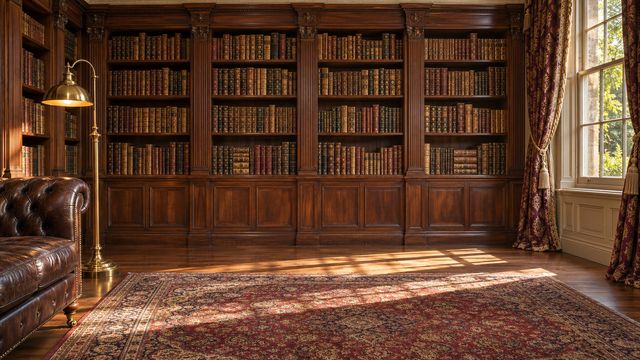
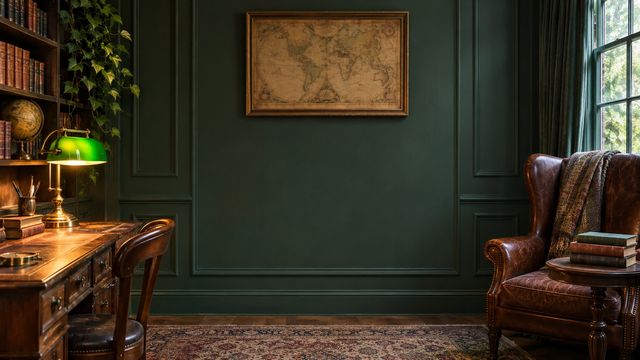
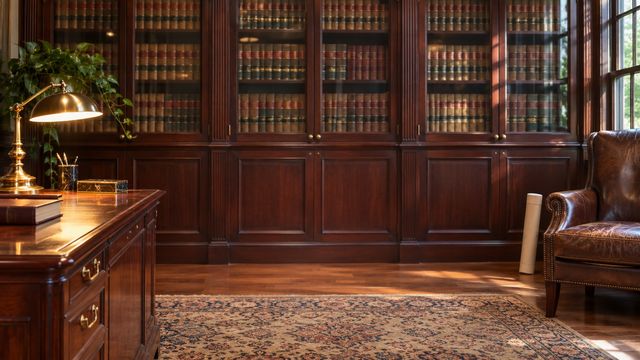
02 / 04
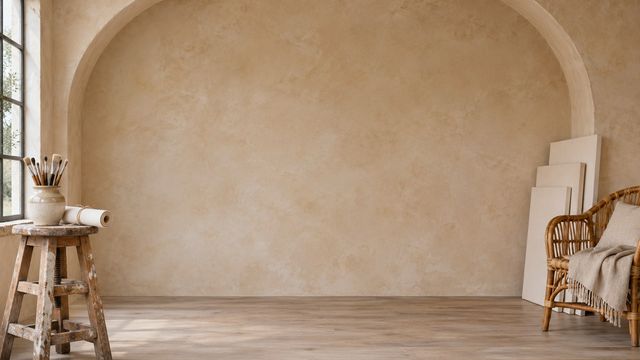
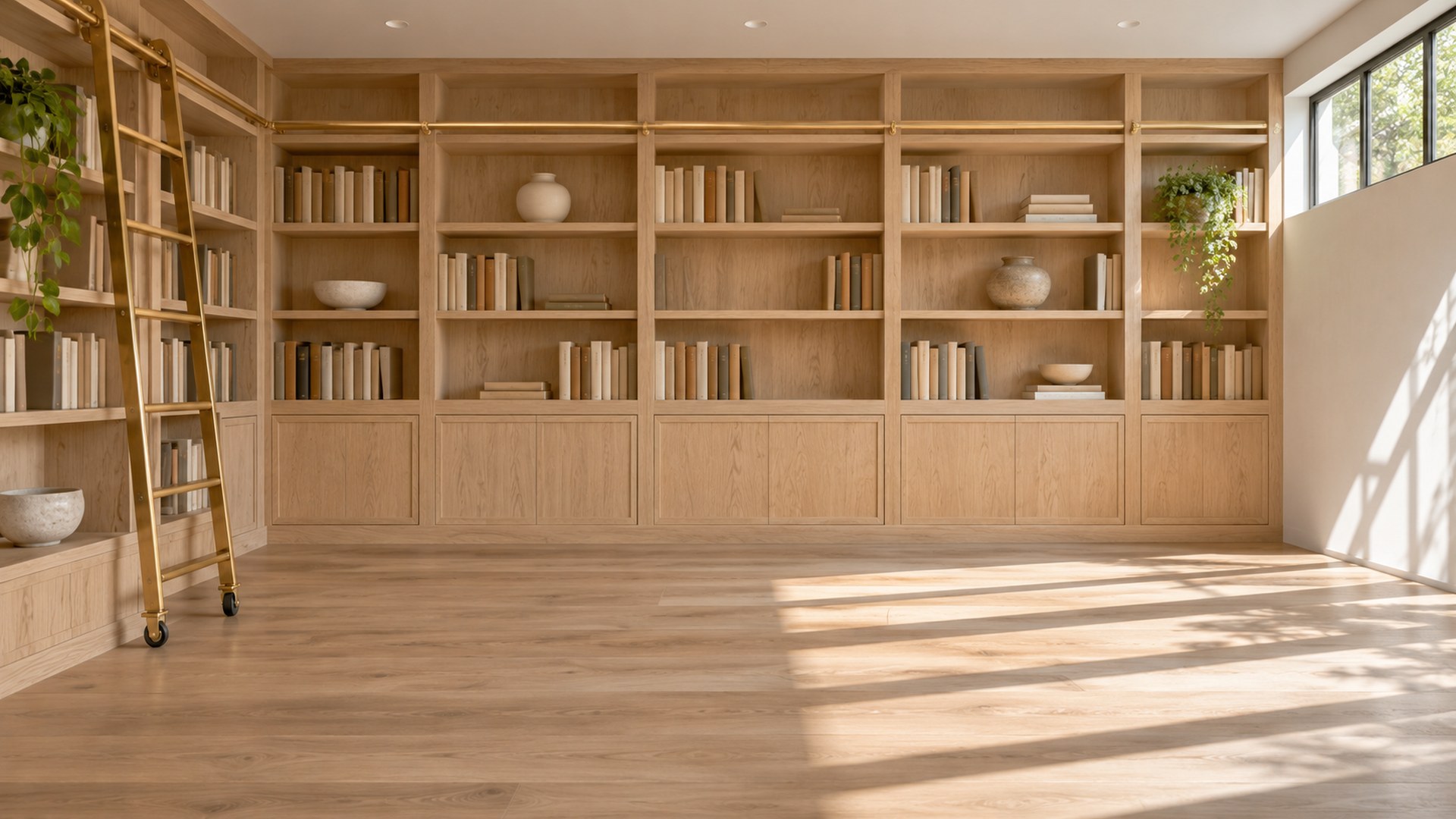
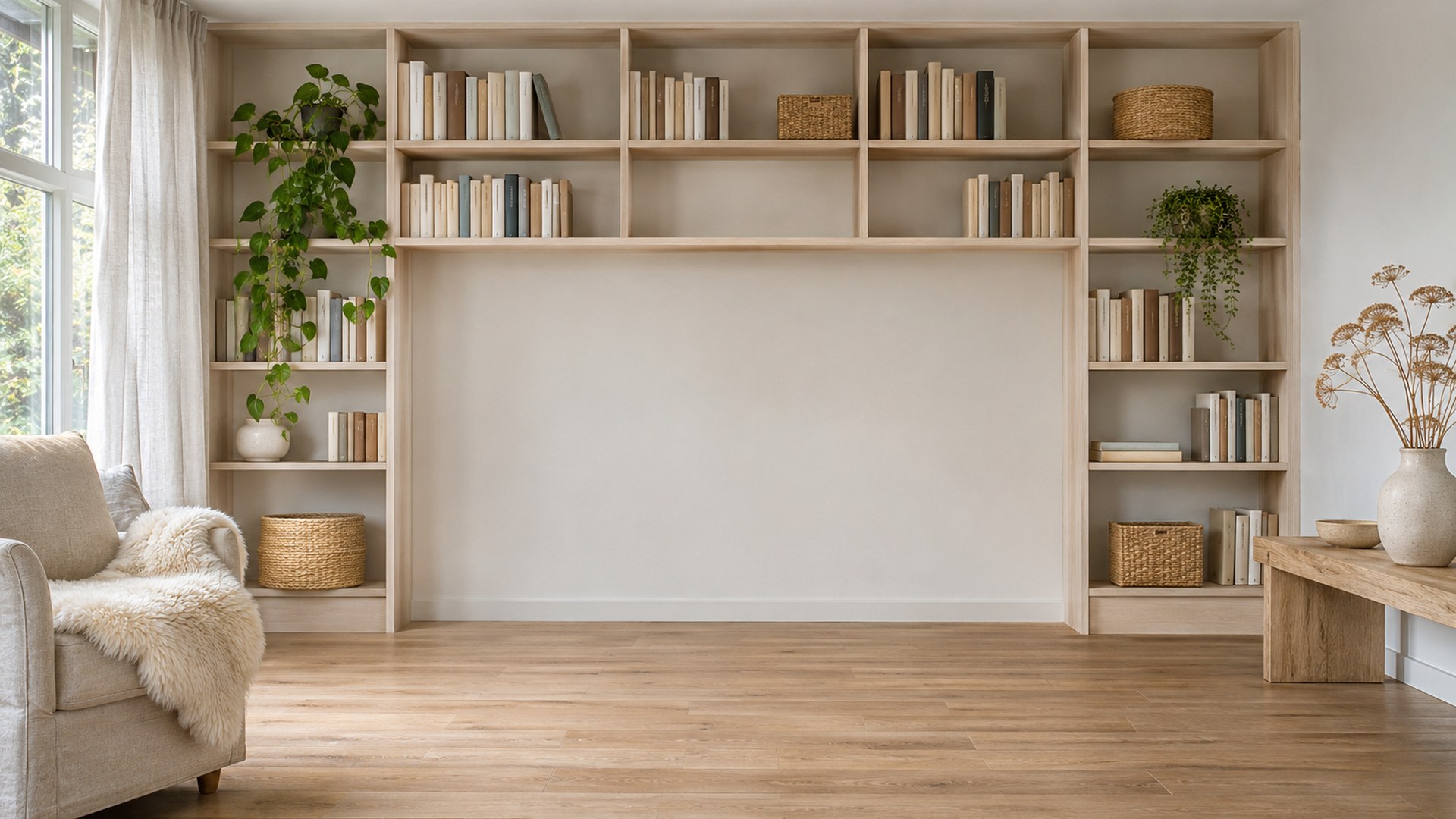
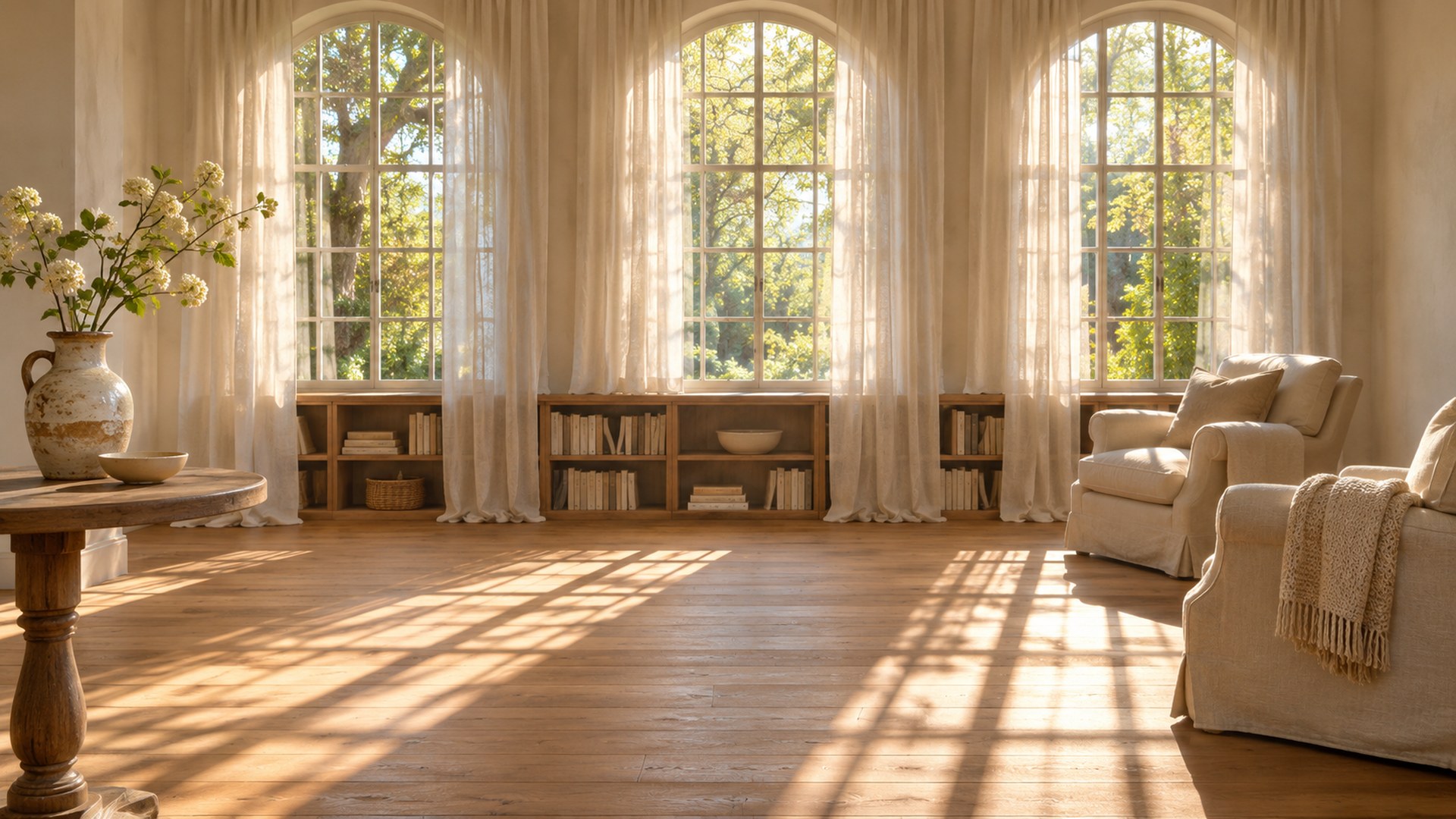
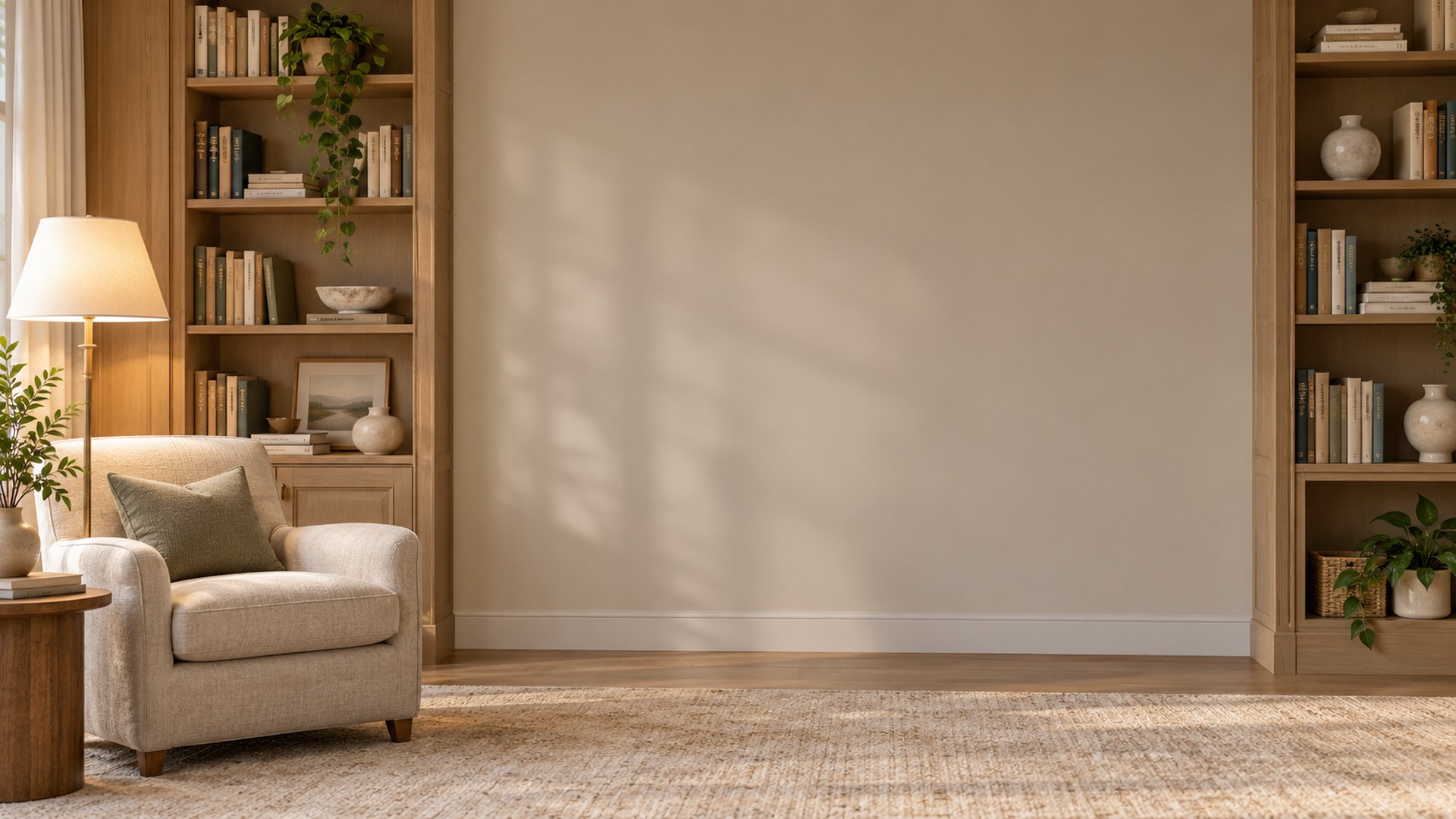
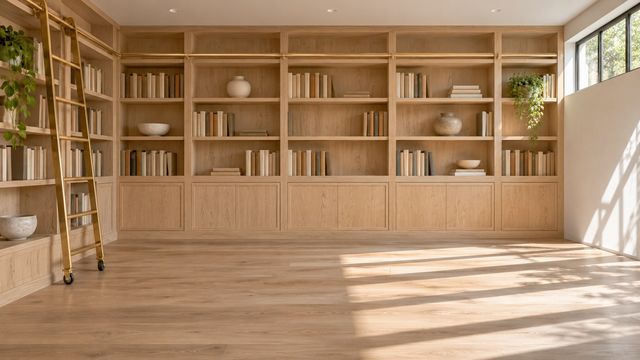
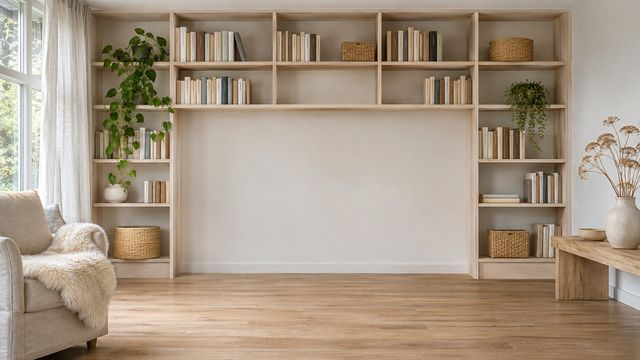
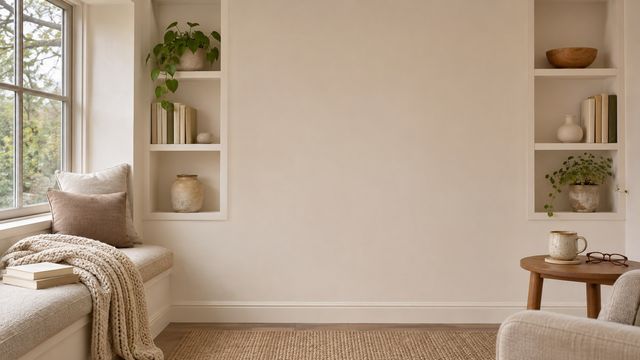
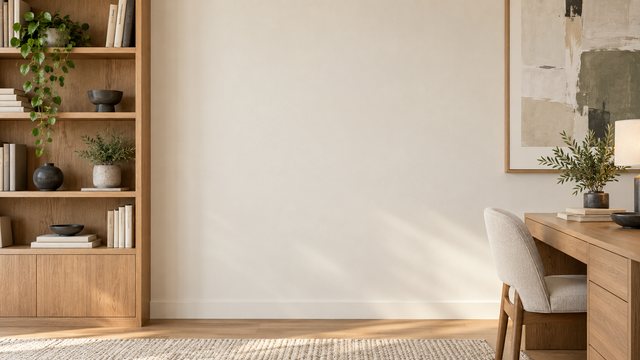
Bright shelves and Scandinavian book walls
Pale oak, white walls and daylight. The friendliest version of a bookshelf background.
03 / 04
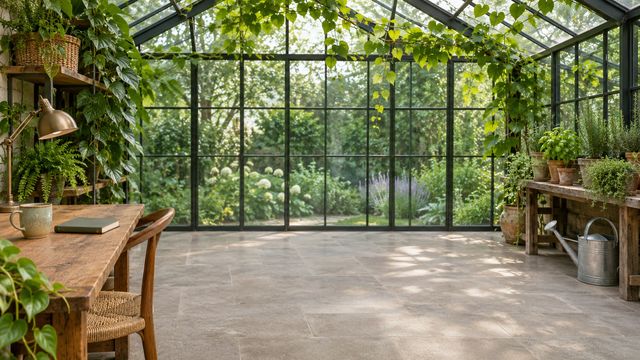
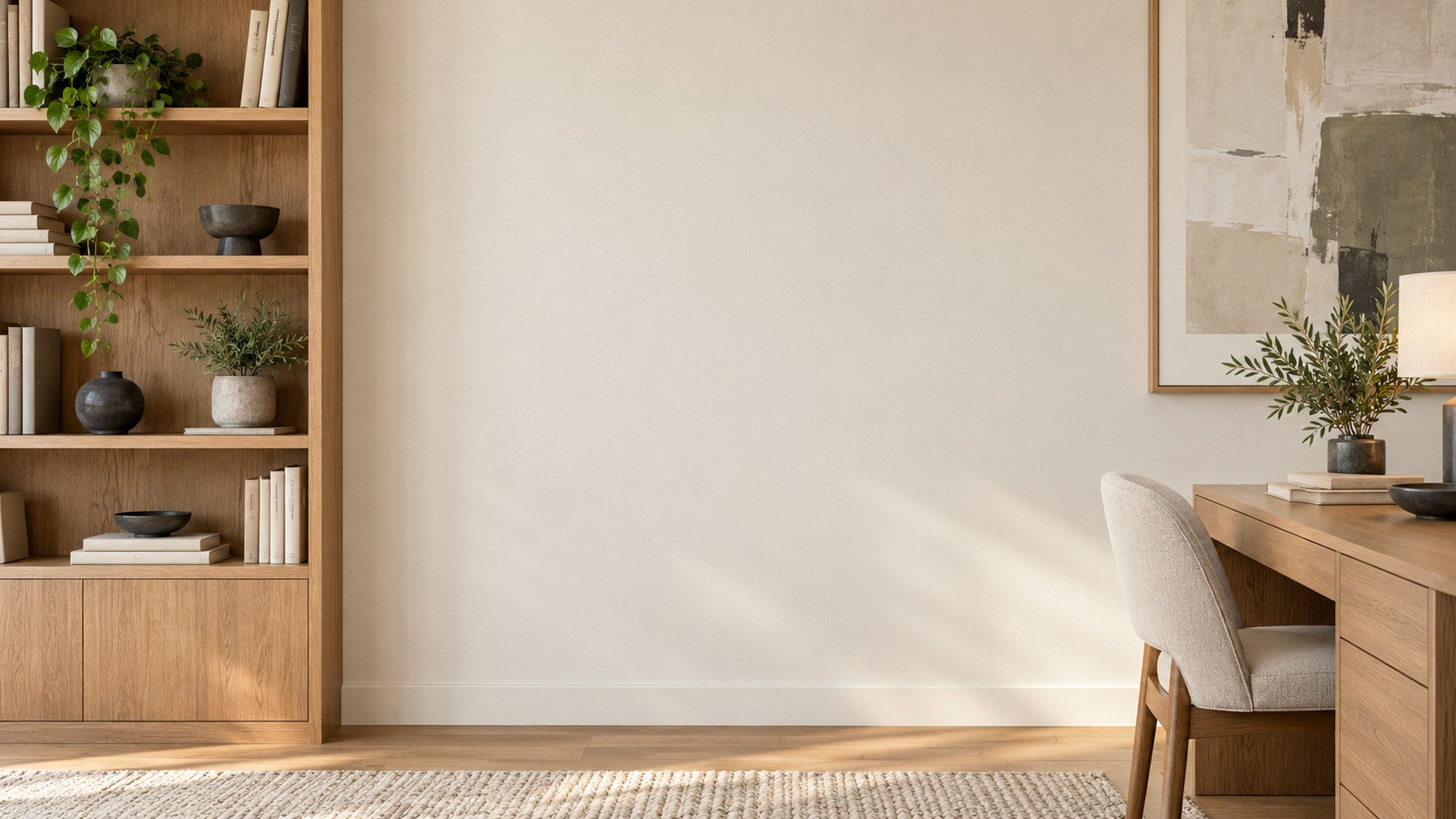
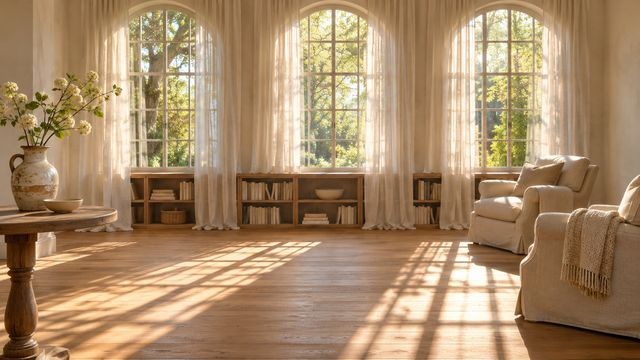
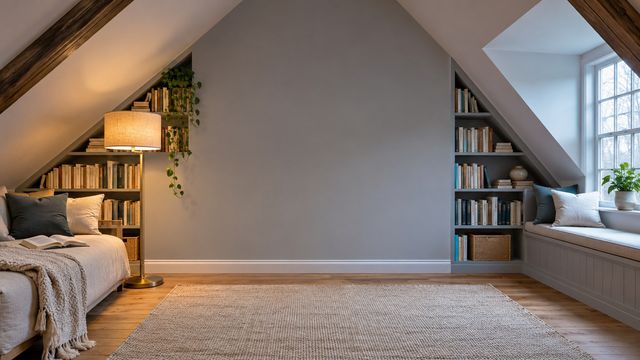
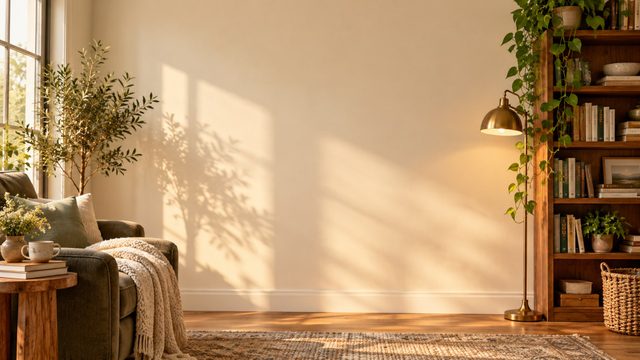
Reading nooks and fireplaces
Warm, quiet corners for one-to-ones, evening calls and anything that should feel human.
04 / 04
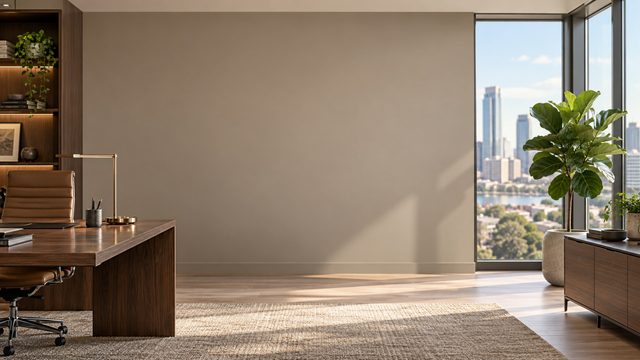
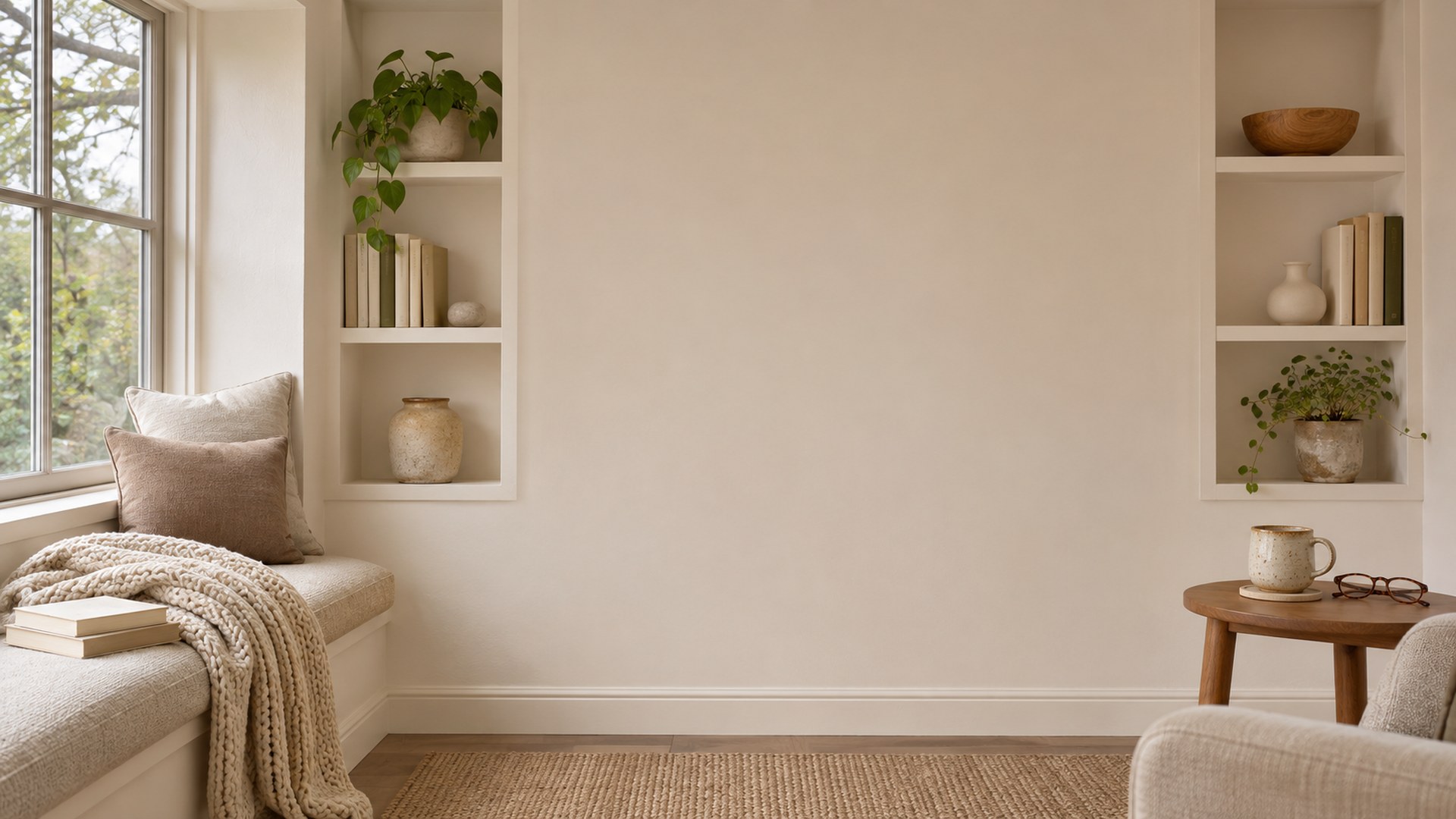
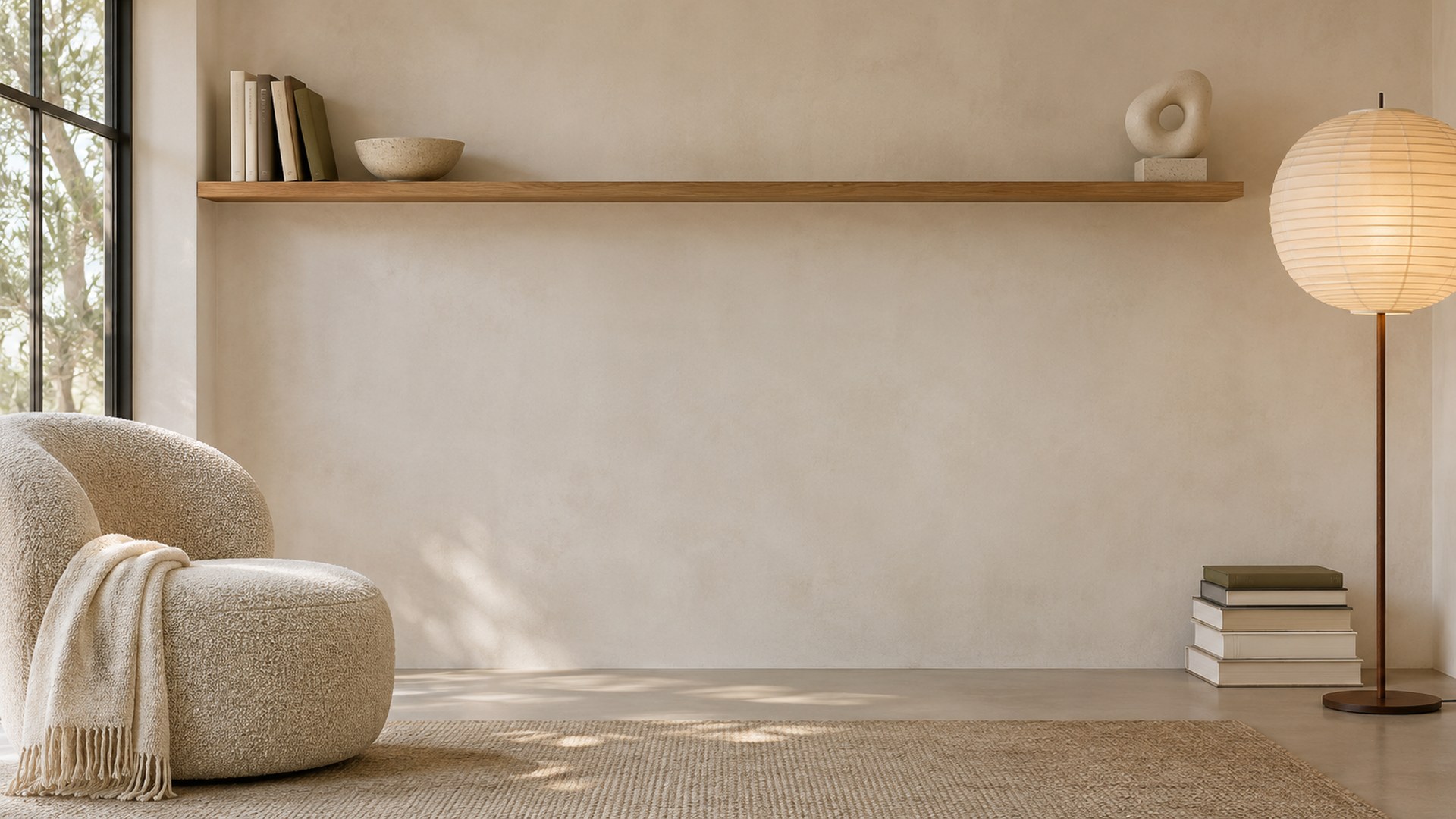
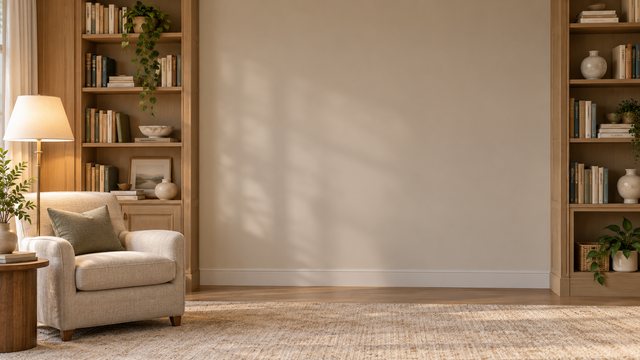
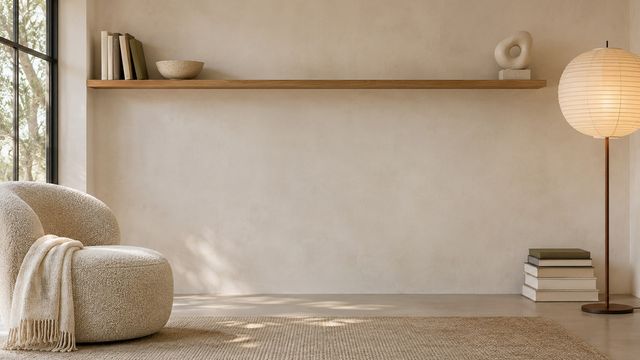
Minimal and professional studies
One shelf, one chair, one lamp. For small rooms and webcams with a wide field of view.
Set it up
From download to done.
The same three steps work in Zoom, Teams and Google Meet.
STEP 01
Download the JPG
Pick a room above. The JPG is 1920×1080 and downloads directly — no account.
STEP 02
Open your settings
Zoom: Background & effects. Teams: Backgrounds. Meet: Change background.
STEP 03
Upload and join
Add the image, leave green screen off, and check the framing before the call starts.
Will a bookshelf background look too busy?
These rooms keep the shelves at the edges and the centre quiet, so your head and shoulders stay readable on a webcam.
Which library room is best for an interview?
Start with the Victorian Reading Room, Law Office Library or Professional Library Office — full book walls read as established without stealing focus.
Can I use these on Teams as well as Zoom?
Yes. Every file is a standard 16:9 JPG, so it works in Zoom, Microsoft Teams, Google Meet and most other video tools.
Keep looking
All 180 backgrounds →