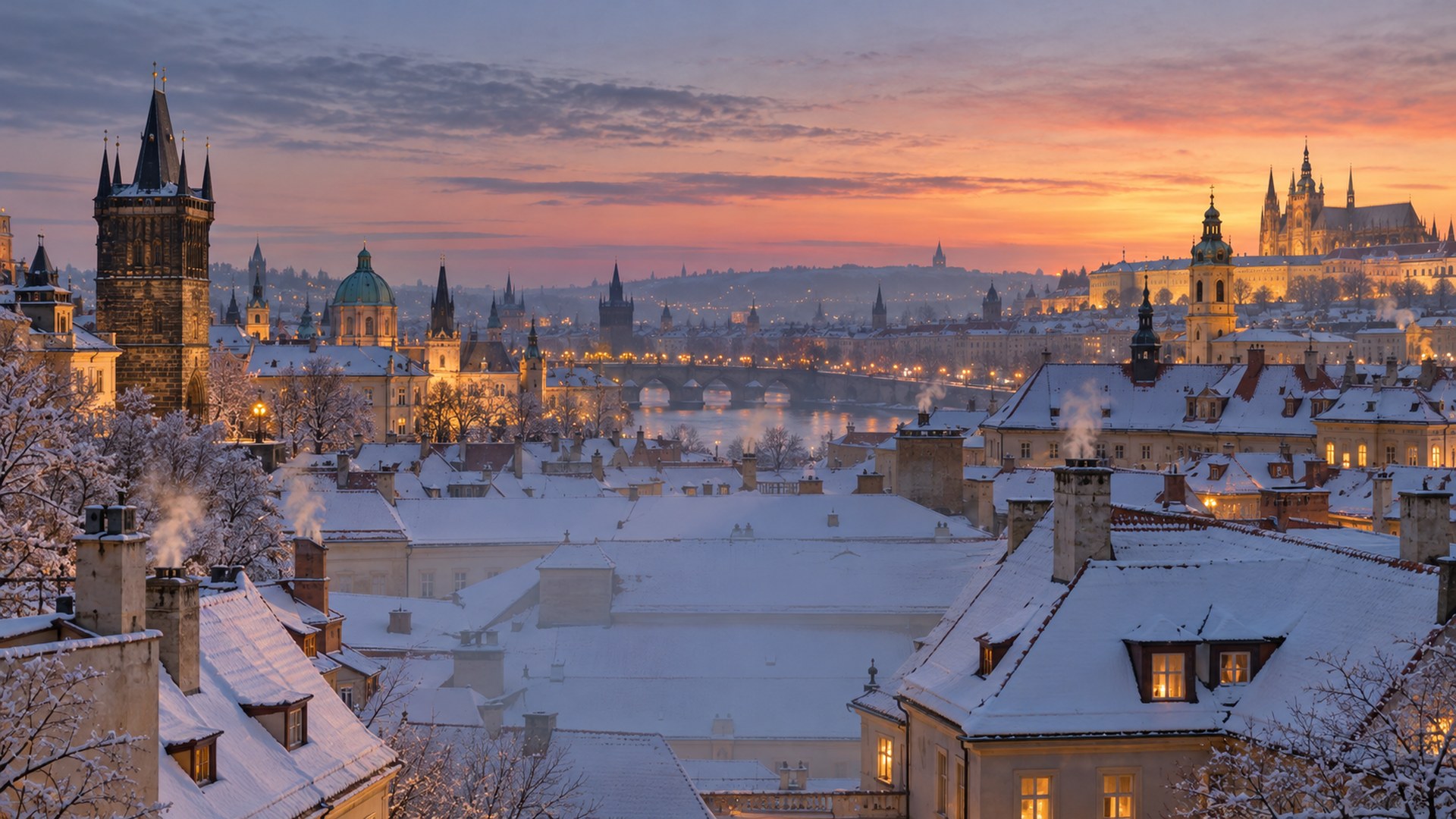
Home/Library/Christmas backgrounds
Christmas backgrounds · 1920×1080

Free Christmas Zoom & Teams Backgrounds

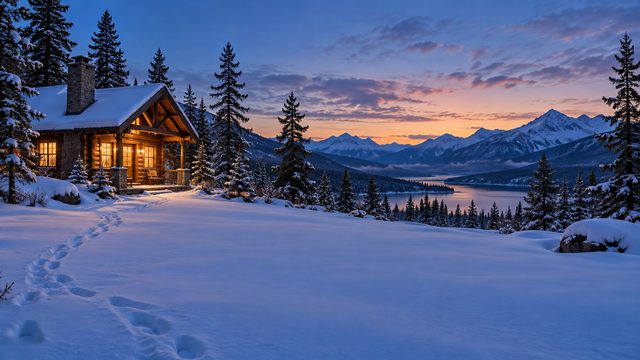
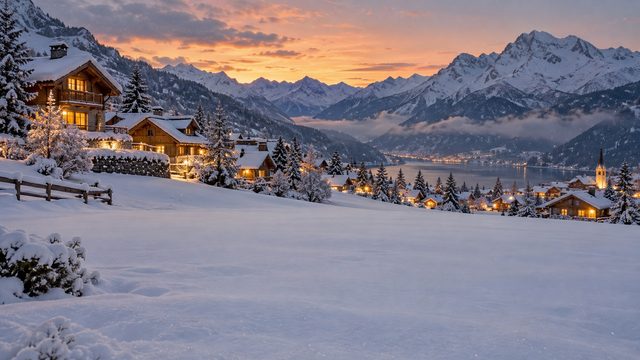
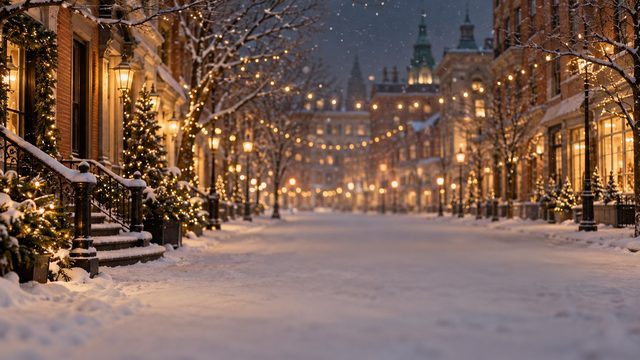
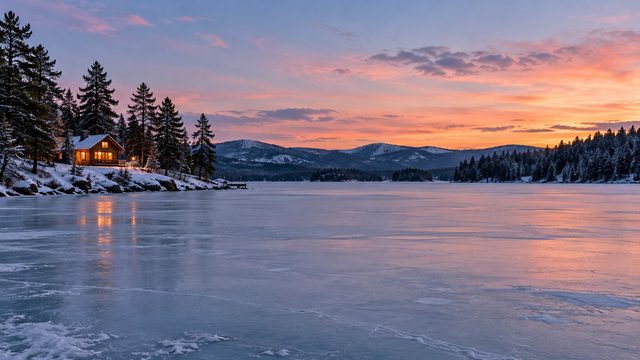
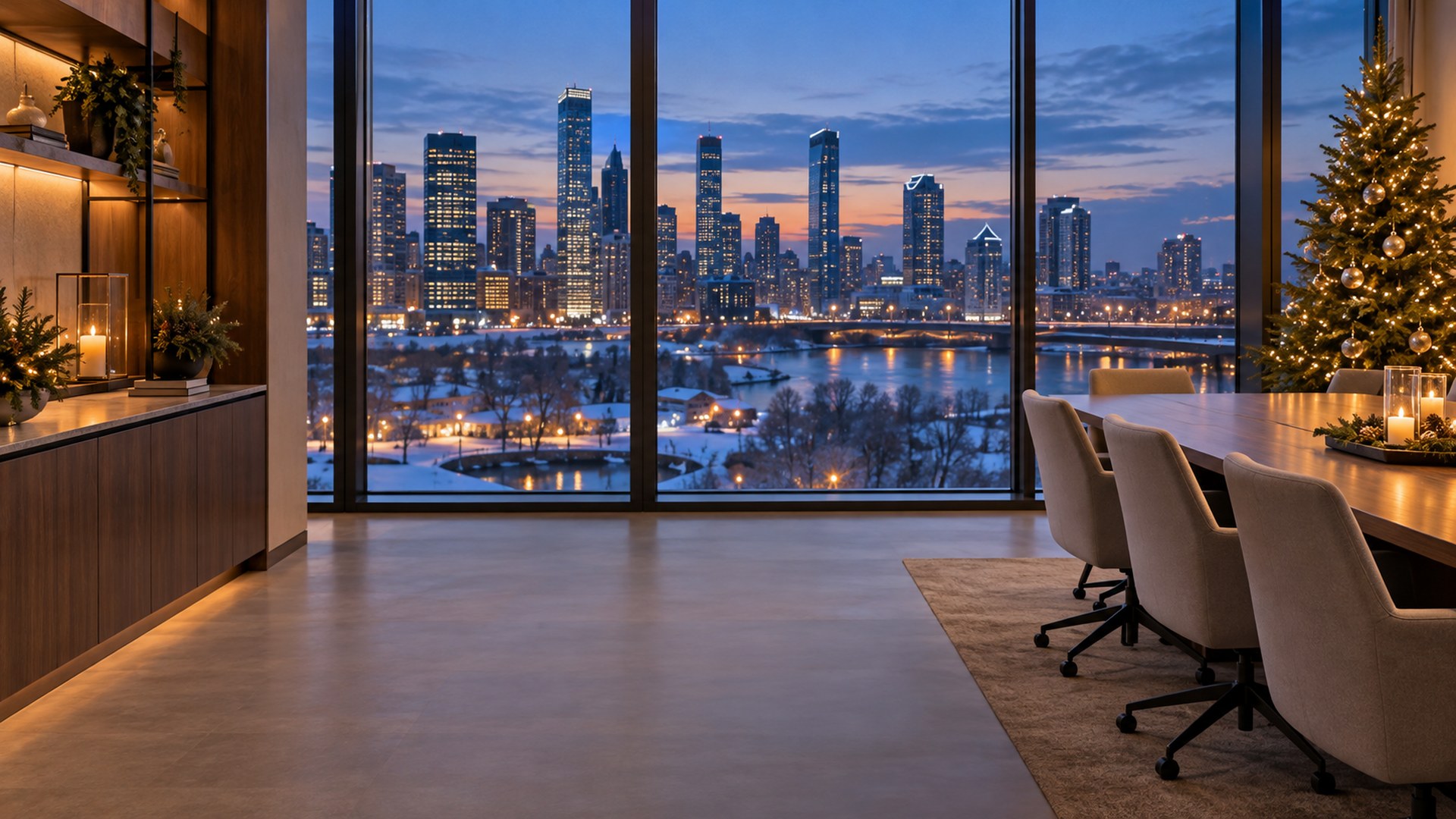
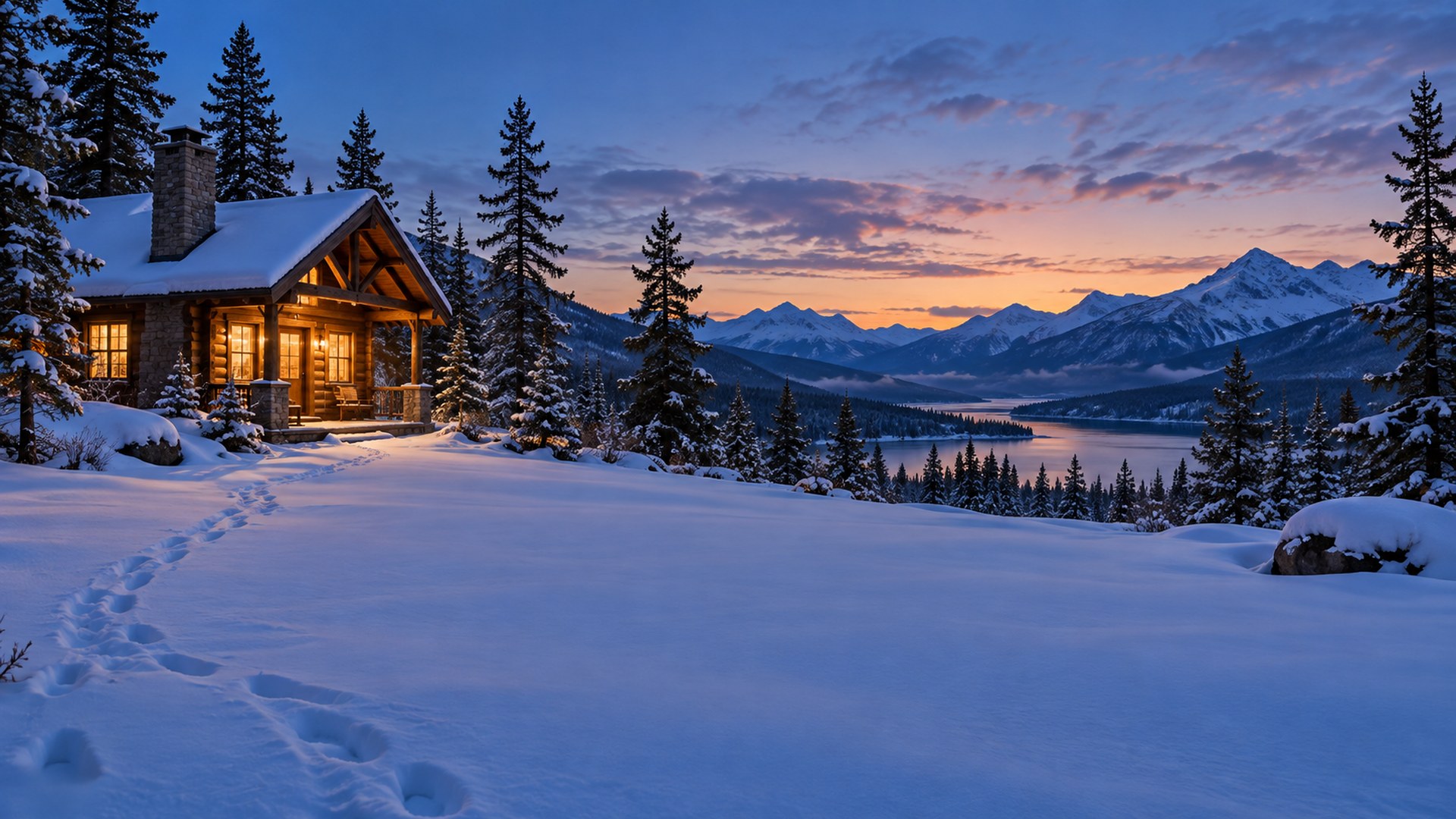
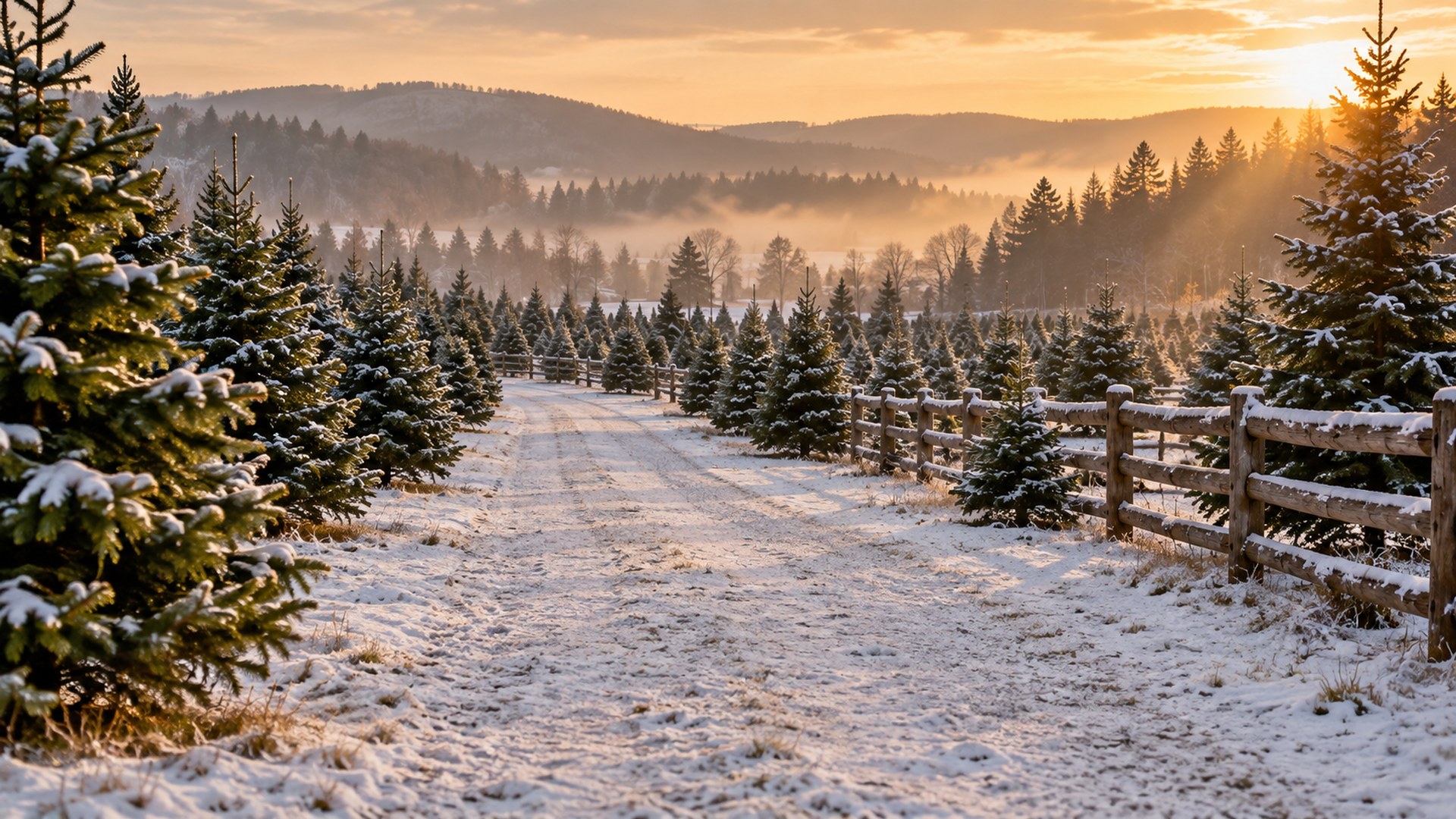
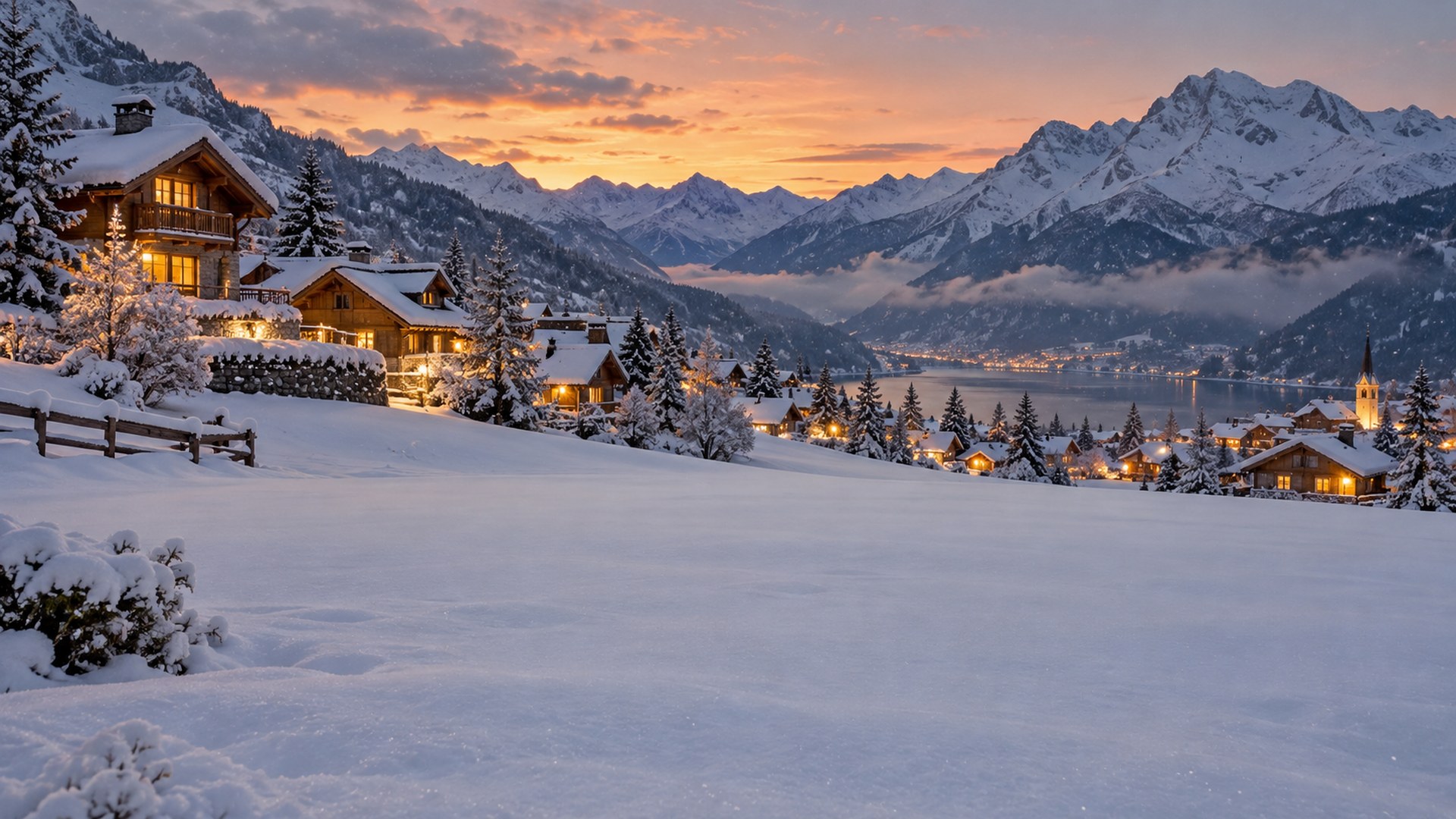
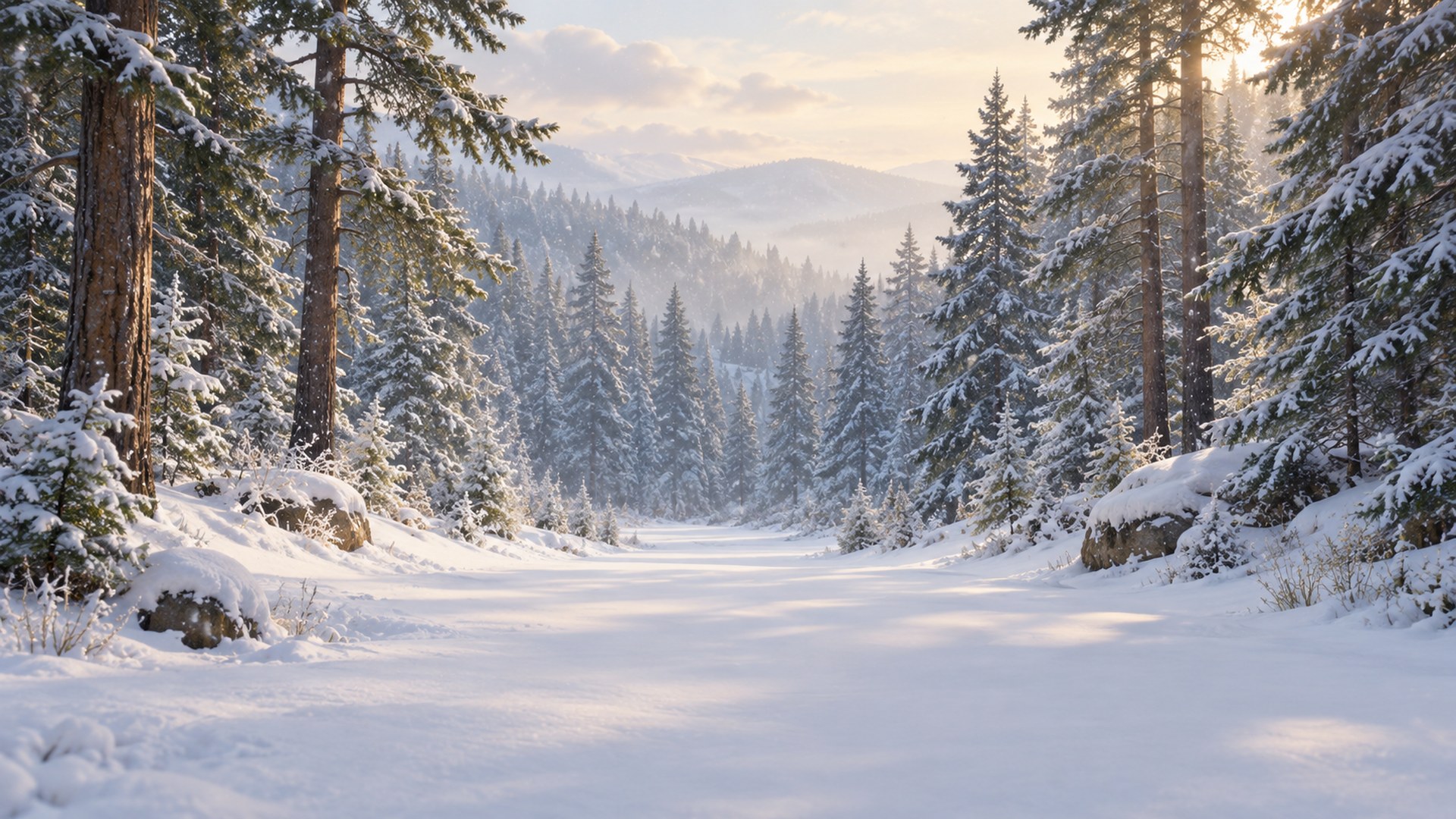
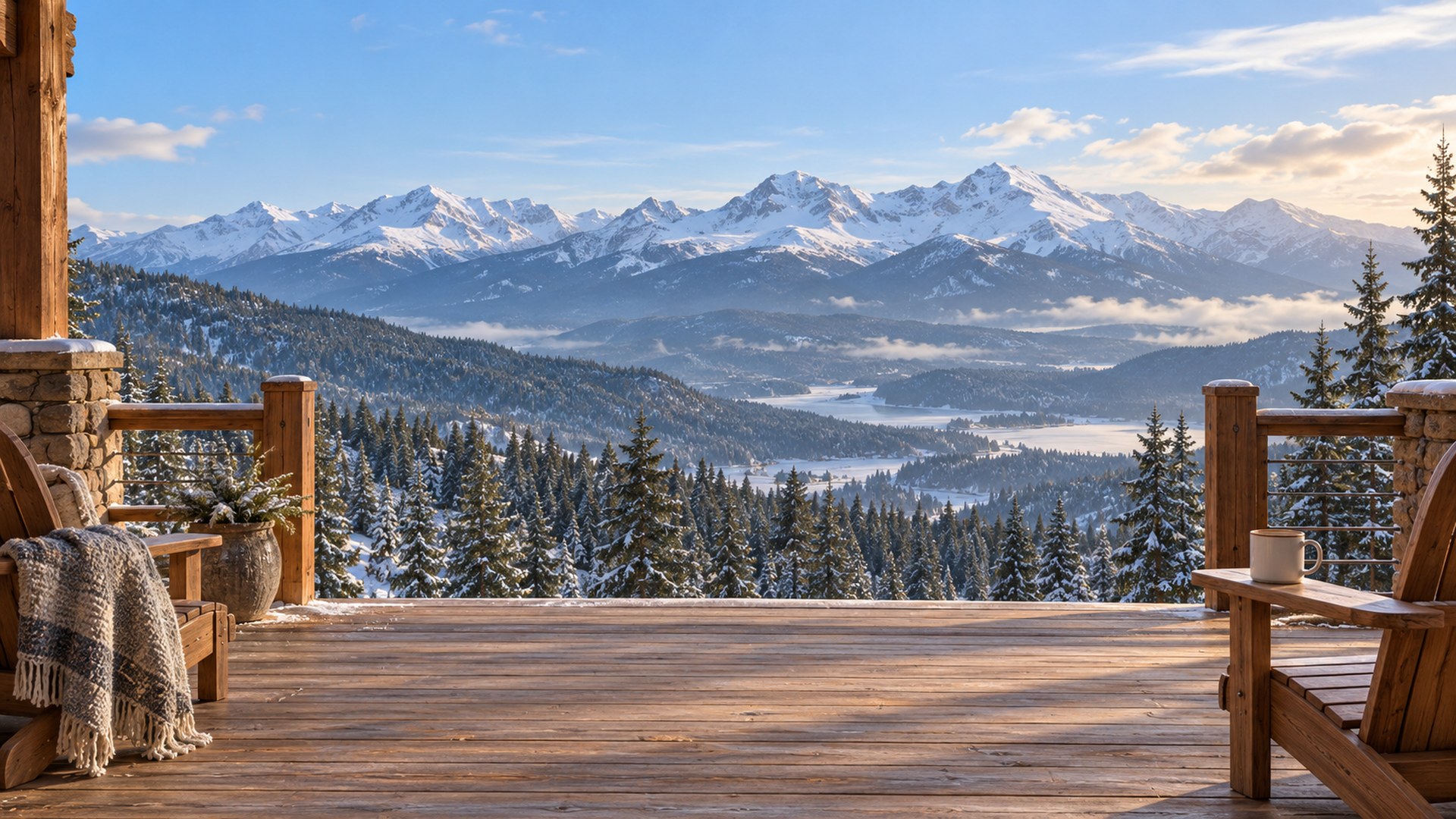
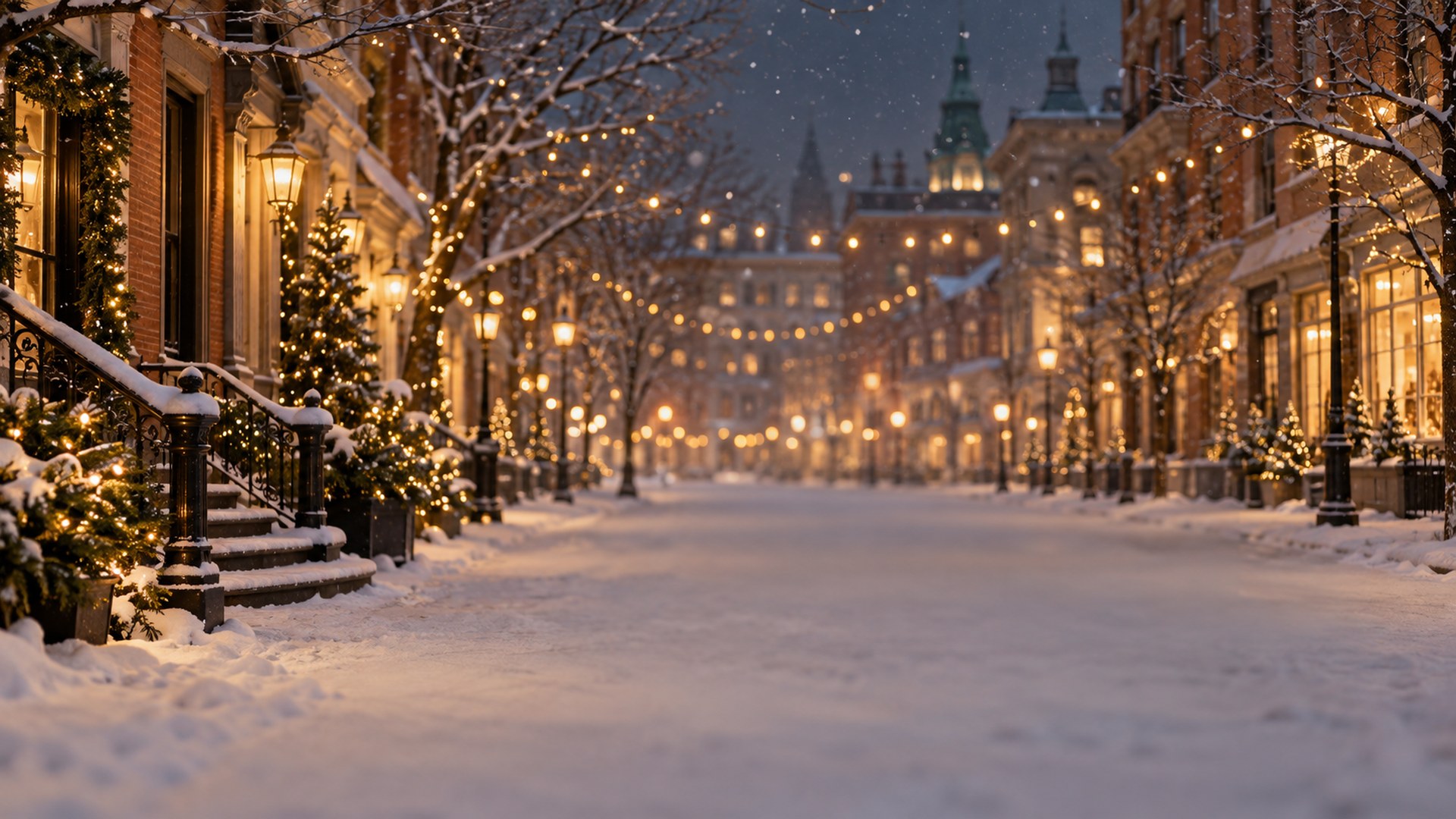
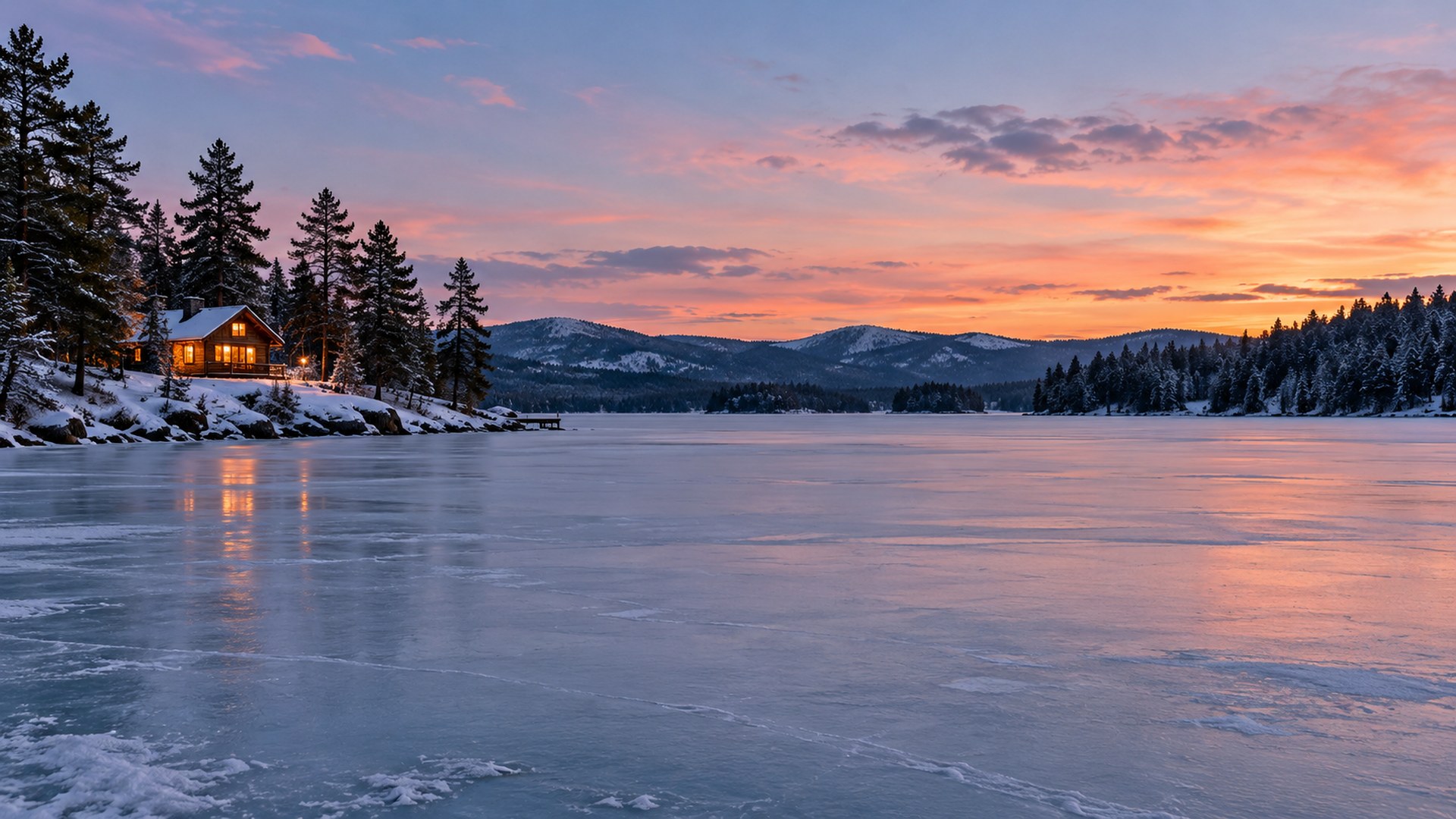
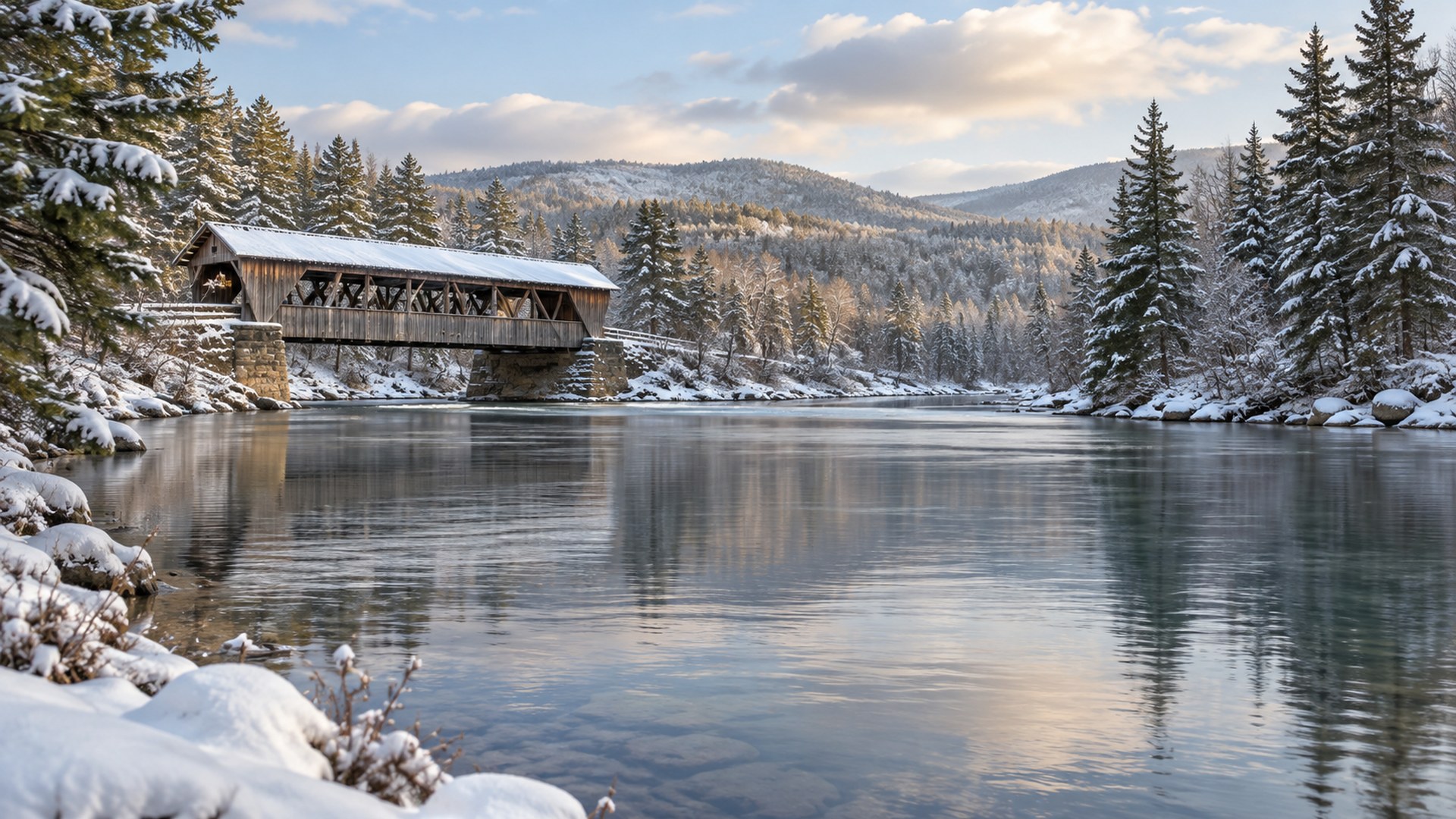
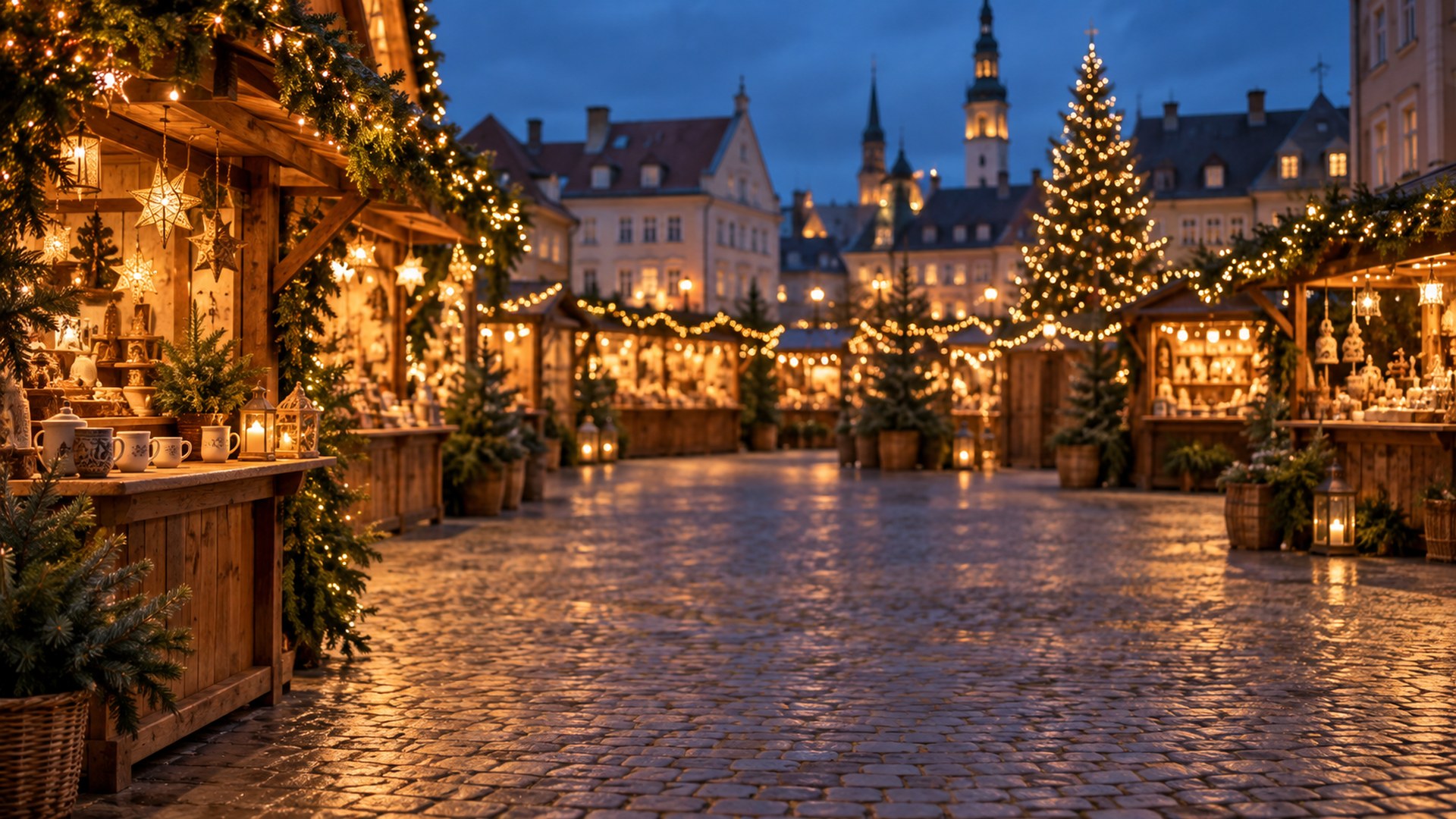
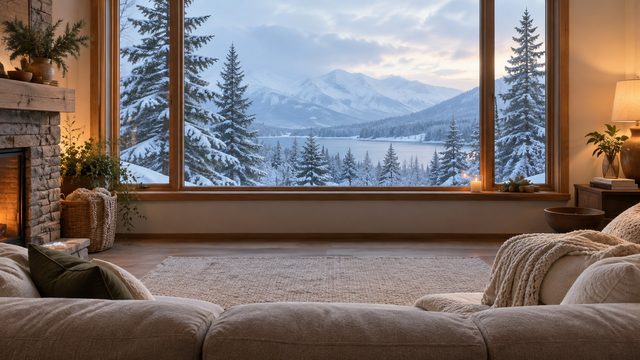
Forty HD Christmas scenes for December calls: winter living rooms, office-friendly trees, snowy cabins and a few lighthearted ones for the team social. Every file is 1920×1080 and downloads directly, with no signup and no watermark.


40 rooms16:9 · HD JPGDirect downloadNo signup
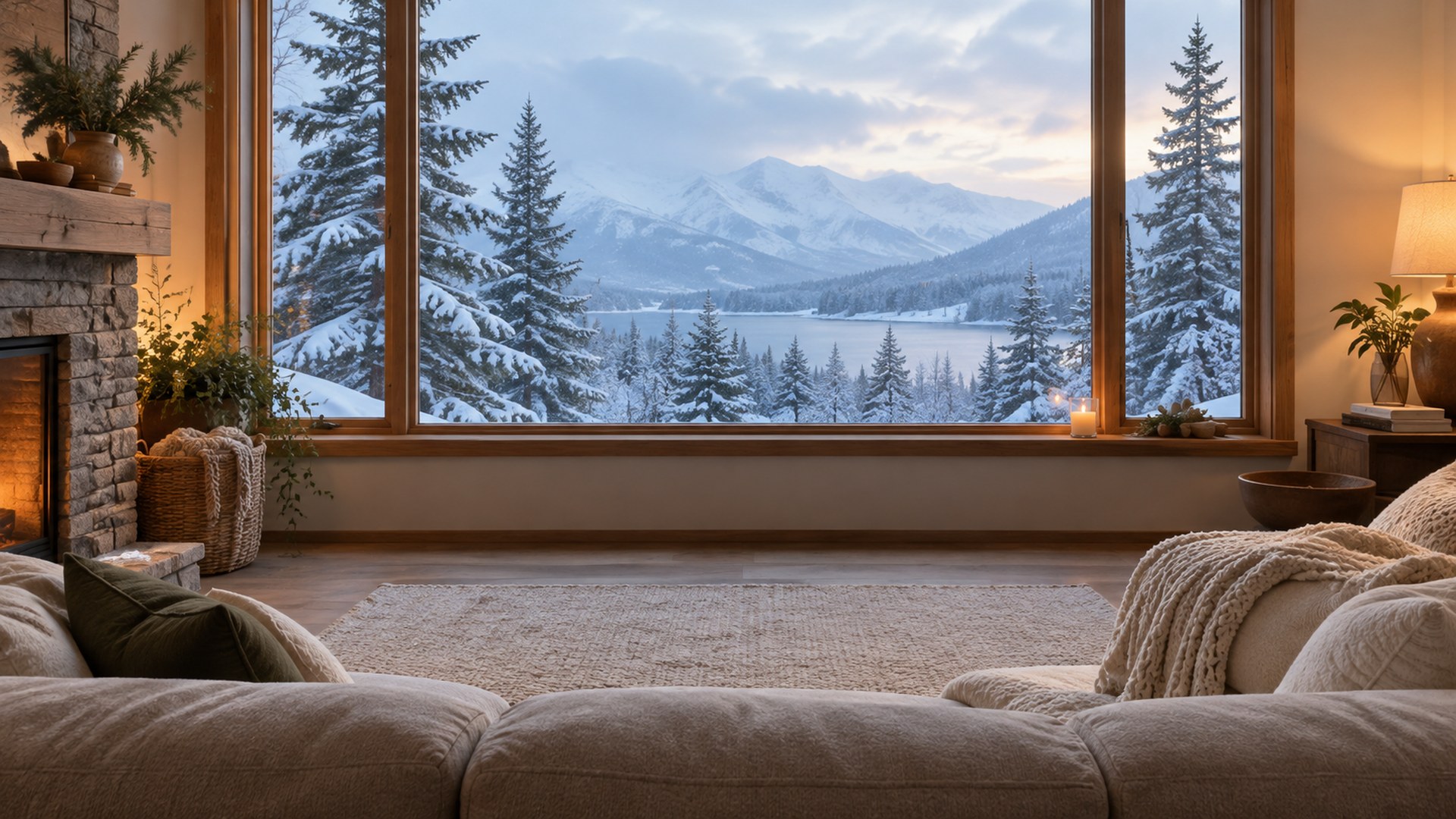
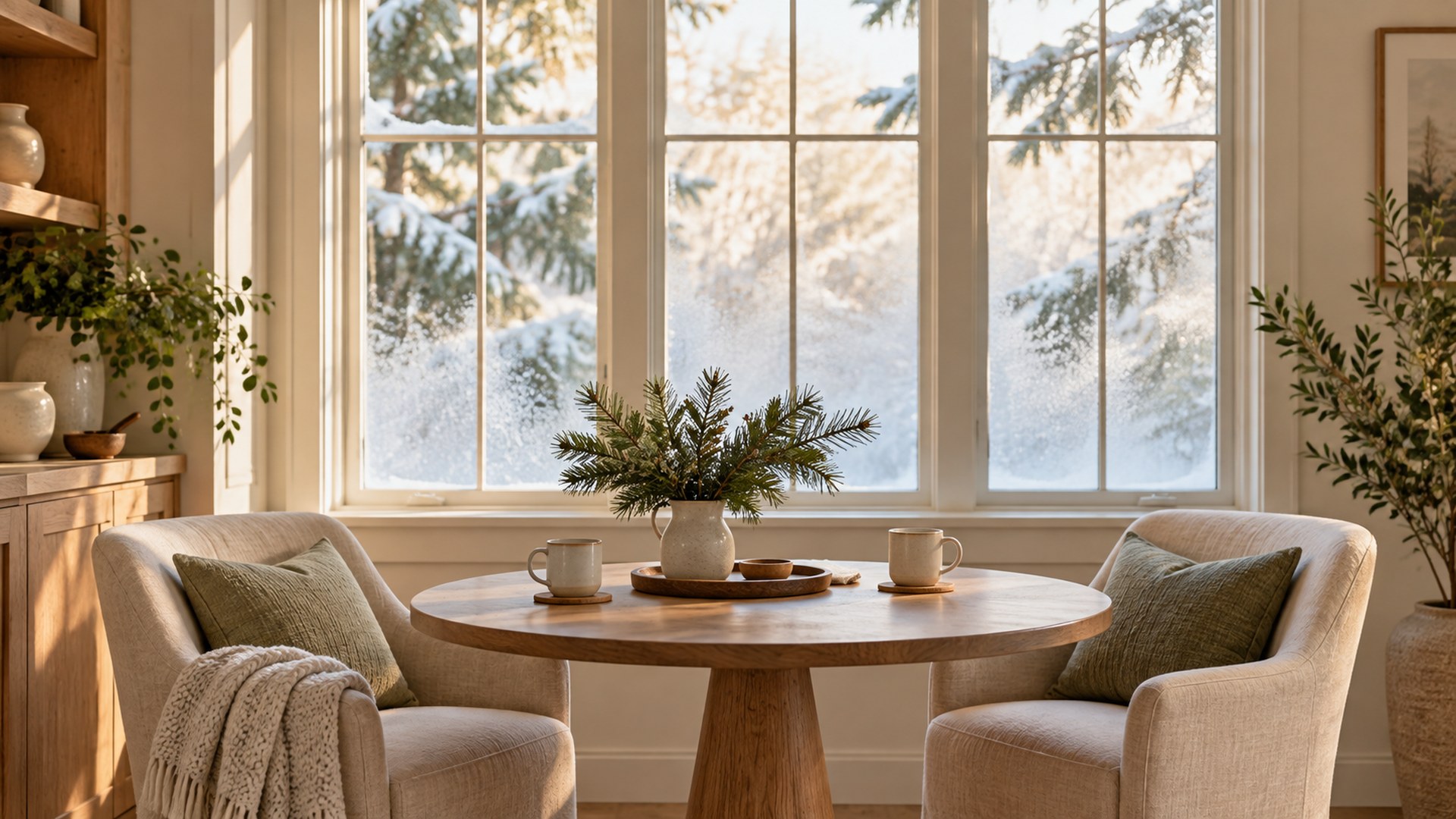
Calm Scandinavian living room with a slim spruce, sheepskin throws and snowy windows
01Scandi Living Room
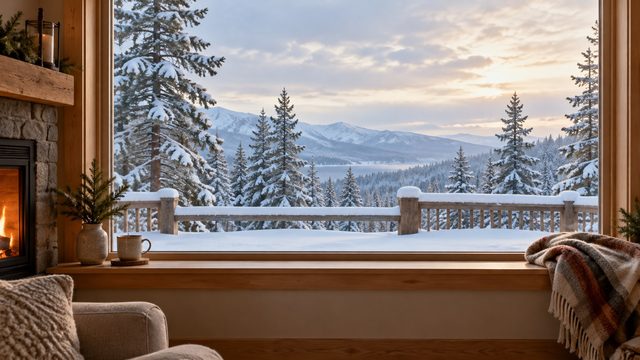
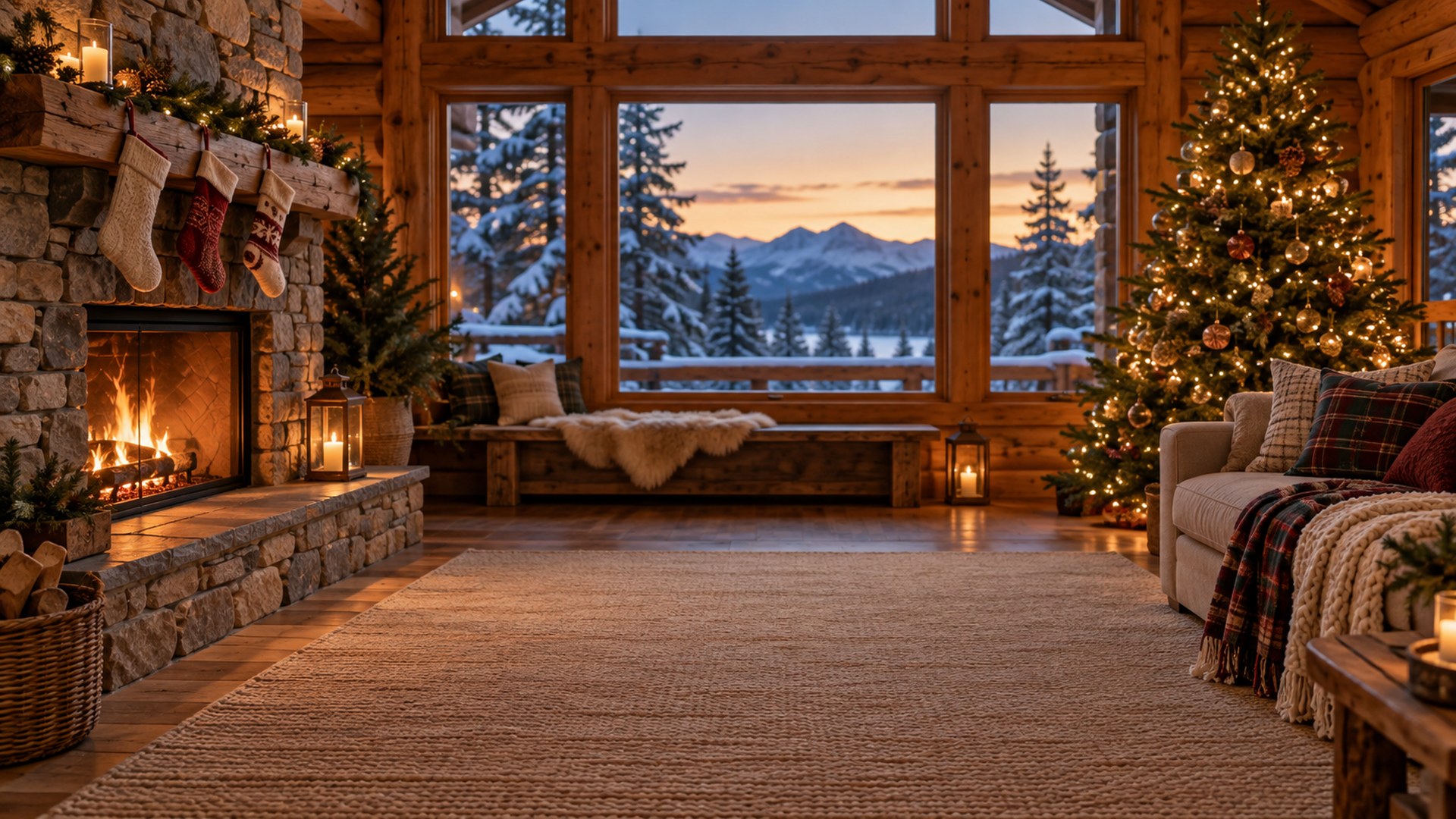
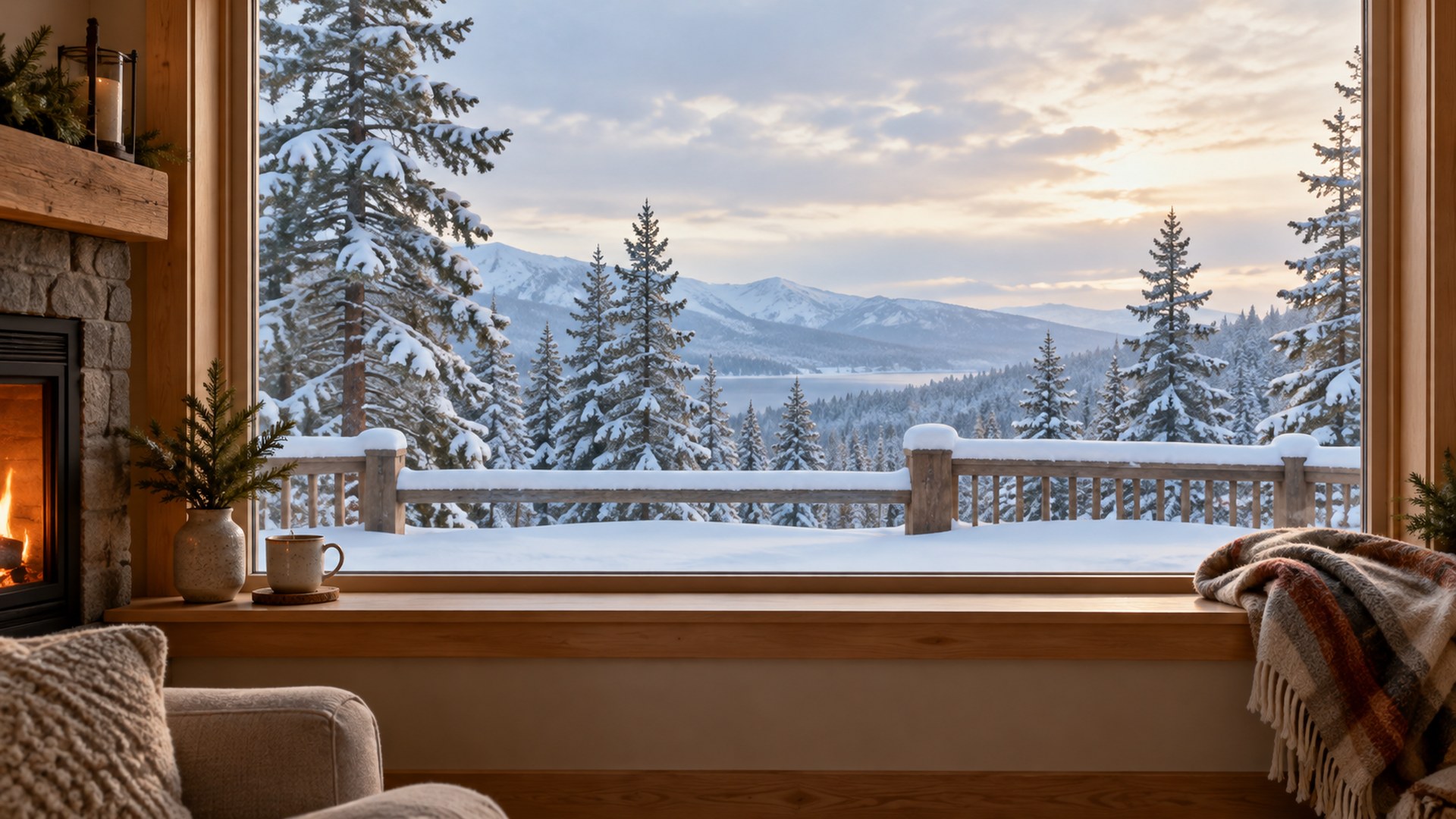
Log cabin living room with a stone fireplace, stockings and a lit tree
02Log Cabin Fireplace
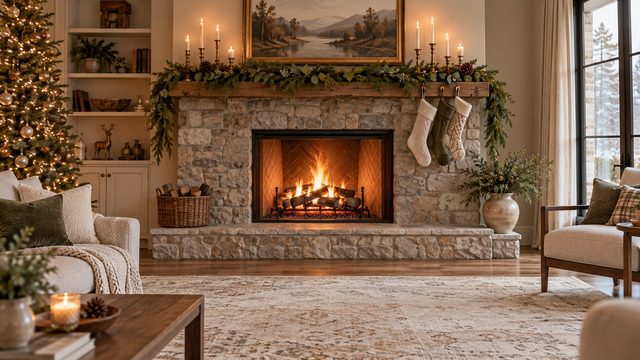
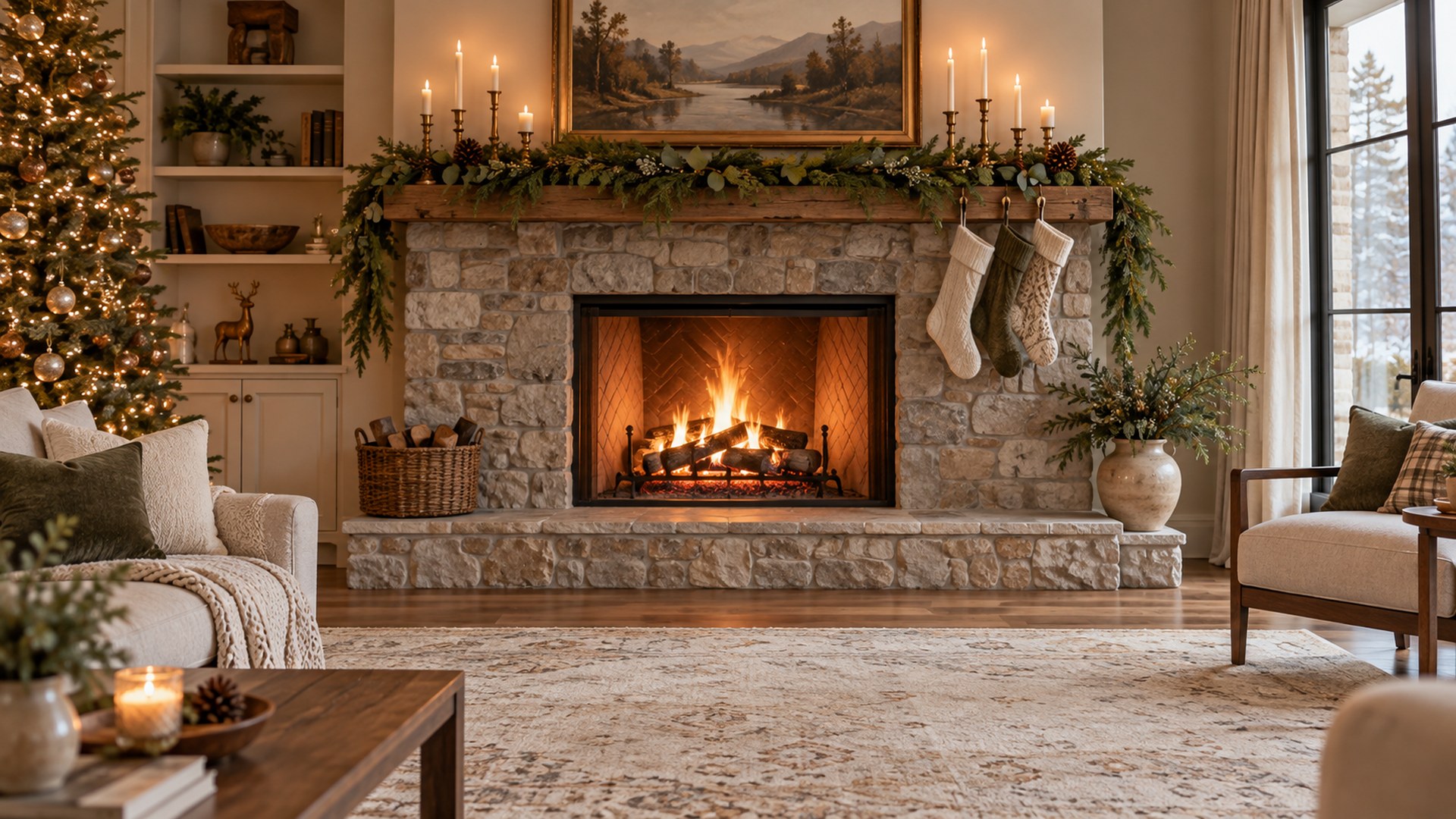
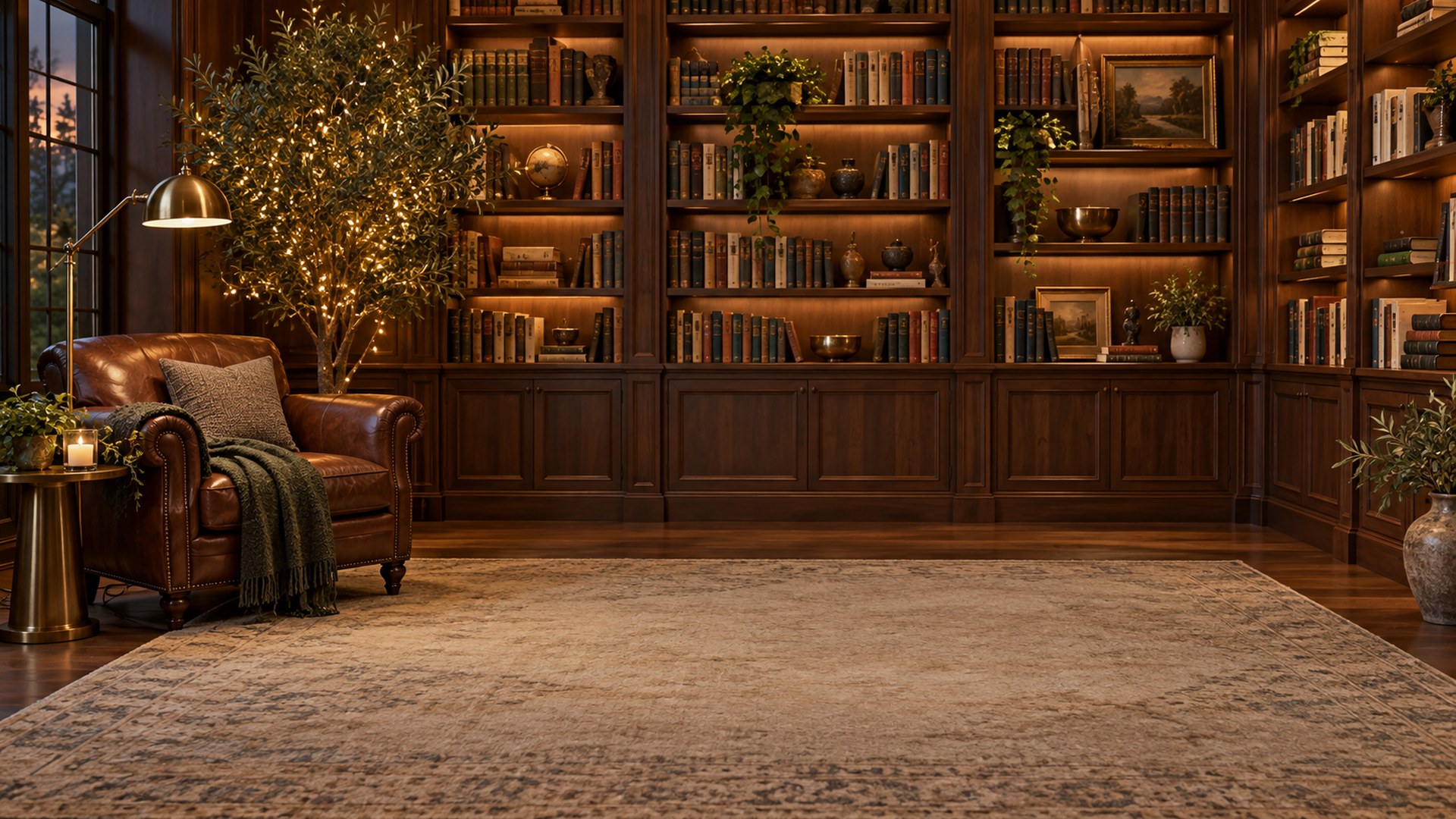
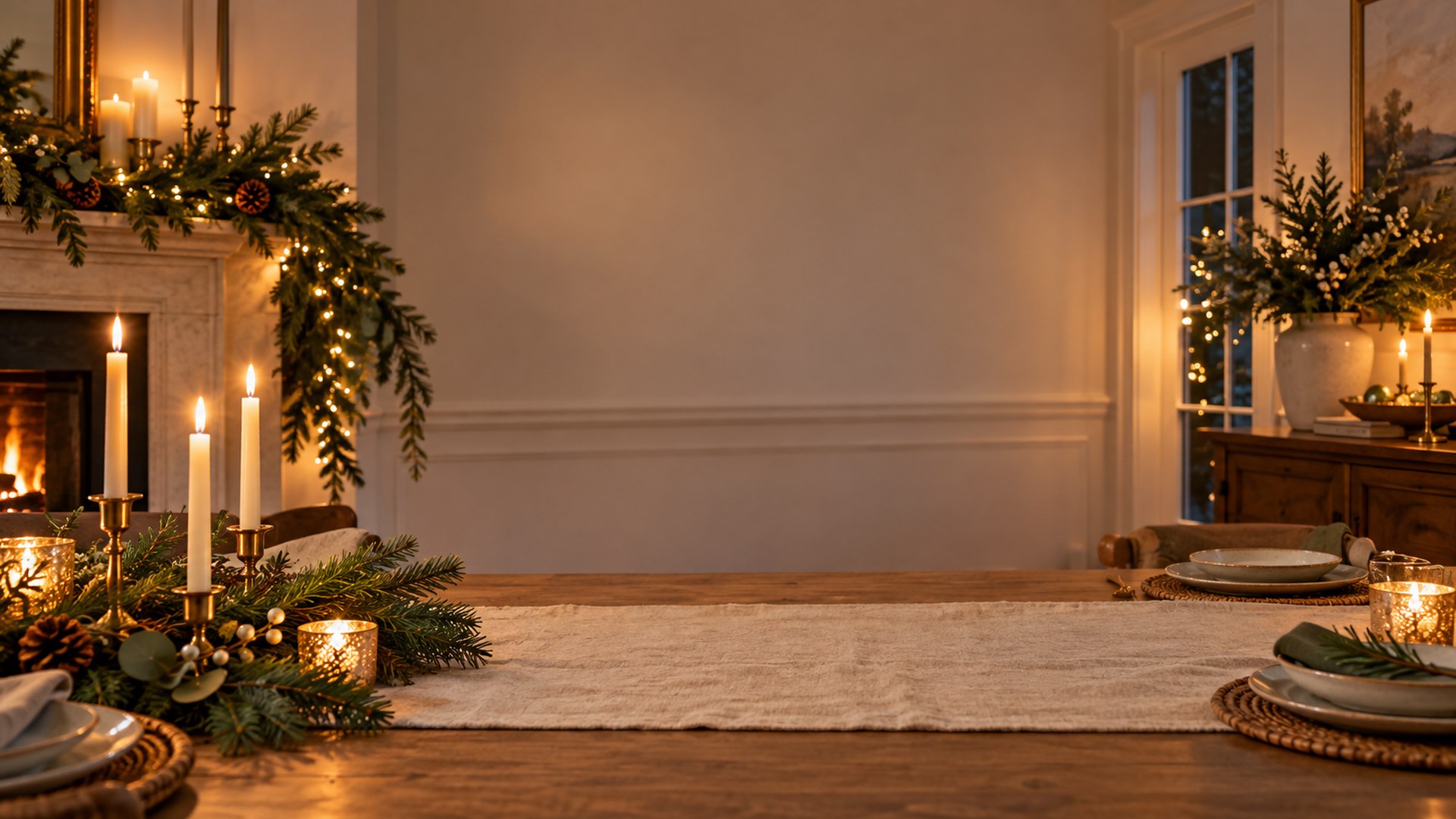
Wide stone fireplace with garland, brass candlesticks and stockings
03Fireplace Mantel
40finished rooms
ready to upload
The full set

Pick a room. Keep the call.

Every file is a finished 1920×1080 JPG. Search, filter, preview or download directly.
40 rooms · HD JPG
Use the room

Match the scene to the meeting.

Not every good background is a good client backdrop. Use these as a starting point.

01

Team socials

Enough seasonal detail for the call to notice, not enough to derail it.

02

Client calls

Office-friendly scenes for December and November meetings.

03

Recorded greetings

A warm backdrop for a short video update or end-of-year message.

Thirty seconds

From download to done.

The same three steps work in Zoom, Teams and Google Meet.

STEP 01

Download the JPG

Choose any room above. The original 1920×1080 file downloads directly — no account, no editor.

STEP 02

Open your settings

Zoom: Background & effects. Teams: Backgrounds. Meet: Change background.

STEP 03

Upload and join

Add the file, leave green screen off, and check the framing before the call starts.

Need a different crop? The free size fixer, maker and compressor all run locally in your browser.

Open the tools ↗
Questions

Before you upload.

Short answers to the things people ask before their first download.

Are these Christmas backgrounds free?
Yes. All 40 files download as full-size JPGs with no signup, no trial and no watermark, for personal and commercial calls.

What size are the Christmas backgrounds?
Every file is 1920x1080 pixels in a 16:9 frame and under 1.5 MB, the format both Zoom and Microsoft Teams accept.
Can I use the same background in Zoom and Teams?
Yes. The images are not tied to one app. Download once and upload the same JPG in Zoom under Background & effects, or in Teams under Video effects.
Will a Christmas background look unprofessional on a client call?
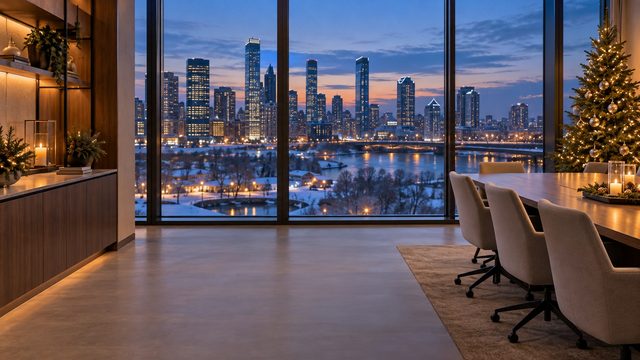
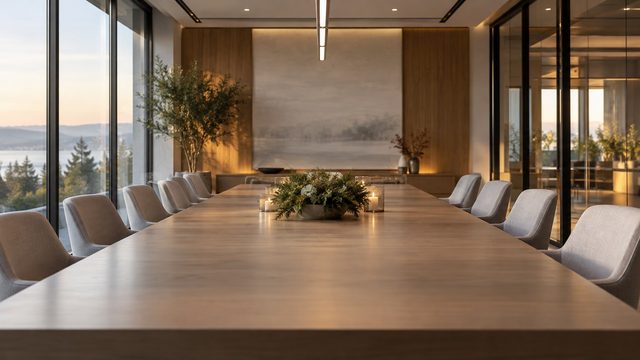
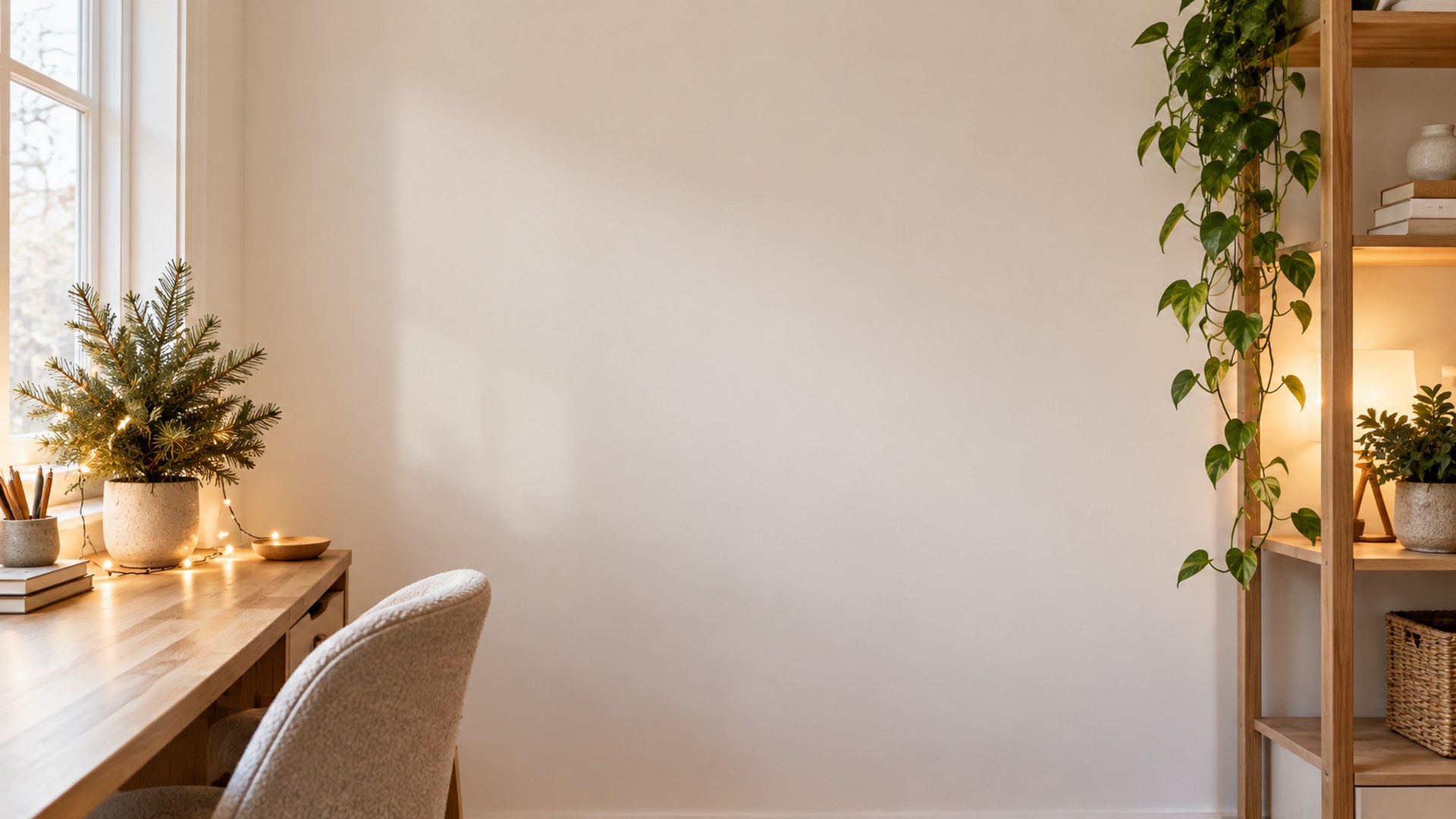
Not if you pick a restrained scene. The Office-friendly Christmas section uses small trees, wreaths and garlands against neutral rooms, which read as seasonal without becoming a costume.
Do I need a green screen?
No. Zoom and Teams both replace the background without one on most modern laptops and phones. Even lighting and a plain wall behind you give the cleanest edge.
Do you add new Christmas backgrounds each year?
Yes. The collection grows every November, and older scenes stay online so a link you saved last year keeps working.