
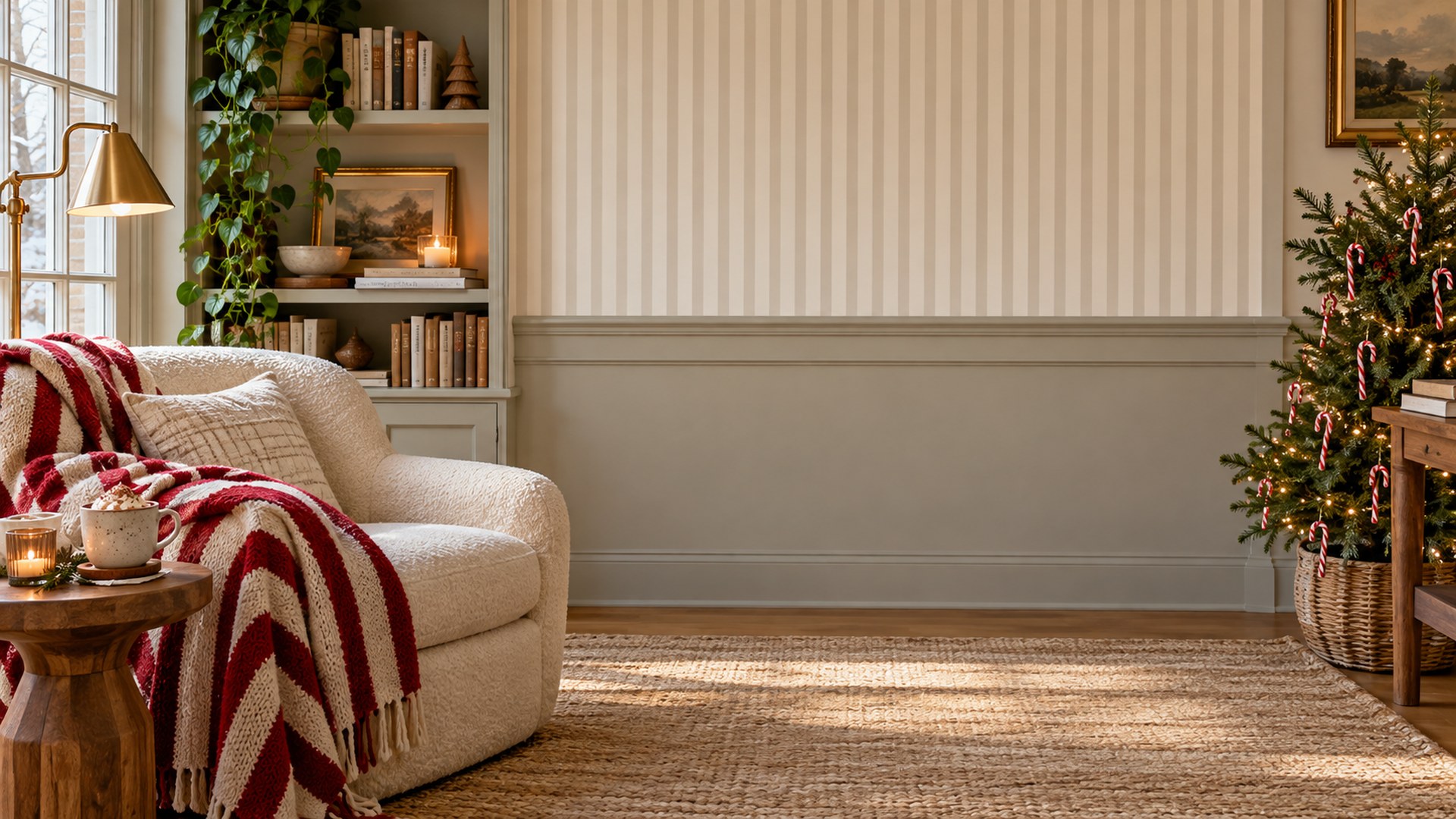
Candy Cane Nook
Reading nook with candy cane stripes, a cream armchair and a tiny tree.
| Dimensions | 1920 × 1080 |
|---|---|
| Format | JPG · 16:9 |
| File size | 0.4 MB |
| Licence | Free for personal & commercial use |
| Watermark | None |
Made for Christmas calls.
Decor sits at the edges and in the background, so the middle of the frame stays clear for your camera.
Client calls
A calm centre and credible room for the meetings that need to look considered.
Interviews
Quiet walls, shelves and light that make the frame feel intentional.
Daily standups
A better room without tidying, moving furniture or opening an editor.
Why this frame works.
- December client calls where seasonal warmth helps
- Team socials and end-of-year reviews
- Recording a short greeting or update video
Decor sits at the edges and in the background, so the middle of the frame stays clear for your camera.
Add it in Microsoft Teams.
Download the JPG
Use the button above. The file is already 1920×1080 and needs no editing.
Open Backgrounds
In a meeting, choose More → Video effects → Backgrounds, or open Settings → Backgrounds.
Add and select
Choose Add new, upload the JPG, then select it. Leave the green-screen option off unless you use one.
Add it in Zoom.
Open settings
Open Zoom Settings → Background & effects. On mobile, use the meeting menu → Background & effects.
Add the image
Click the plus icon, choose Add image and select the JPG you downloaded.
Check the framing
Join a test meeting and check that the room sits behind your shoulders, not through your face.
More Christmas rooms.







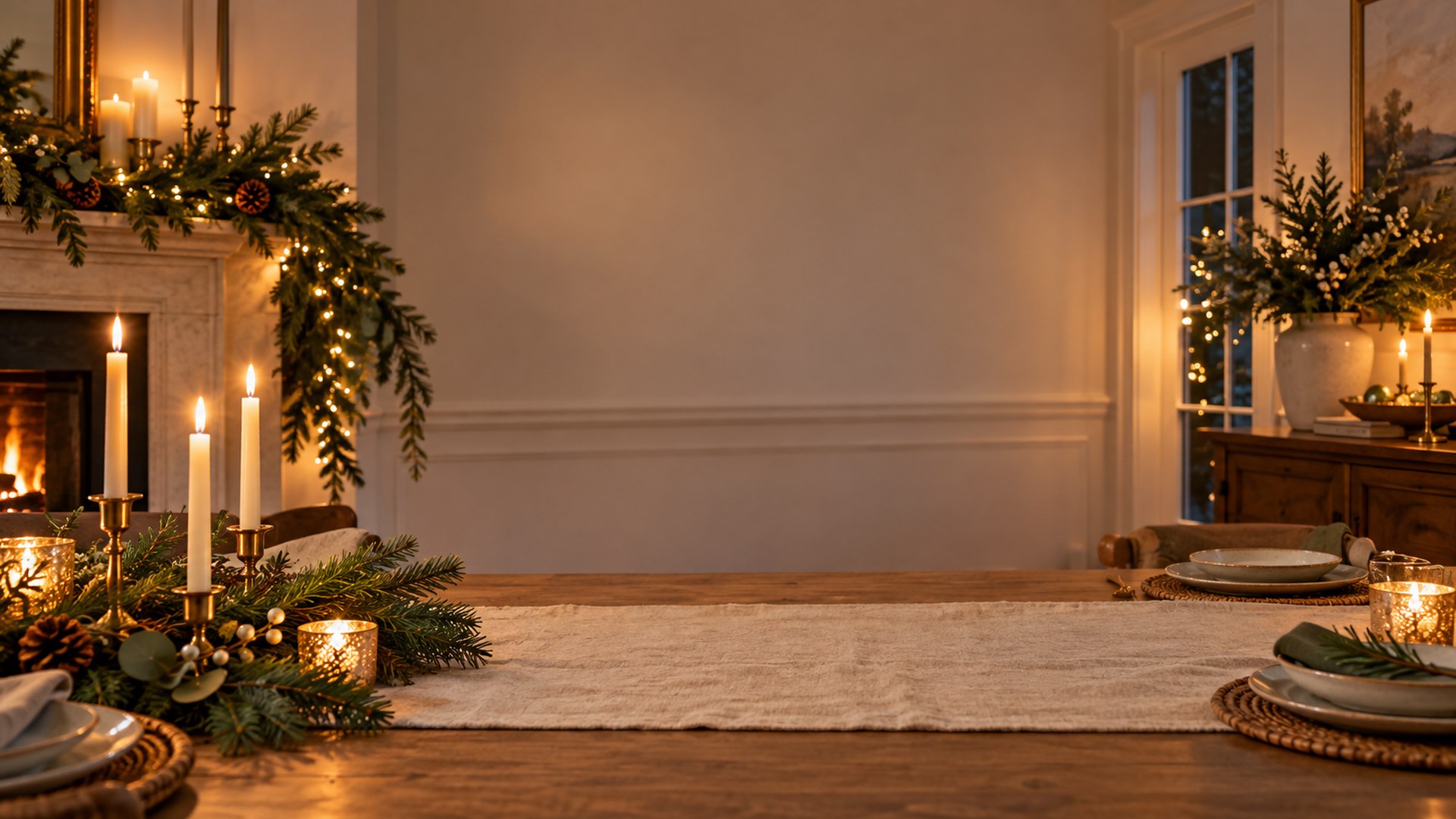
Keep looking, or start the call.
Every background is free, 1920×1080 and one click away. No signup, no watermark.
Browse all 180 rooms