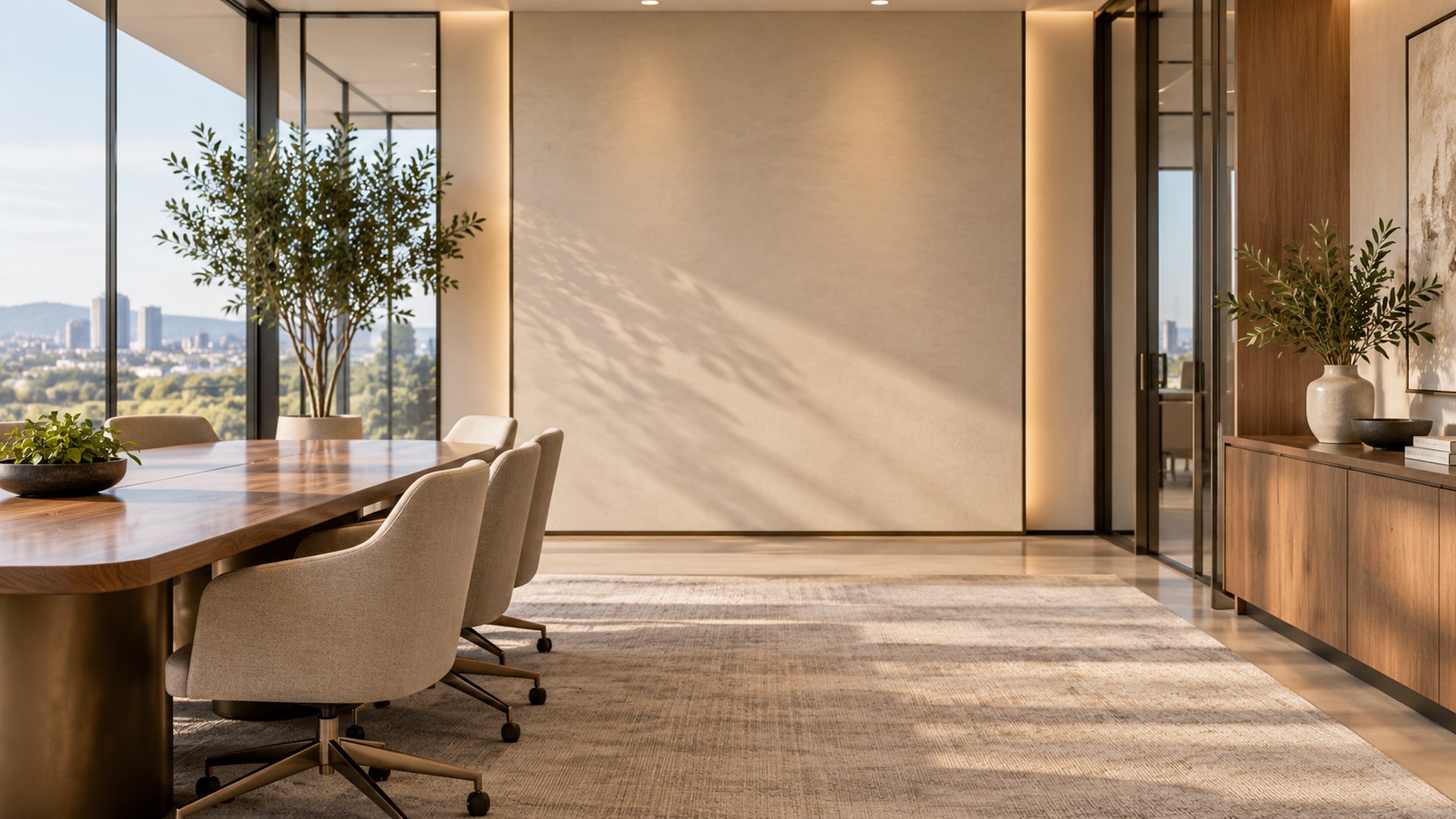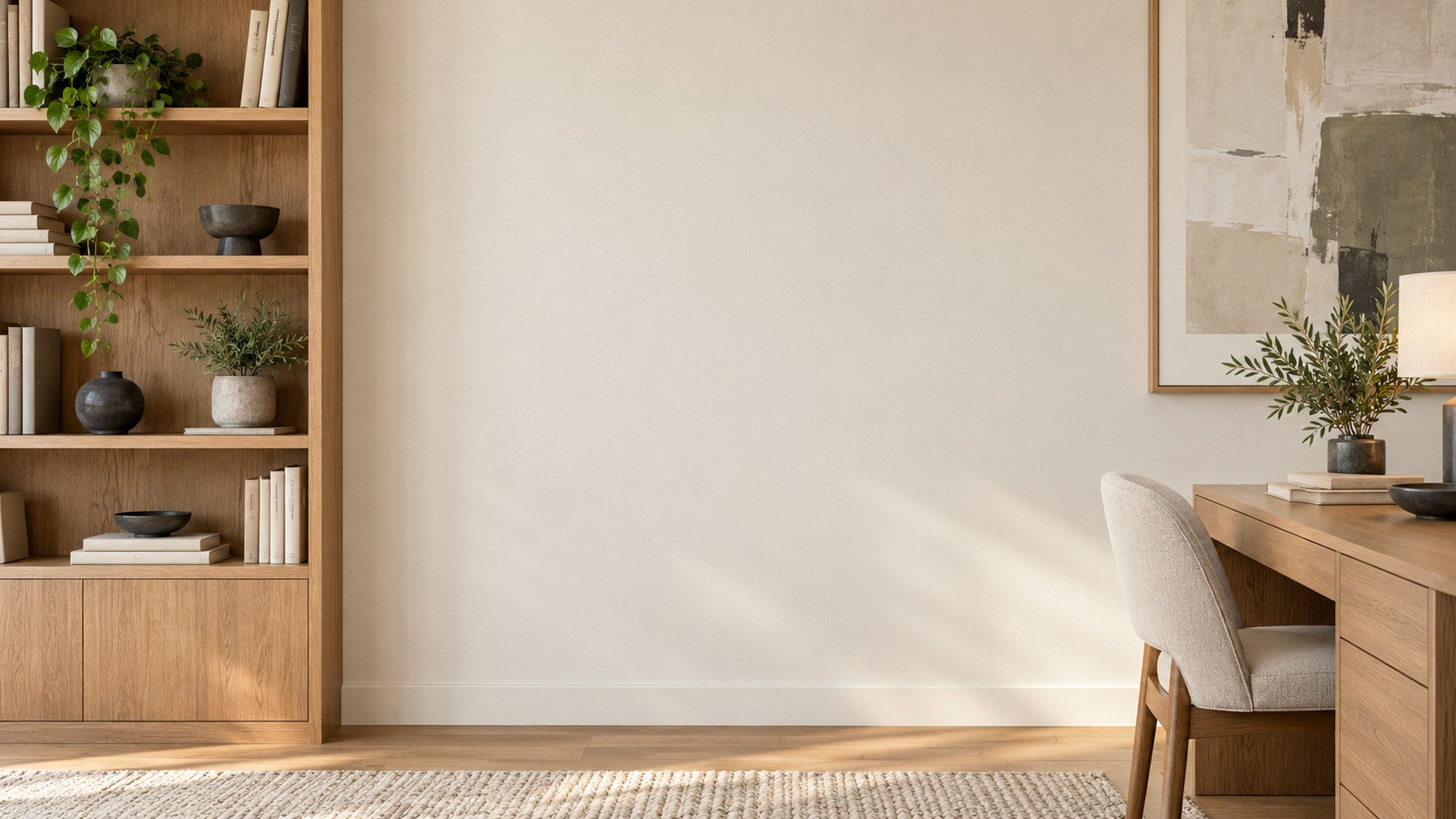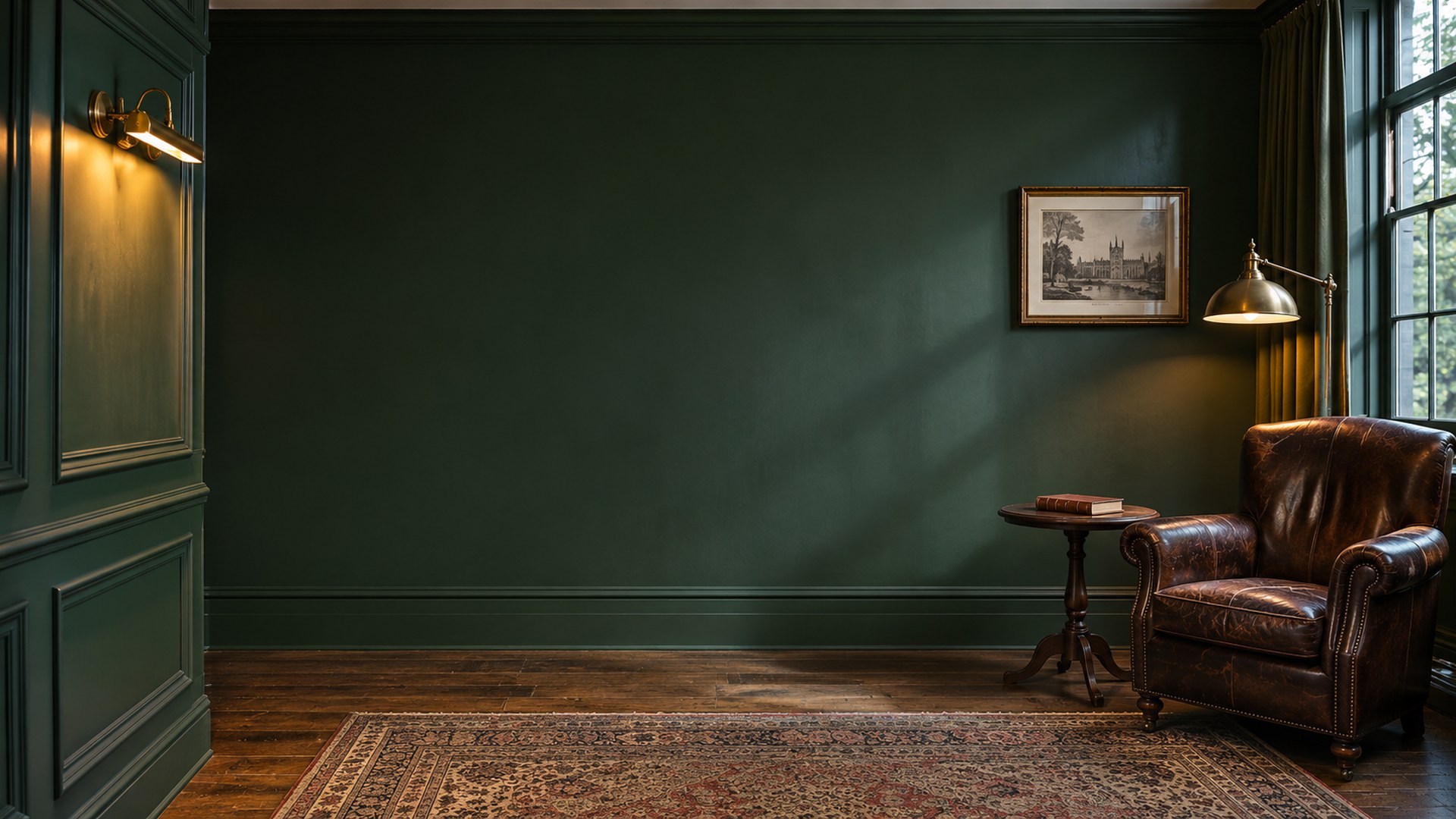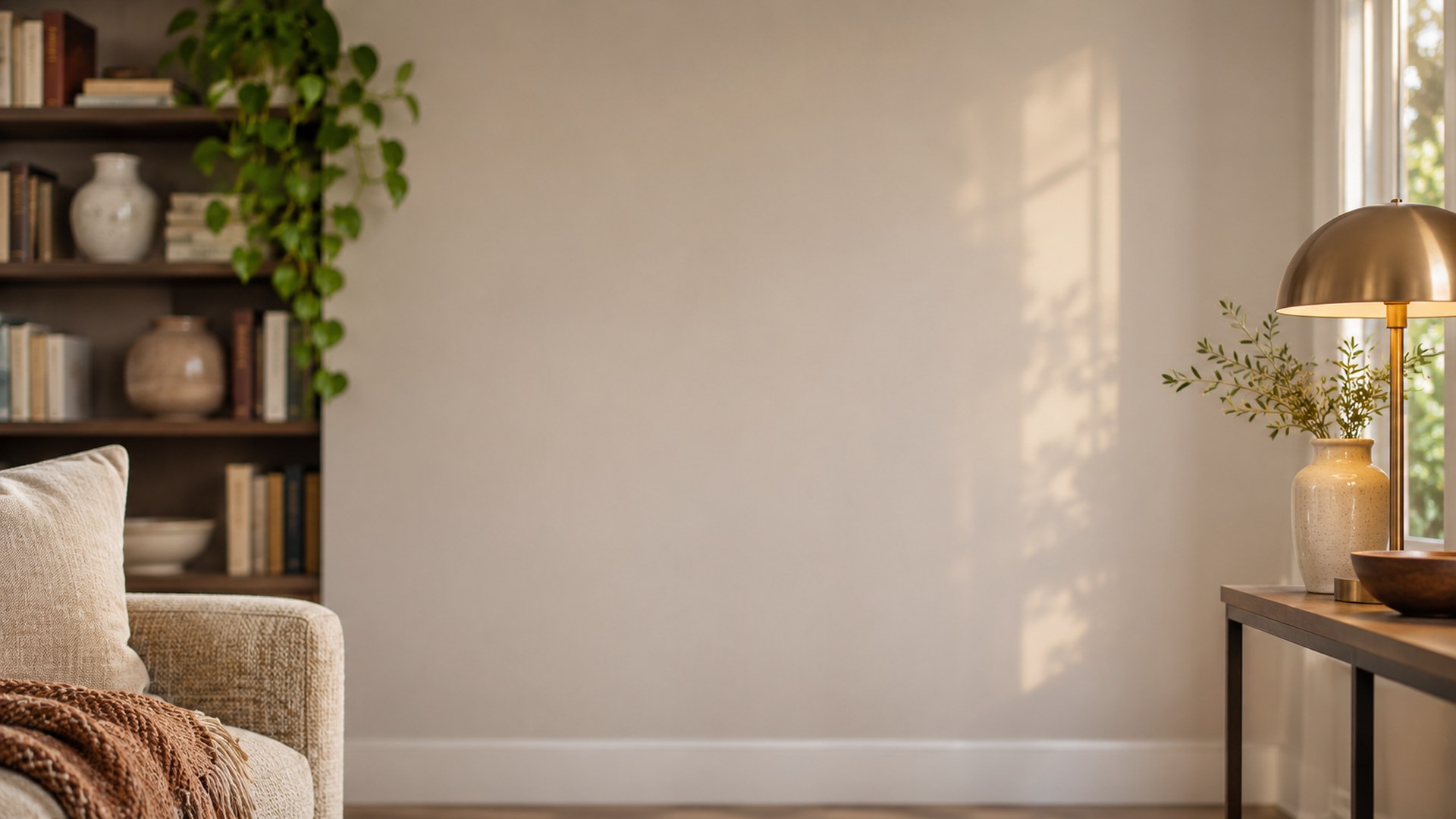
Interview Backgrounds
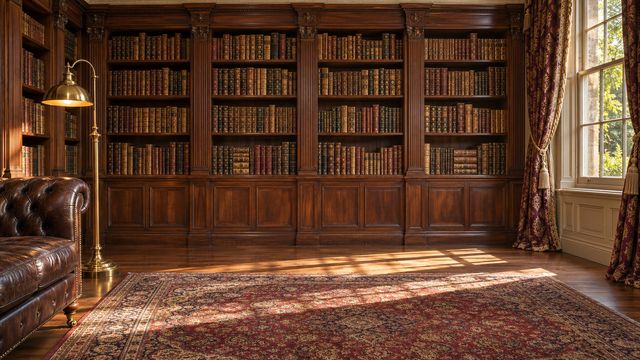
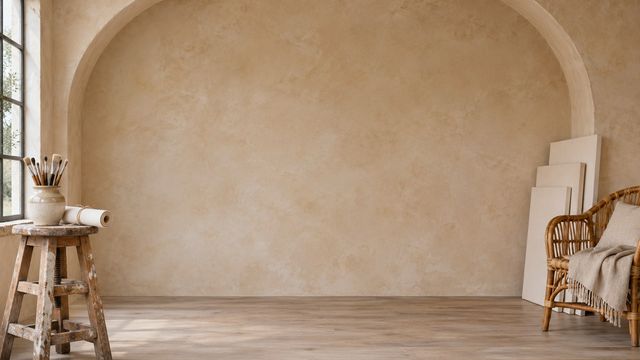
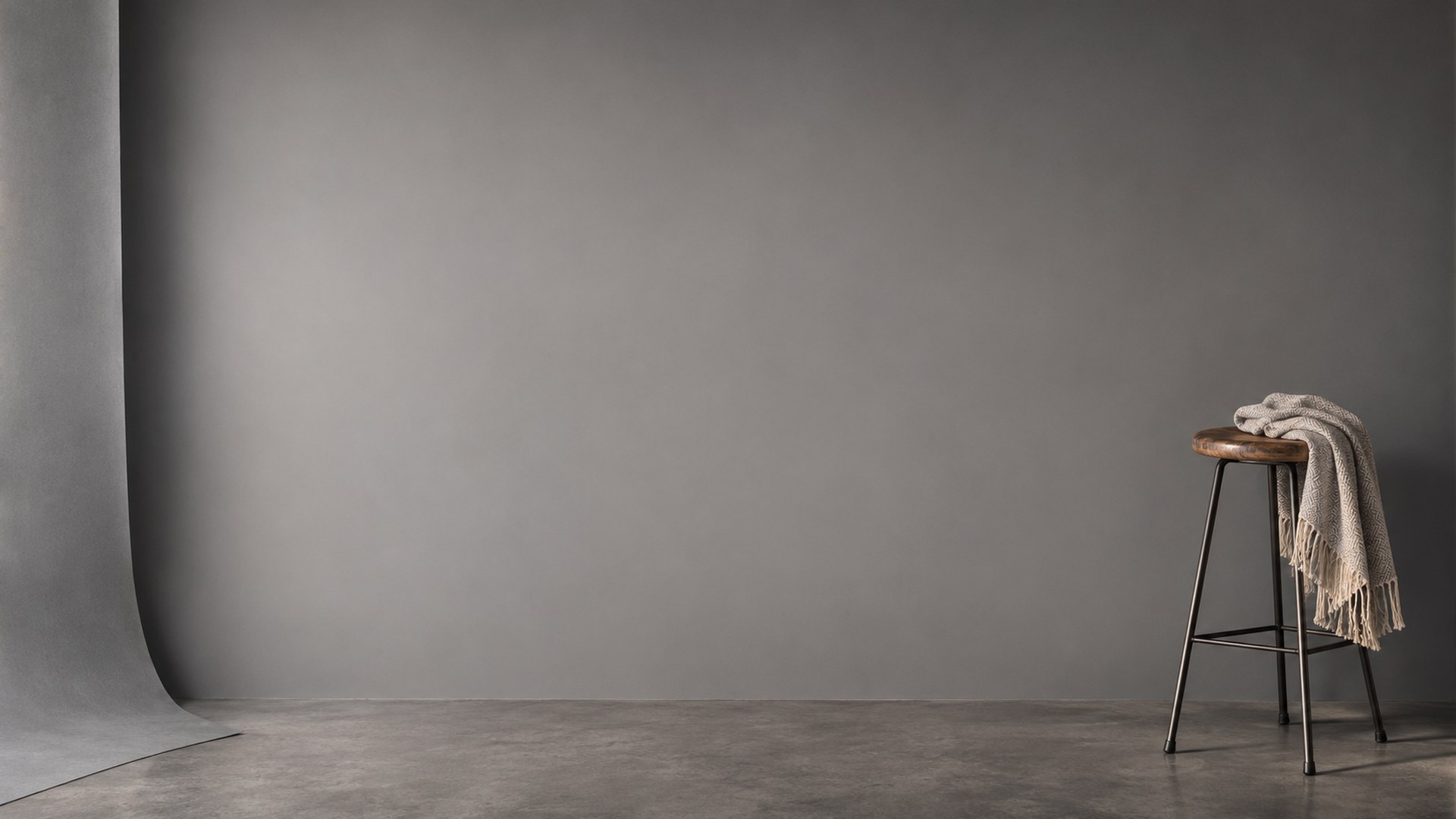
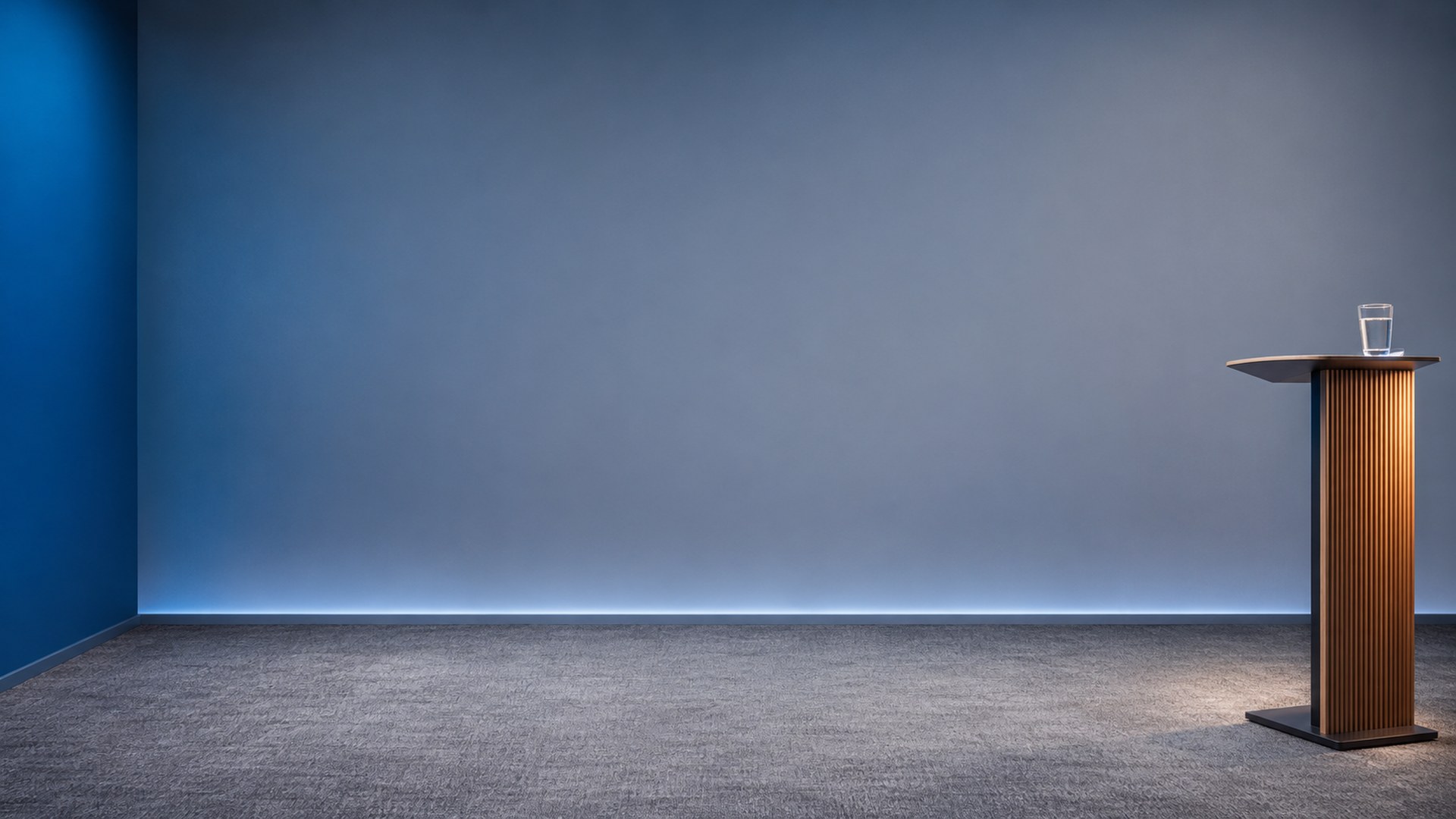
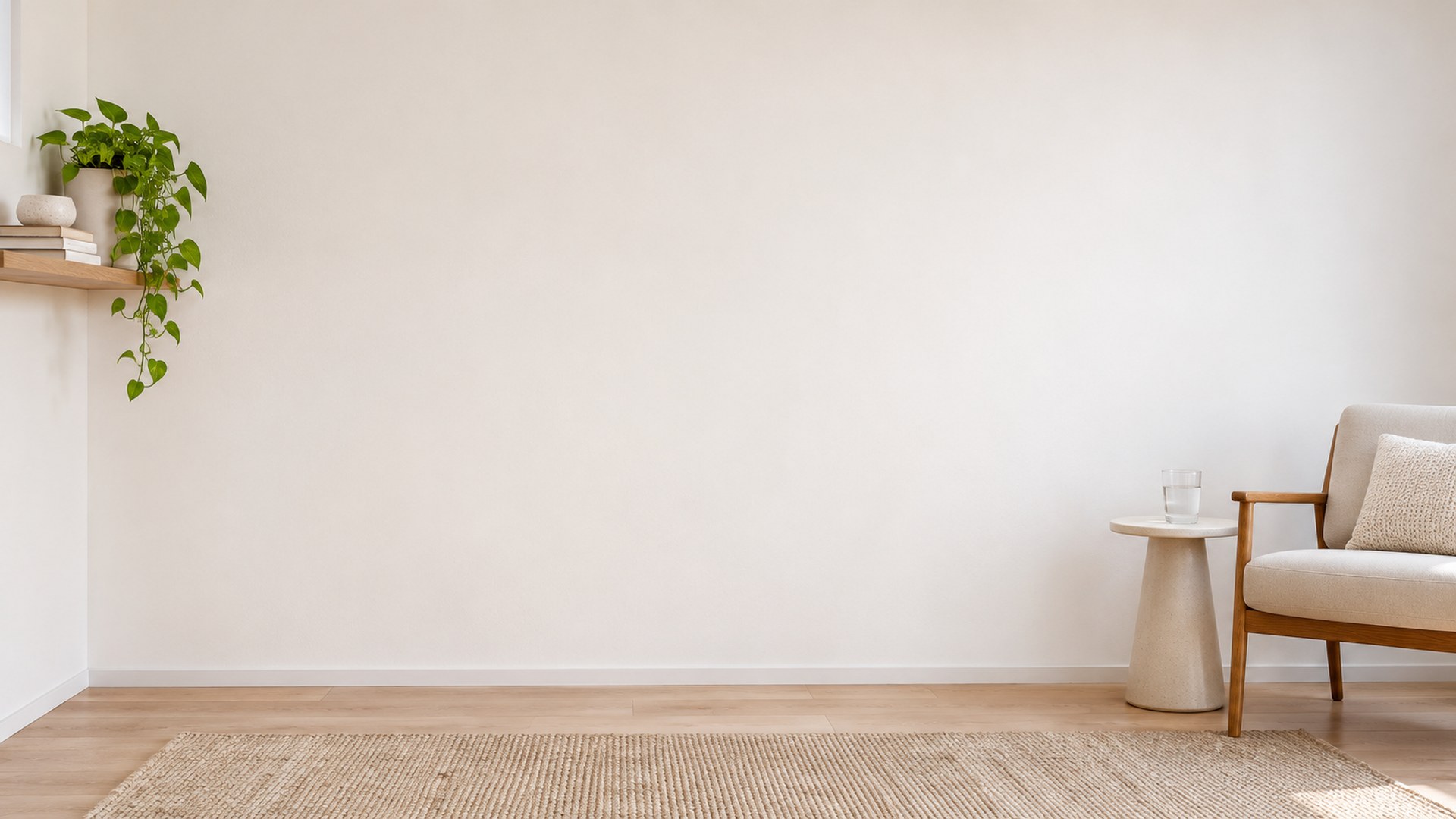
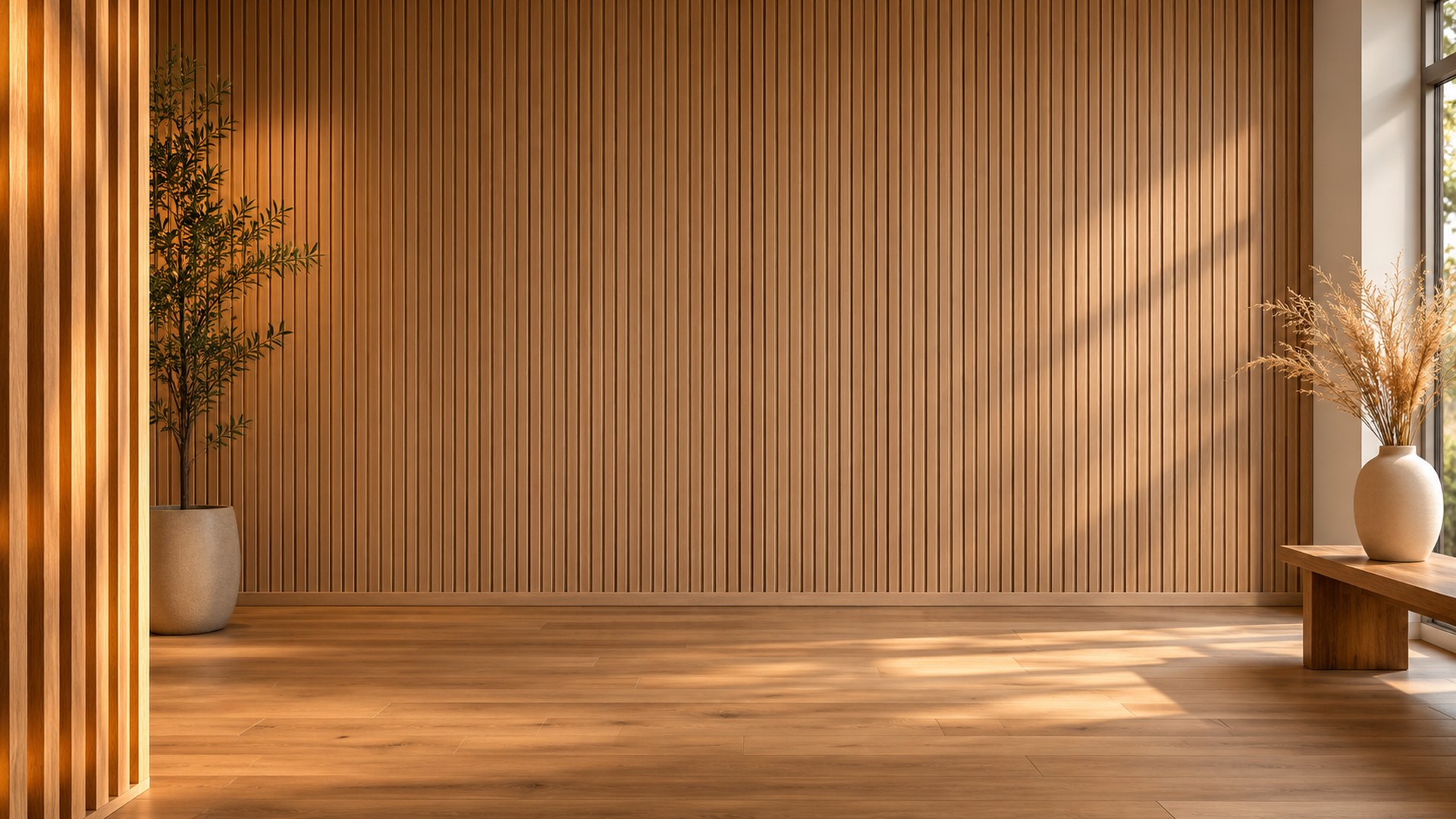
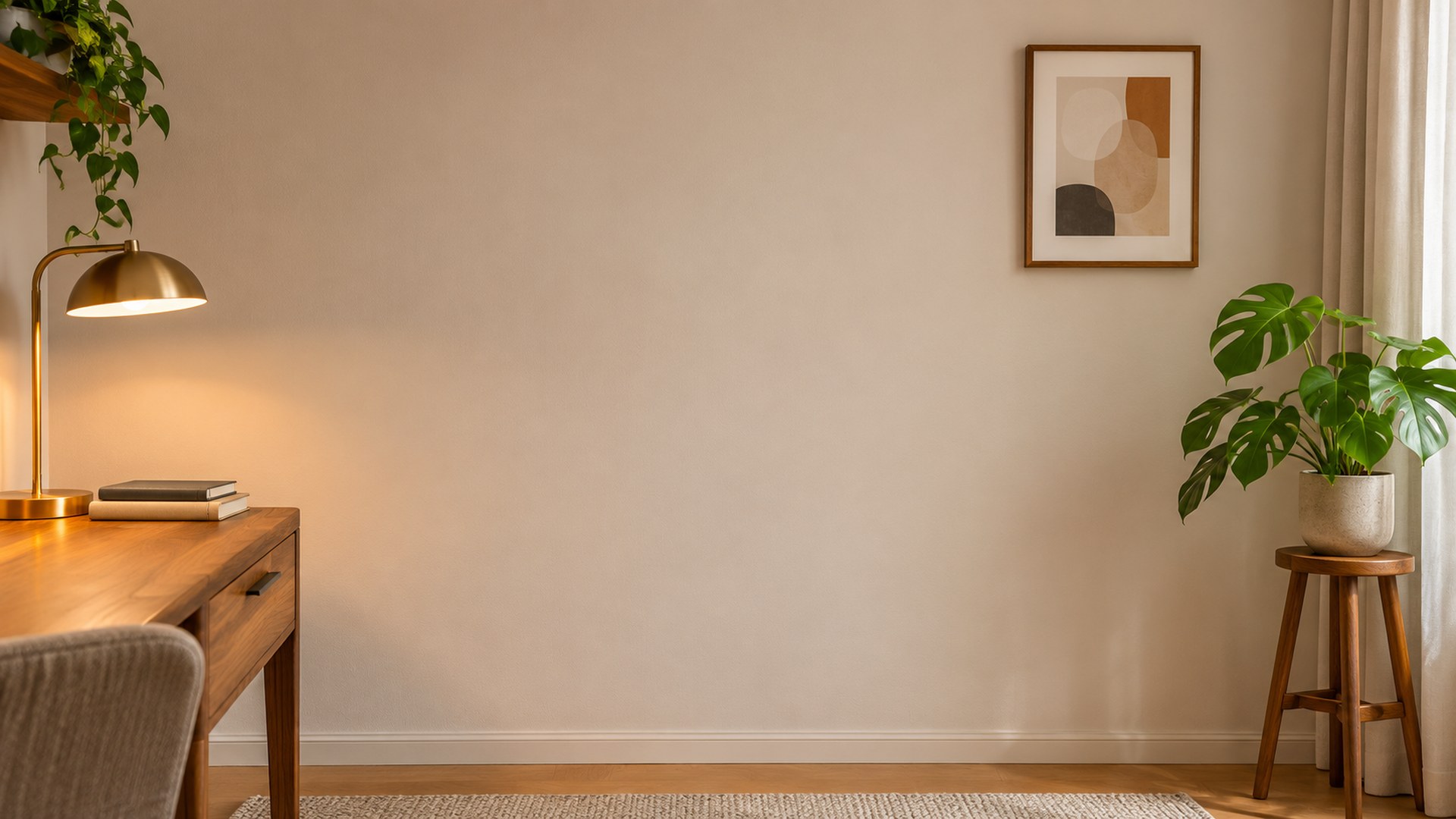
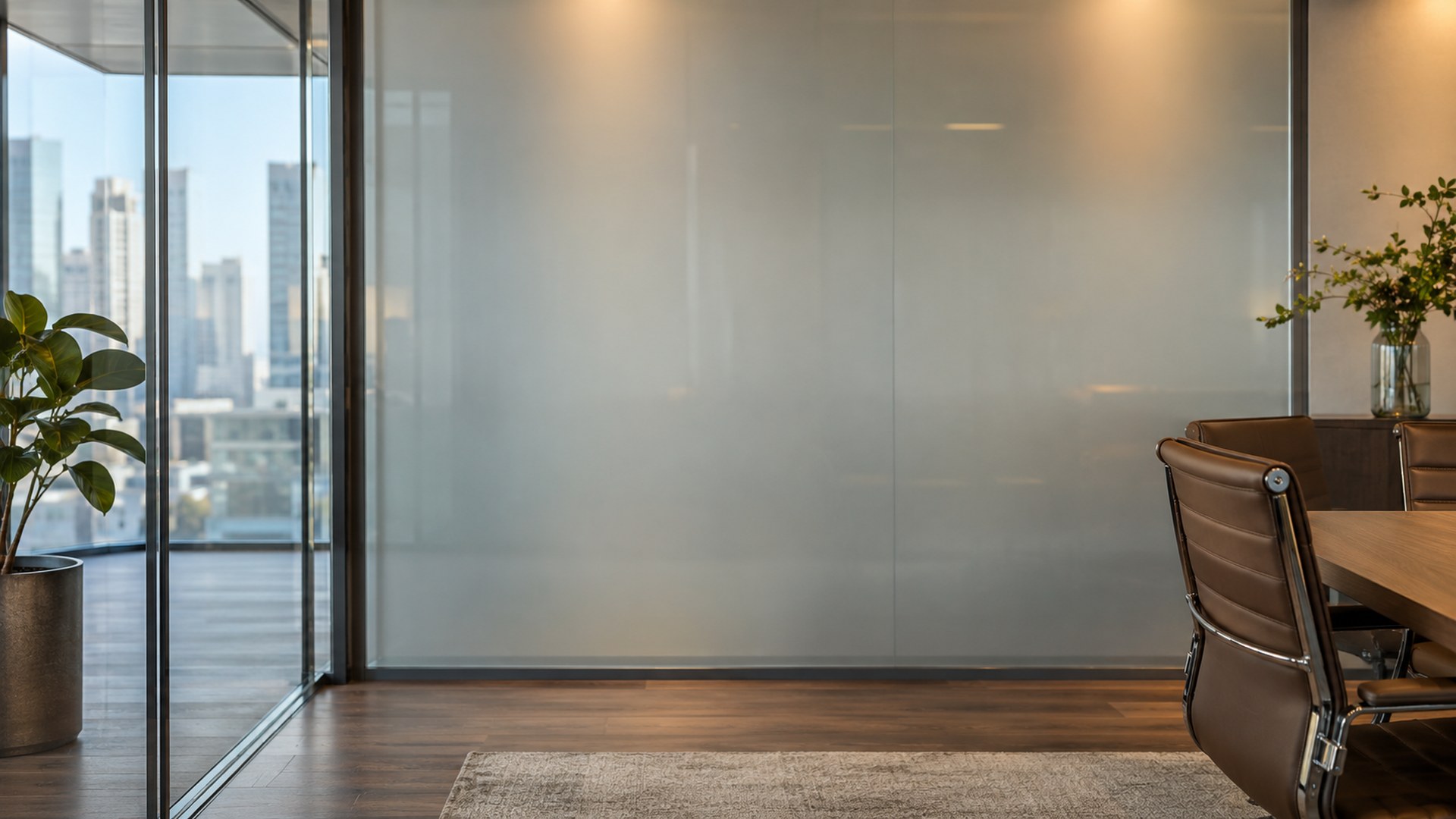
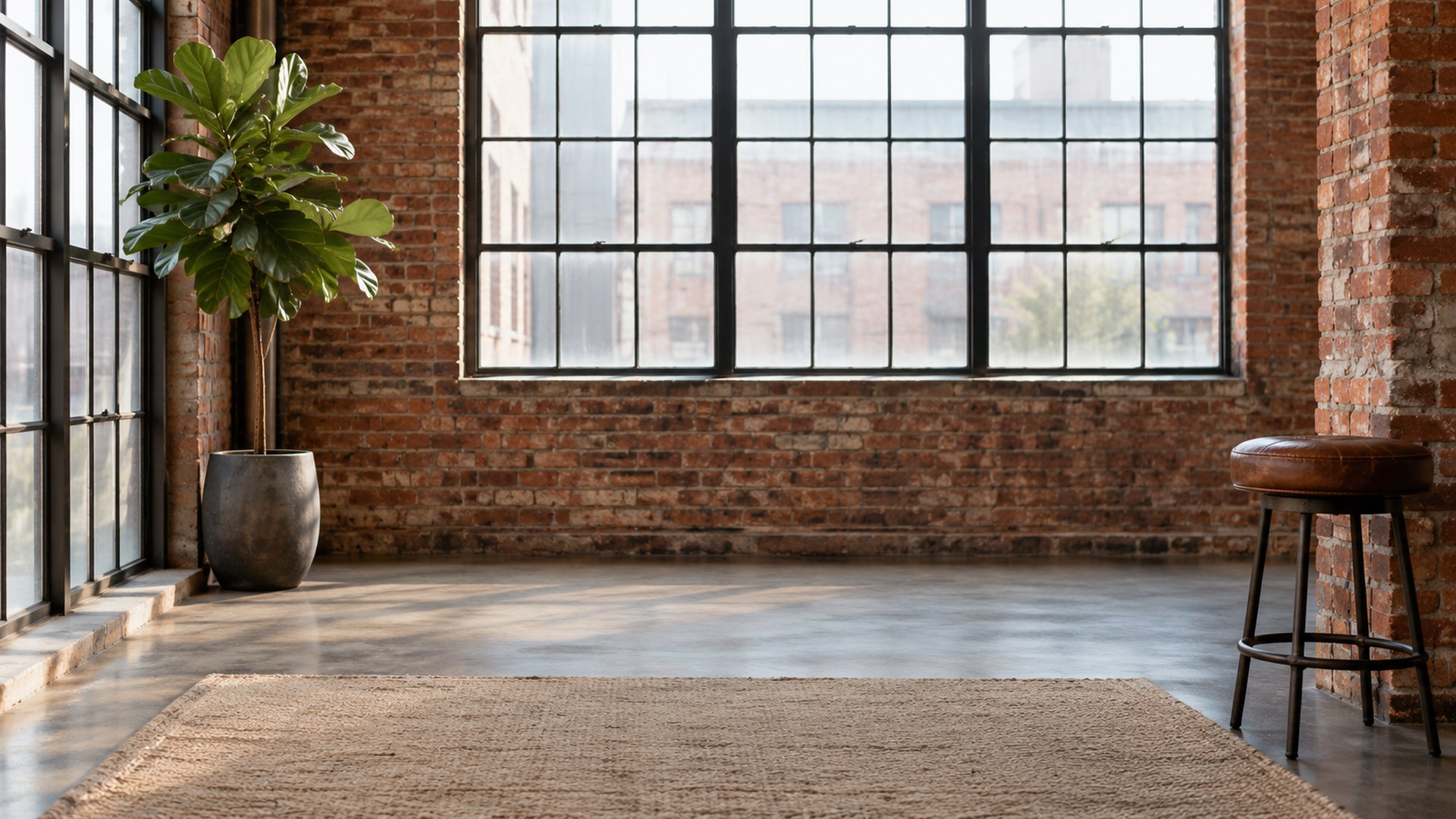
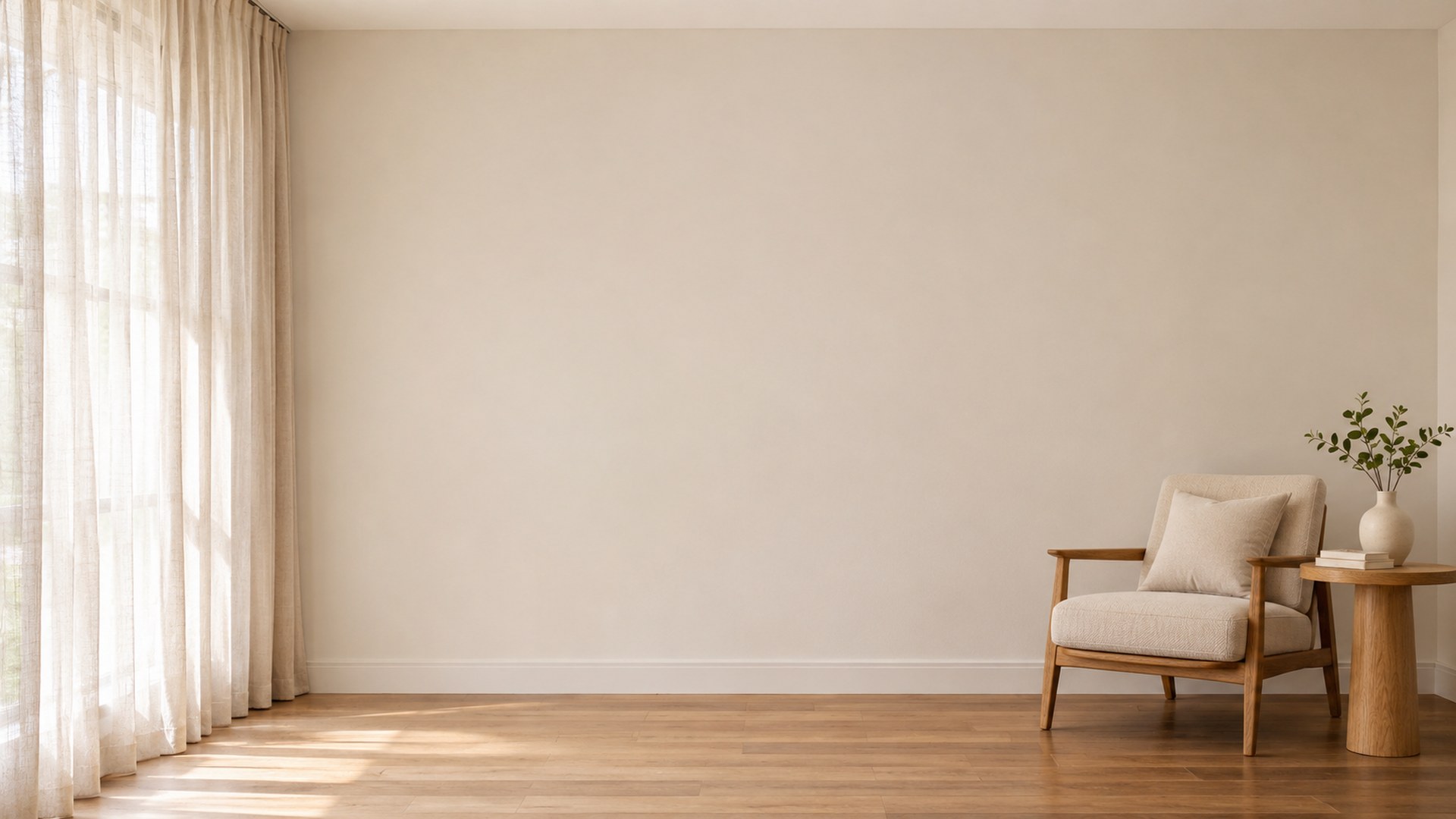
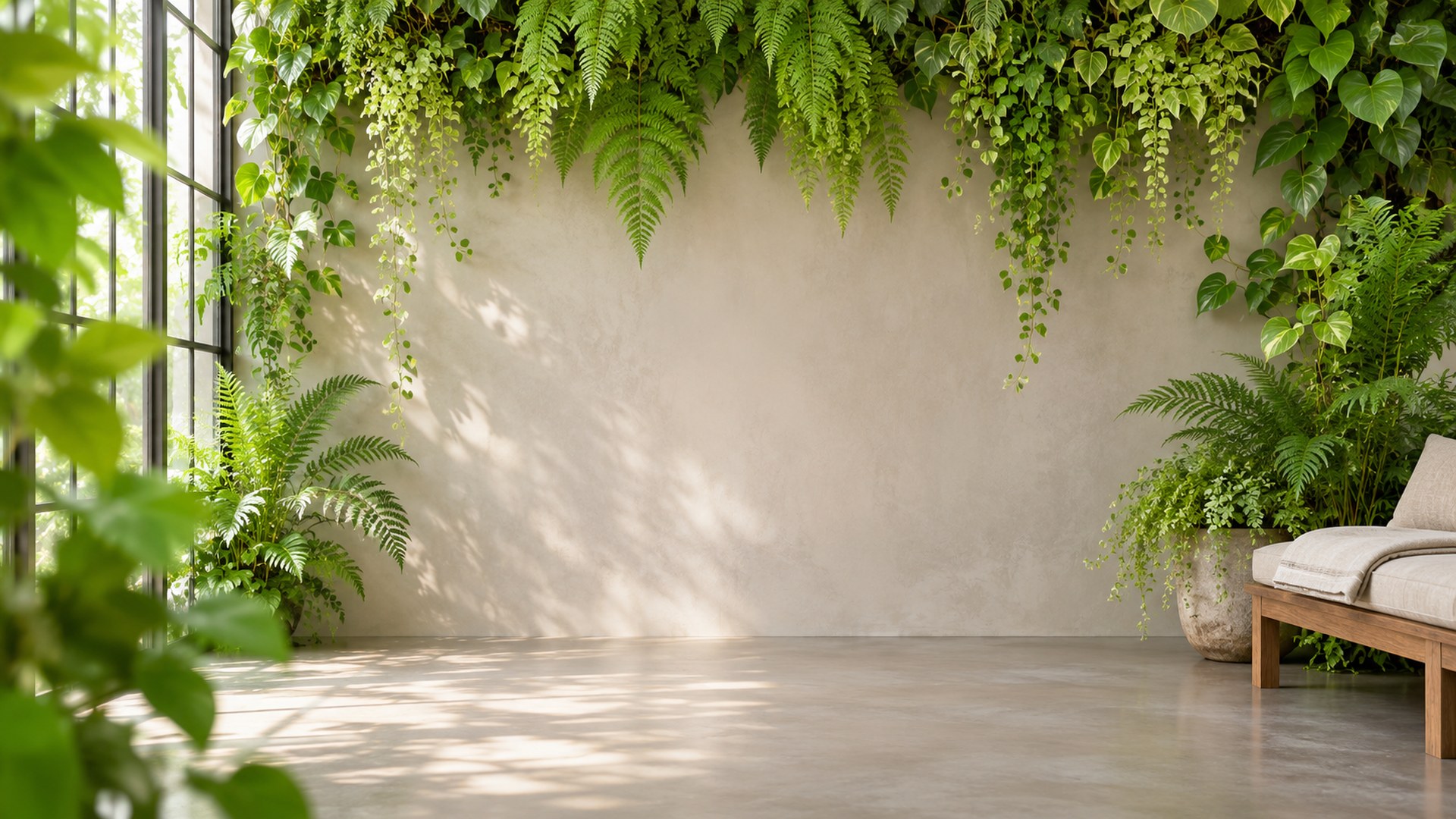
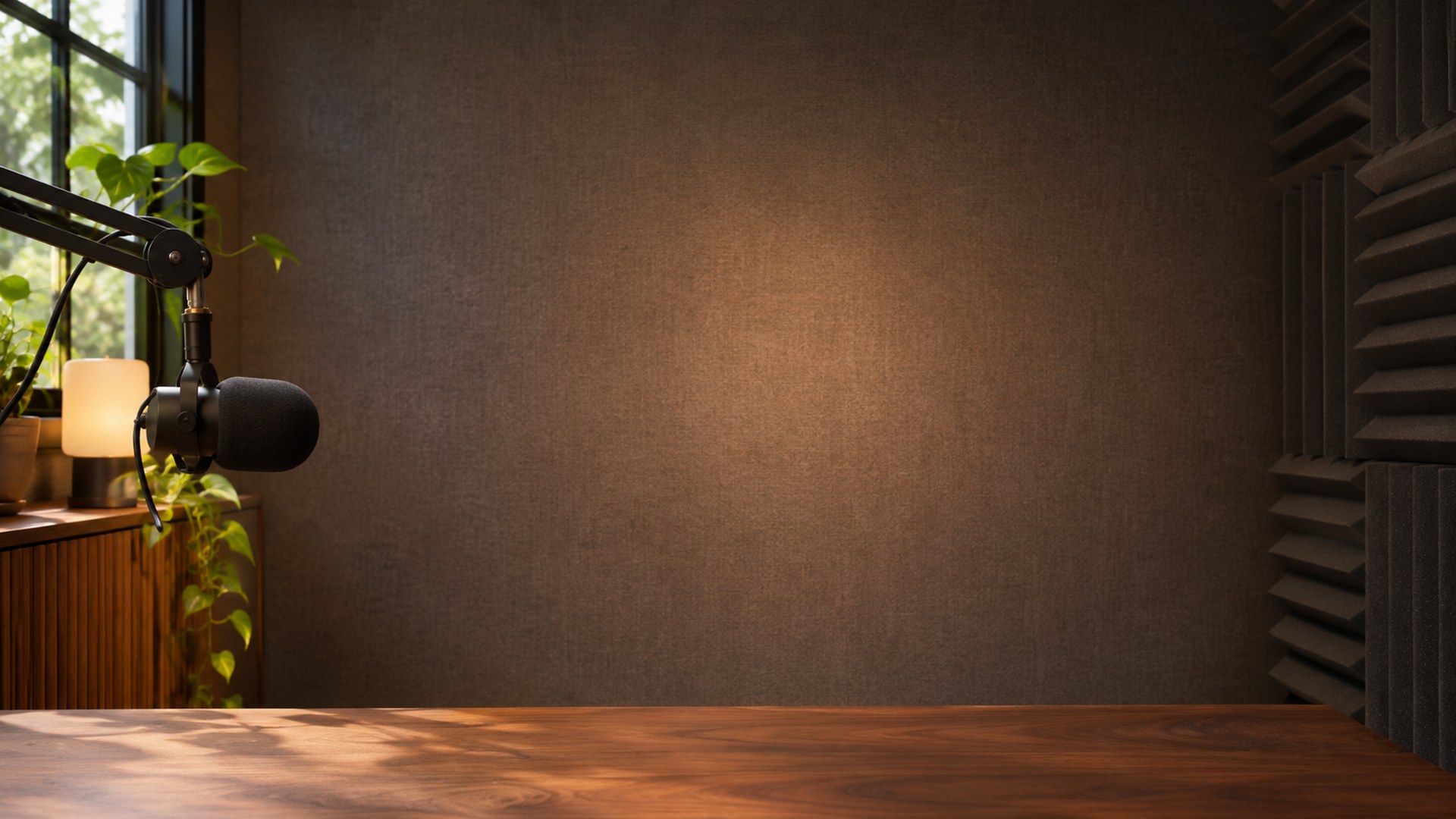
14 free 1920×1080 interview backgrounds for Zoom, Teams and recorded calls. Neutral studio walls, boardrooms, bookshelf sets and soft curtain light — no signup, no watermark, no editor.
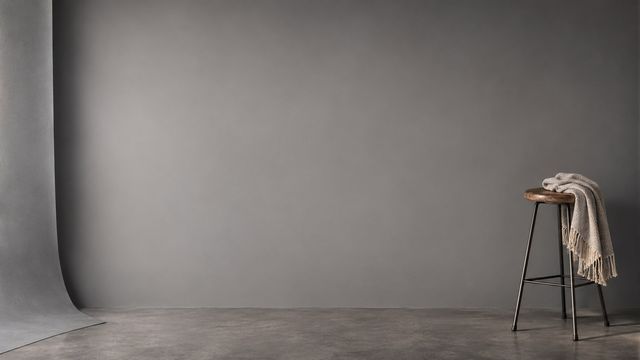
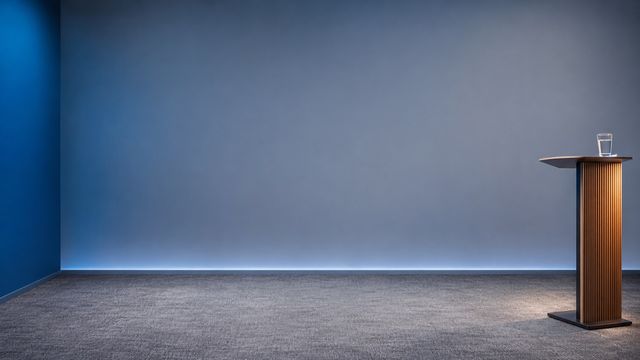
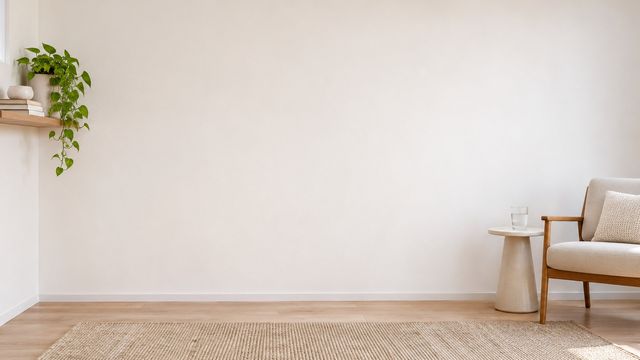
ready to upload
Pick a room. Keep the call.
Every file is a finished 1920×1080 JPG. Search, filter, preview or download directly.
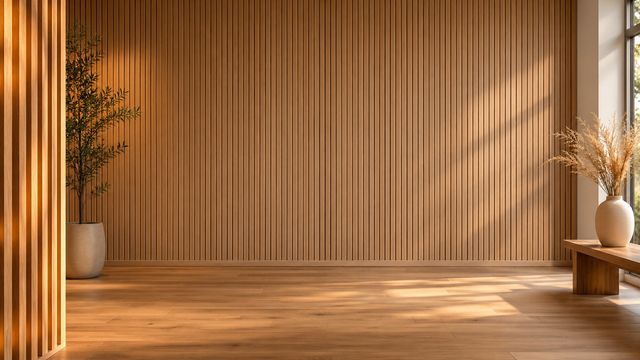
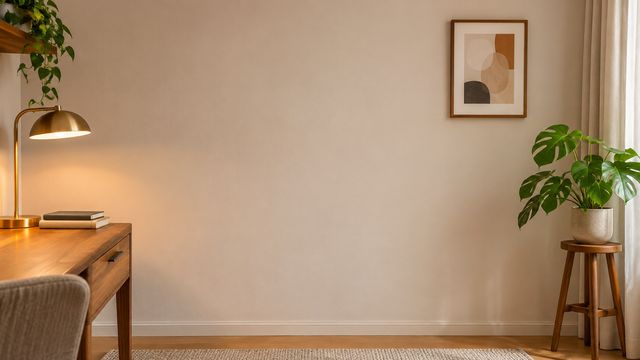
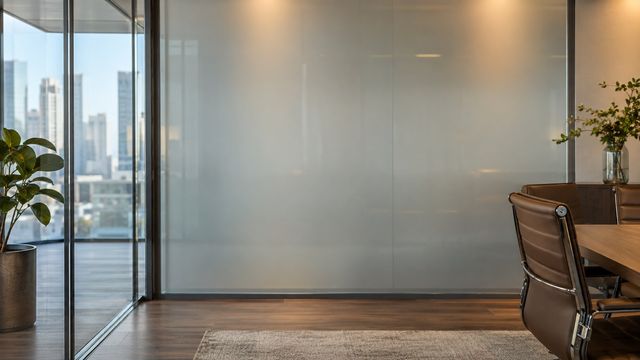
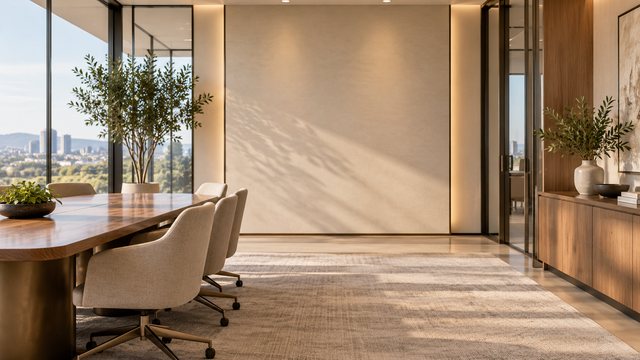
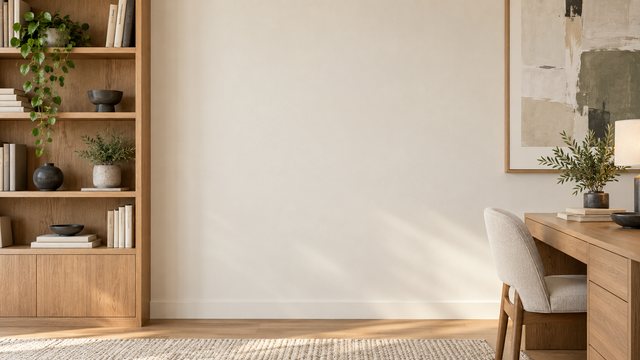
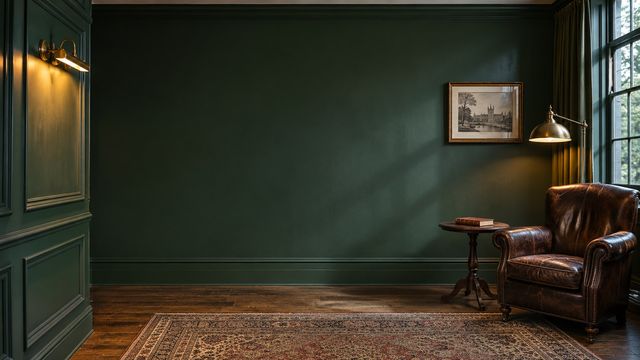
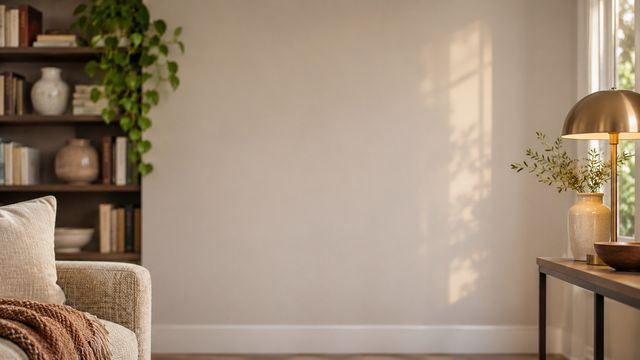
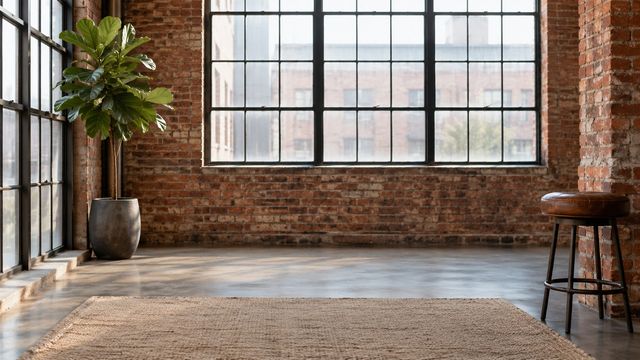
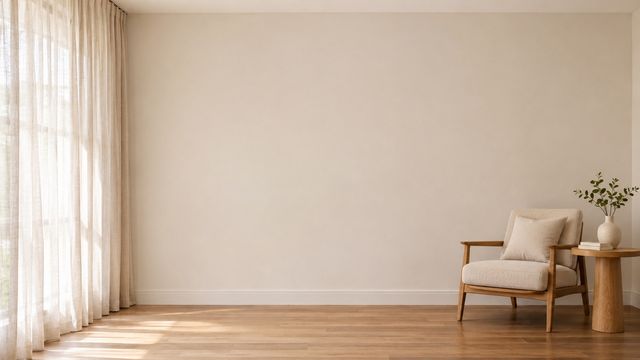
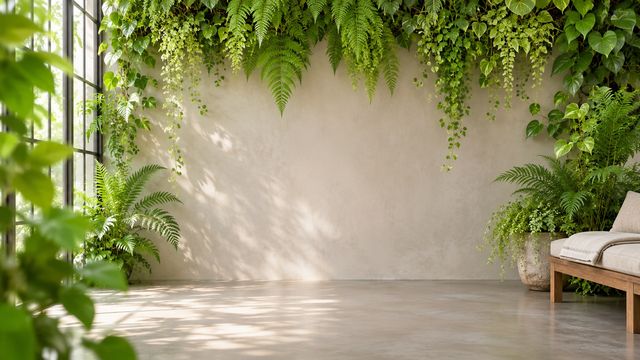
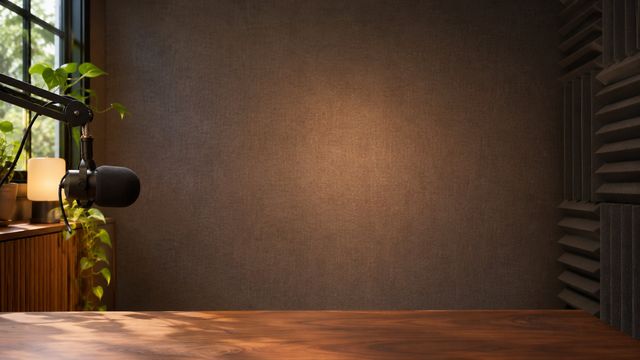
Match the scene to the meeting.
Not every good background is a good client backdrop. Use these as a starting point.
Client calls
A calm centre and credible room for the meetings that need to look considered.
Interviews
Quiet walls, shelves and light that make the frame feel intentional.
Daily standups
A better room without tidying, moving furniture or opening an editor.
From download to done.
The same three steps work in Zoom, Teams and Google Meet.
Download the JPG
Choose any room above. The original 1920×1080 file downloads directly — no account, no editor.
Open your settings
Zoom: Background & effects. Teams: Backgrounds. Meet: Change background.
Upload and join
Add the file, leave green screen off, and check the framing before the call starts.
Need a different crop? The free size fixer, maker and compressor all run locally in your browser.
Open the tools ↗Before you upload.
Short answers to the things people ask before their first download.