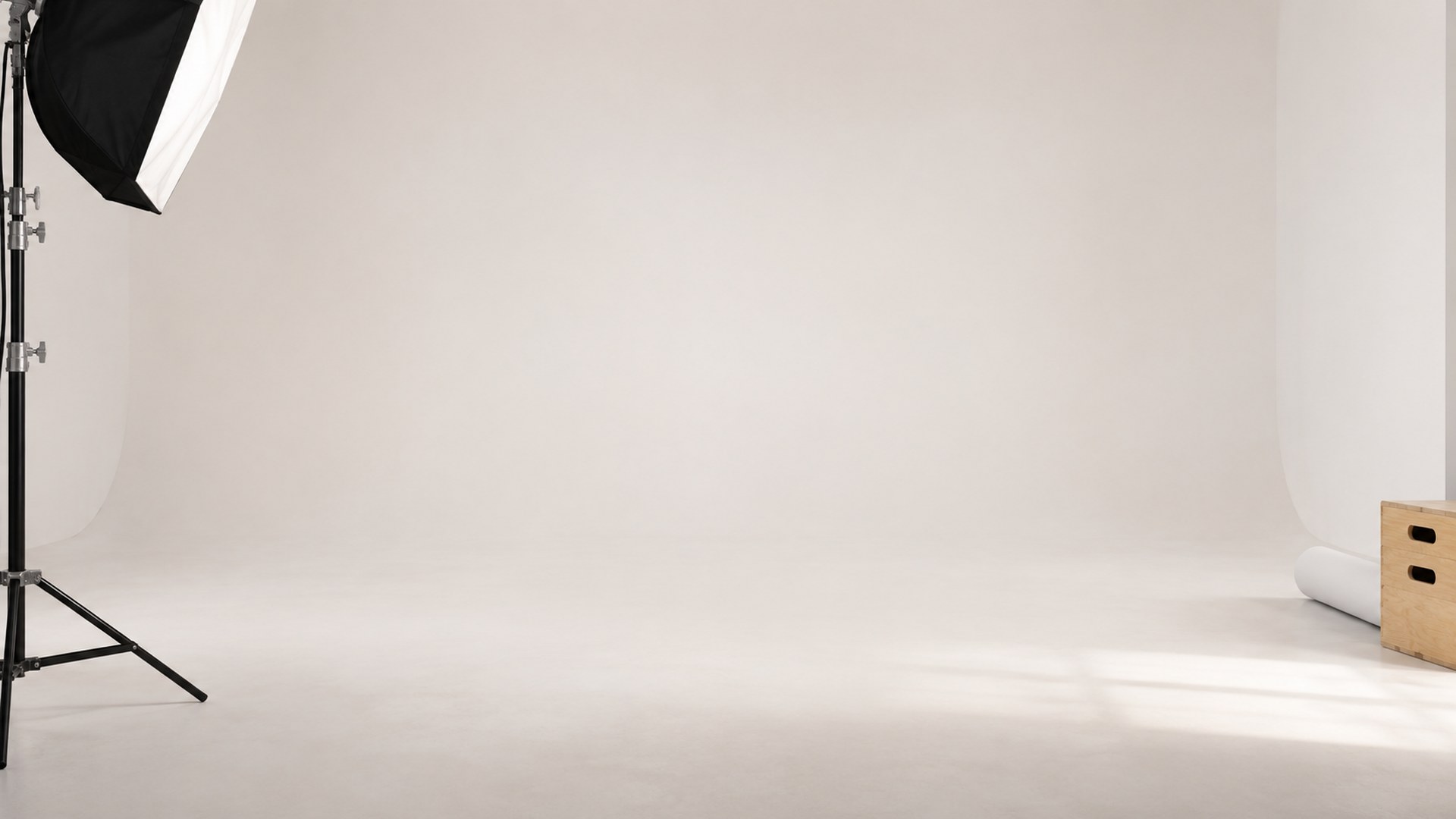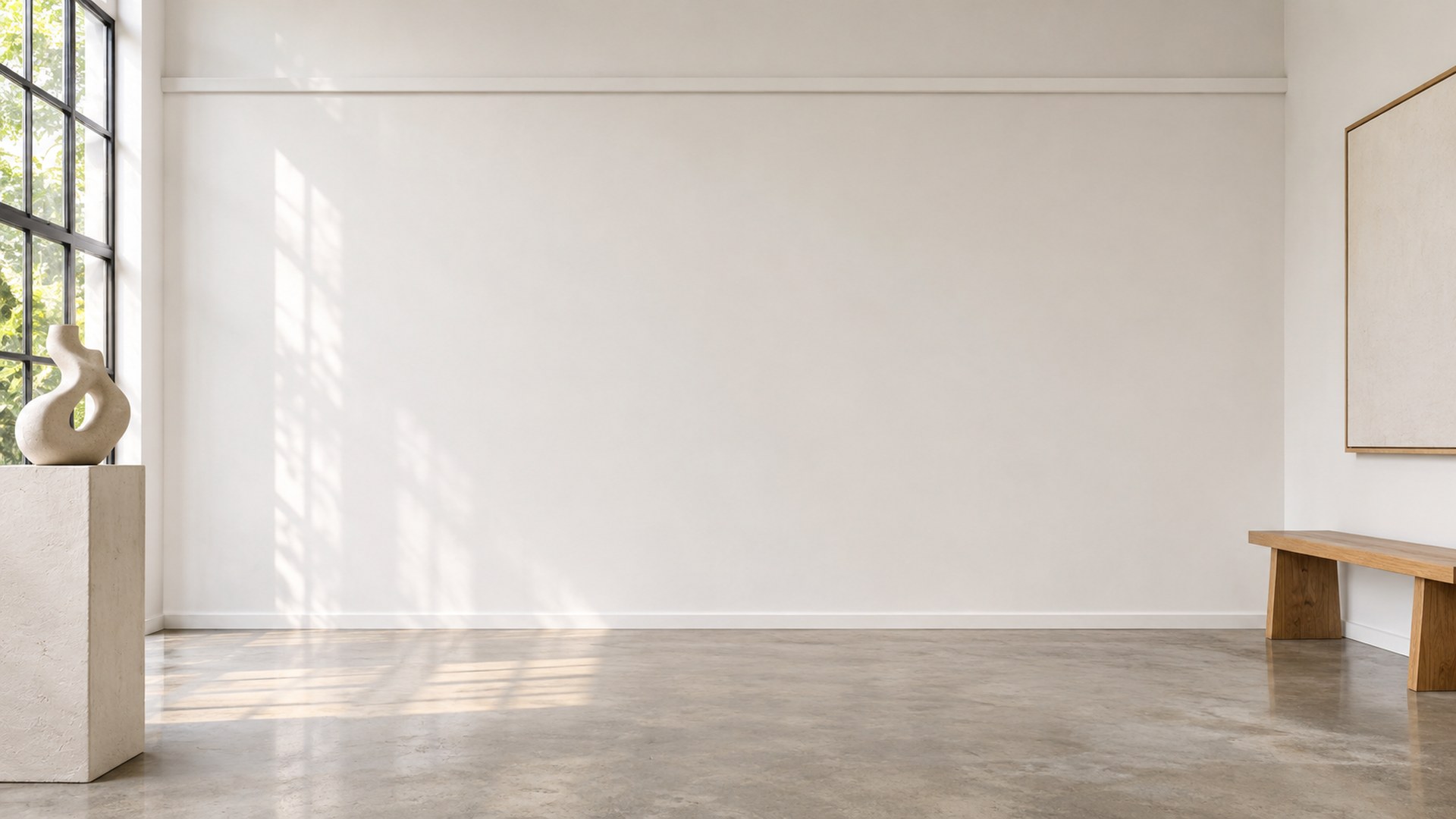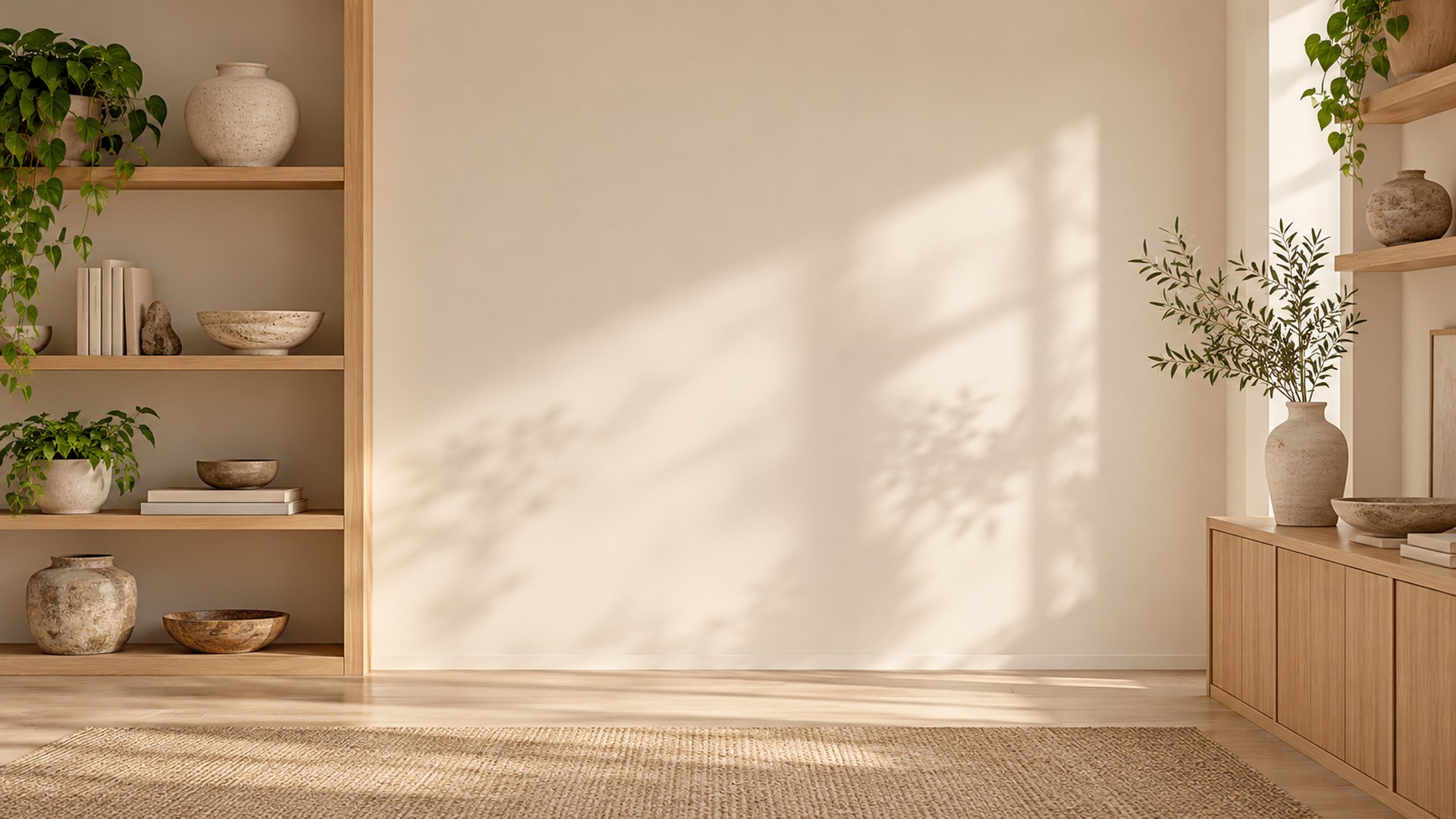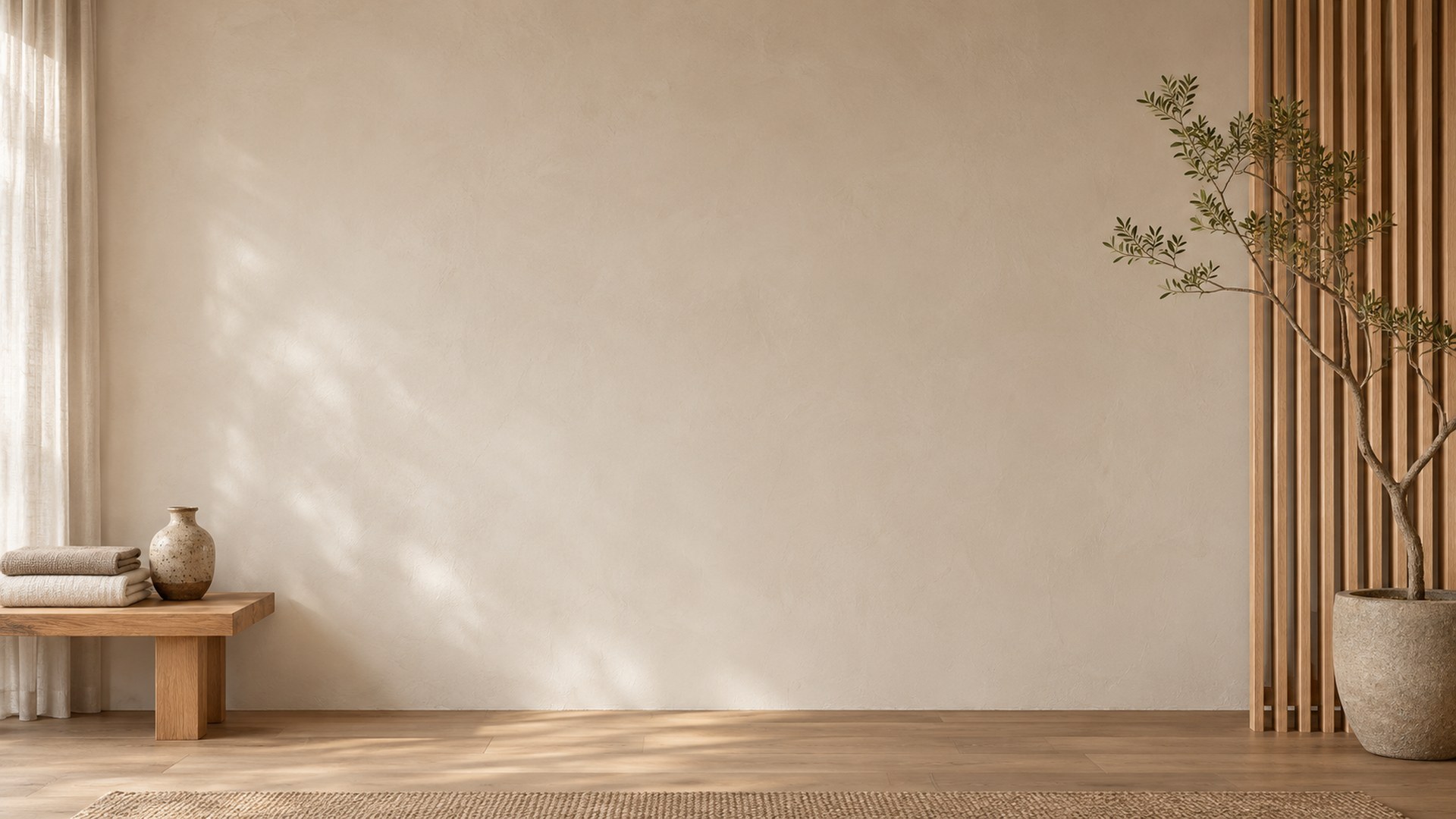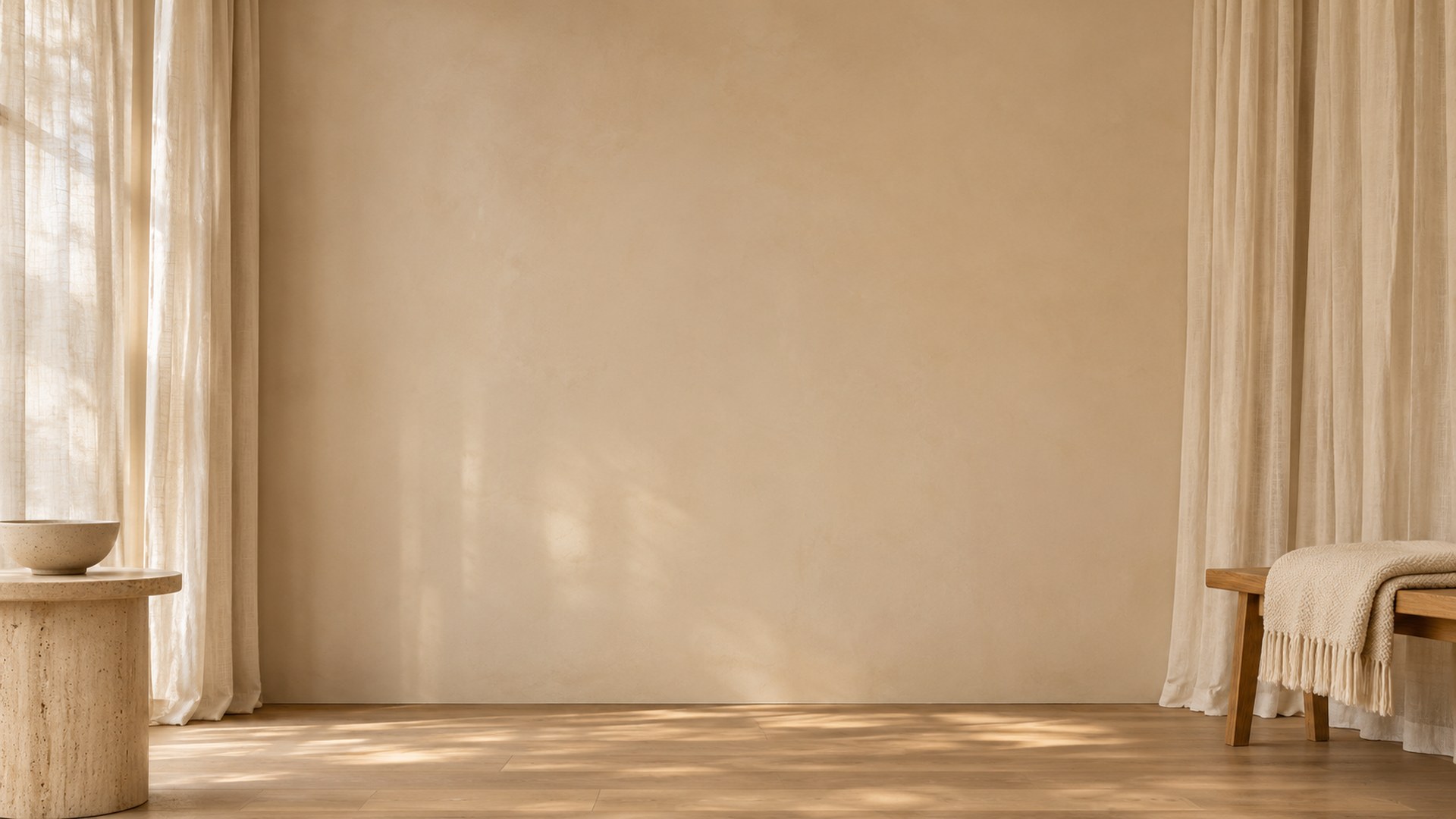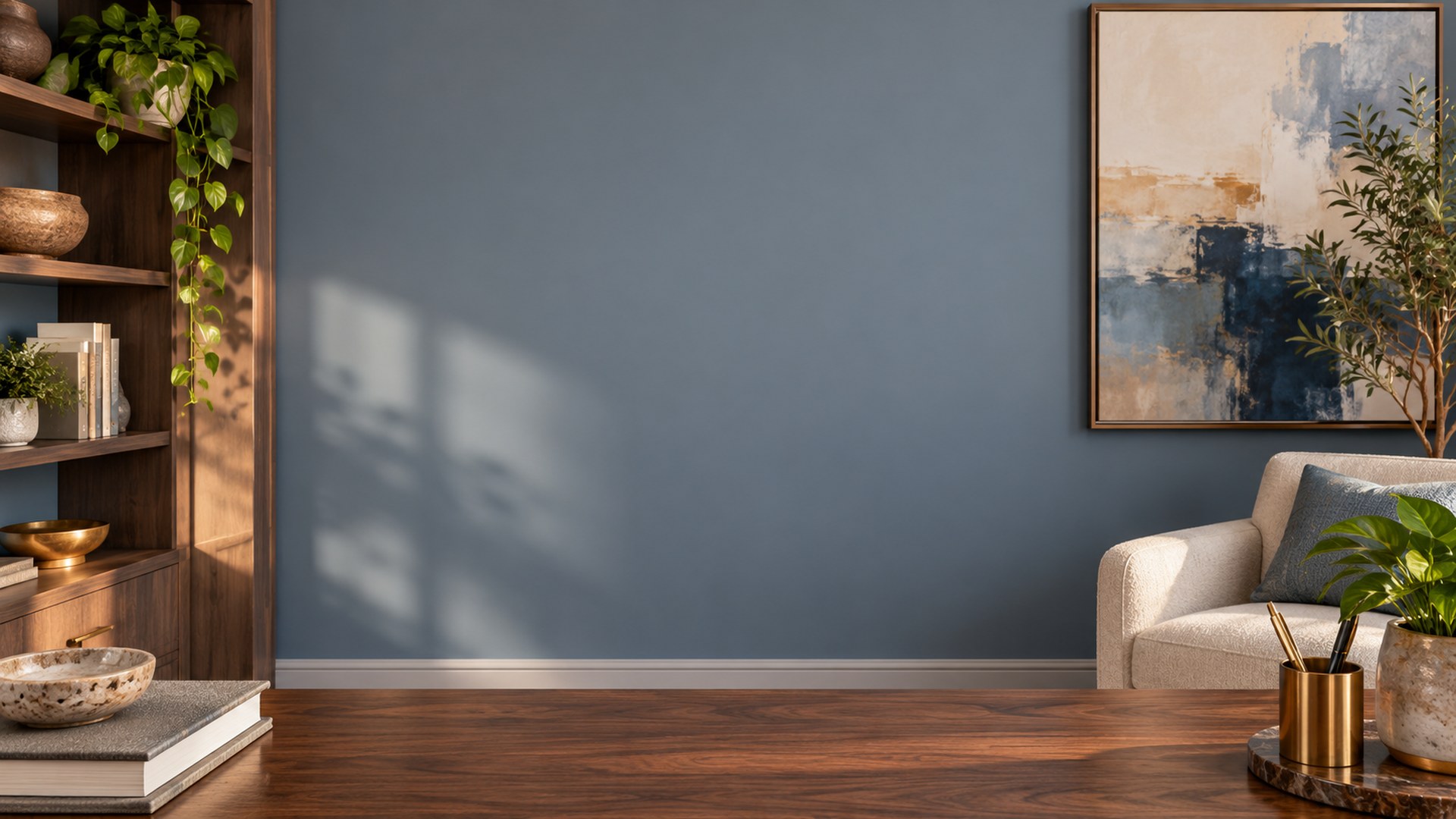
Minimal Studio Zoom Backgrounds
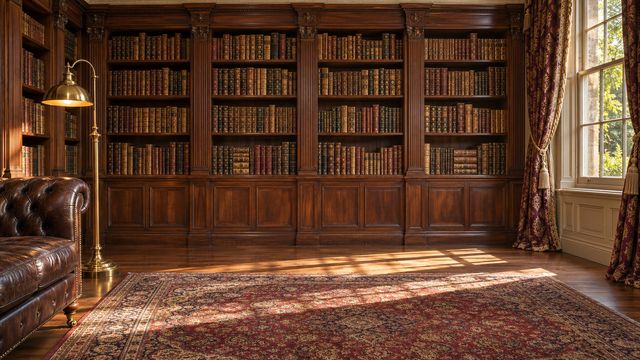
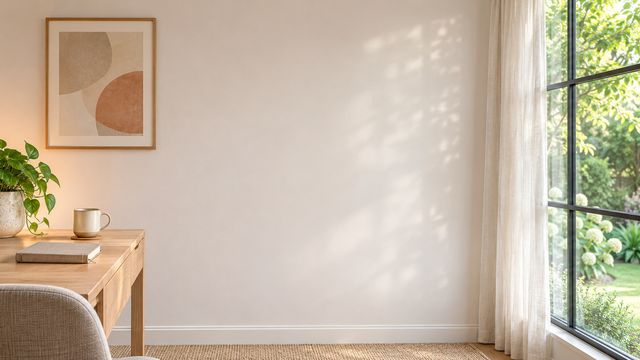
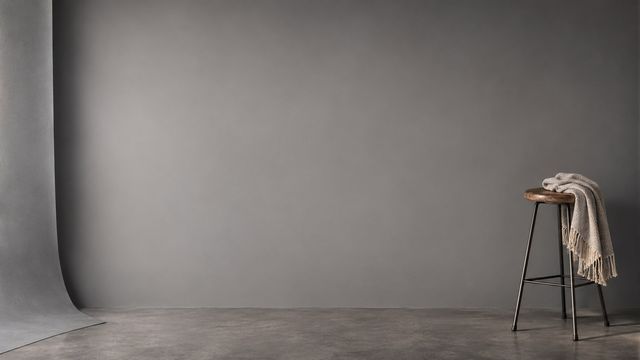
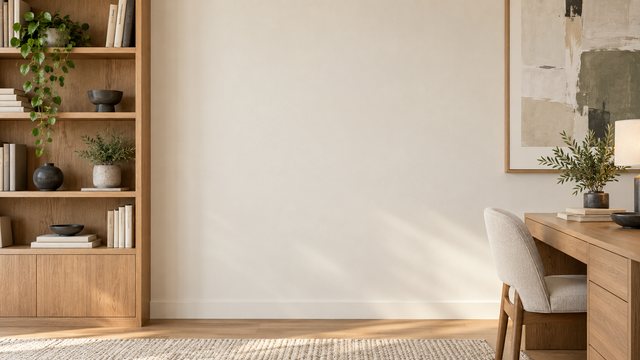
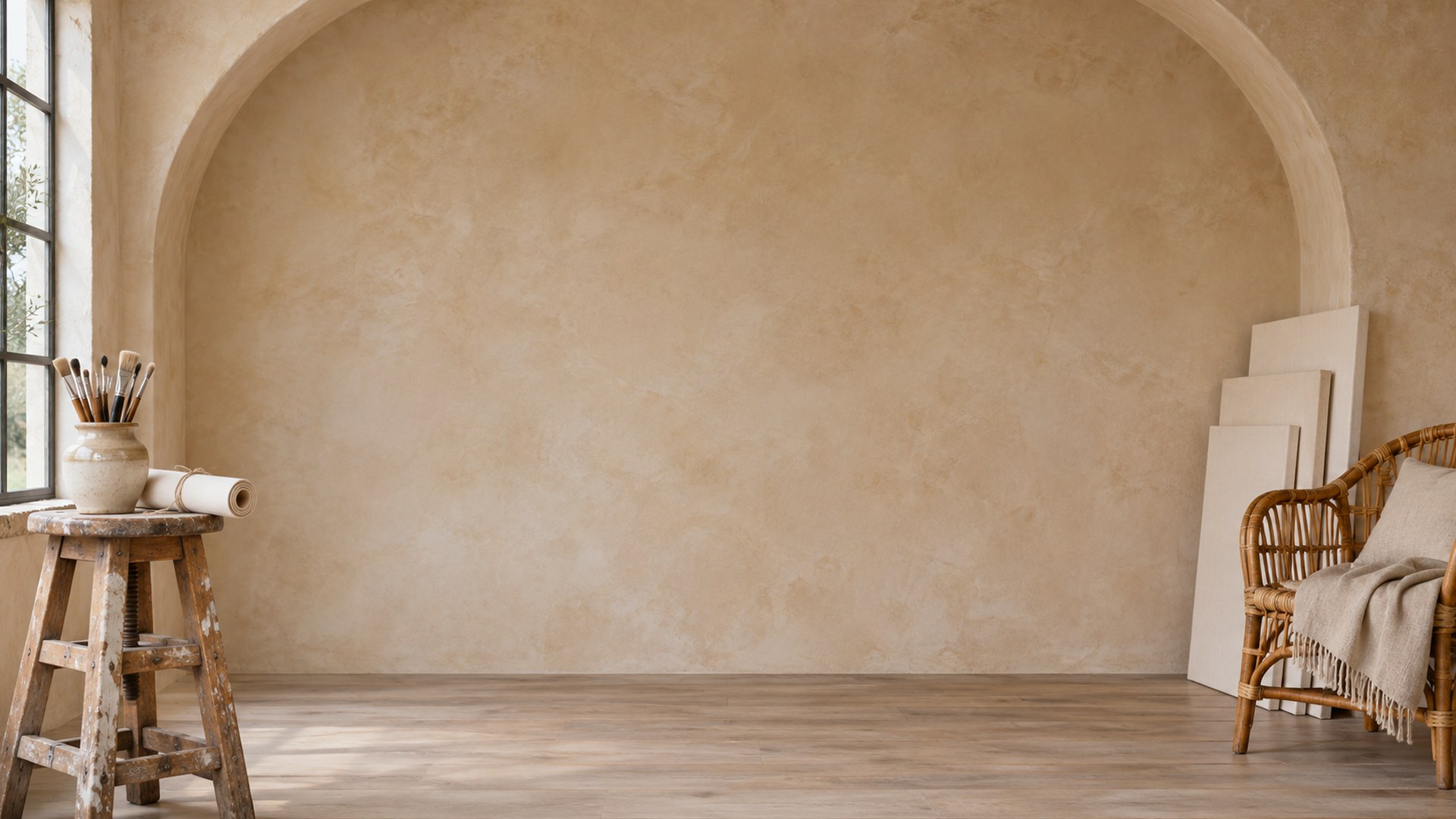
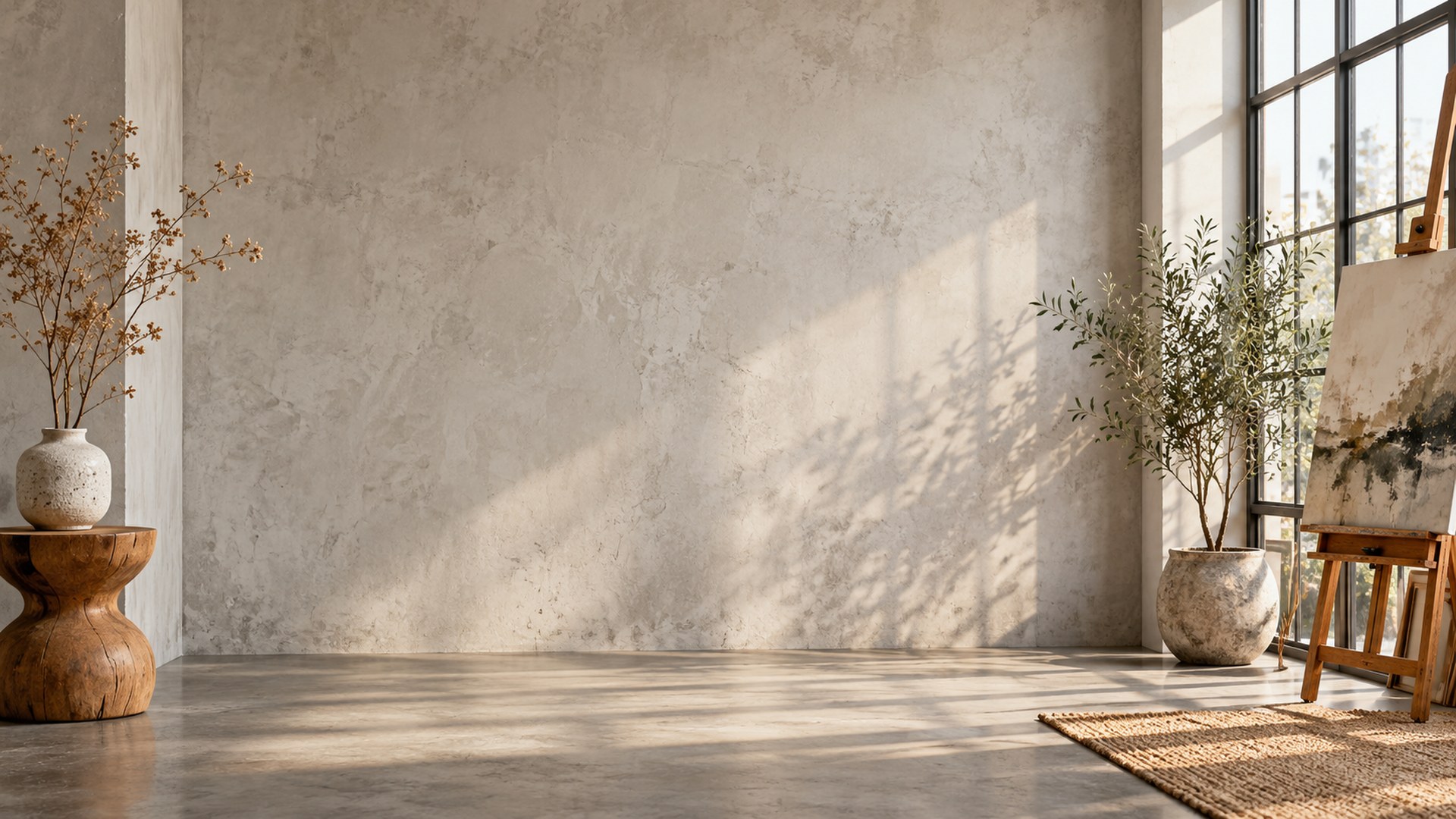
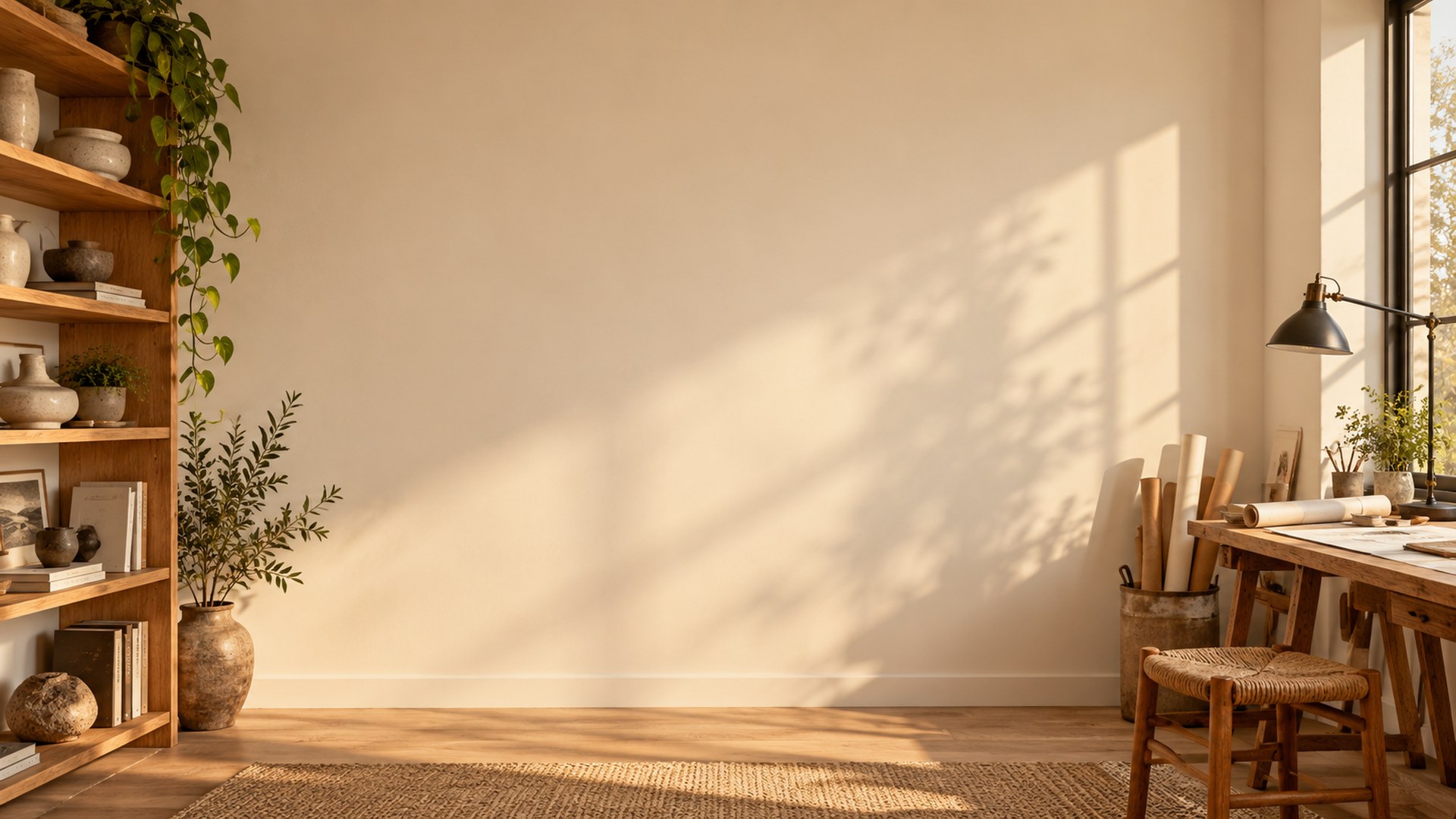
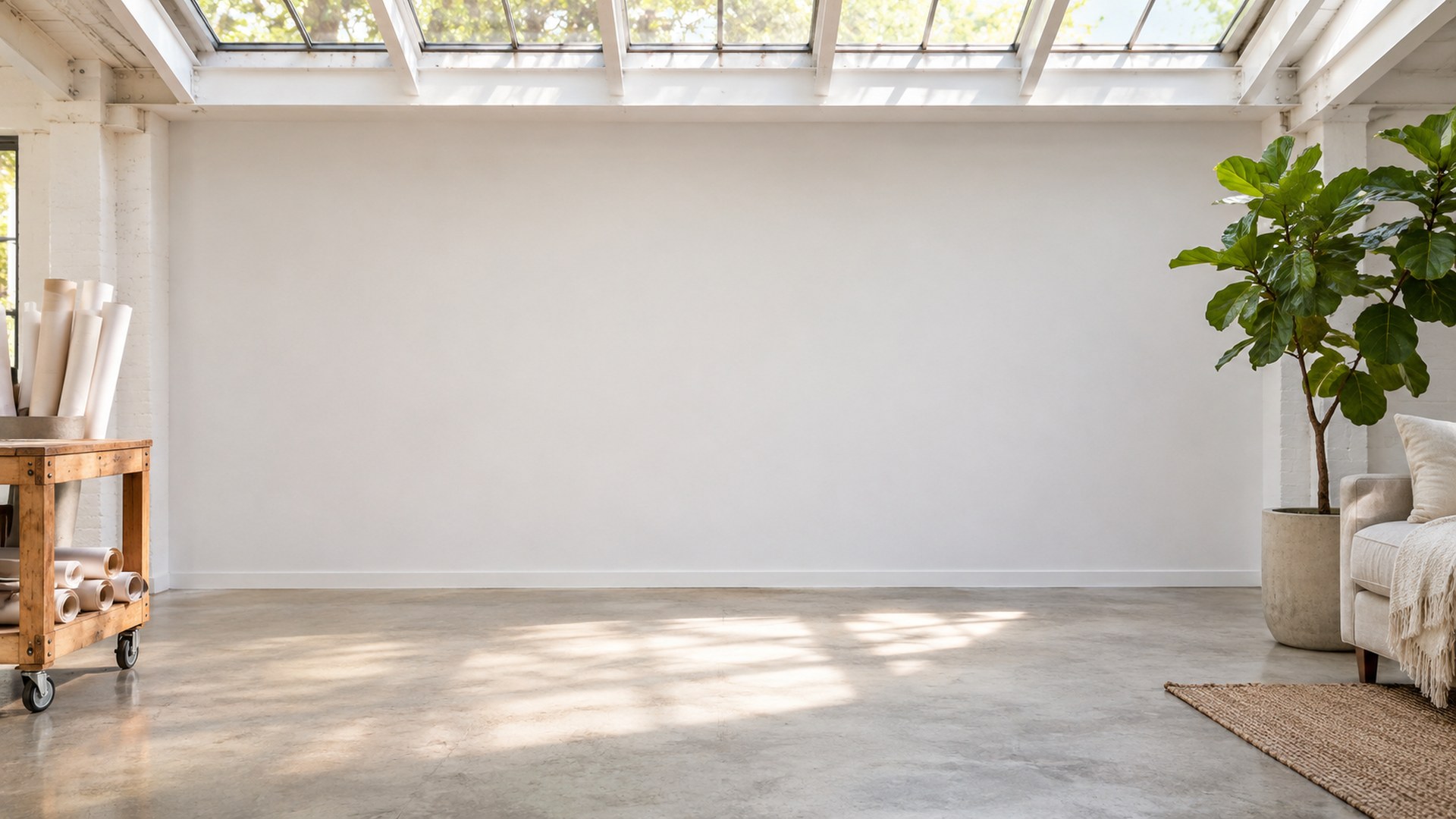
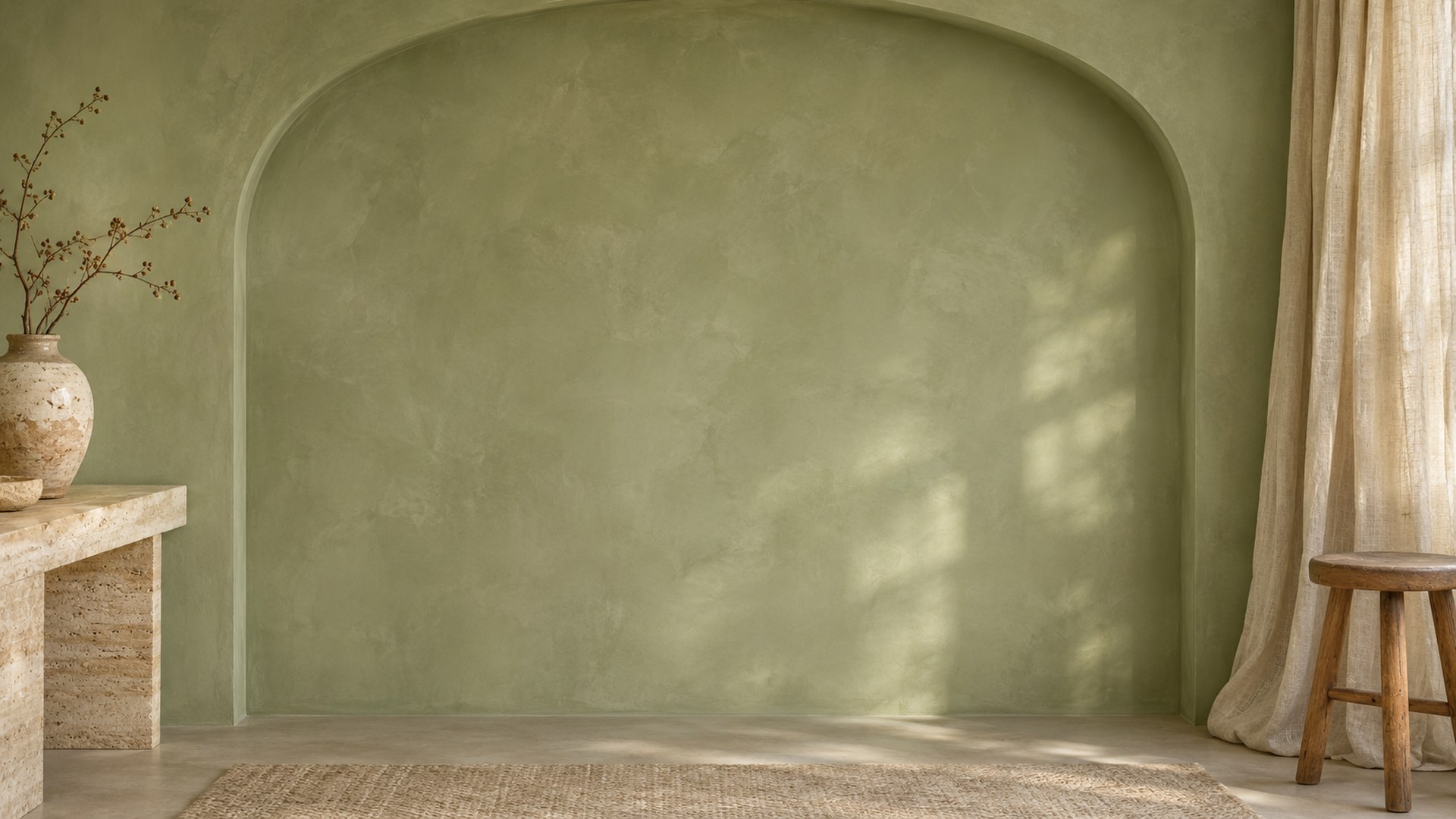
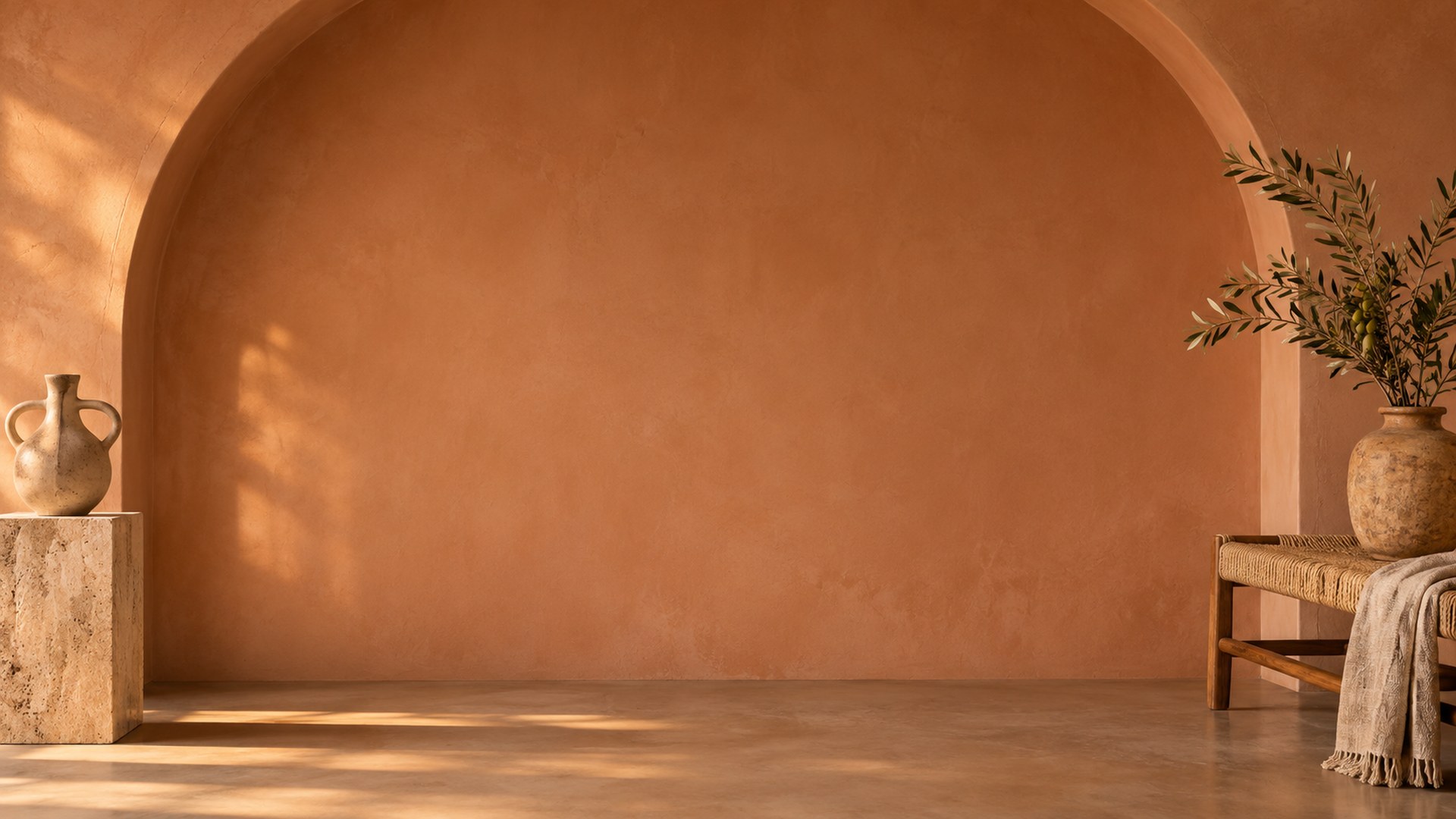
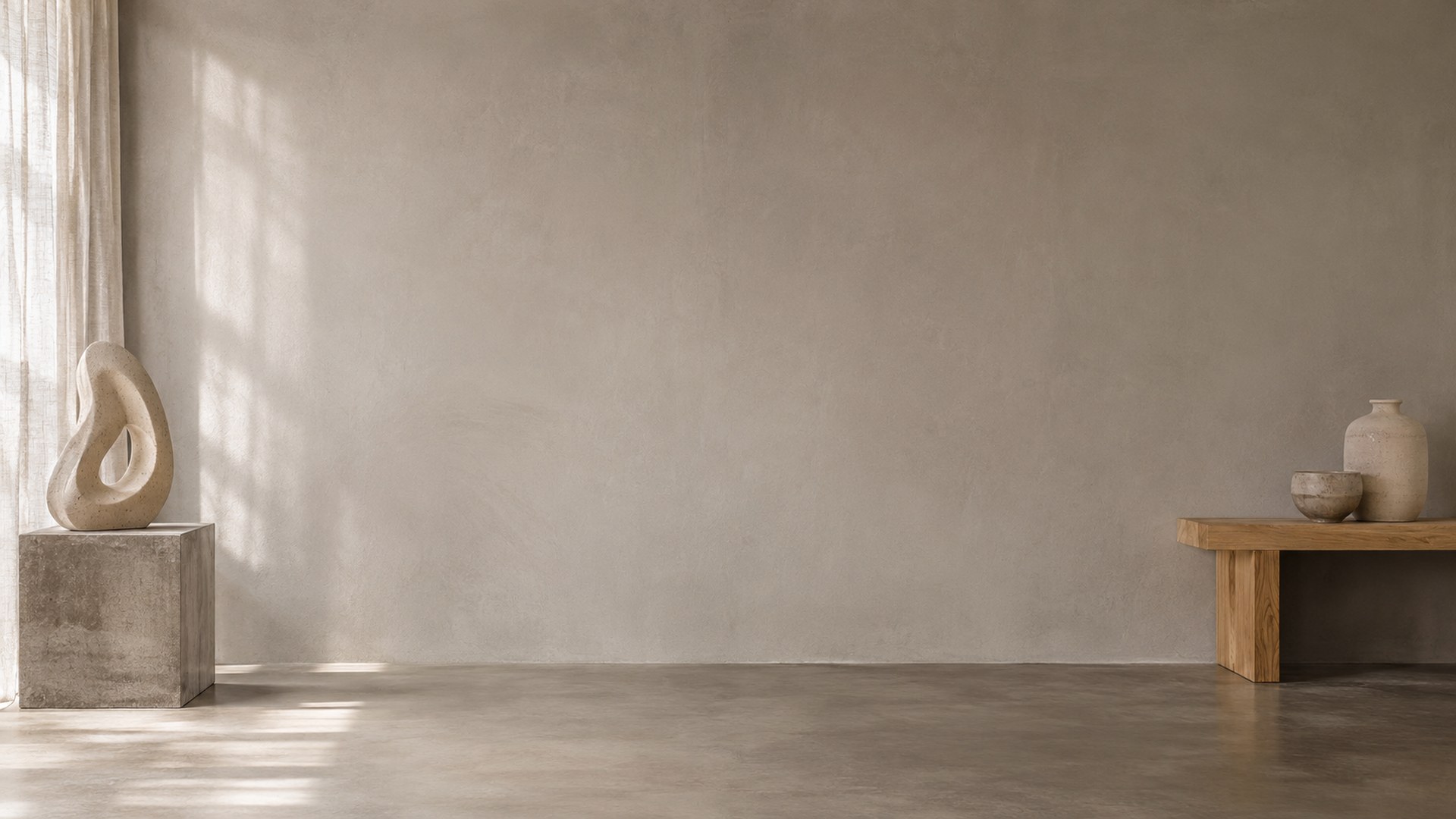
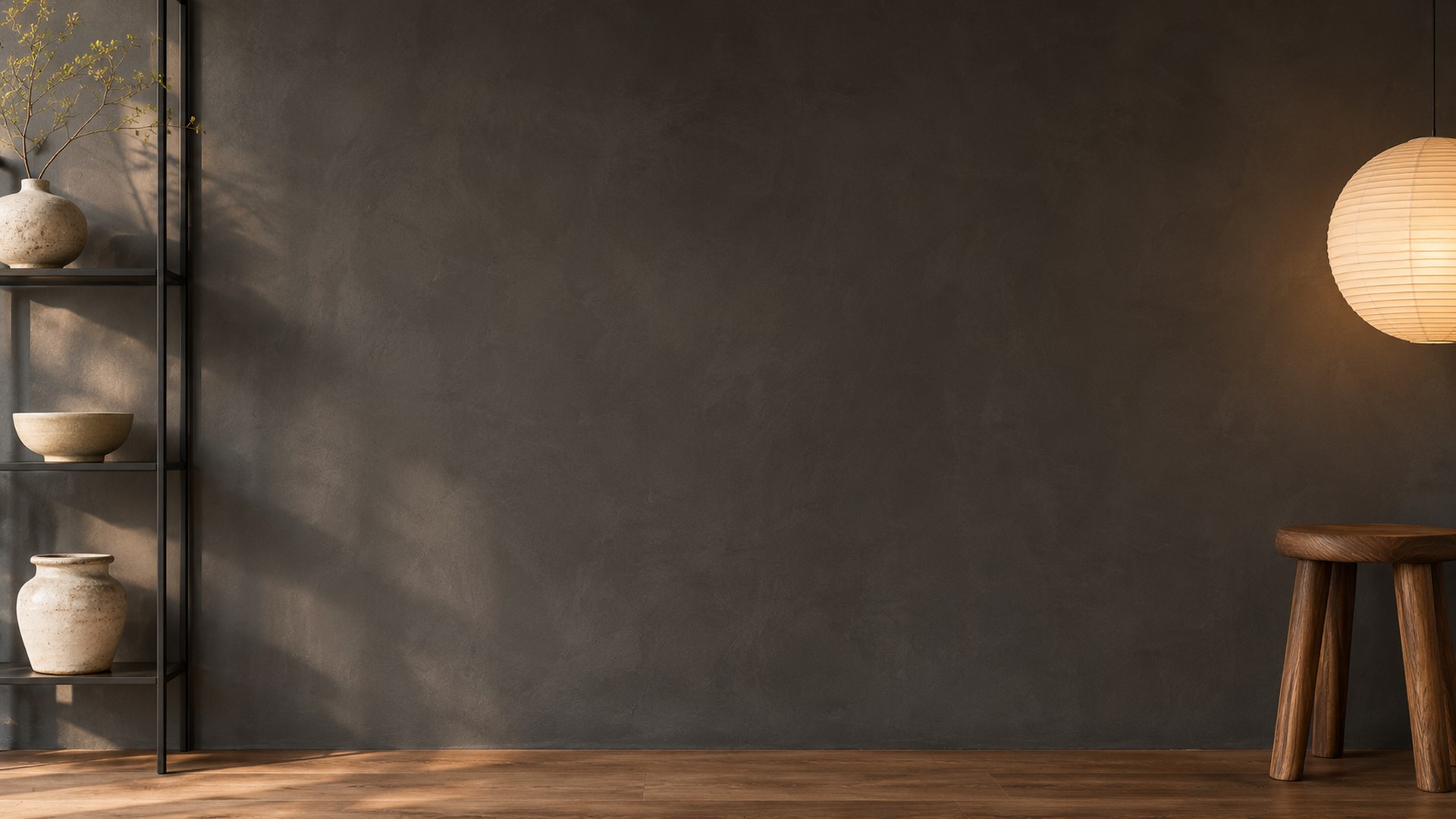
14 free 1920×1080 minimal studio backgrounds for Zoom, Teams and Google Meet. Warm plaster, gallery-white walls, sage arches and charcoal sets — no clutter behind your head, no signup and no watermark.
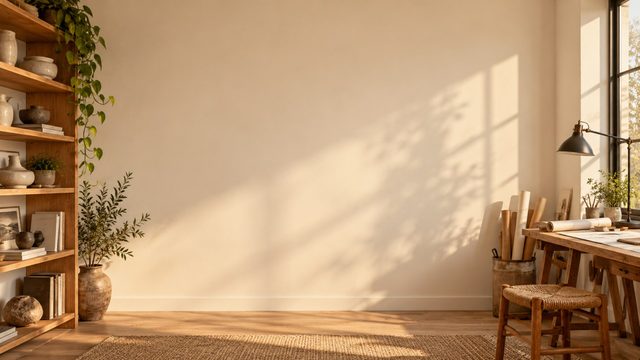
ready to upload
Pick a room. Keep the call.
Every file is a finished 1920×1080 JPG. Search, filter, preview or download directly.
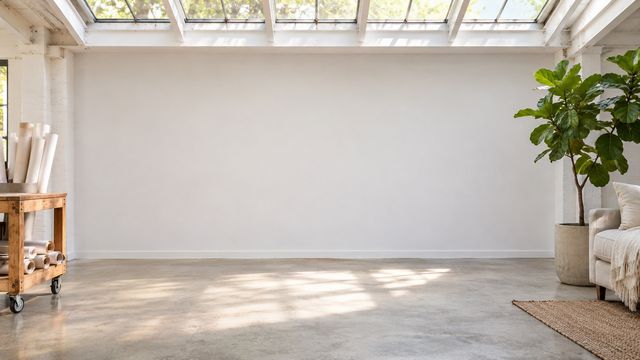
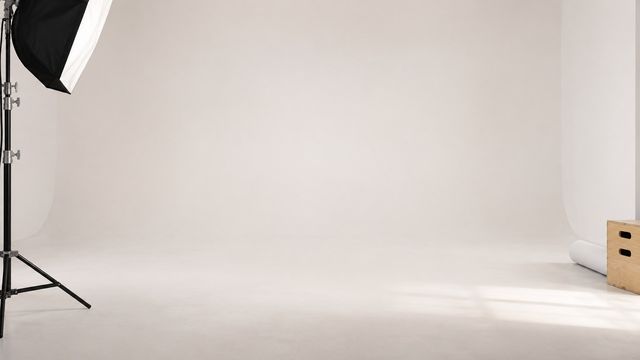
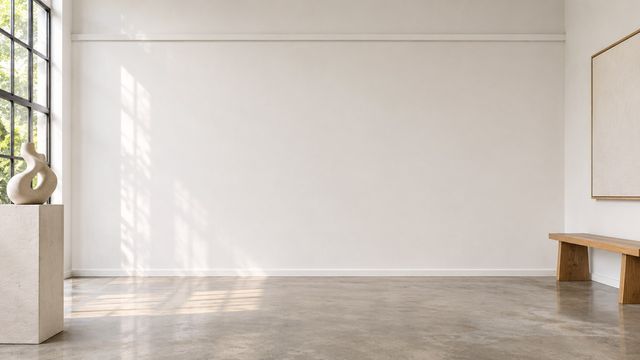
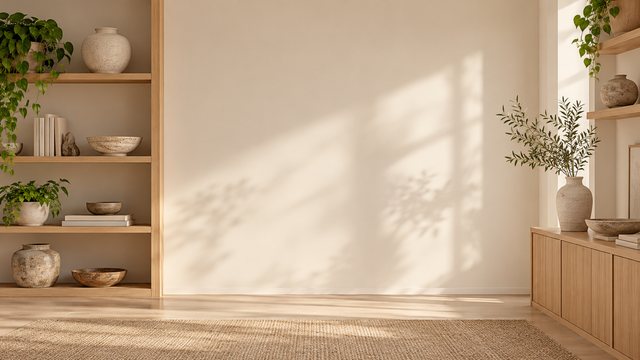
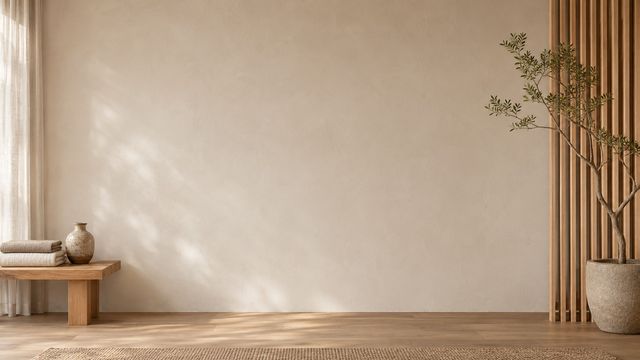
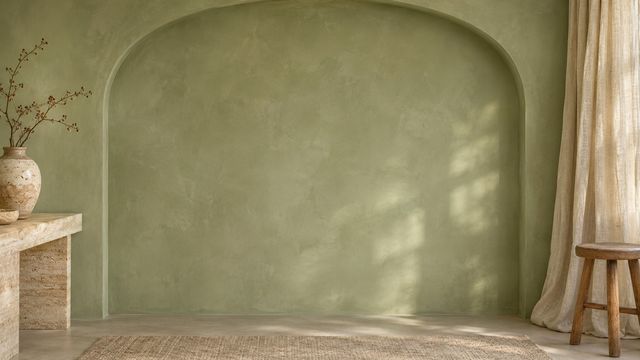
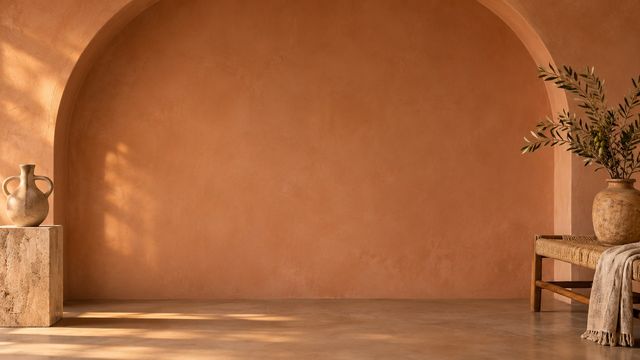
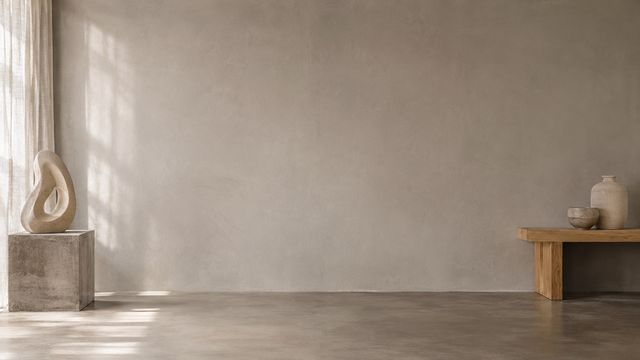
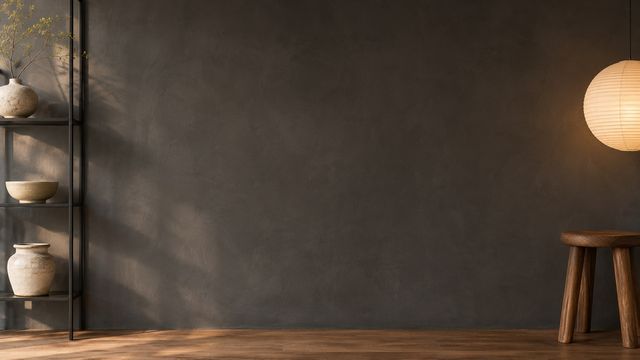
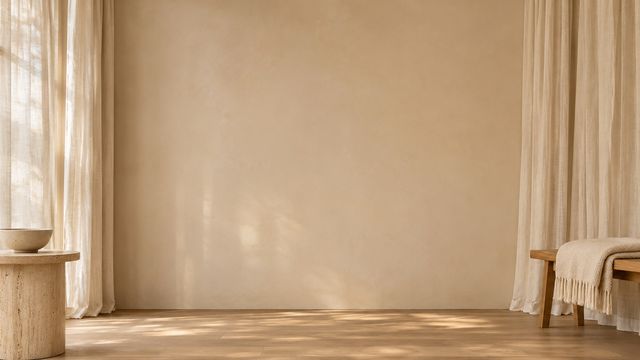
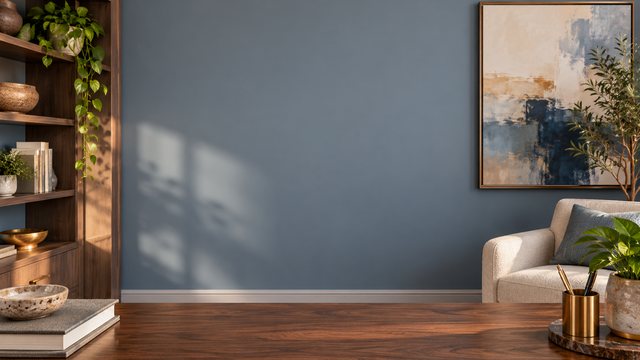
Match the scene to the meeting.
Not every good background is a good client backdrop. Use these as a starting point.
Recordings
Plain walls and controlled light keep the focus on what you are saying.
Portfolio reviews
A quiet, gallery-like frame for creative work and client feedback.
One-to-ones
A clean backdrop for conversations that should feel personal, not staged.
From download to done.
The same three steps work in Zoom, Teams and Google Meet.
Download the JPG
Choose any room above. The original 1920×1080 file downloads directly — no account, no editor.
Open your settings
Zoom: Background & effects. Teams: Backgrounds. Meet: Change background.
Upload and join
Add the file, leave green screen off, and check the framing before the call starts.
Need a different crop? The free size fixer, maker and compressor all run locally in your browser.
Open the tools ↗Before you upload.
Short answers to the things people ask before their first download.