Home/Library/Thanksgiving backgrounds
Thanksgiving backgrounds · 1920×1080

Free Thanksgiving Zoom & Teams Backgrounds

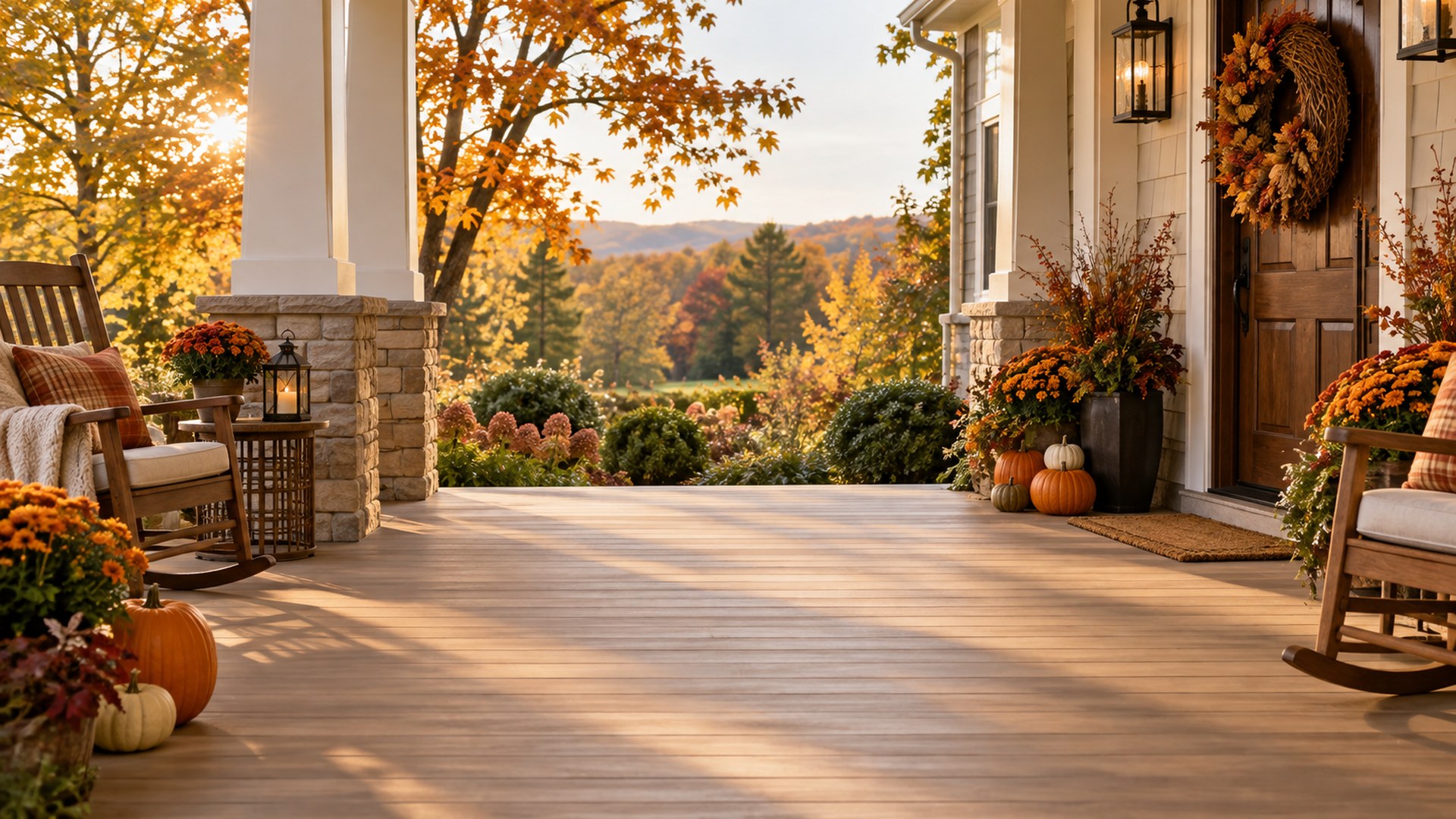
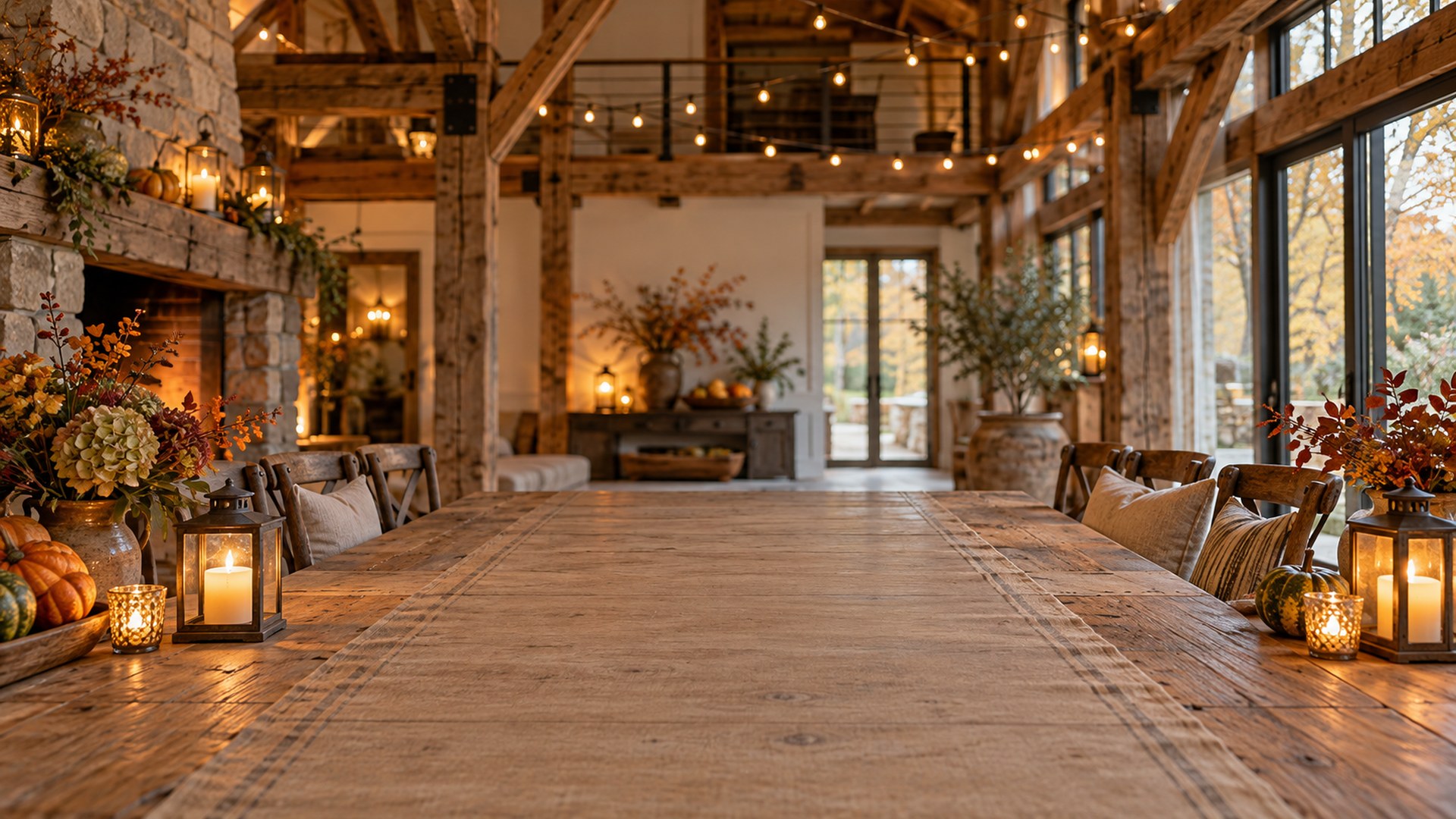
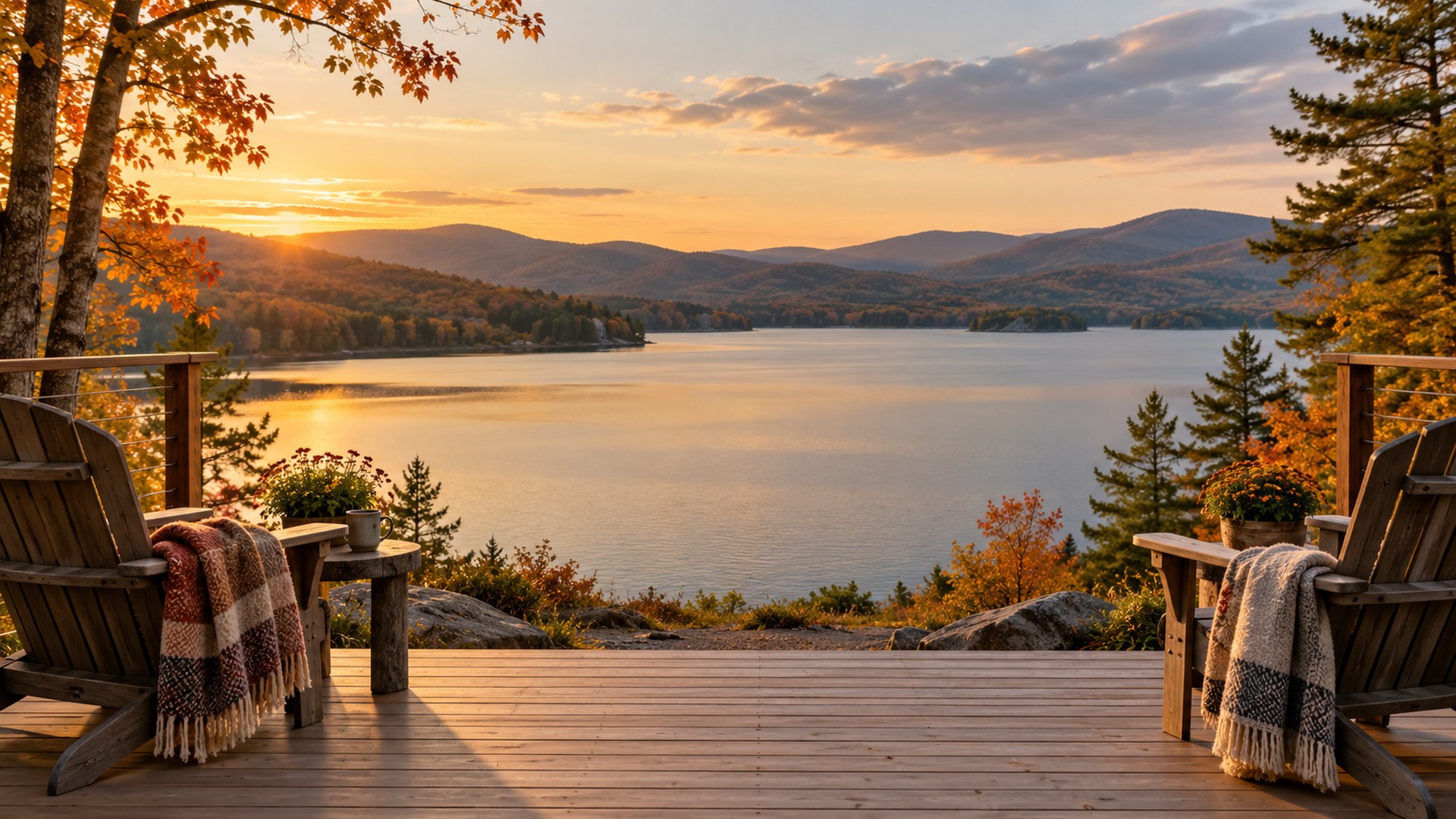
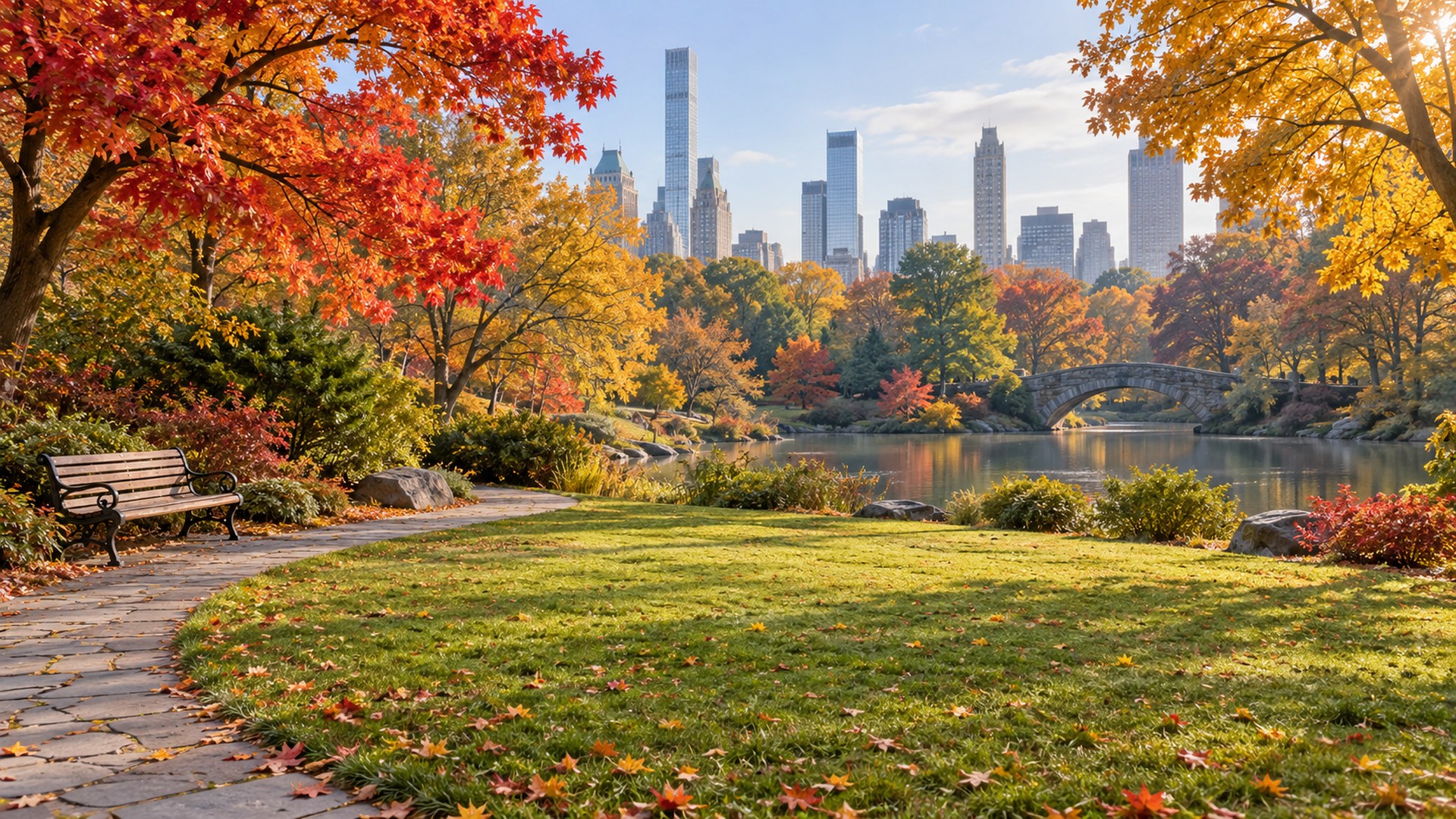
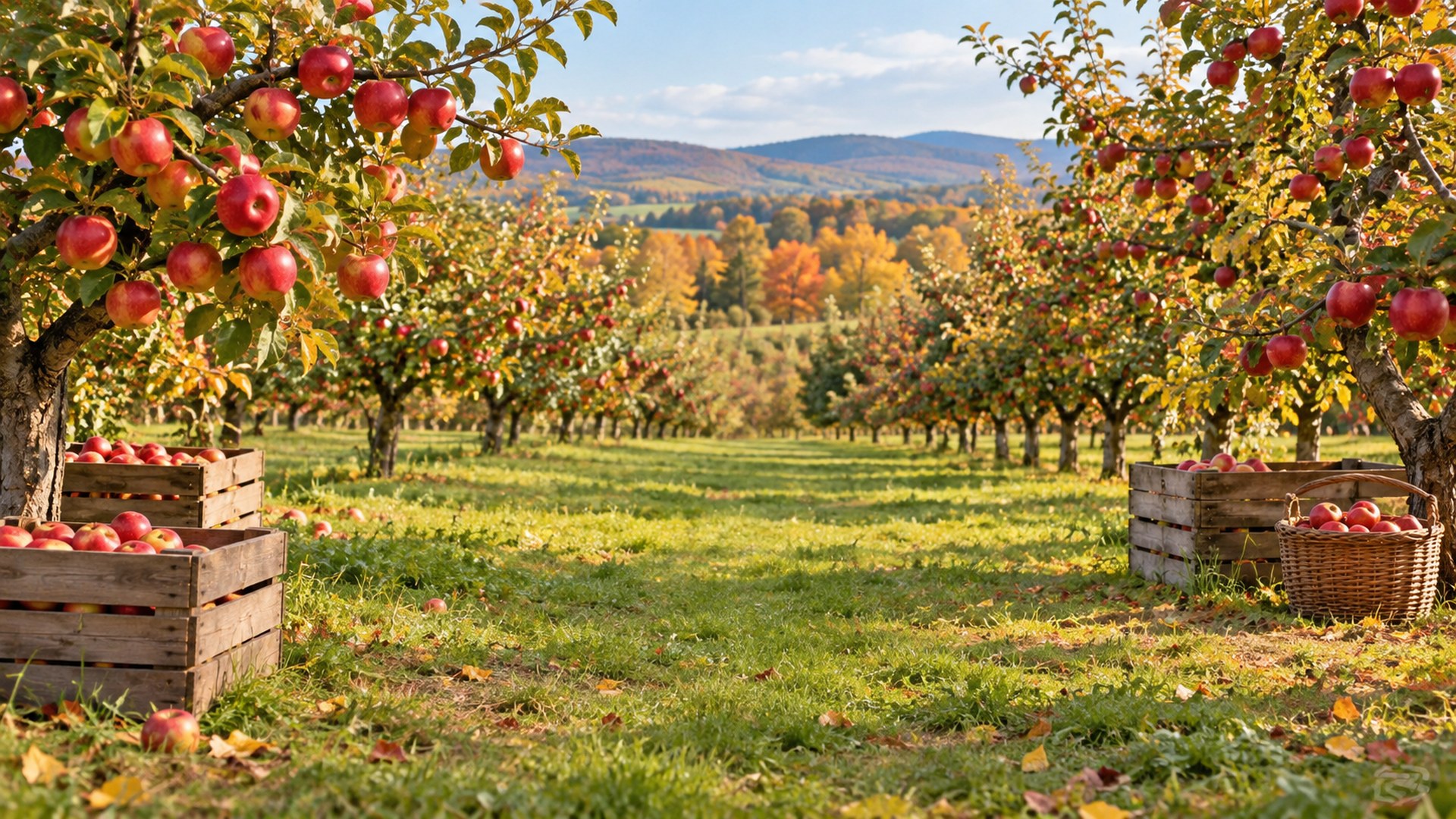
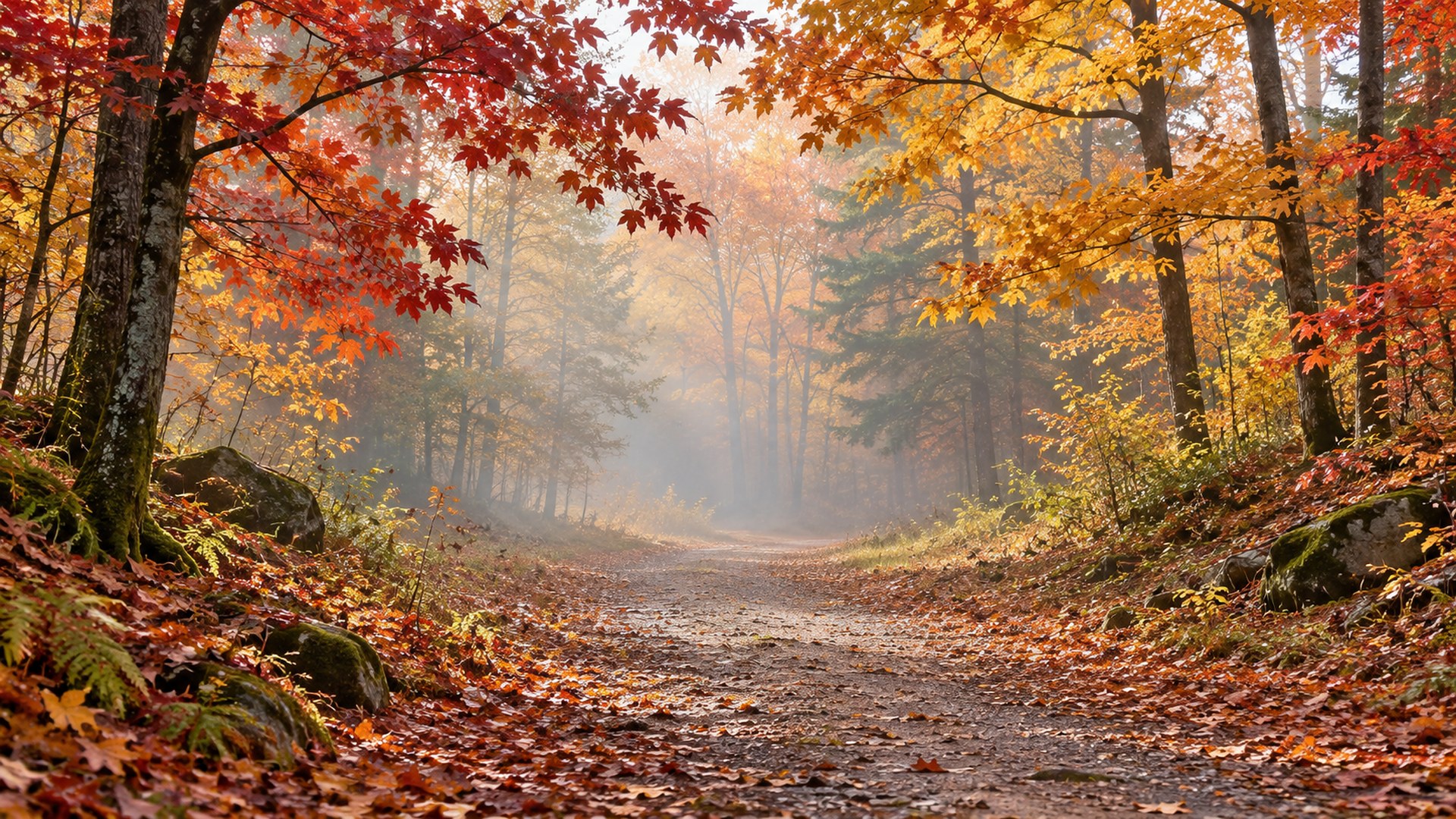
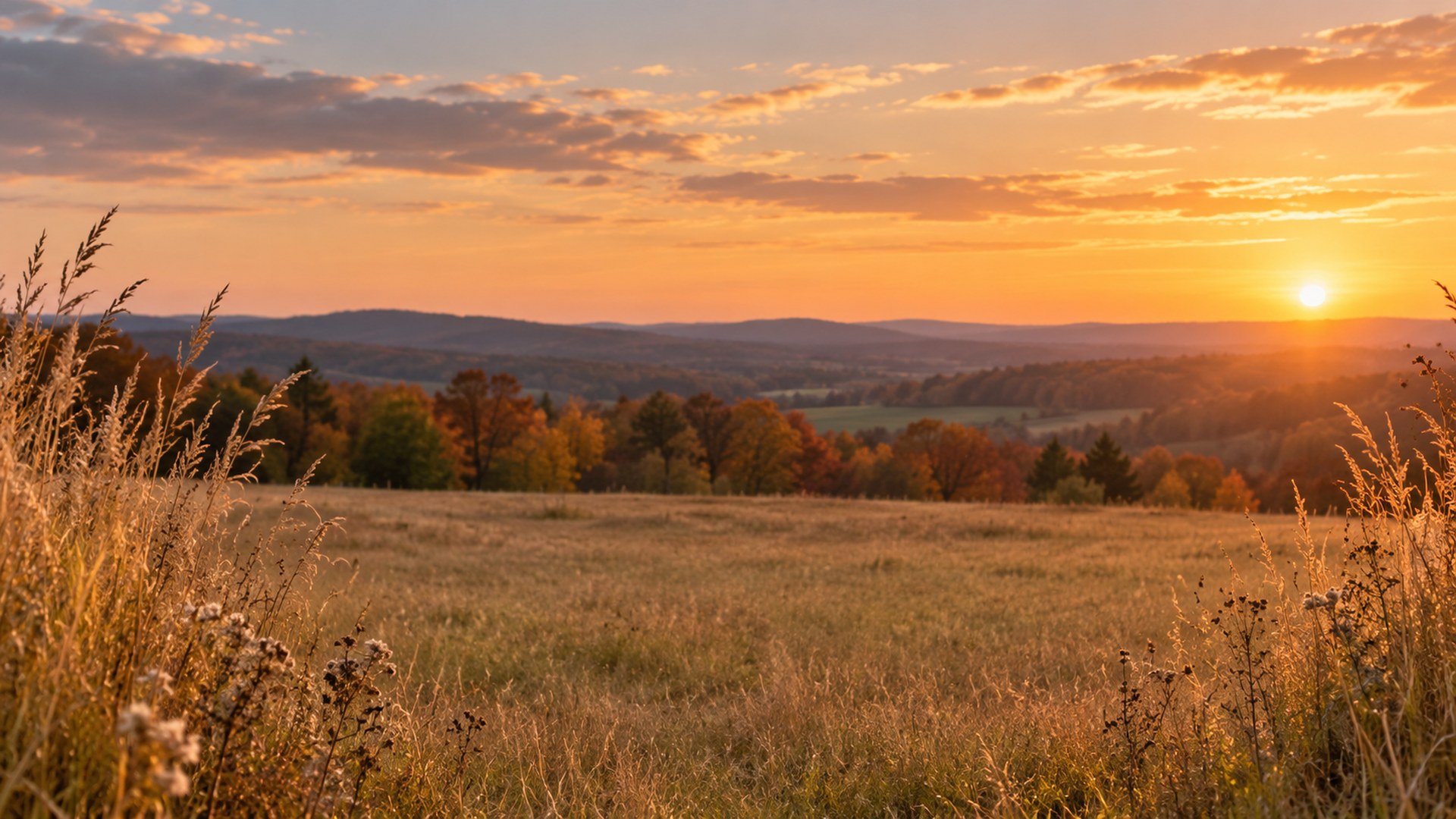
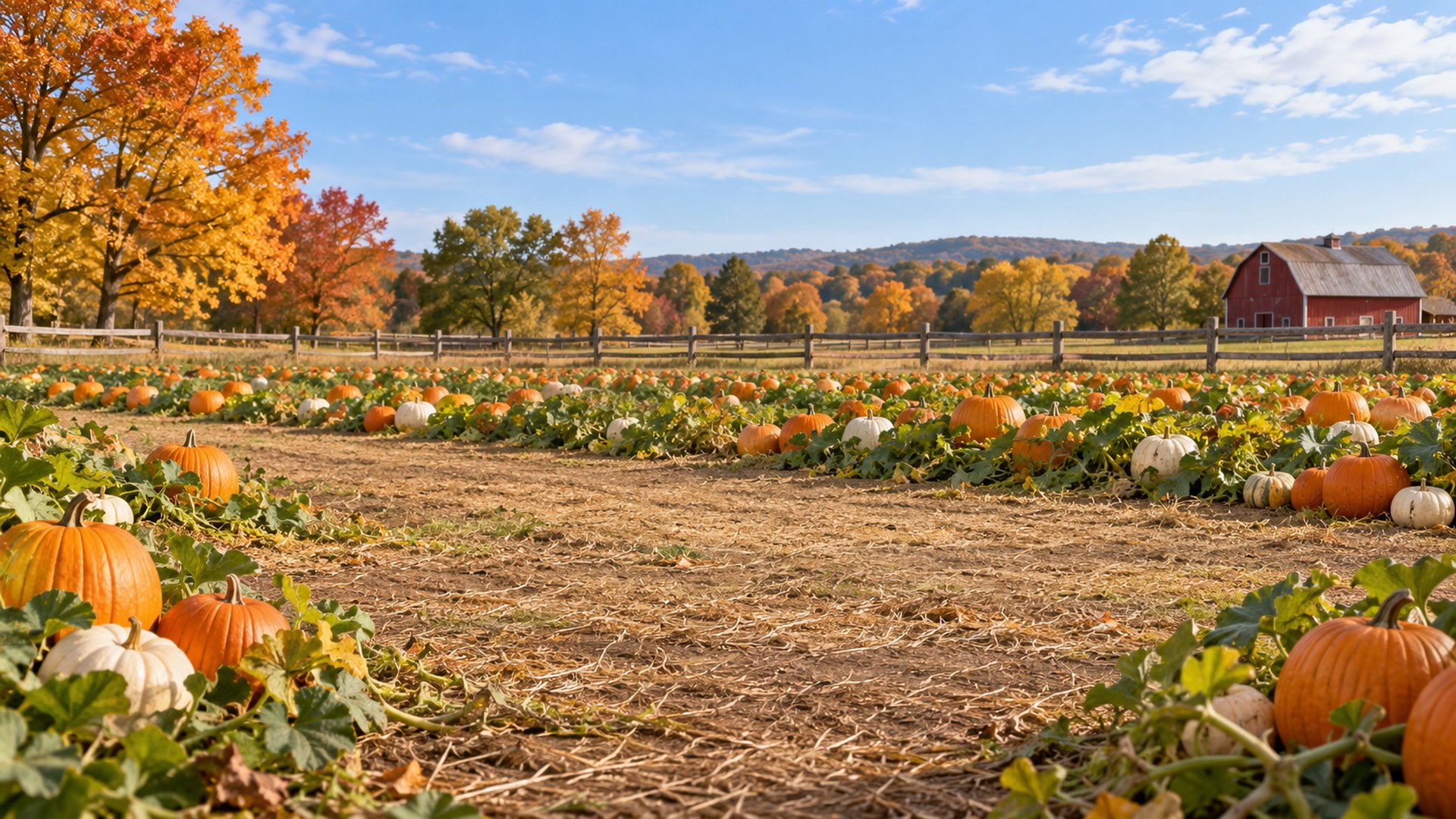
Sixteen HD autumn scenes for the holiday season: harvest tables, fireplaces, porches and golden fields. Every file is sized for a virtual background and downloads directly, with no signup and no watermark.


16 rooms16:9 · HD JPGDirect downloadNo signup
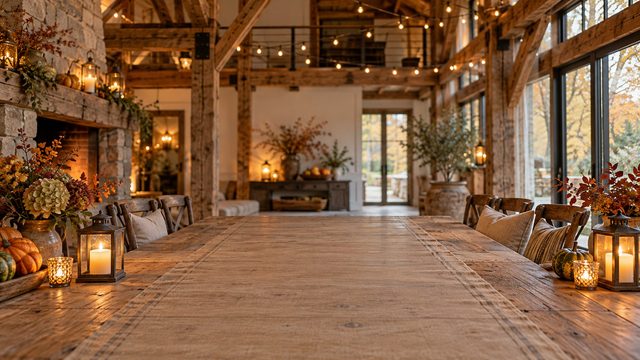
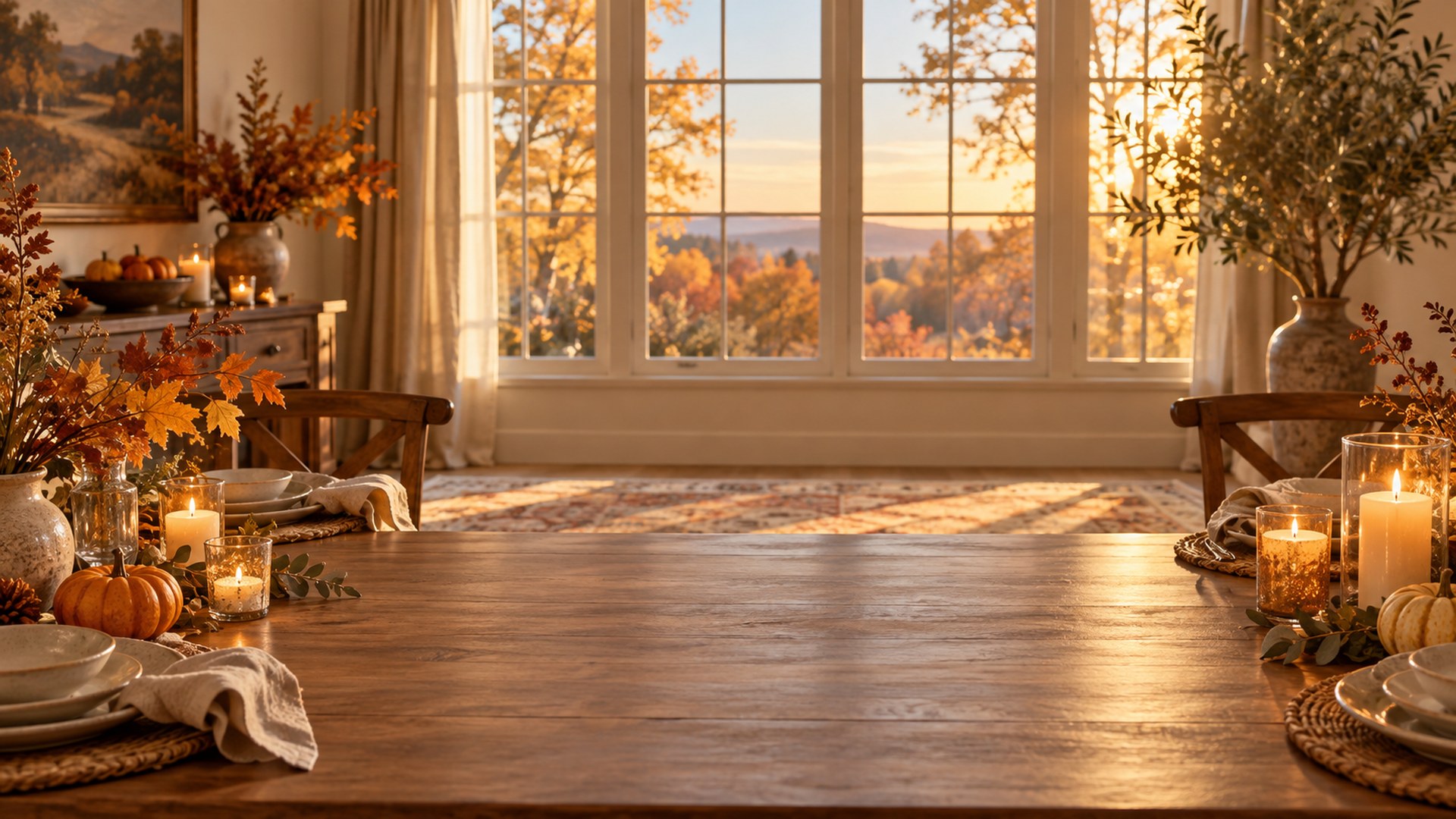
Thanksgiving dining room with a long wooden table, candles and autumn branches in warm sunset light
01Harvest Dining Room
Cozy living room with a lit stone fireplace, wool armchairs and autumn decor
02Fireplace Living Room
Bright farmhouse kitchen with fresh pies cooling and autumn leaves outside the window
03Farmhouse Kitchen
16finished rooms
ready to upload
Use the room

Match the scene to the meeting.

Not every good background is a good client backdrop. Use these as a starting point.

01

Team socials

Enough seasonal detail for the call to notice, not enough to derail it.

02

Client calls

Office-friendly scenes for December and November meetings.

03

Recorded greetings

A warm backdrop for a short video update or end-of-year message.

Thirty seconds

From download to done.

The same three steps work in Zoom, Teams and Google Meet.

STEP 01

Download the JPG

Choose any room above. The original 1920×1080 file downloads directly — no account, no editor.

STEP 02

Open your settings

Zoom: Background & effects. Teams: Backgrounds. Meet: Change background.

STEP 03

Upload and join

Add the file, leave green screen off, and check the framing before the call starts.

Need a different crop? The free size fixer, maker and compressor all run locally in your browser.

Open the tools ↗
Questions

Before you upload.

Short answers to the things people ask before their first download.

Are these Thanksgiving backgrounds free?
Yes. Every background downloads as a full-size JPG with no signup, no trial and no watermark. Use them in work meetings, family calls, interviews and webinars.
What size are the Thanksgiving backgrounds?
Each file is 1920x1080 pixels in a 16:9 frame and stays under 1.5 MB, the size and format Zoom and Microsoft Teams expect for a virtual background.
Can I use the same image in Zoom and Teams?
Yes. The files are not tied to one app. Download once and upload the same JPG in Zoom under Background & effects, or in Teams under Video effects.
Do I need a green screen?
No. Both Zoom and Teams can replace your background without one on most modern laptops and phones. Even lighting and a plain wall behind you improve the cut-out.
When should I switch to a Thanksgiving background?
US Thanksgiving falls on 26 November 2026, and most teams start using autumn backgrounds in early November. The outdoor scenes also work through the rest of fall.
Will a busy background hurt my video quality?
Fine detail such as leaves and books can shimmer on a 720p webcam. Every scene here keeps the lower centre calm, so your head and shoulders stay clean and readable.