Home/Library/Plant offices
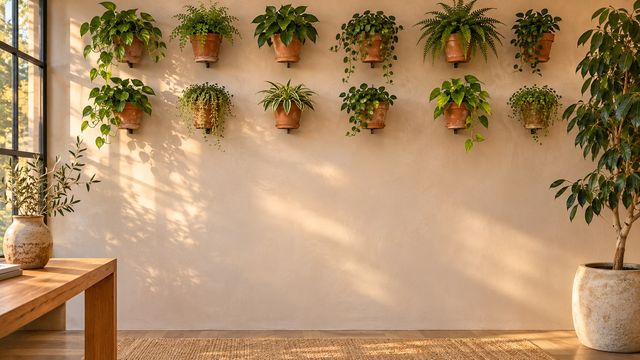
Plant offices · 1920×1080

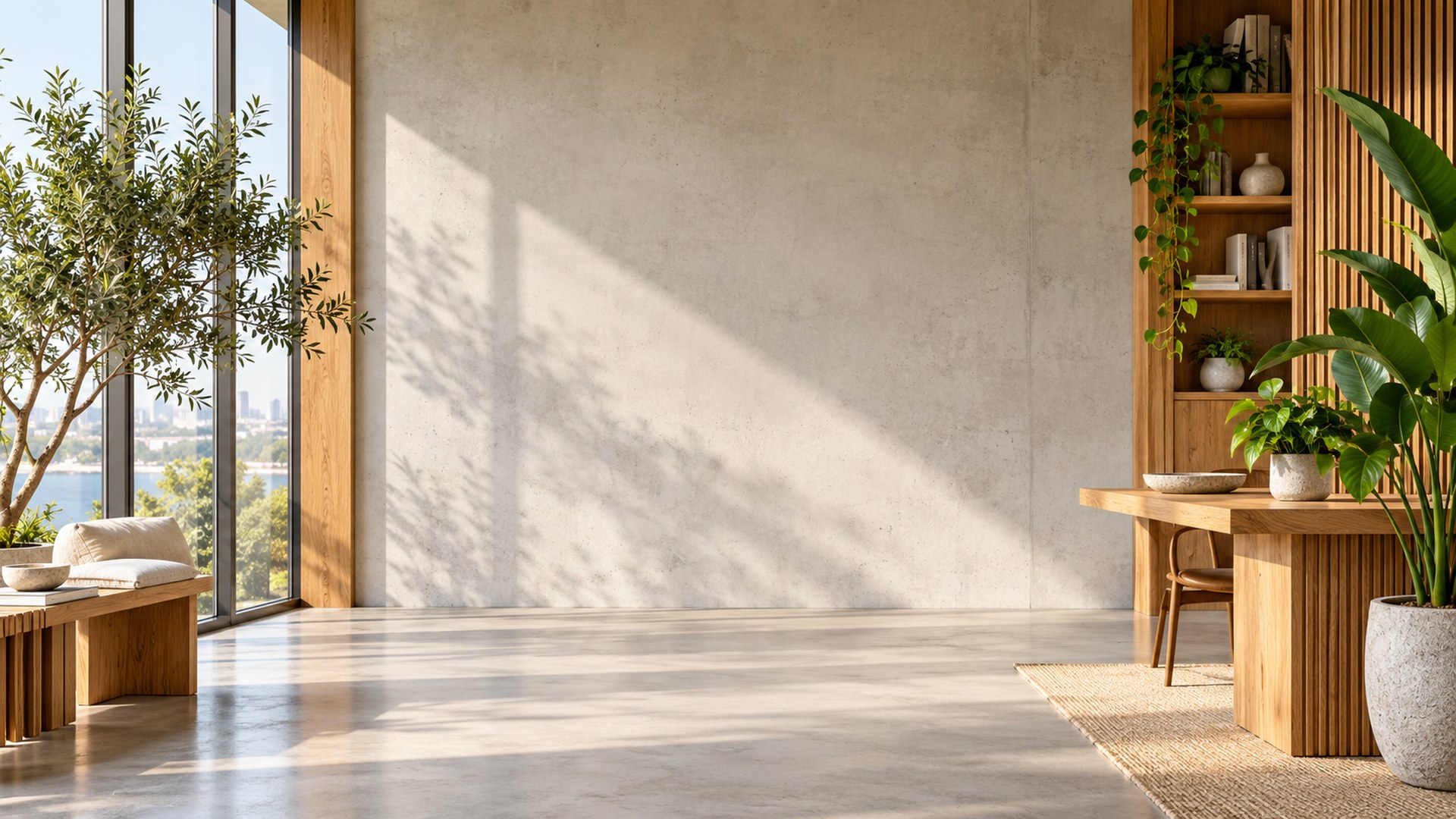
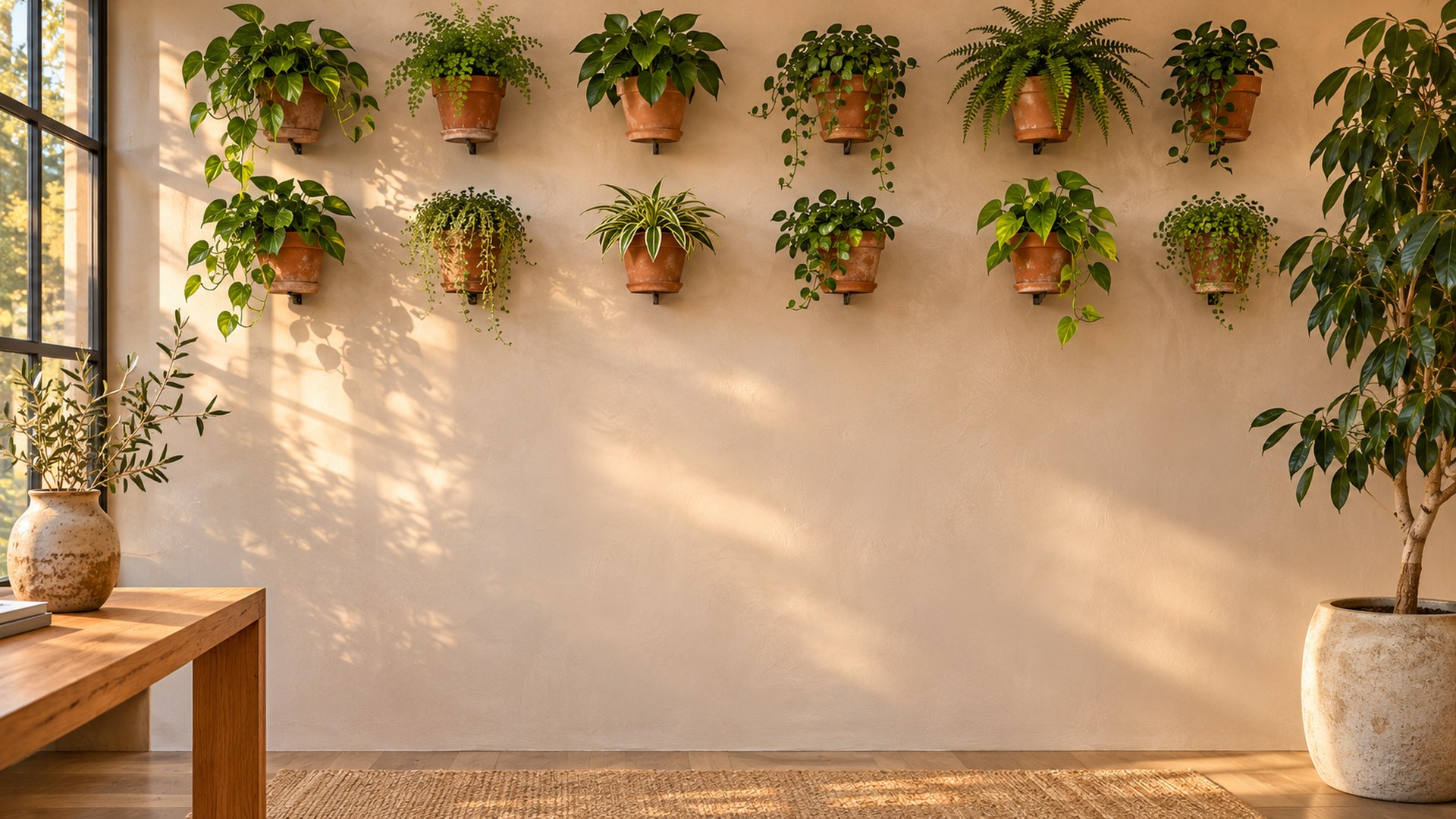
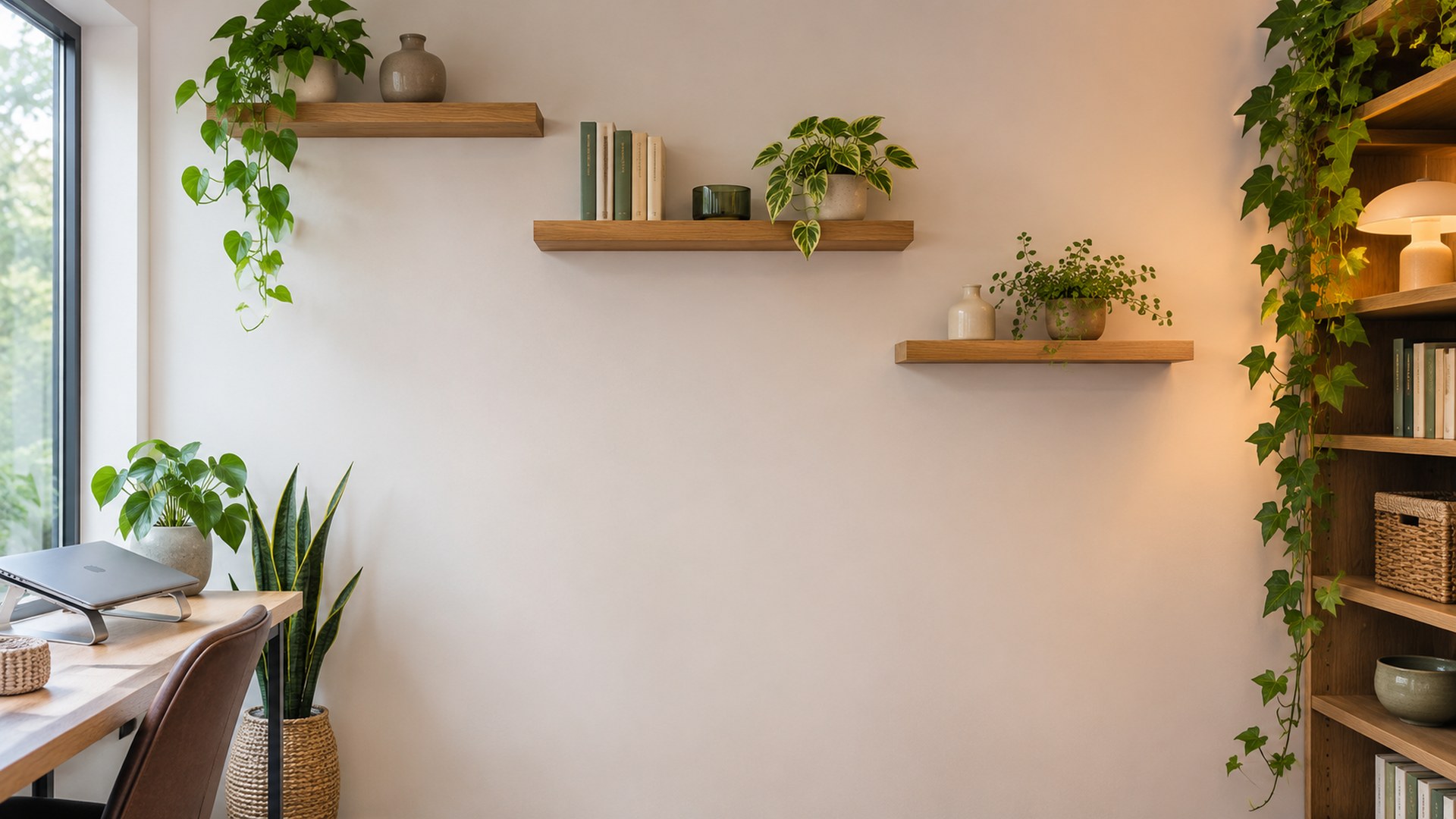
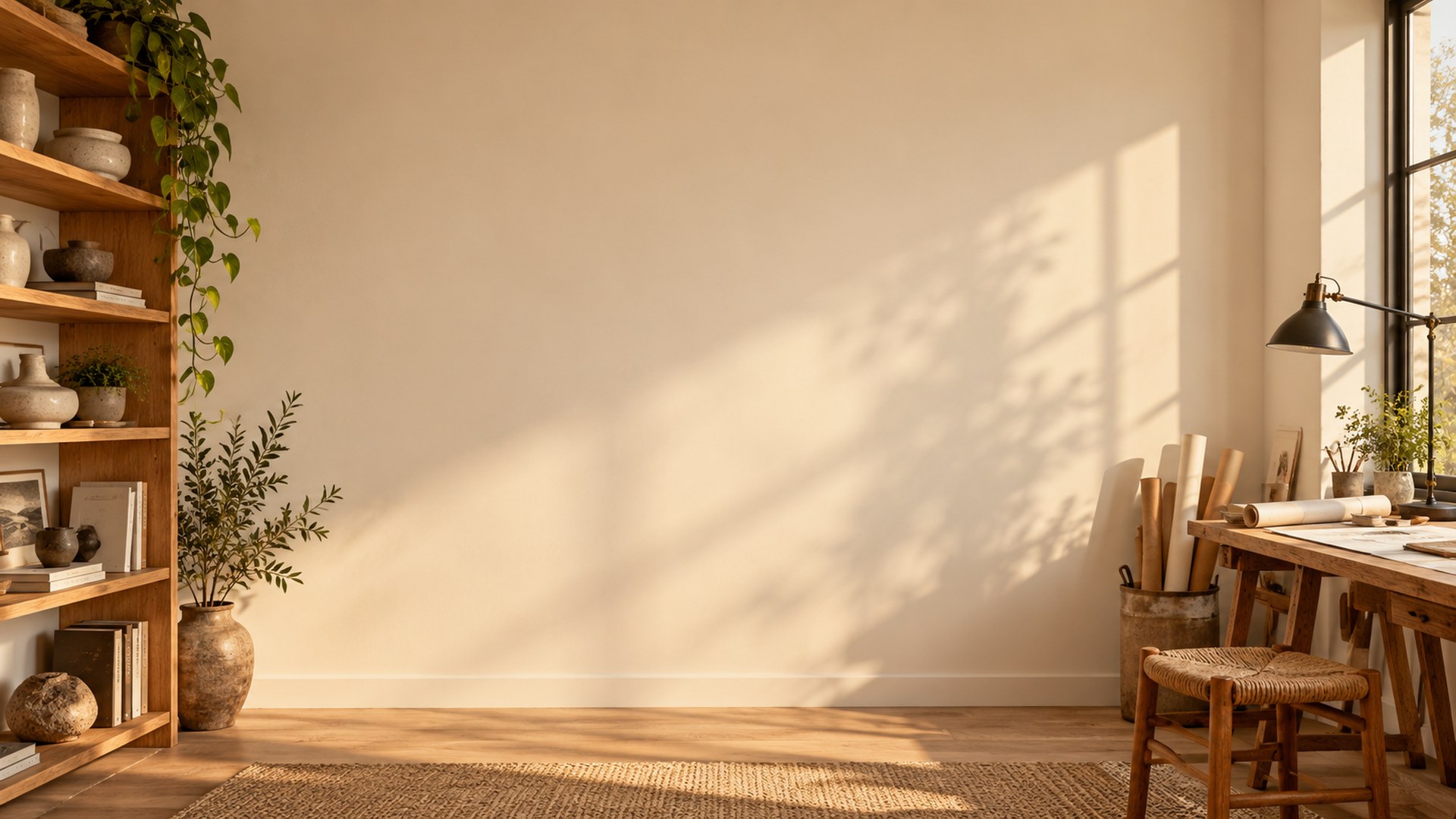
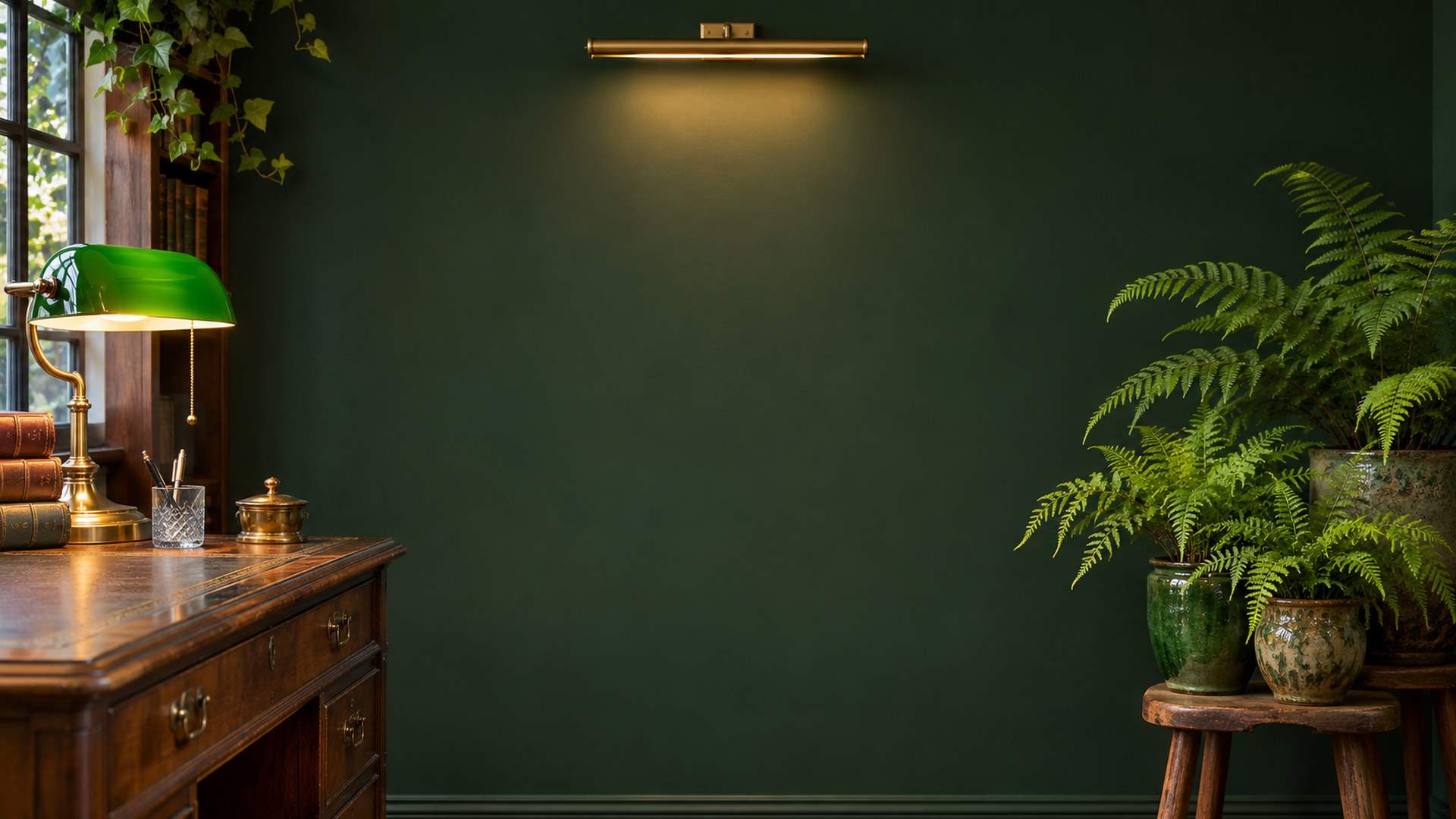
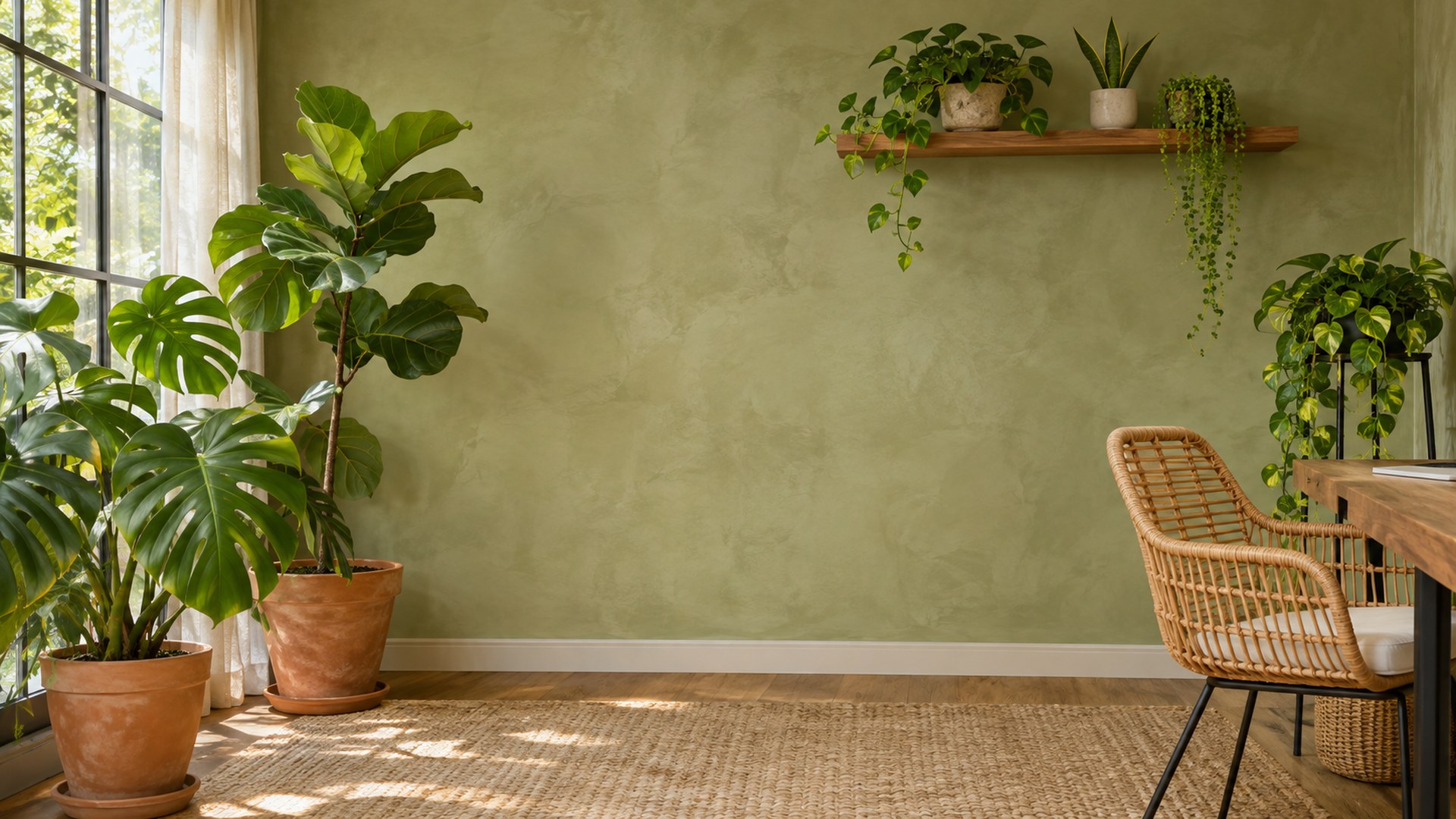
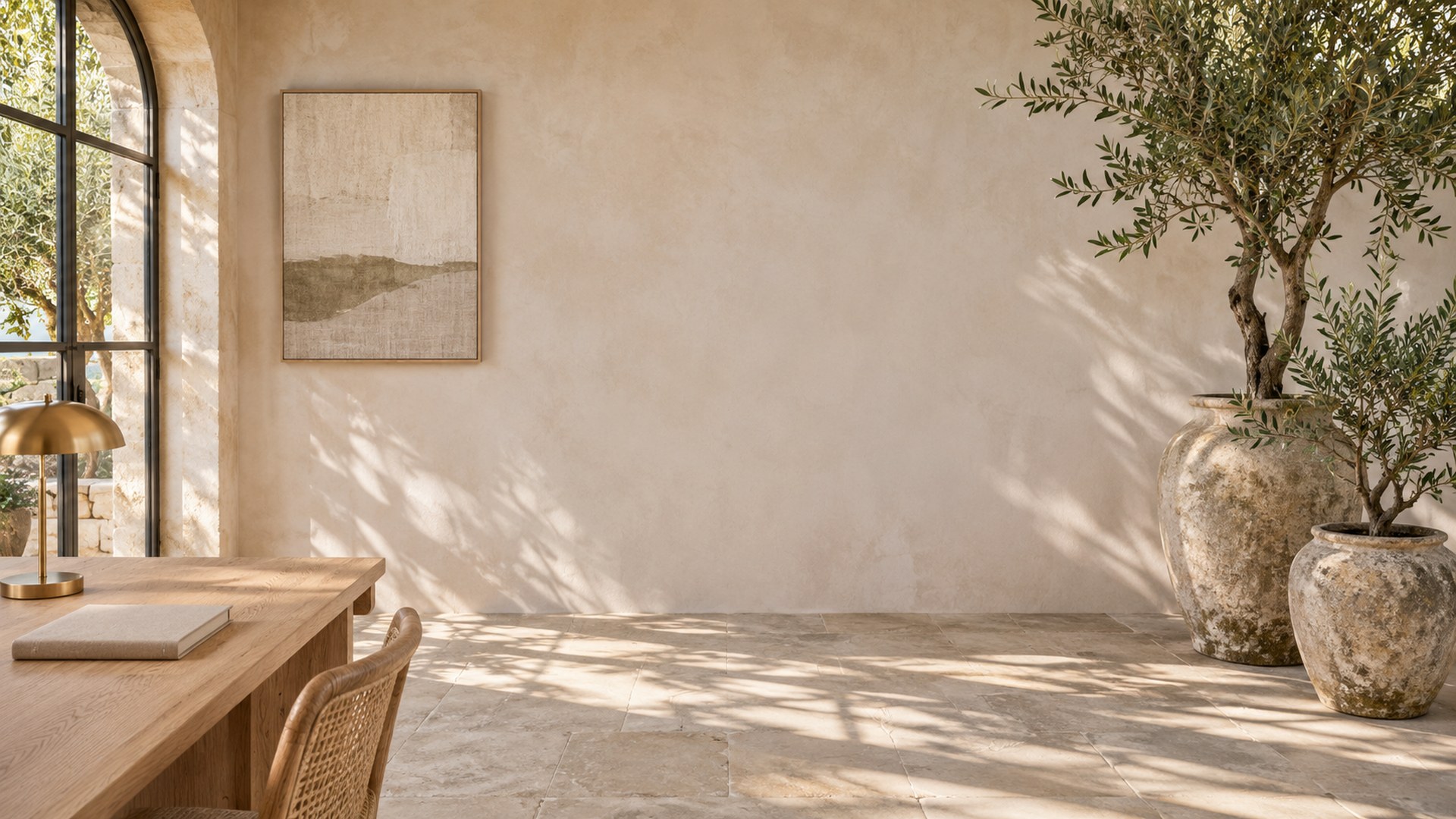
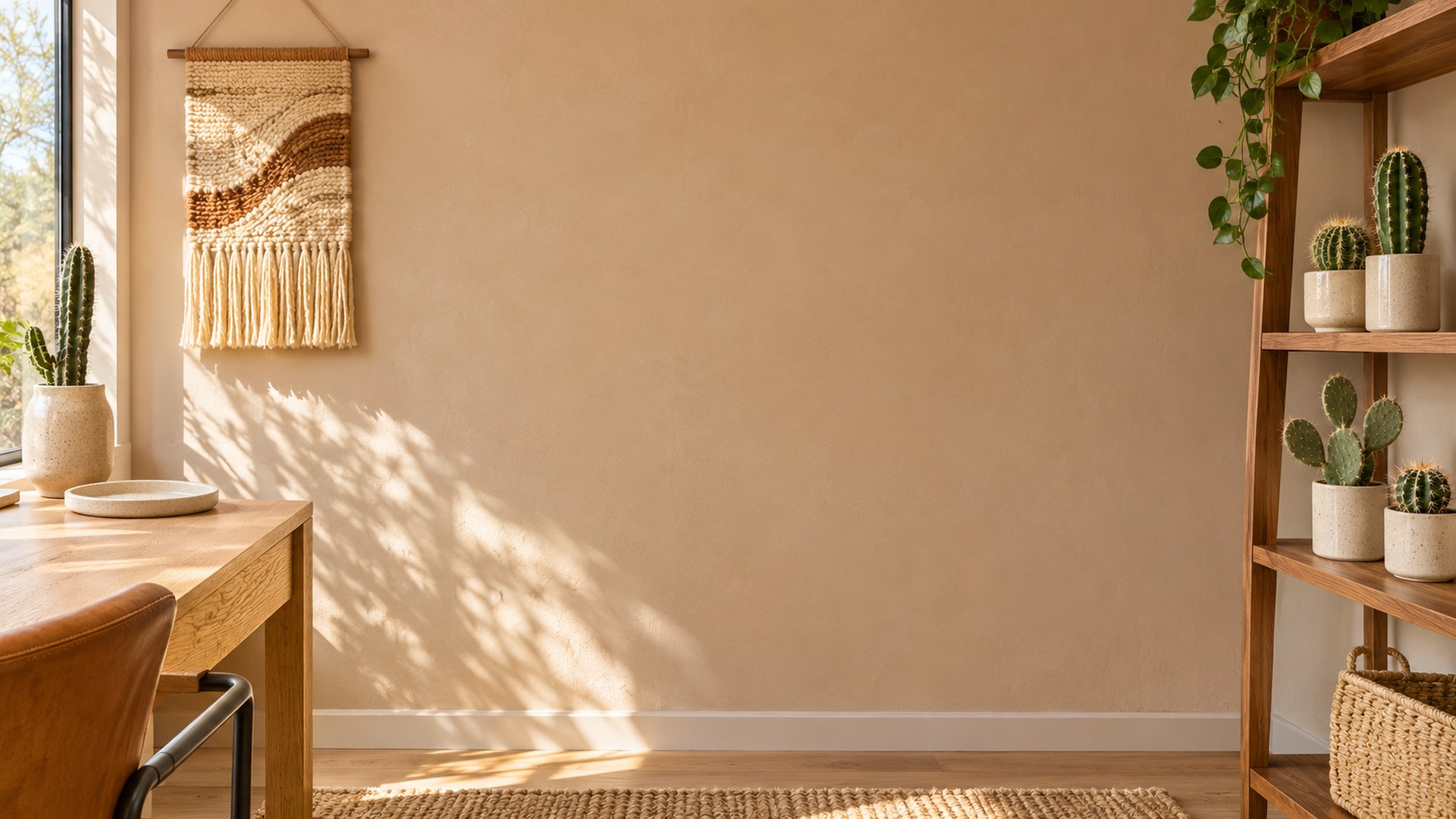
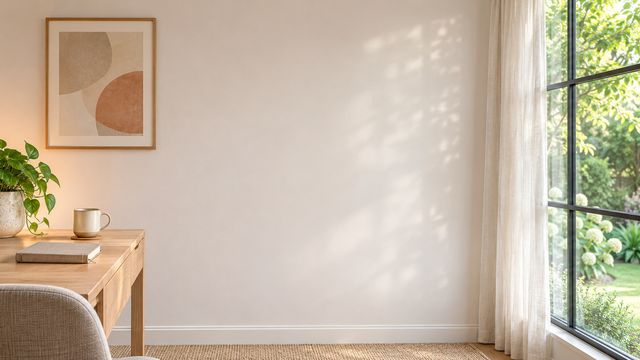
Plant Office Zoom Backgrounds

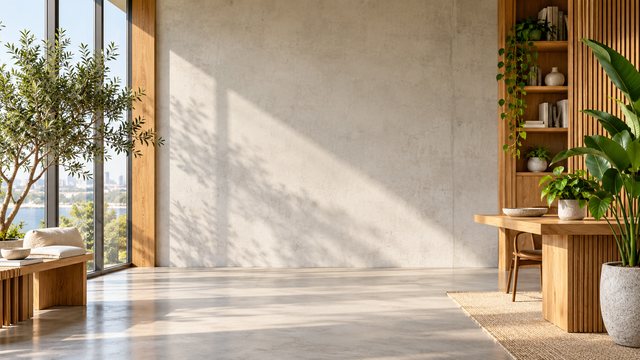
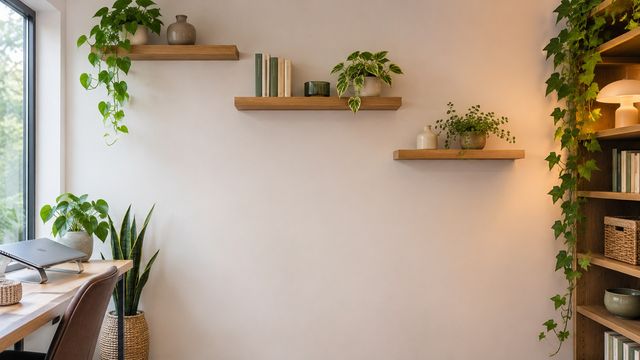
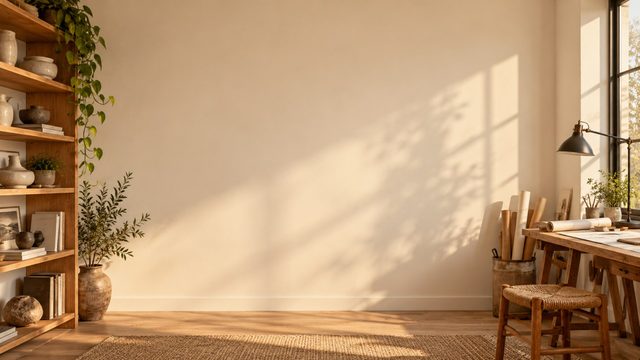
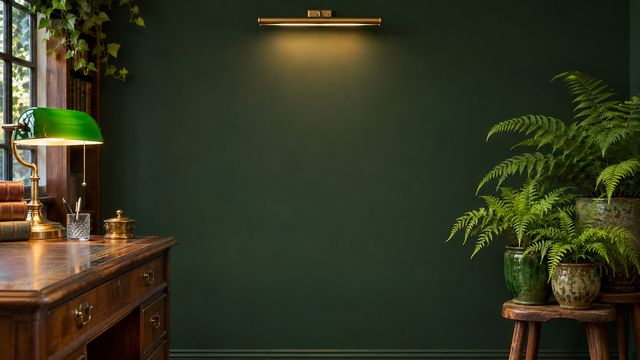
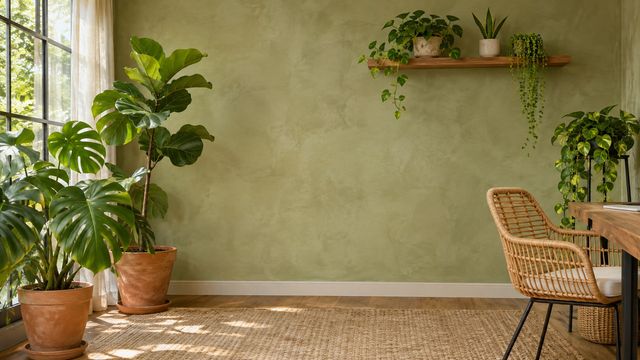
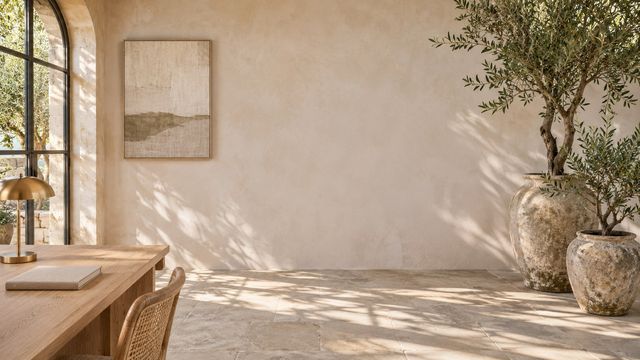
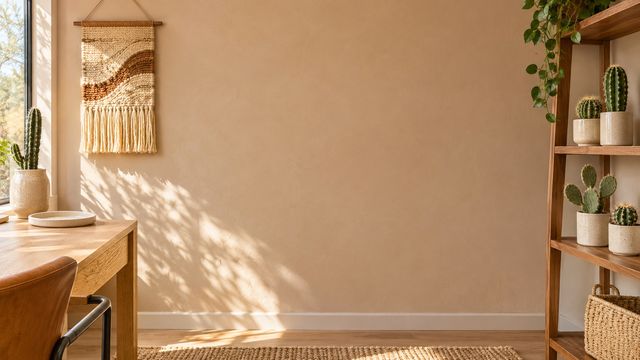
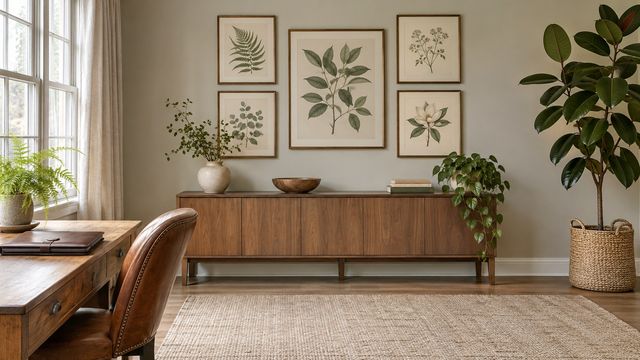
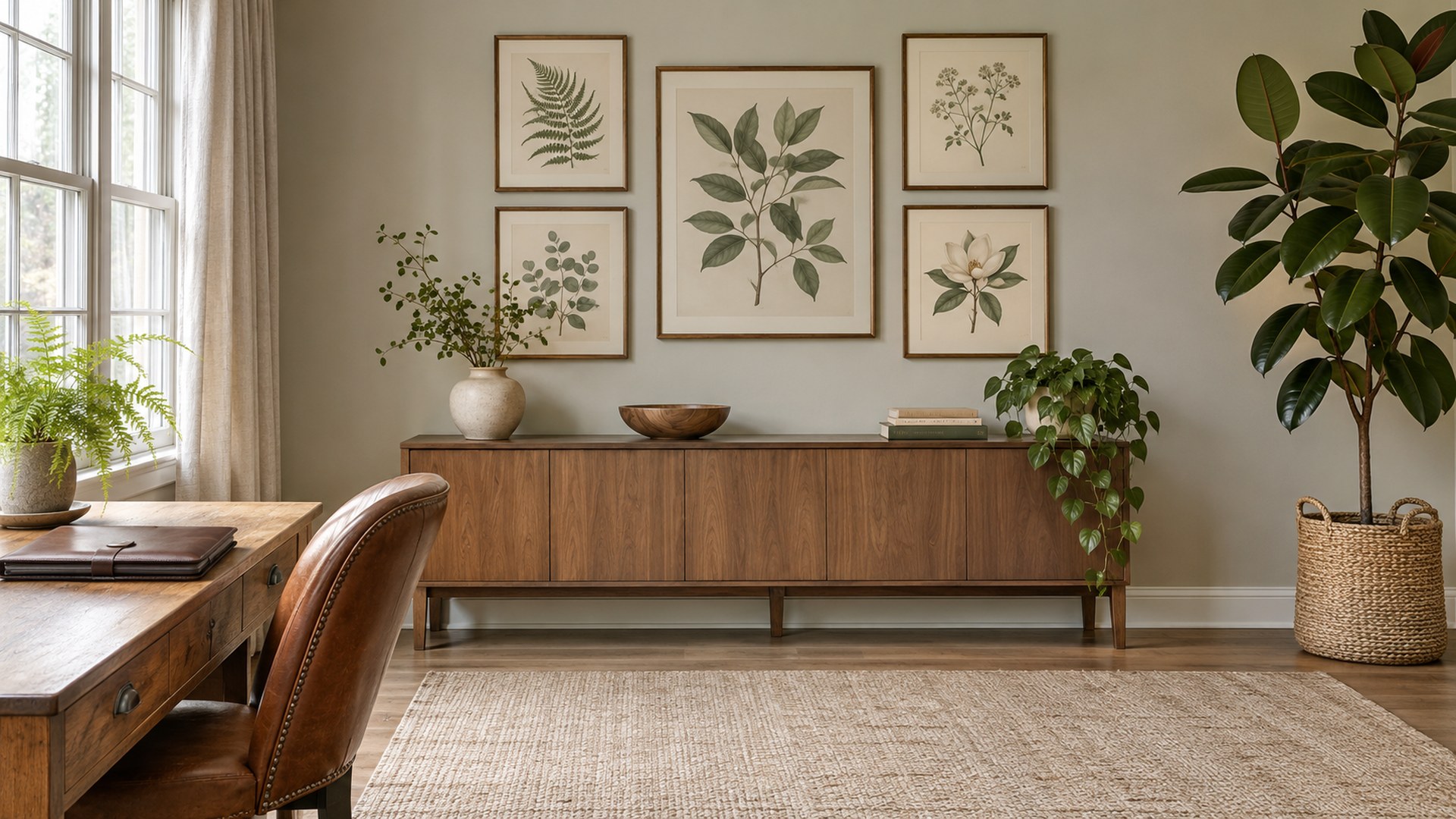
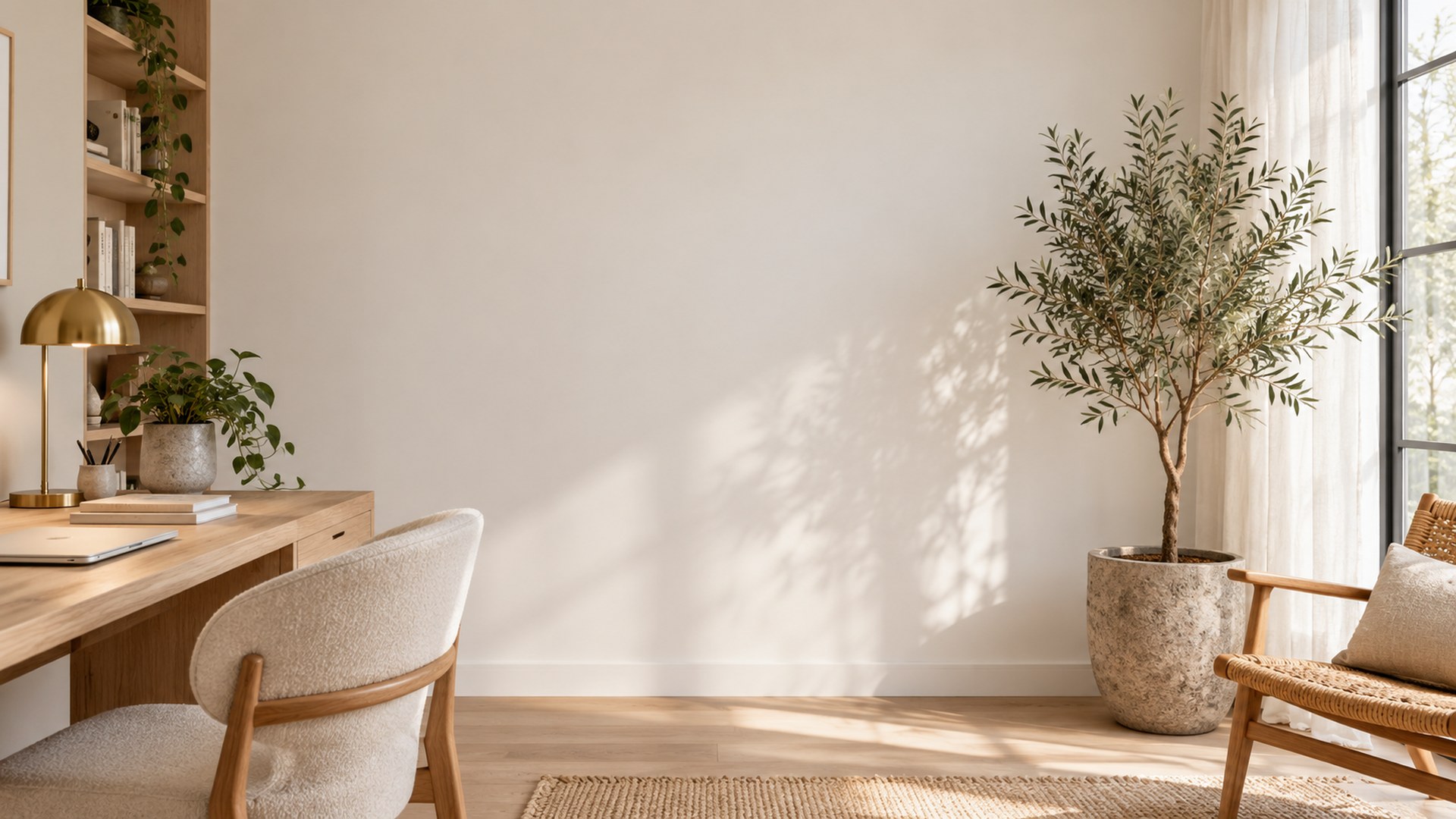
12 free 1920×1080 plant office backgrounds for Zoom, Teams and Google Meet. Greenhouses, terracotta plant walls, olive trees and calm fern corners — no signup, no watermark, no editor.
12 rooms16:9 · HD JPGDirect downloadNo signup
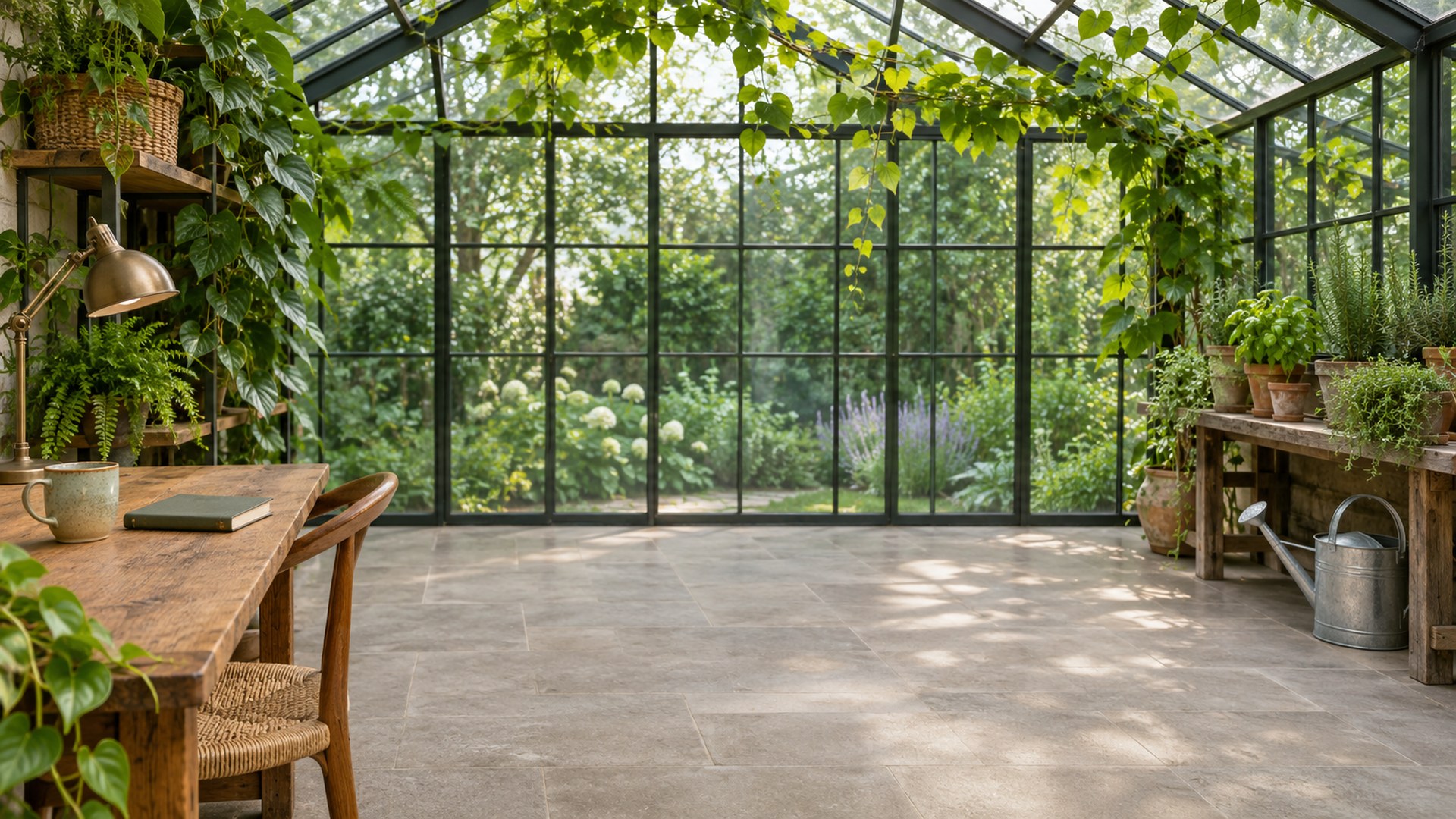
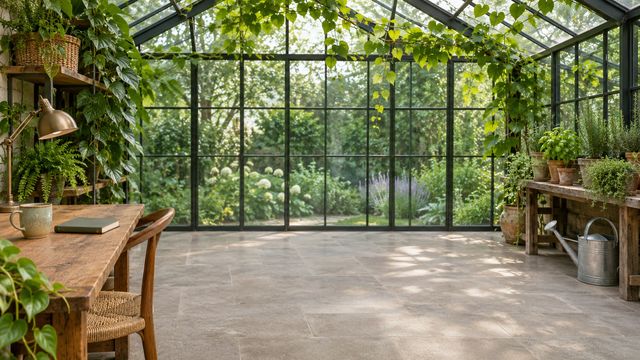
Greenhouse home office with a glass roof, timber desk and climbing plants
01Greenhouse Office
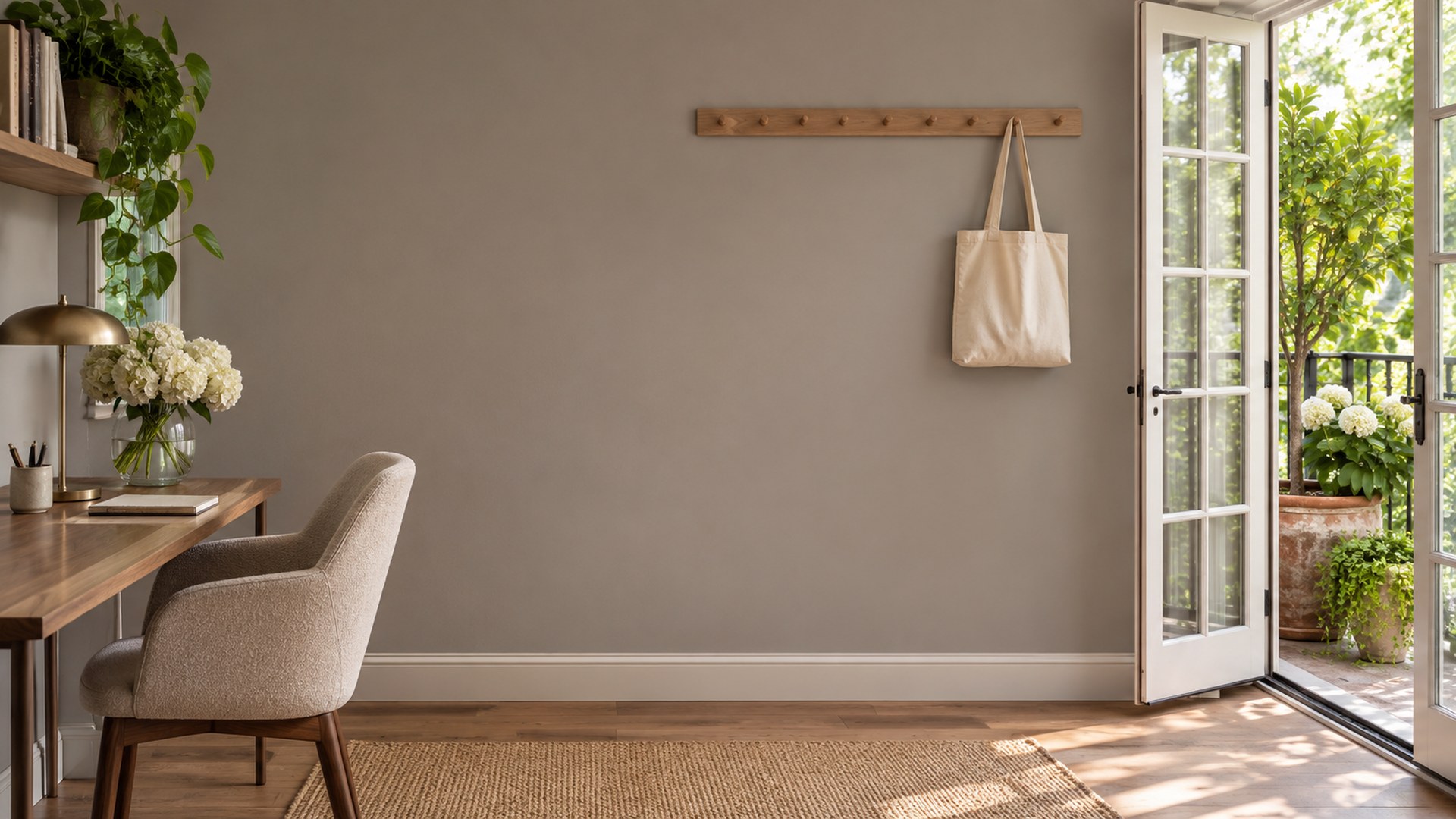
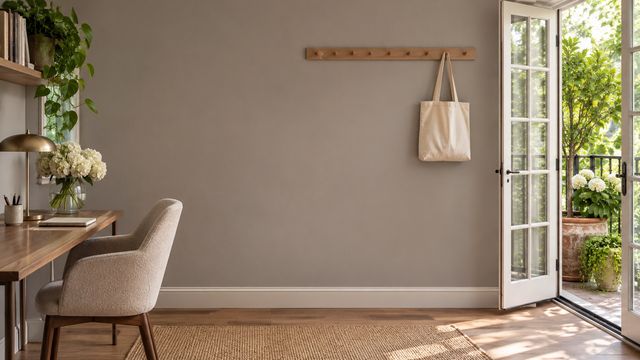
Home office with open French doors onto a planted balcony and a slim desk
02Balcony Office
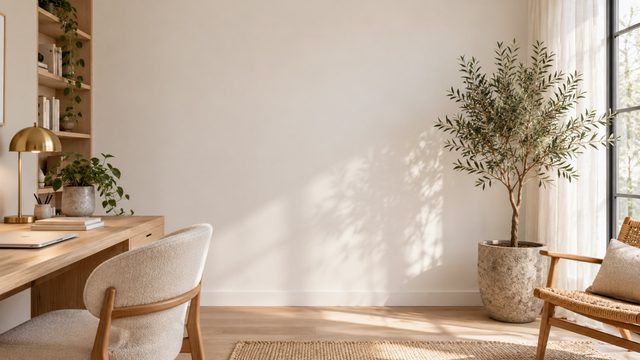
Sunlit plant office Teams background
03Sunlit Plant Office
12finished rooms
ready to upload
The full set

Pick a room. Keep the call.

Every file is a finished 1920×1080 JPG. Search, filter, preview or download directly.
12 rooms · HD JPG
Use the room

Match the scene to the meeting.

Not every good background is a good client backdrop. Use these as a starting point.

01

Recordings

Plain walls and controlled light keep the focus on what you are saying.

02

Portfolio reviews

A quiet, gallery-like frame for creative work and client feedback.

03

One-to-ones

A clean backdrop for conversations that should feel personal, not staged.

Thirty seconds

From download to done.

The same three steps work in Zoom, Teams and Google Meet.

STEP 01

Download the JPG

Choose any room above. The original 1920×1080 file downloads directly — no account, no editor.

STEP 02

Open your settings

Zoom: Background & effects. Teams: Backgrounds. Meet: Change background.

STEP 03

Upload and join

Add the file, leave green screen off, and check the framing before the call starts.

Need a different crop? The free size fixer, maker and compressor all run locally in your browser.

Open the tools ↗
Questions

Before you upload.

Short answers to the things people ask before their first download.
Resolution
1920×1080, a 16:9 frame. Zoom asks for at least 1280×720, so these files stay sharp on full-screen calls.
Format and weight
Plain JPG, typically a few hundred kilobytes each. Uploads finish quickly and nothing is re-compressed before the call.
Teams takes the same file
Microsoft Teams accepts the same JPG under Video effects → Backgrounds → Add new. No second download is needed.
No green screen required
Zoom and Teams can apply a virtual background without a green screen on most modern computers and phones. Even front lighting improves the edge.
Are these plant office backgrounds free?
Yes. All 12 JPGs are free to download at 1920×1080, with no signup, trial or watermark. Use them in Zoom, Microsoft Teams and Google Meet.
What size are the files?
Every download is a 1920×1080 JPG in a 16:9 frame. Zoom asks for at least 1280×720, so these files stay sharp on full-screen calls.