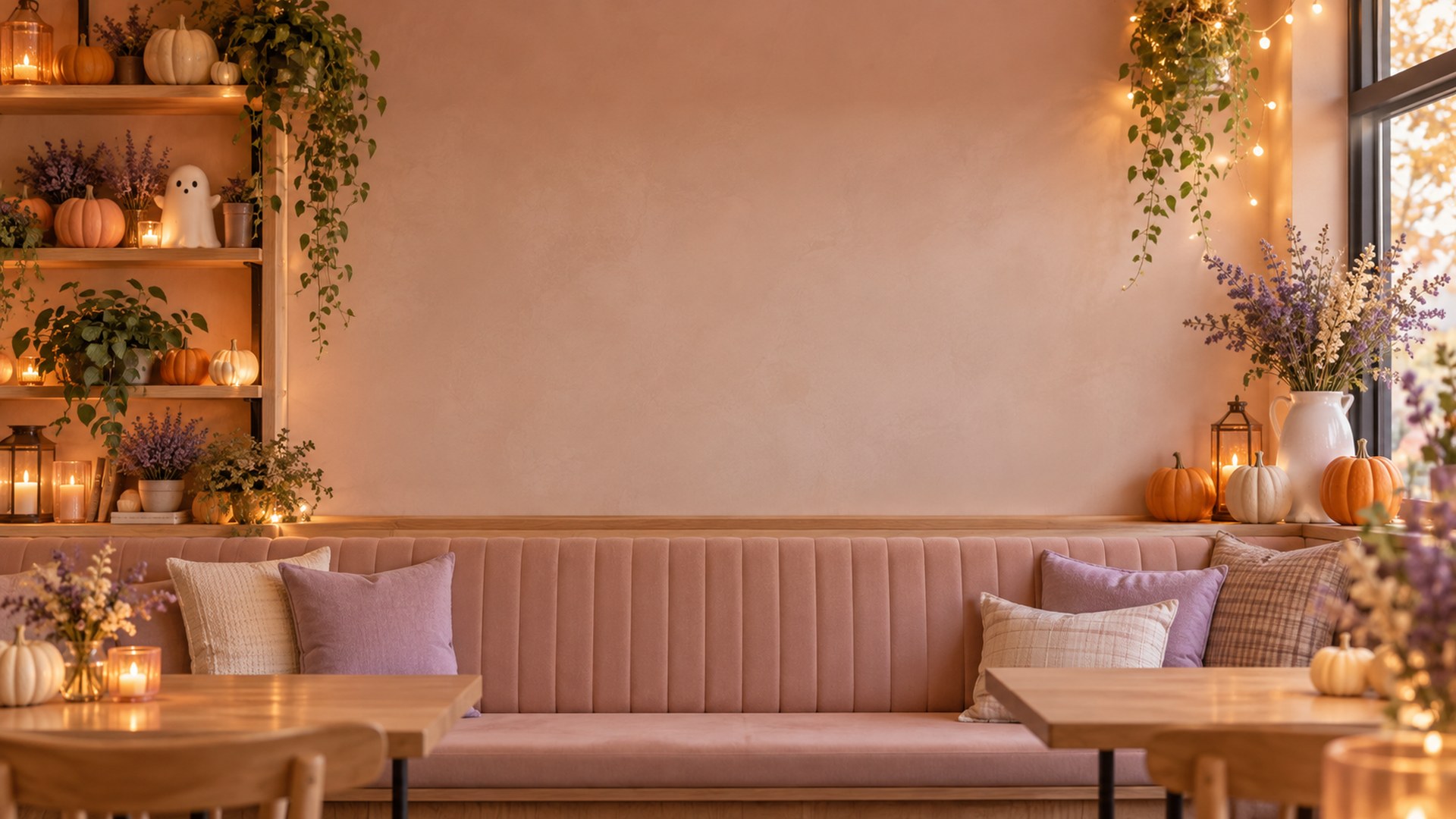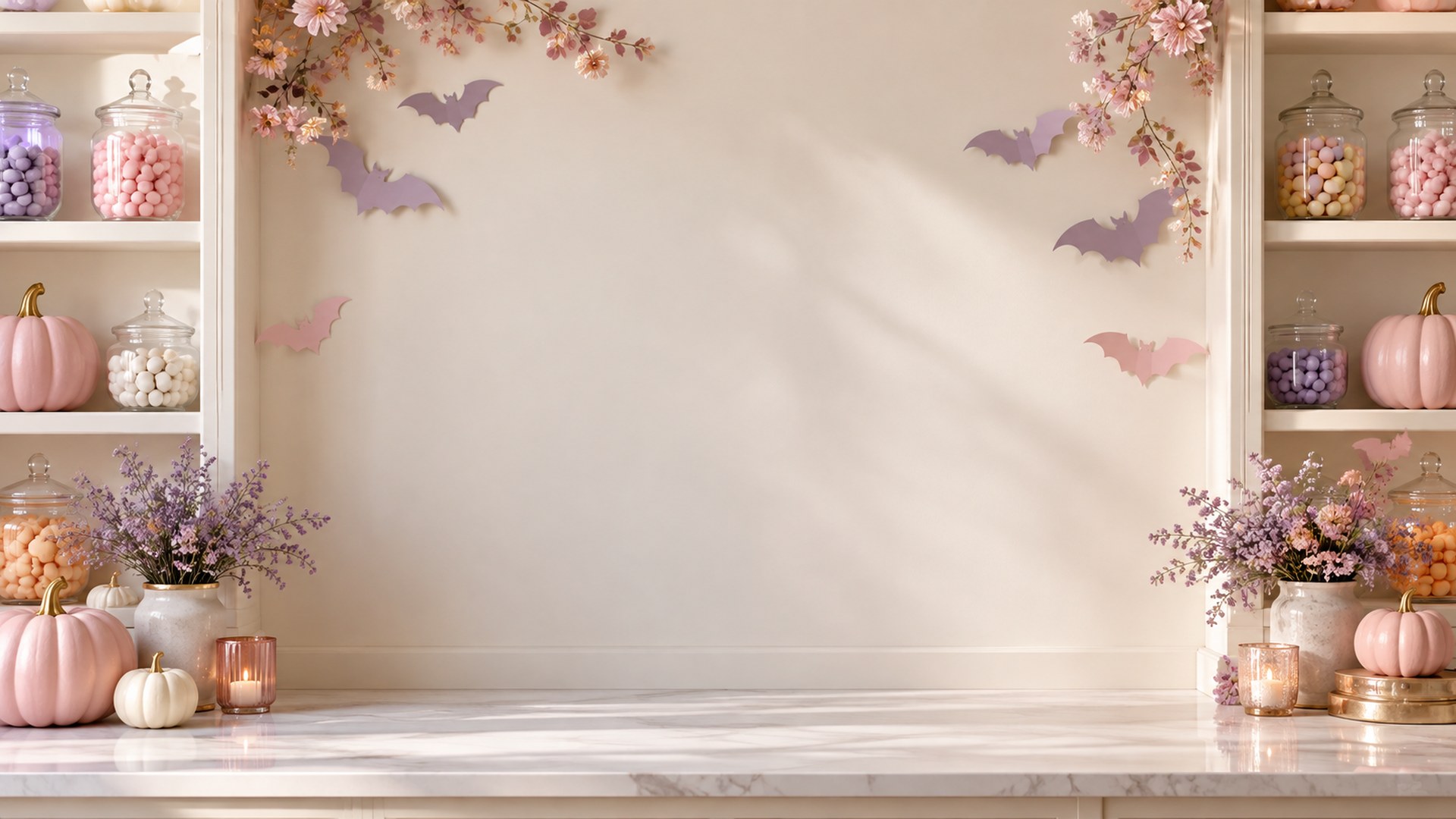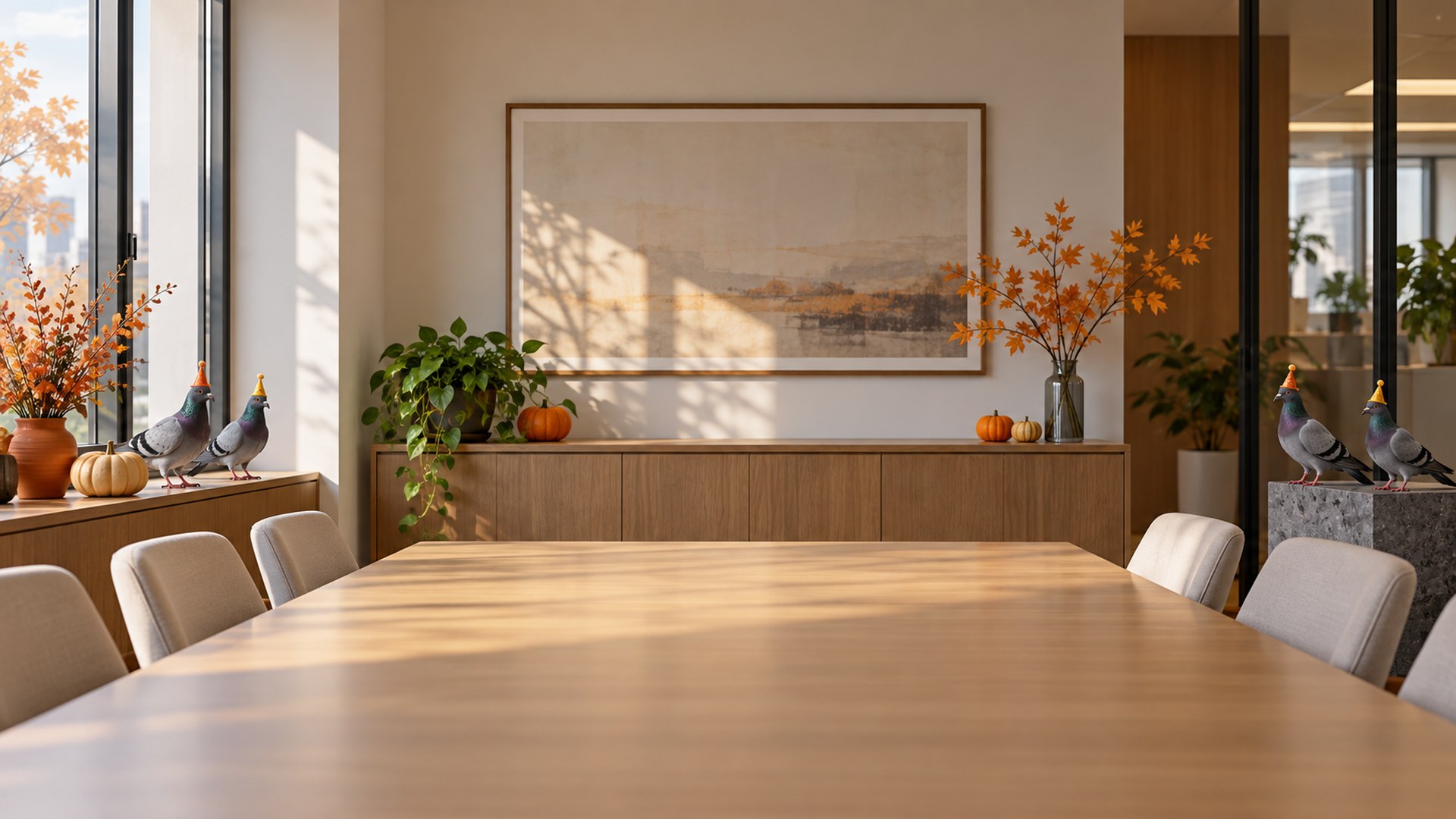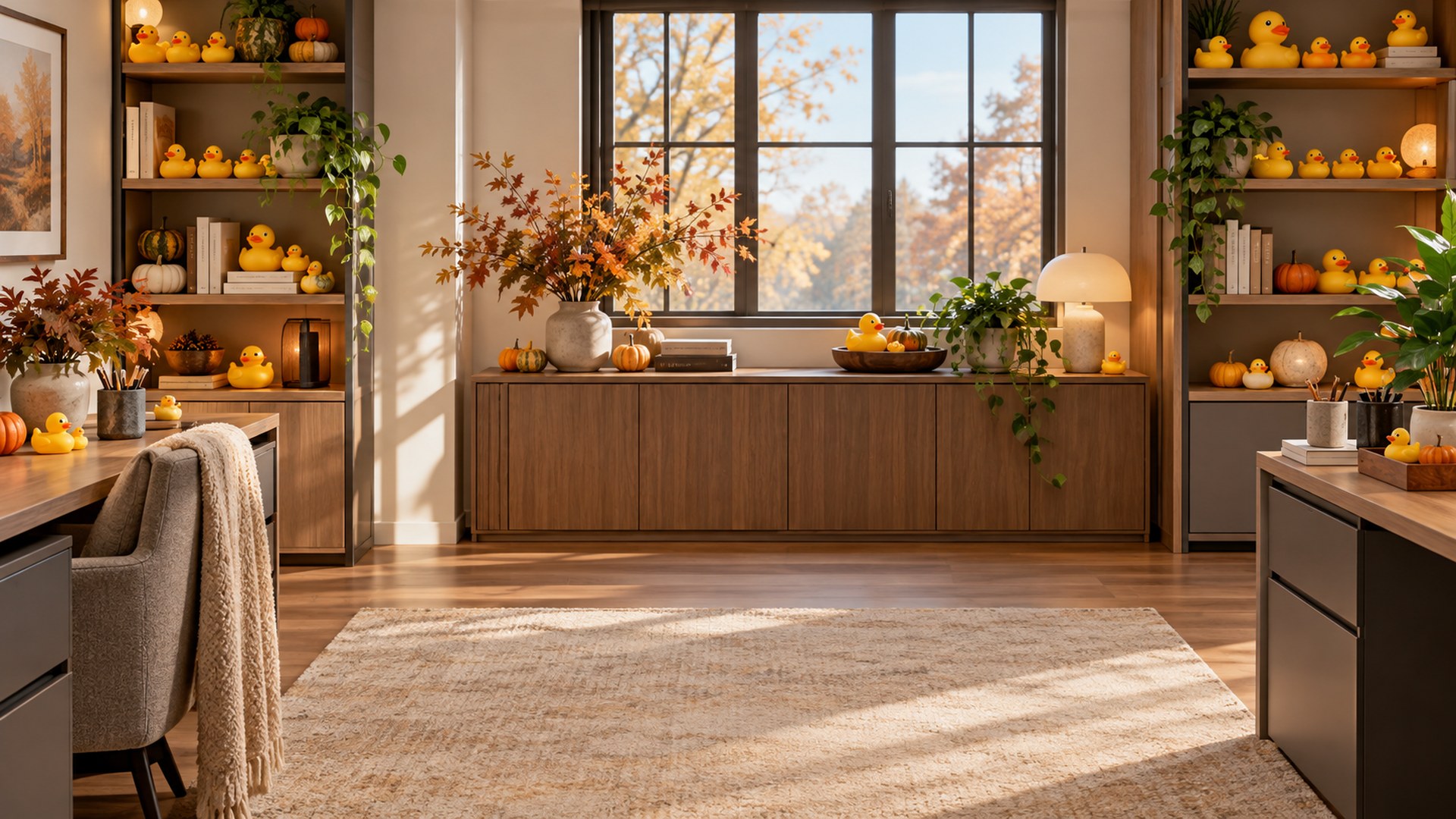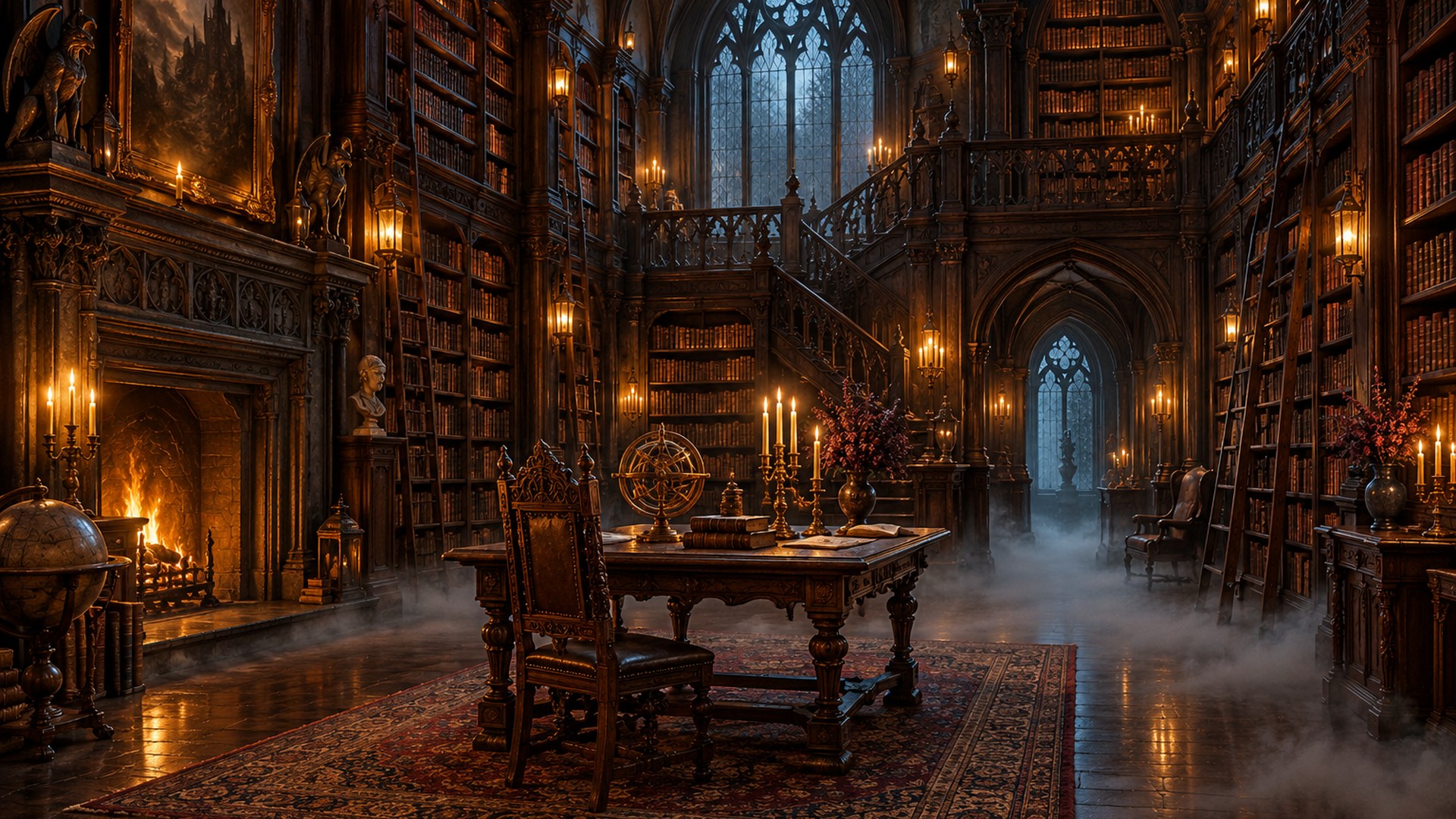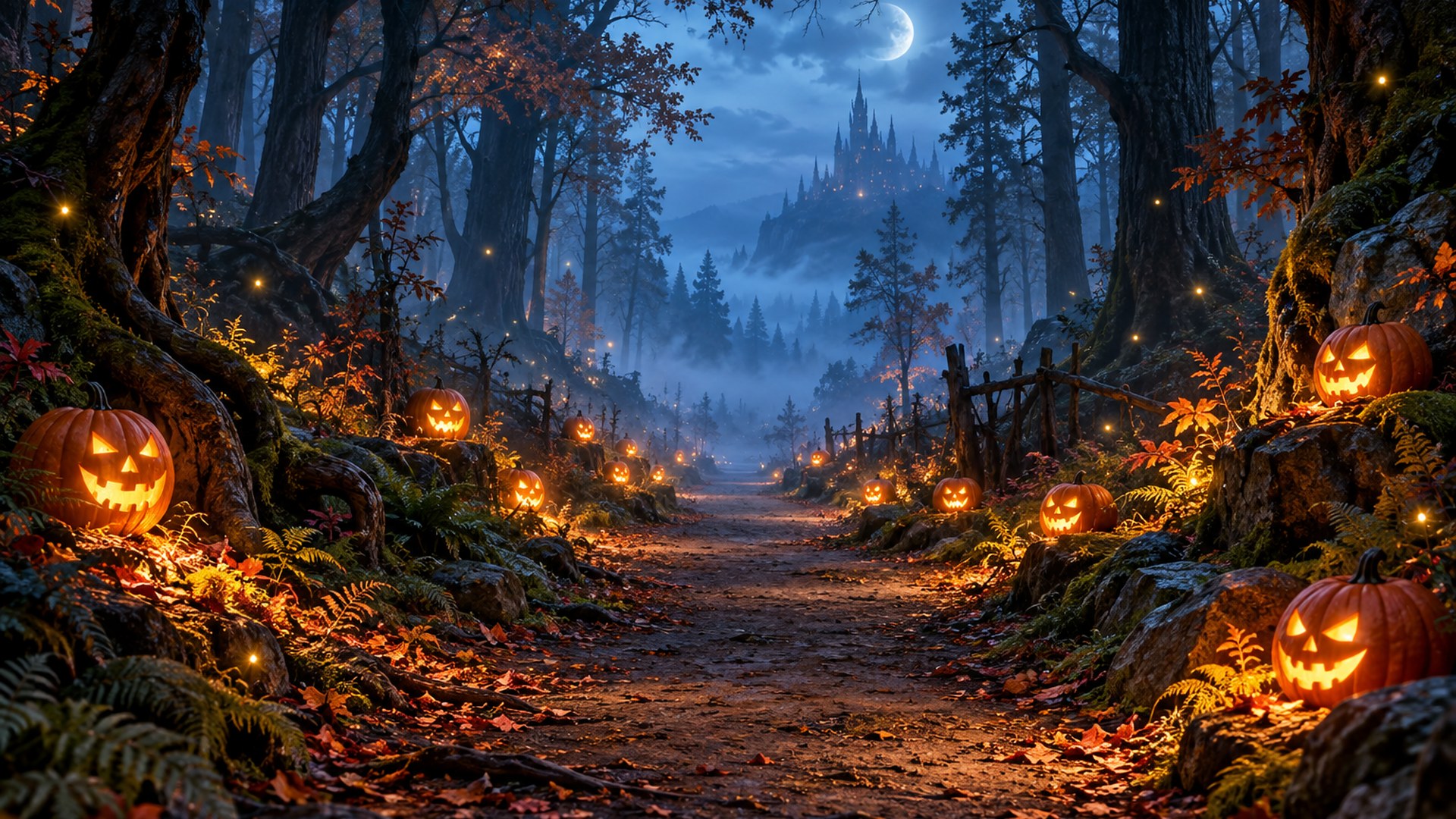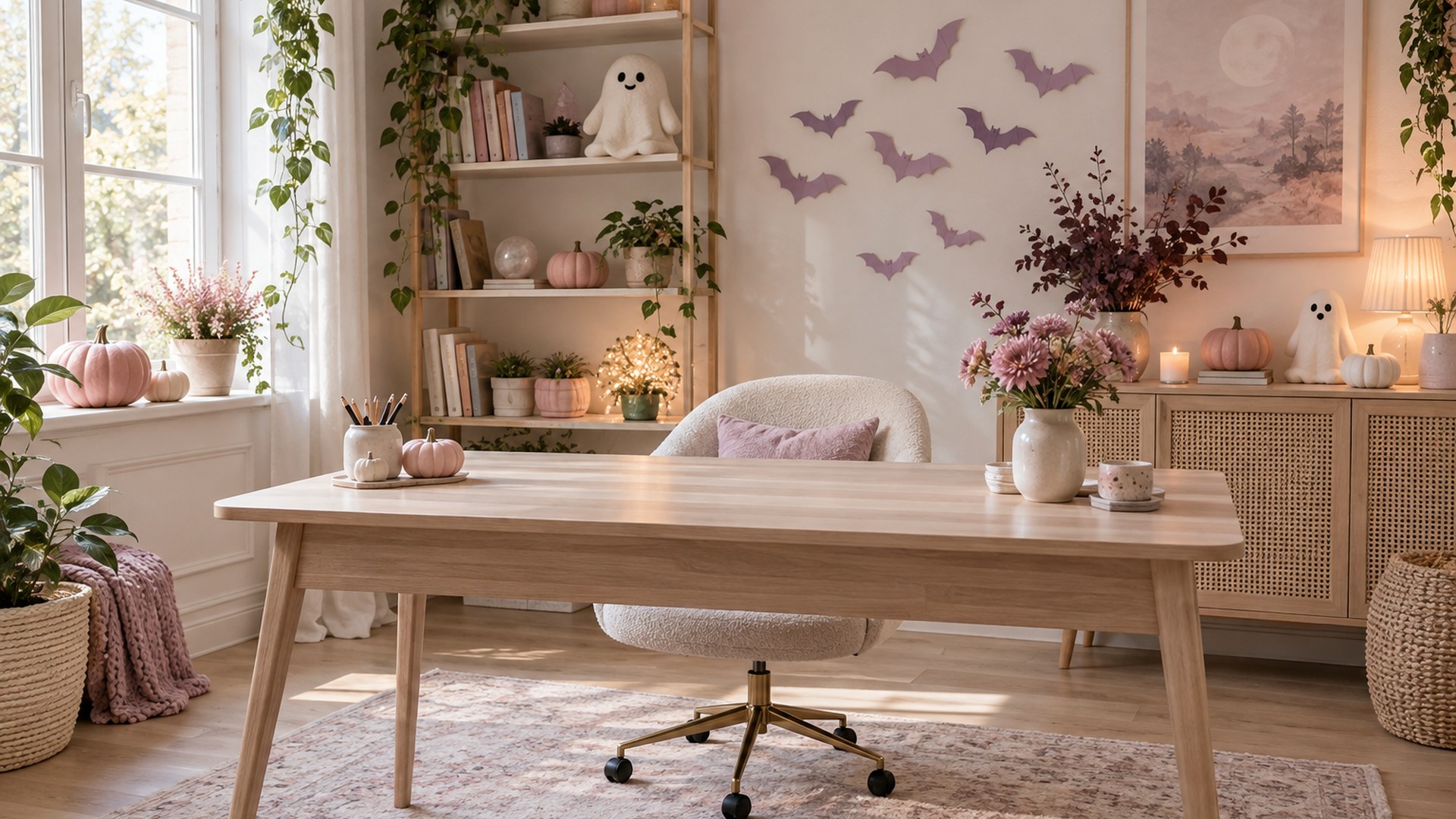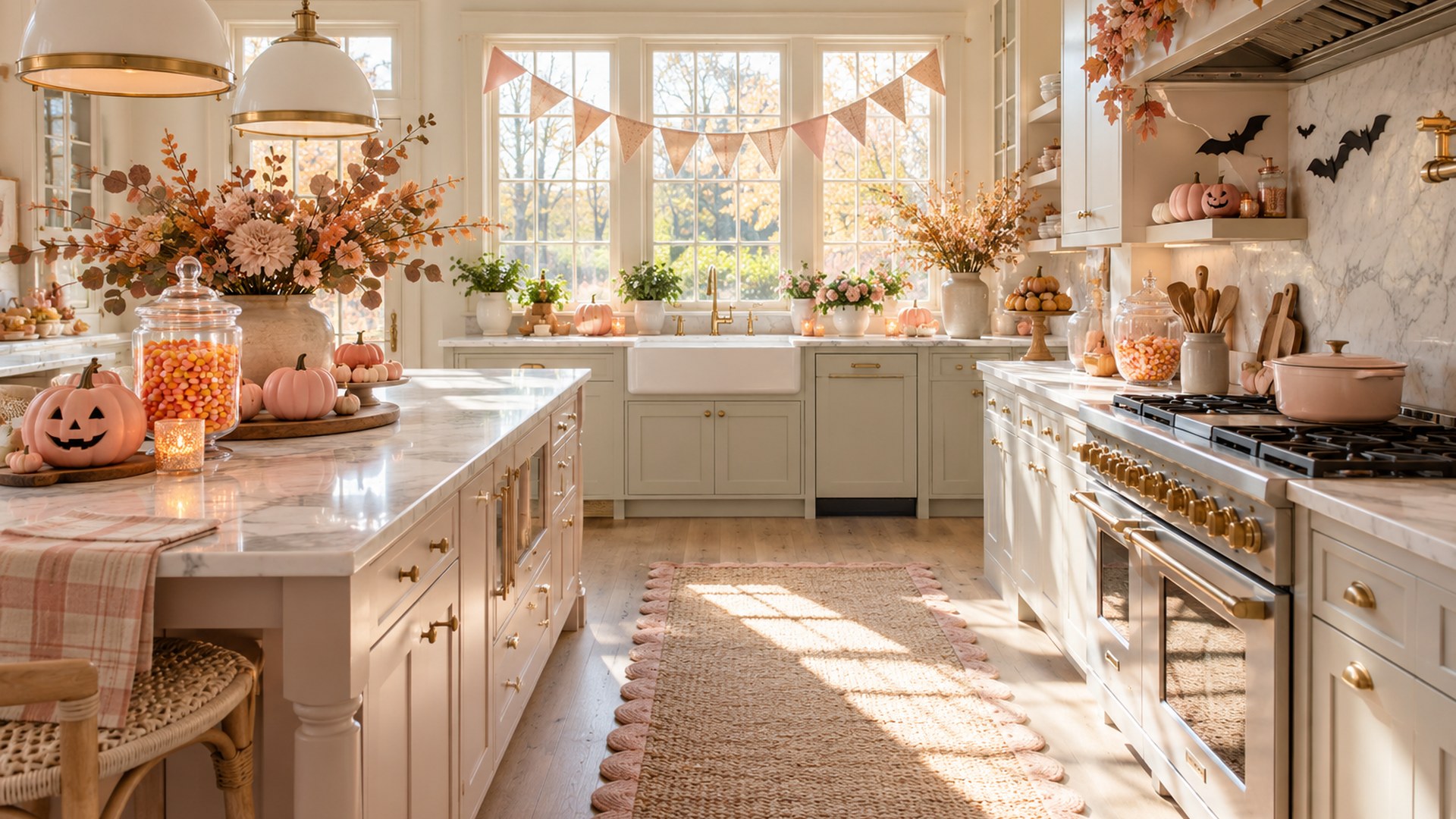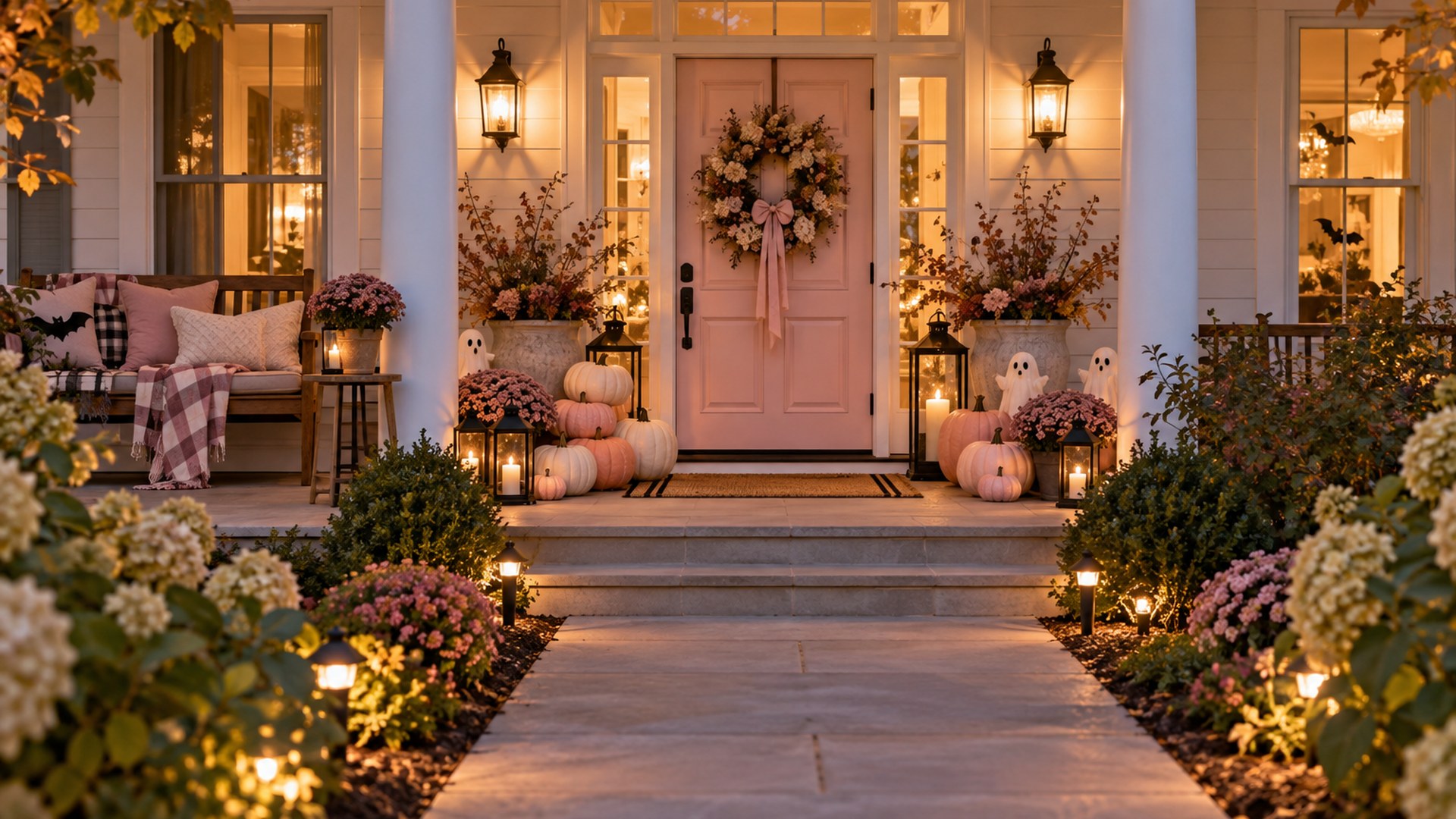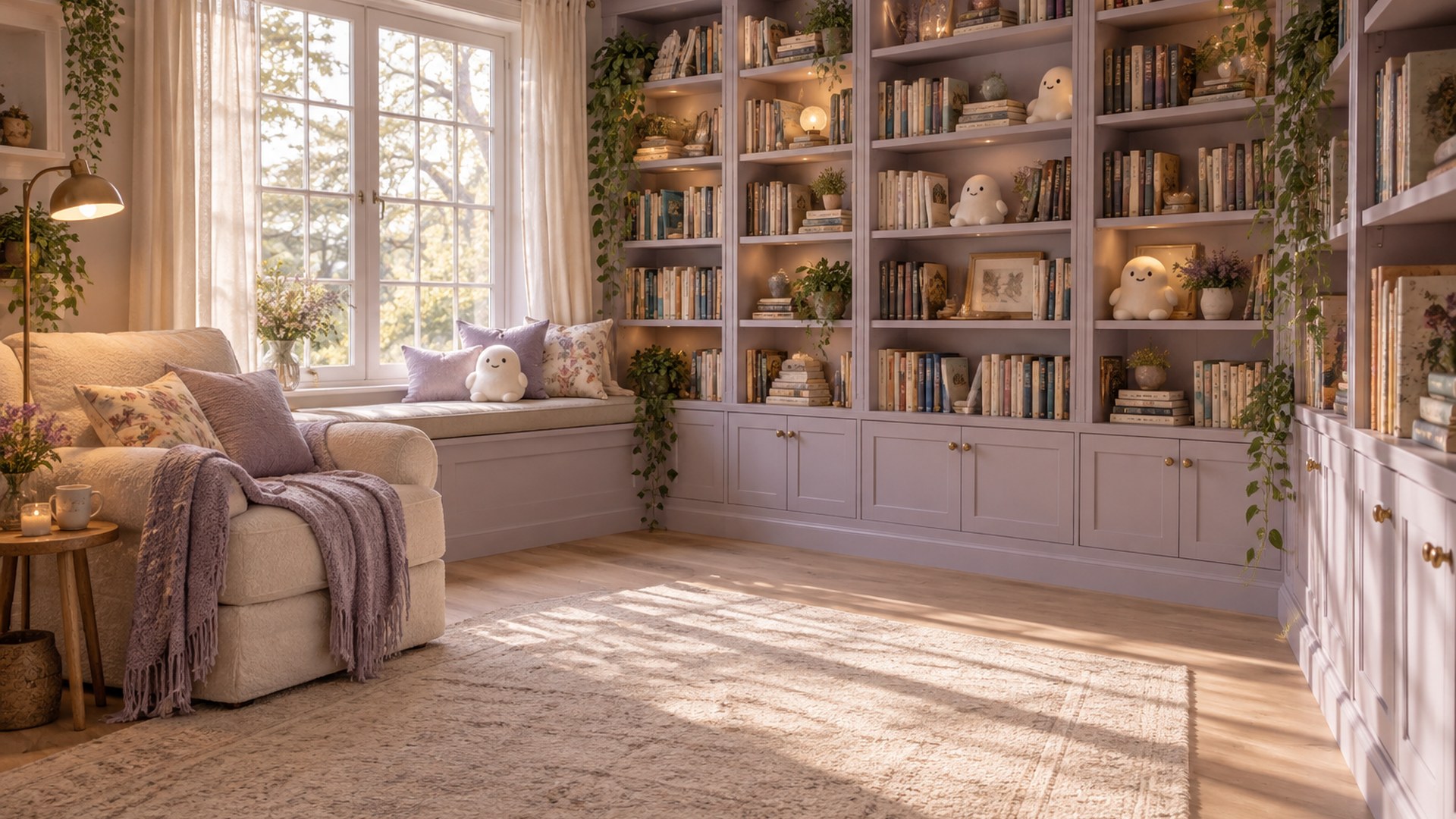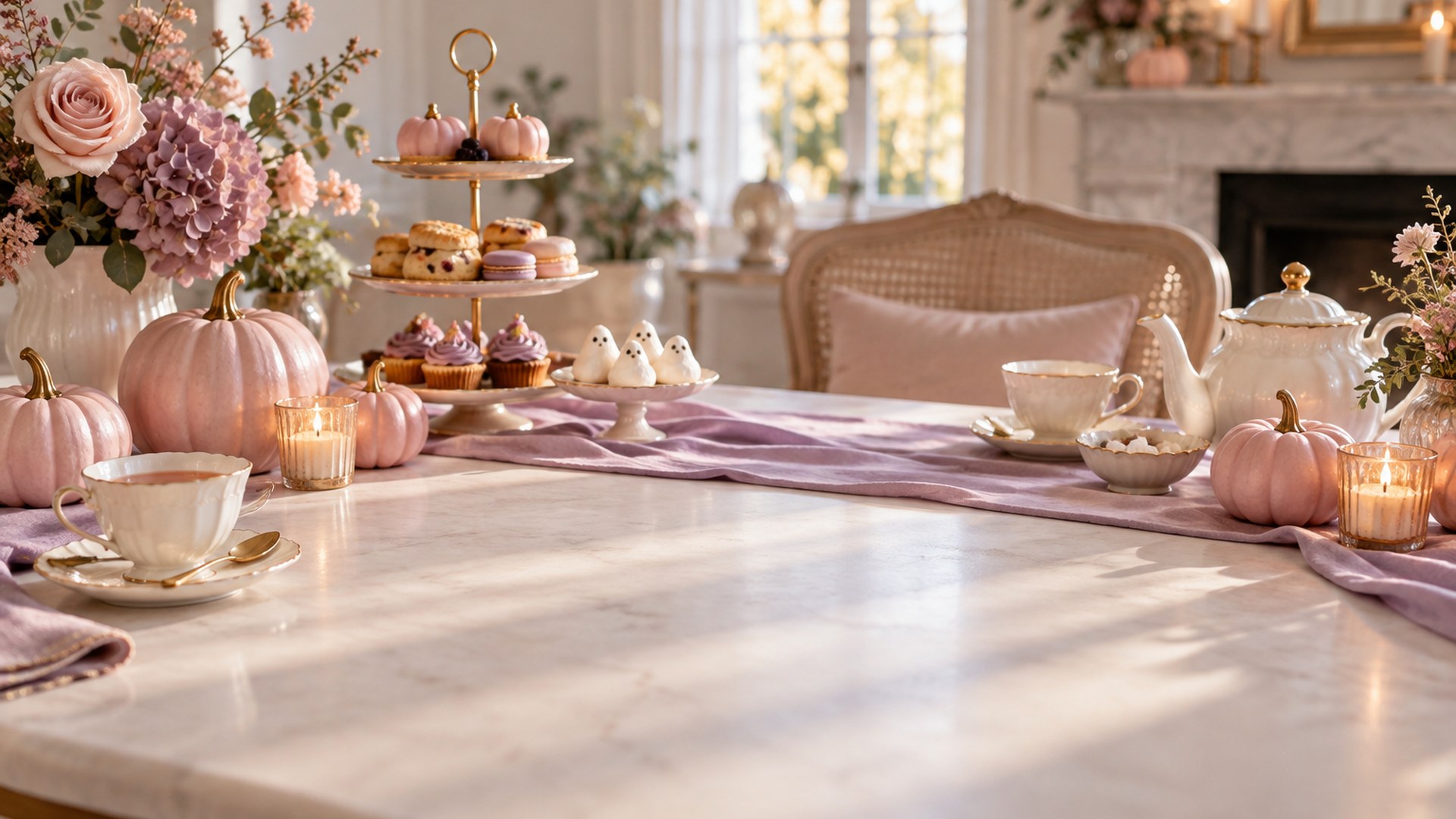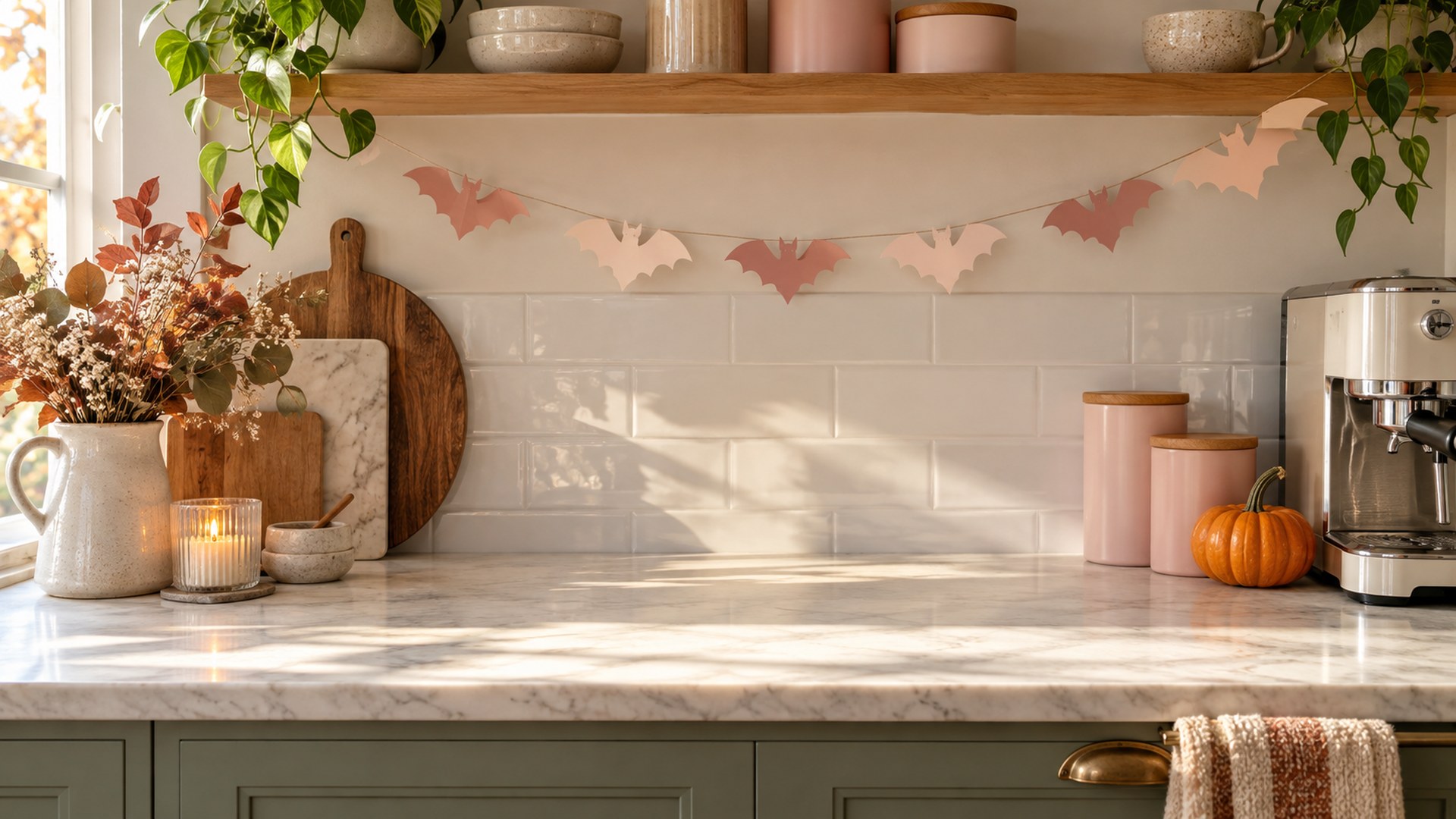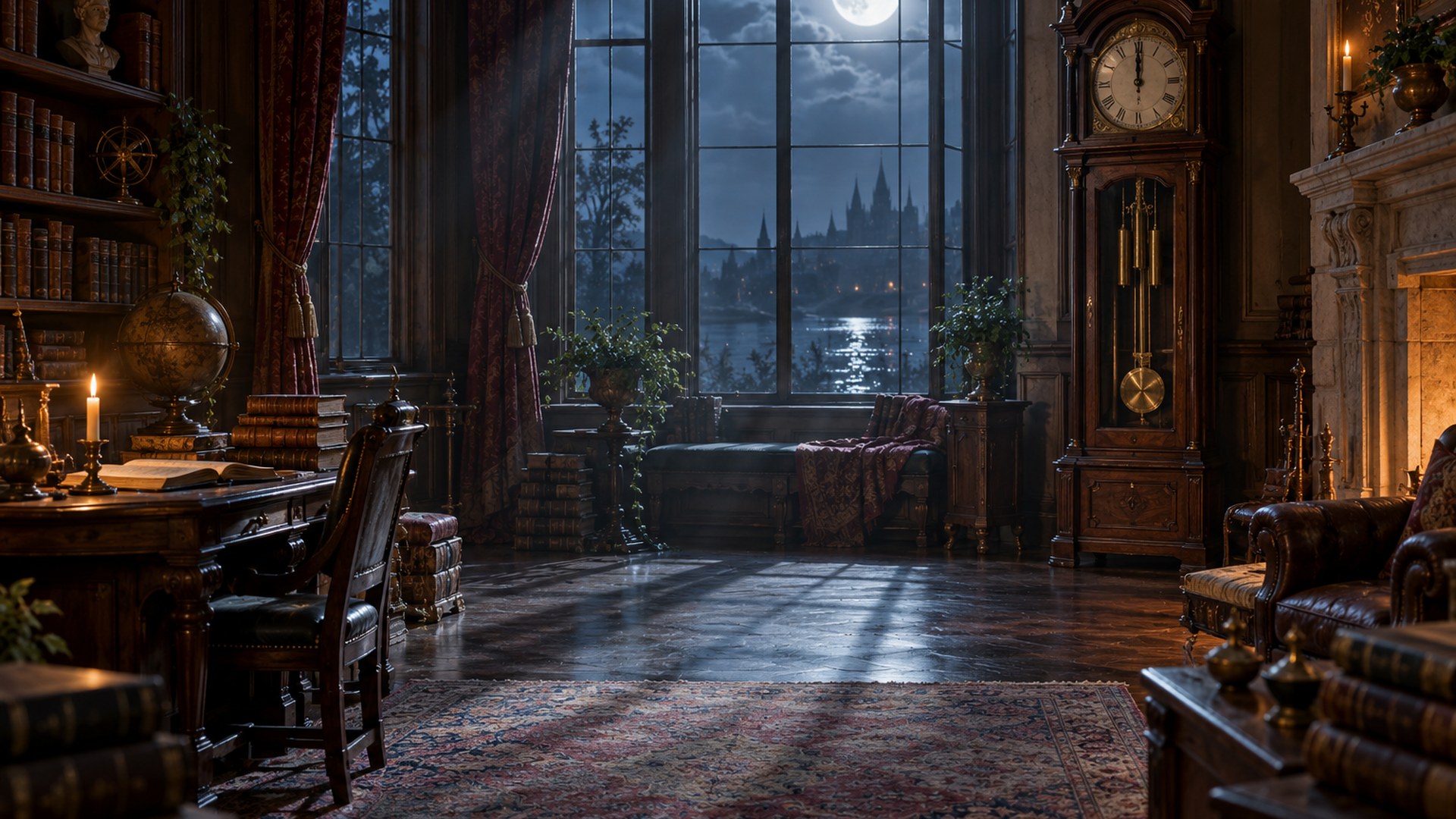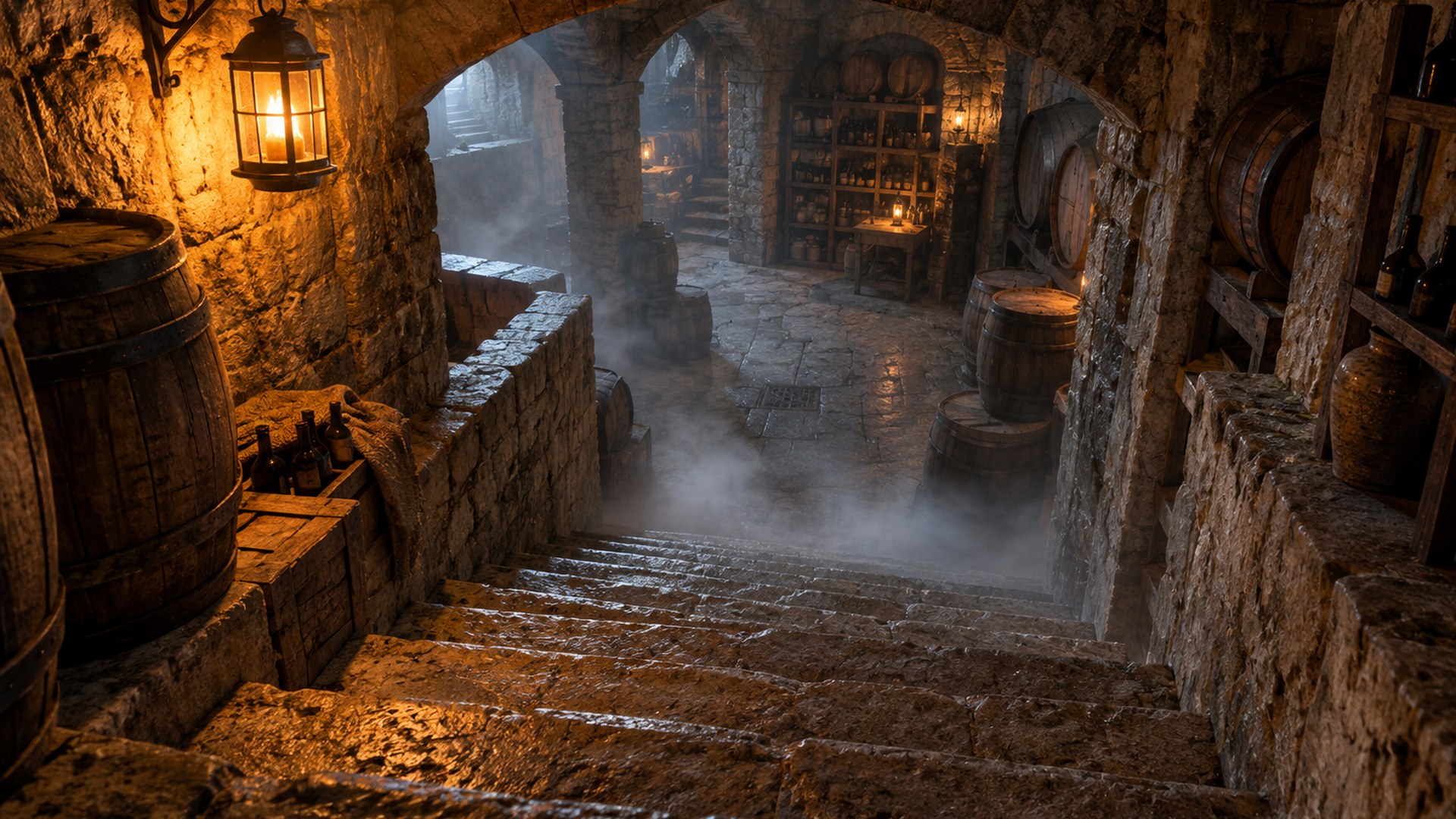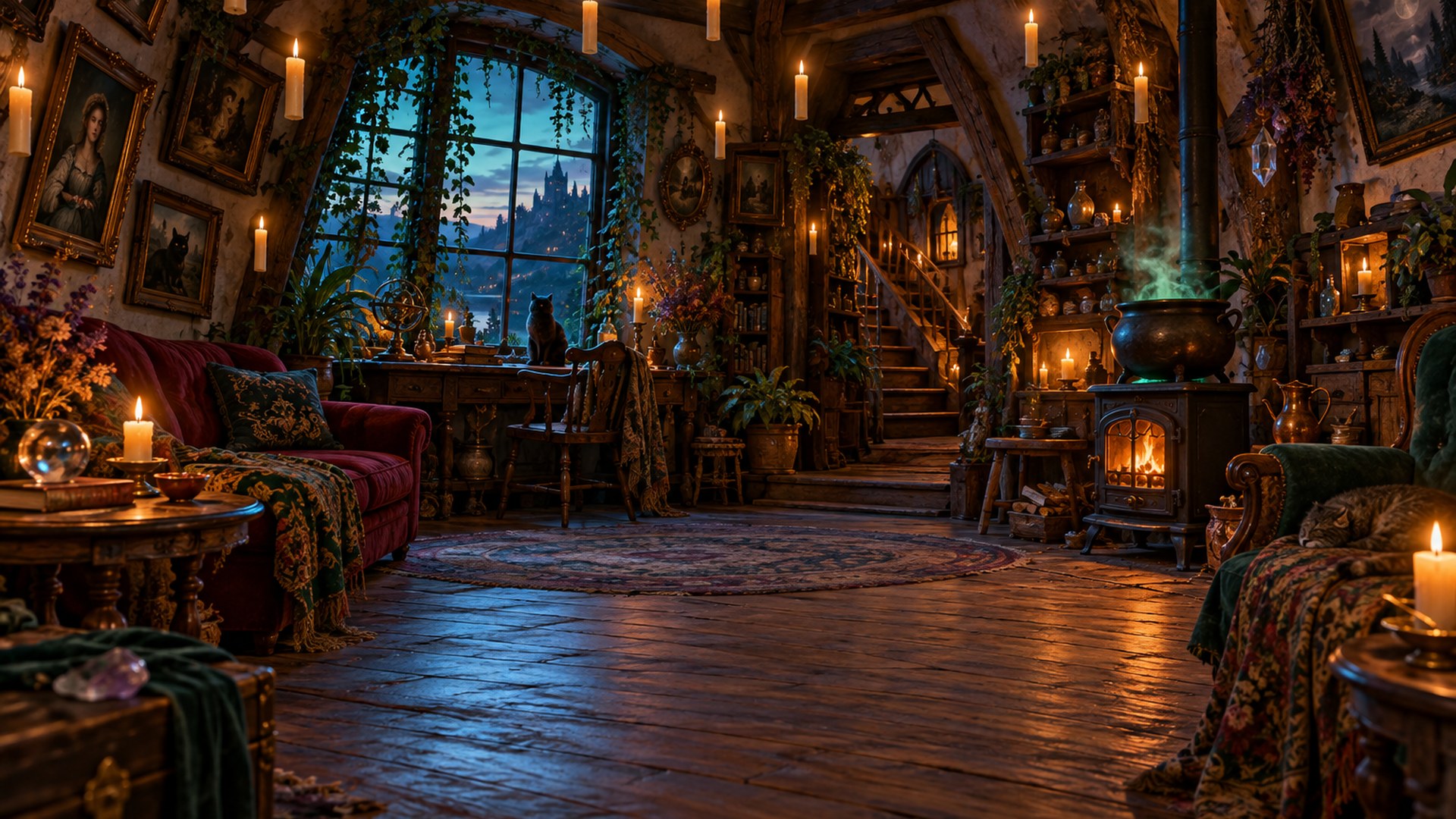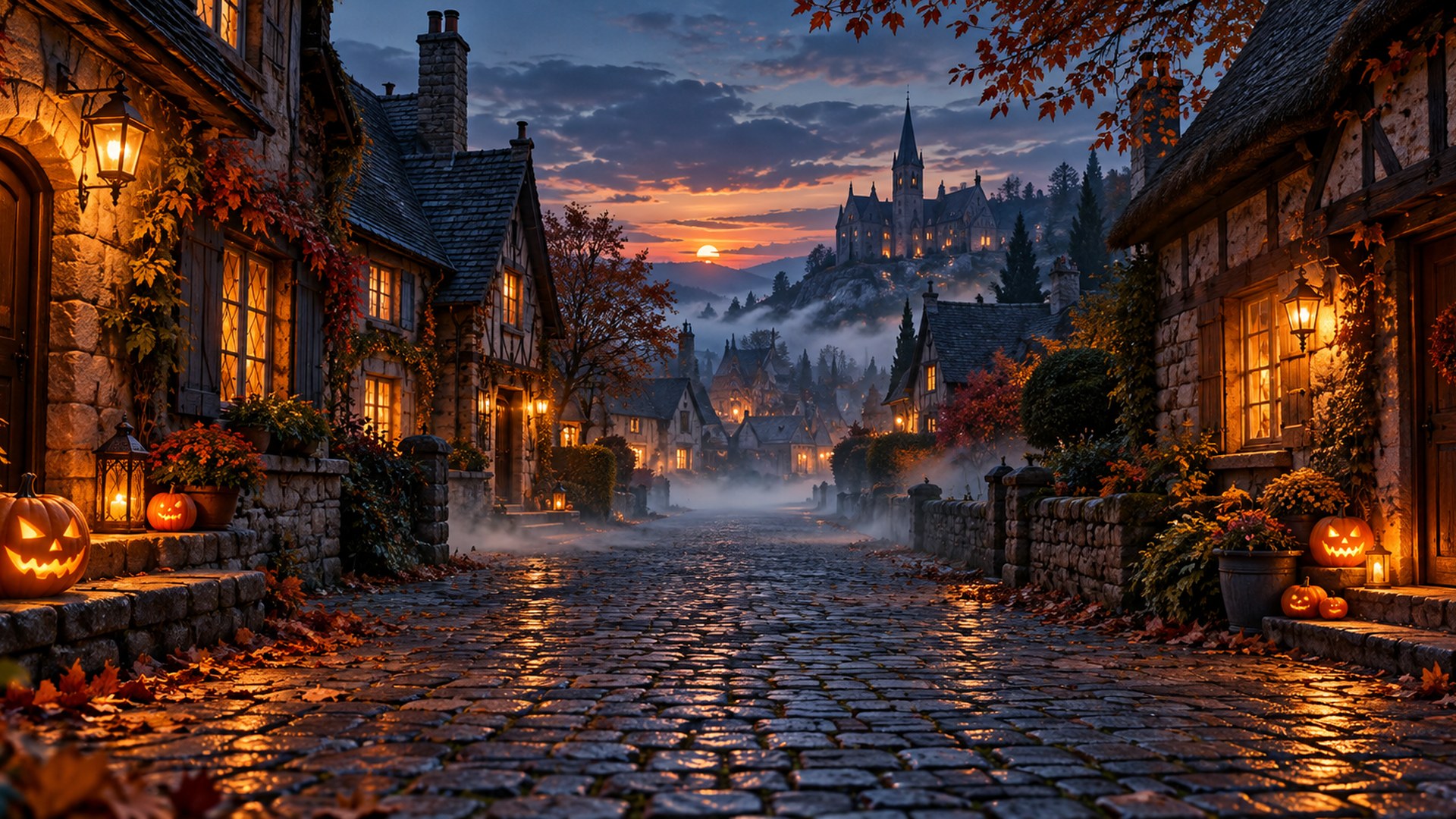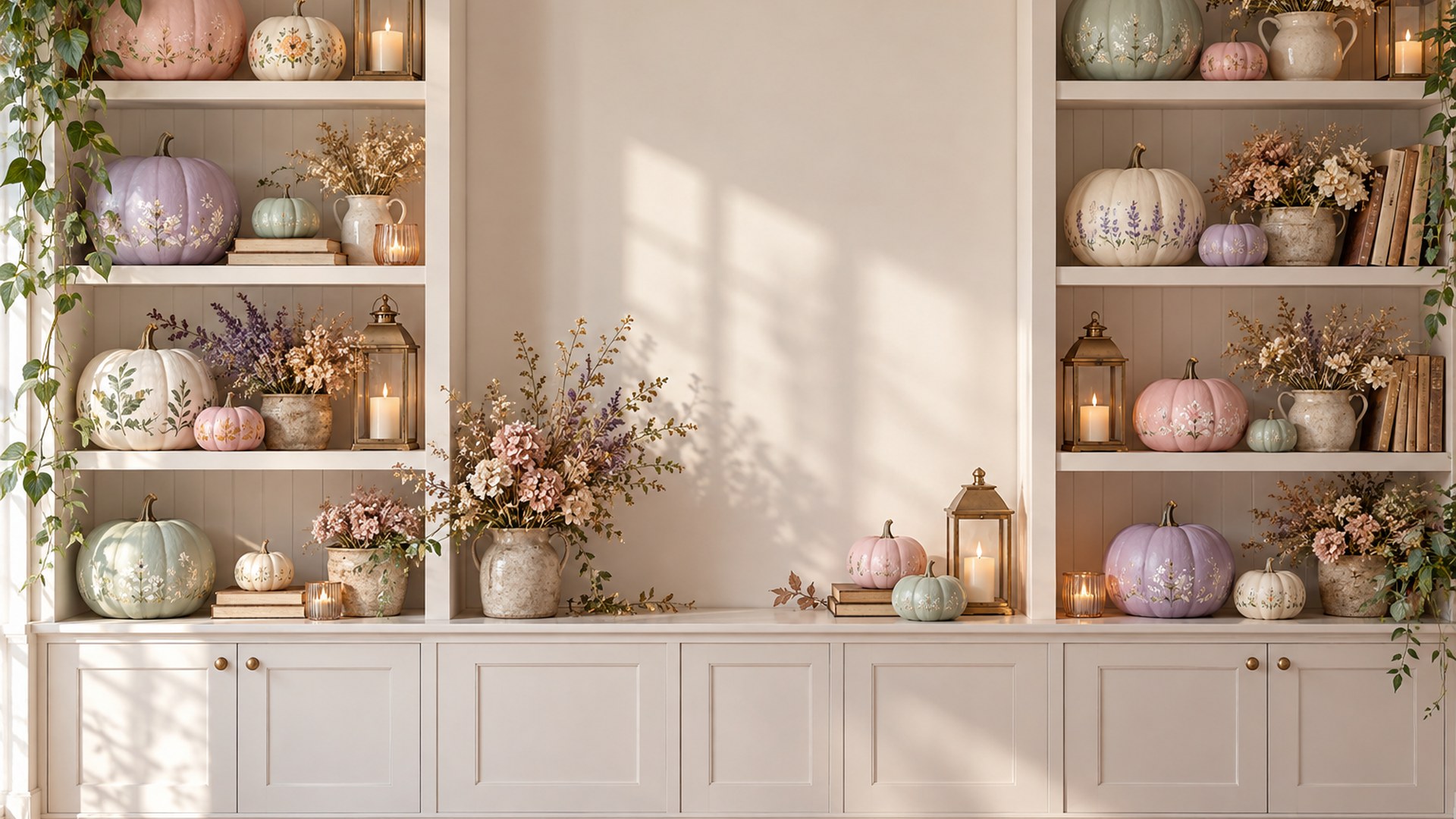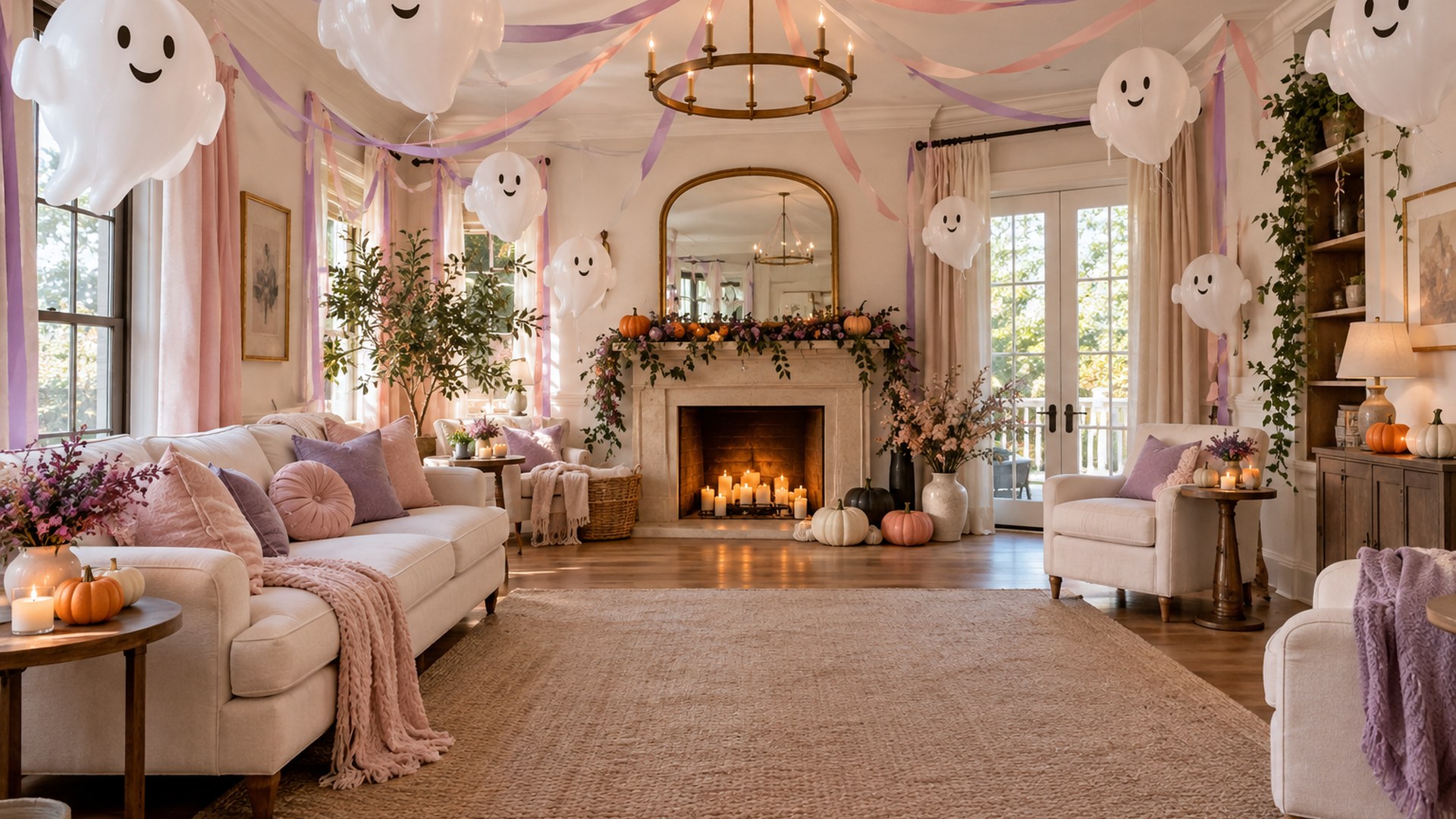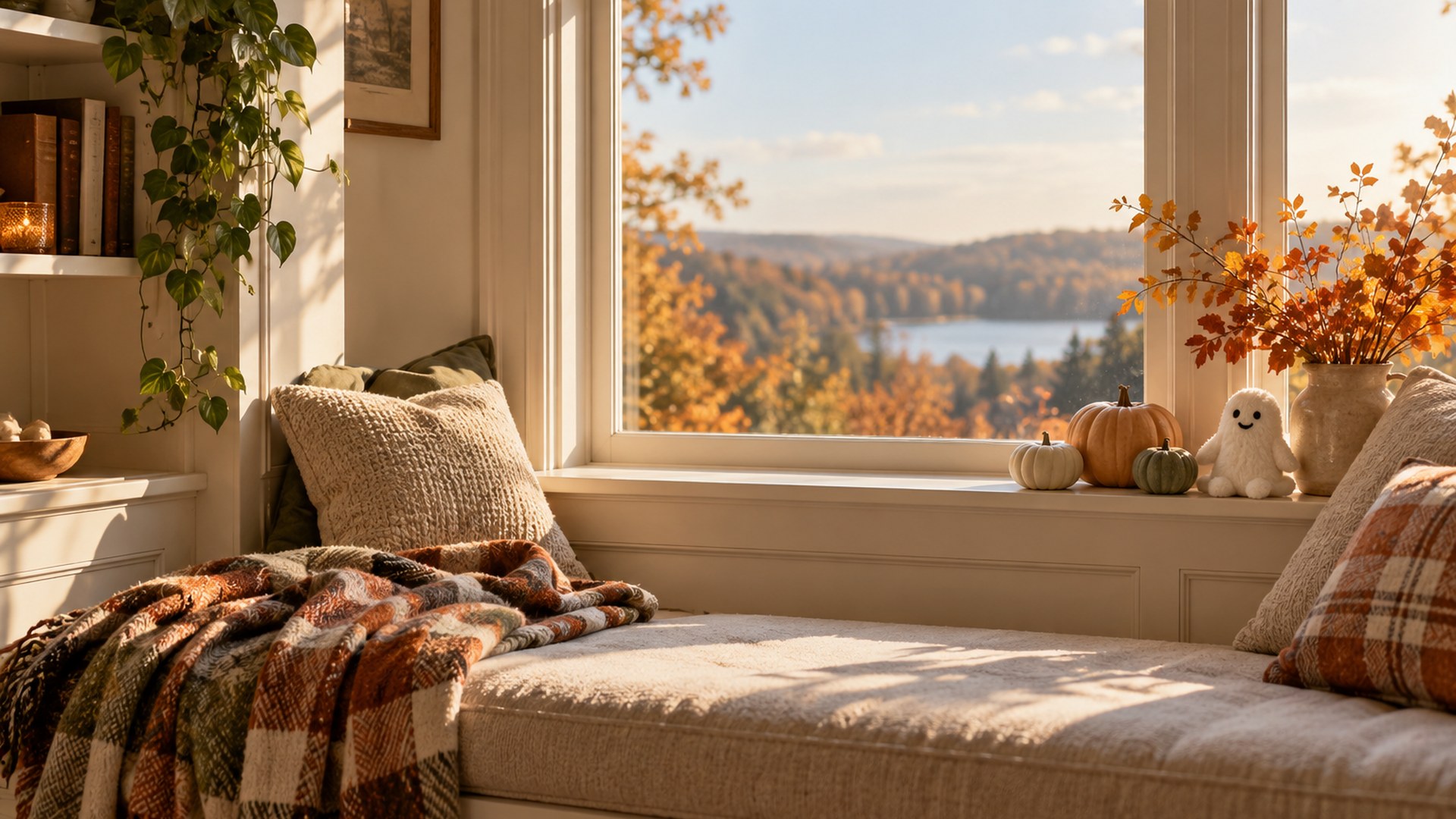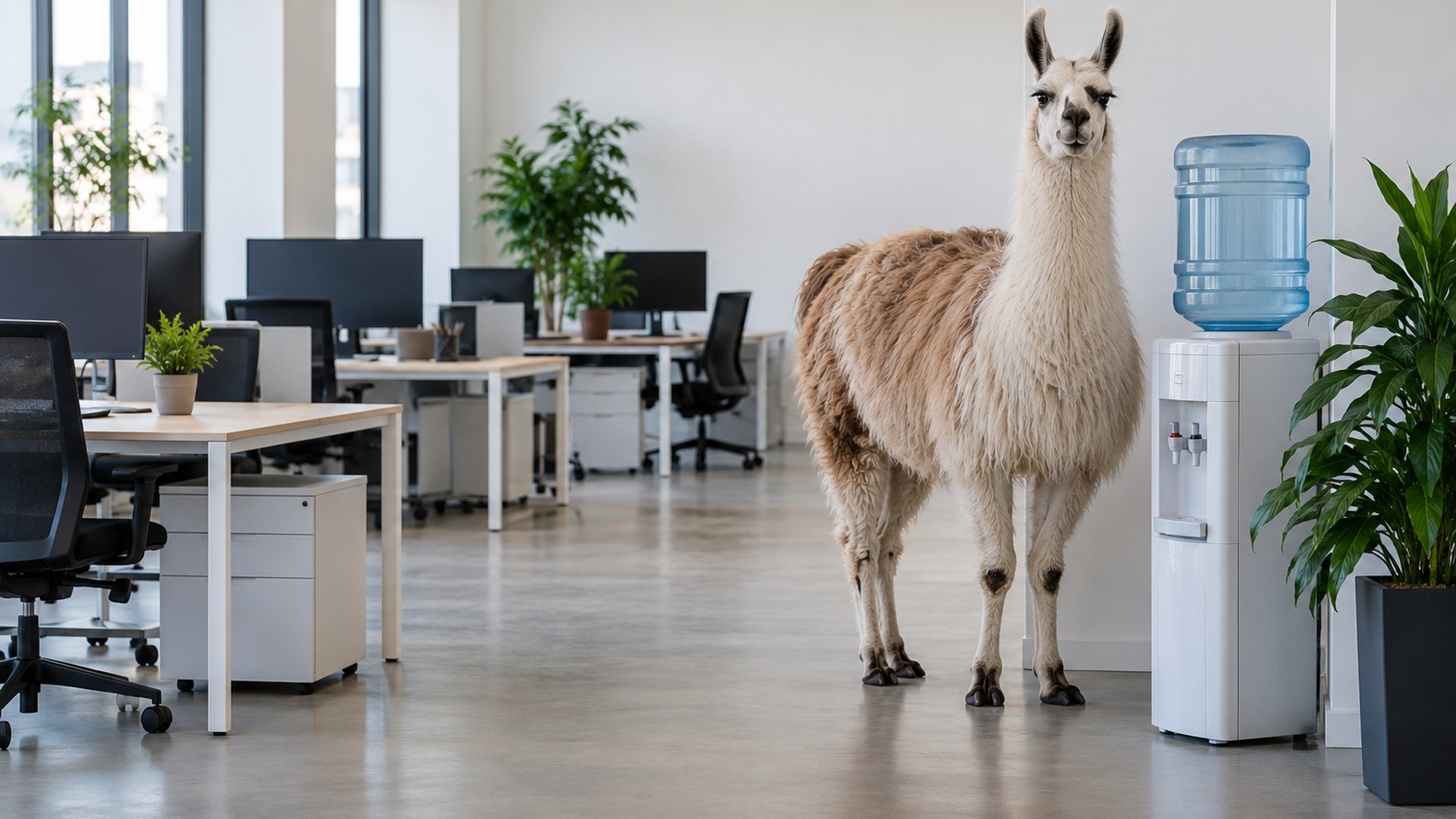
40 Halloween rooms · updated for 2026
Free Halloween Zoom Backgrounds
Direct HD downloads — no editor, no account, no watermark. Click, save, upload to Zoom. That is the whole tutorial.


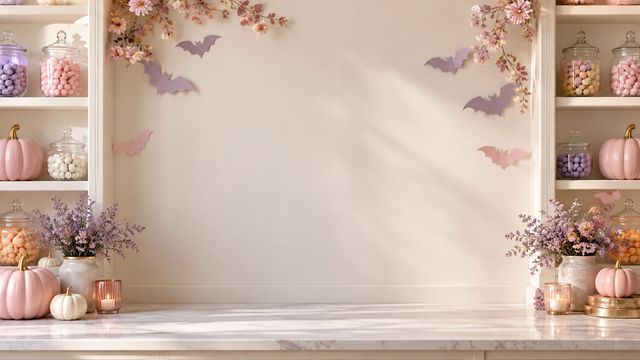
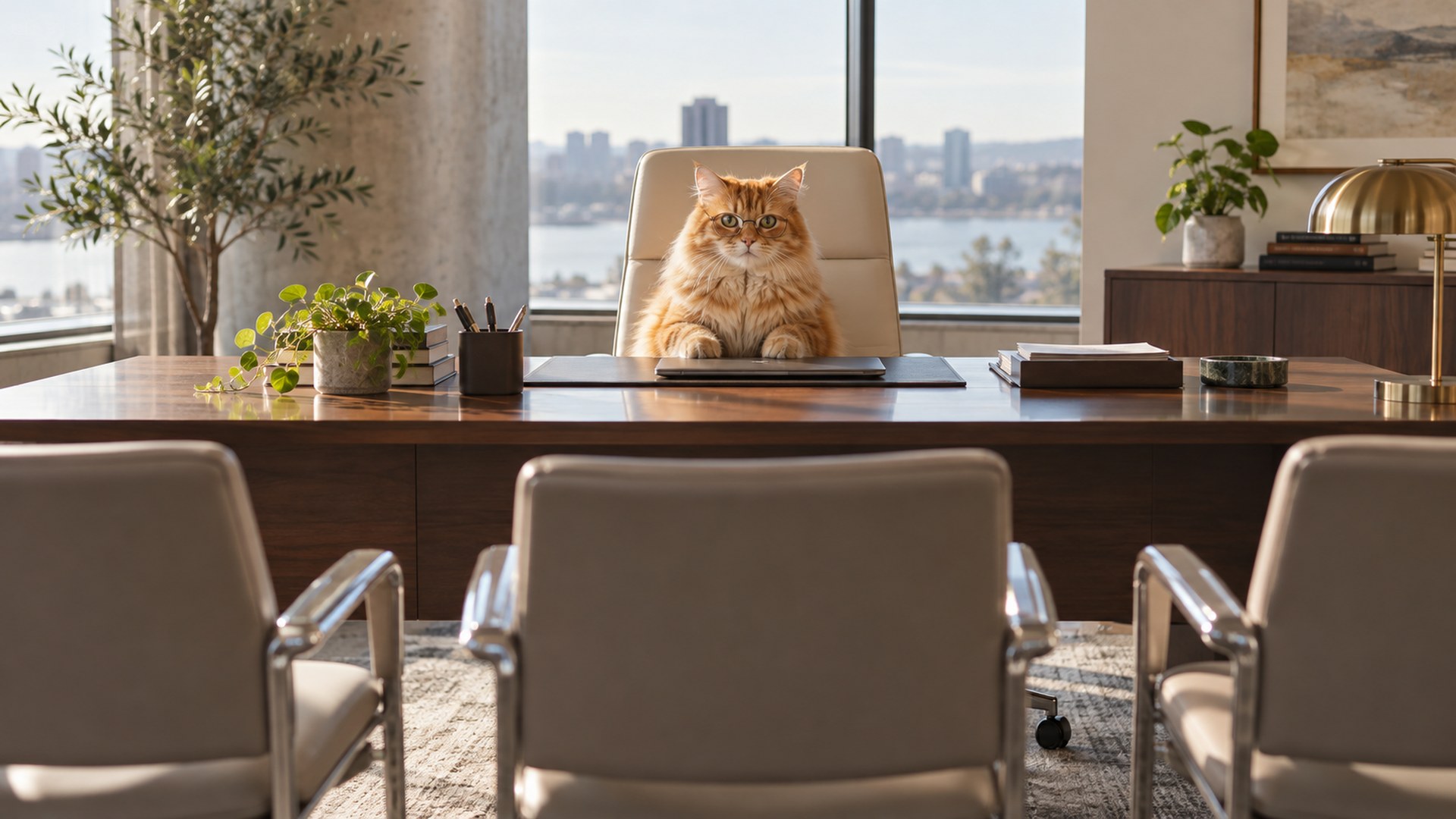
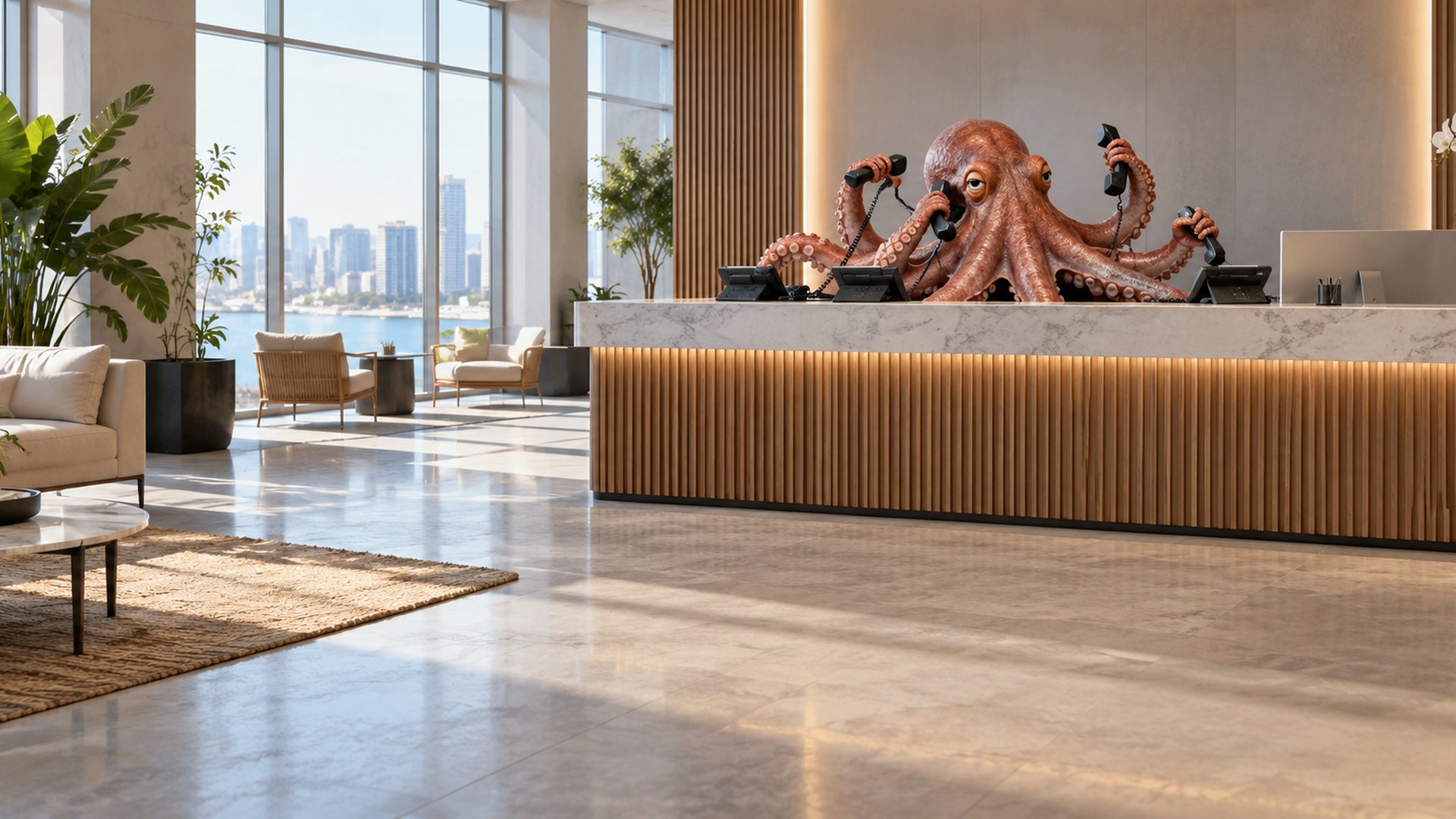
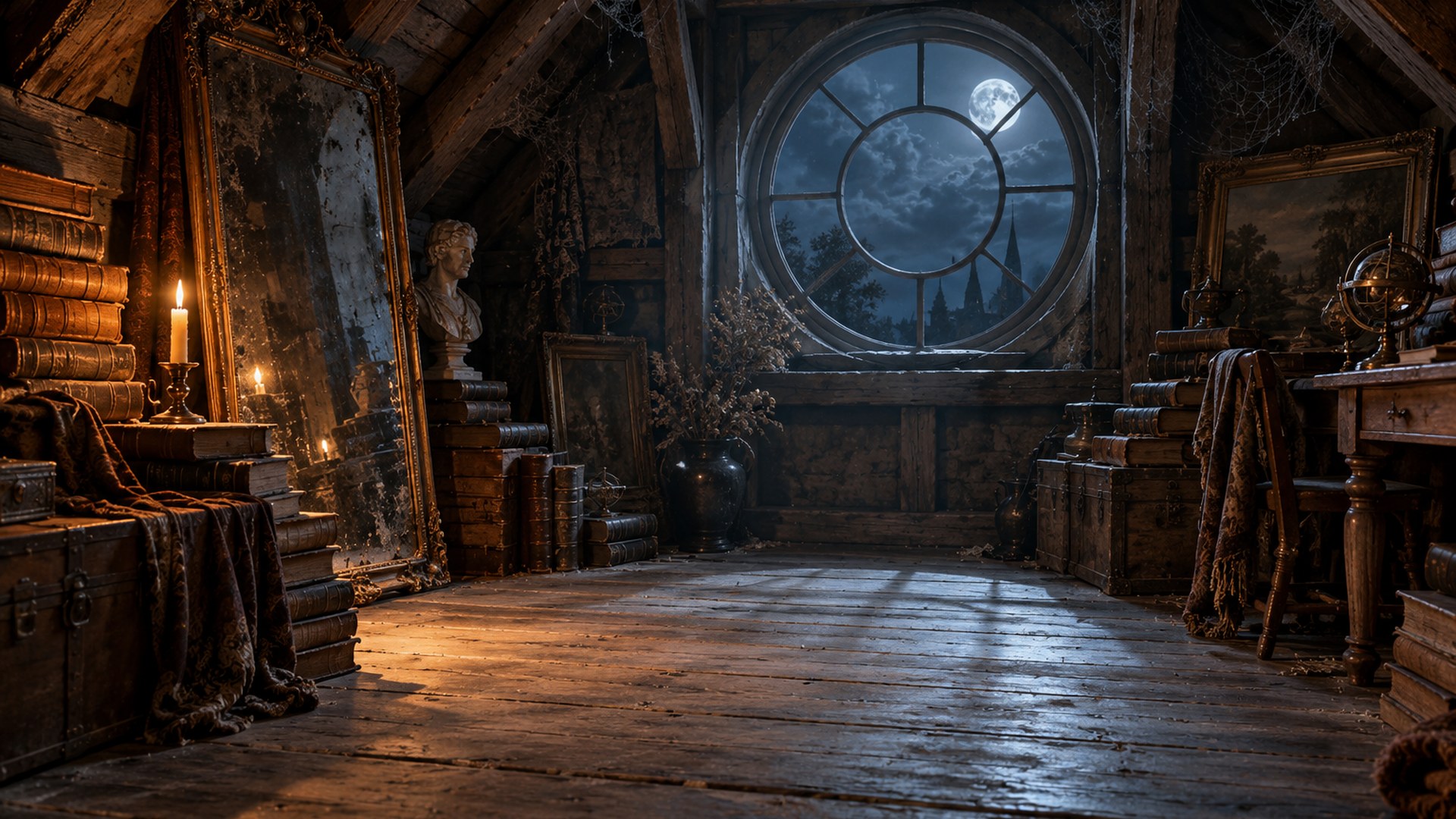
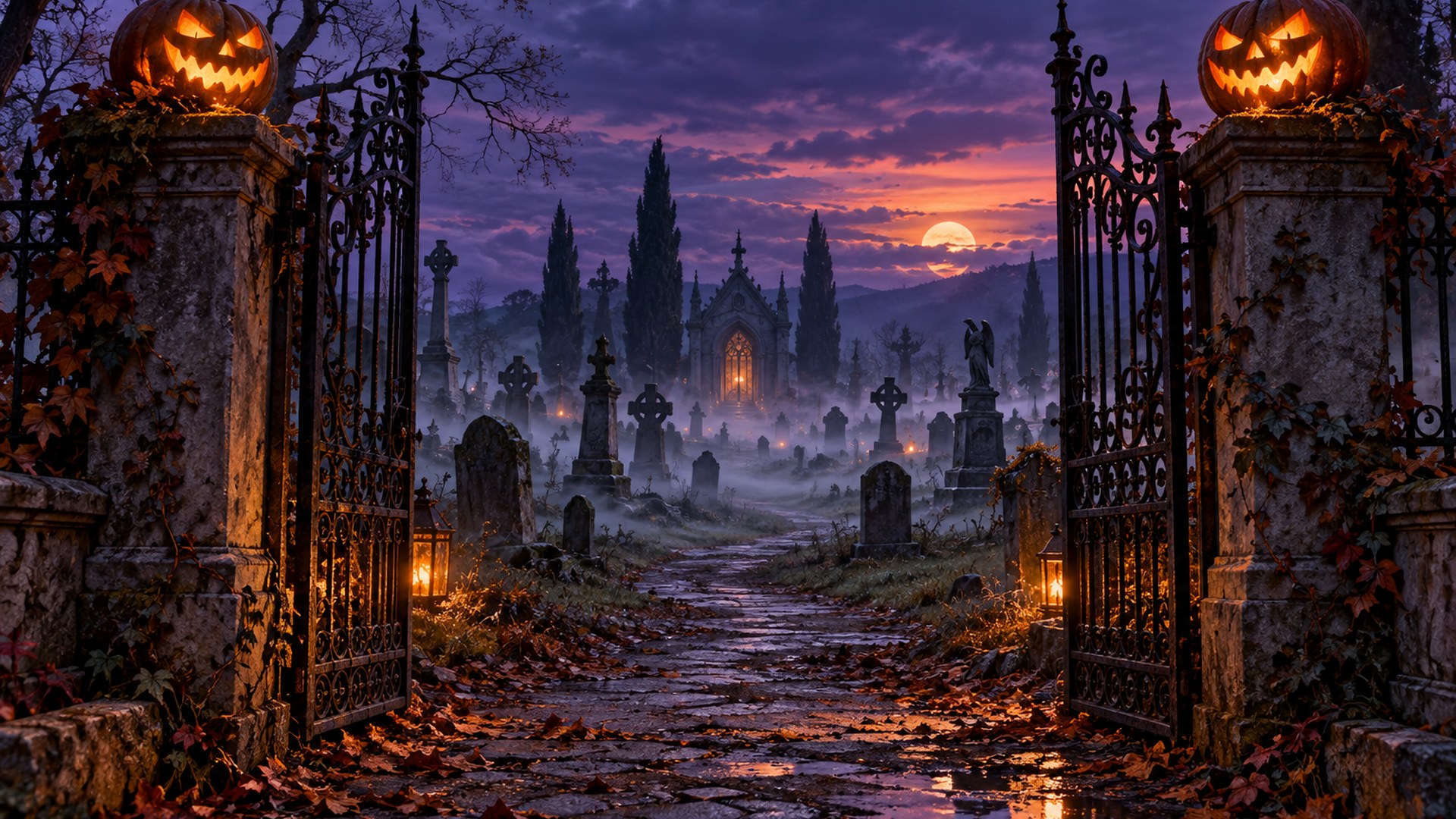
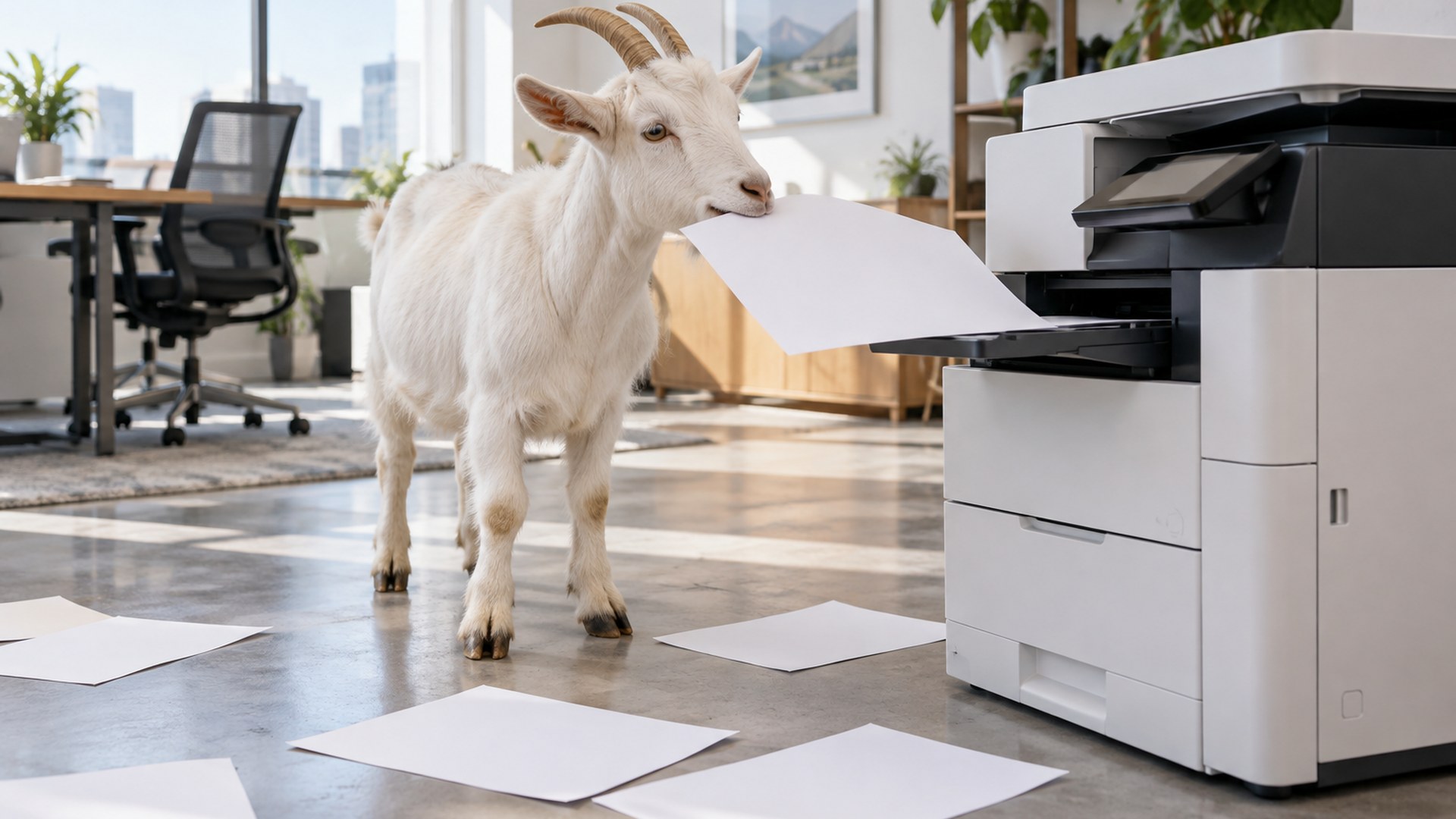
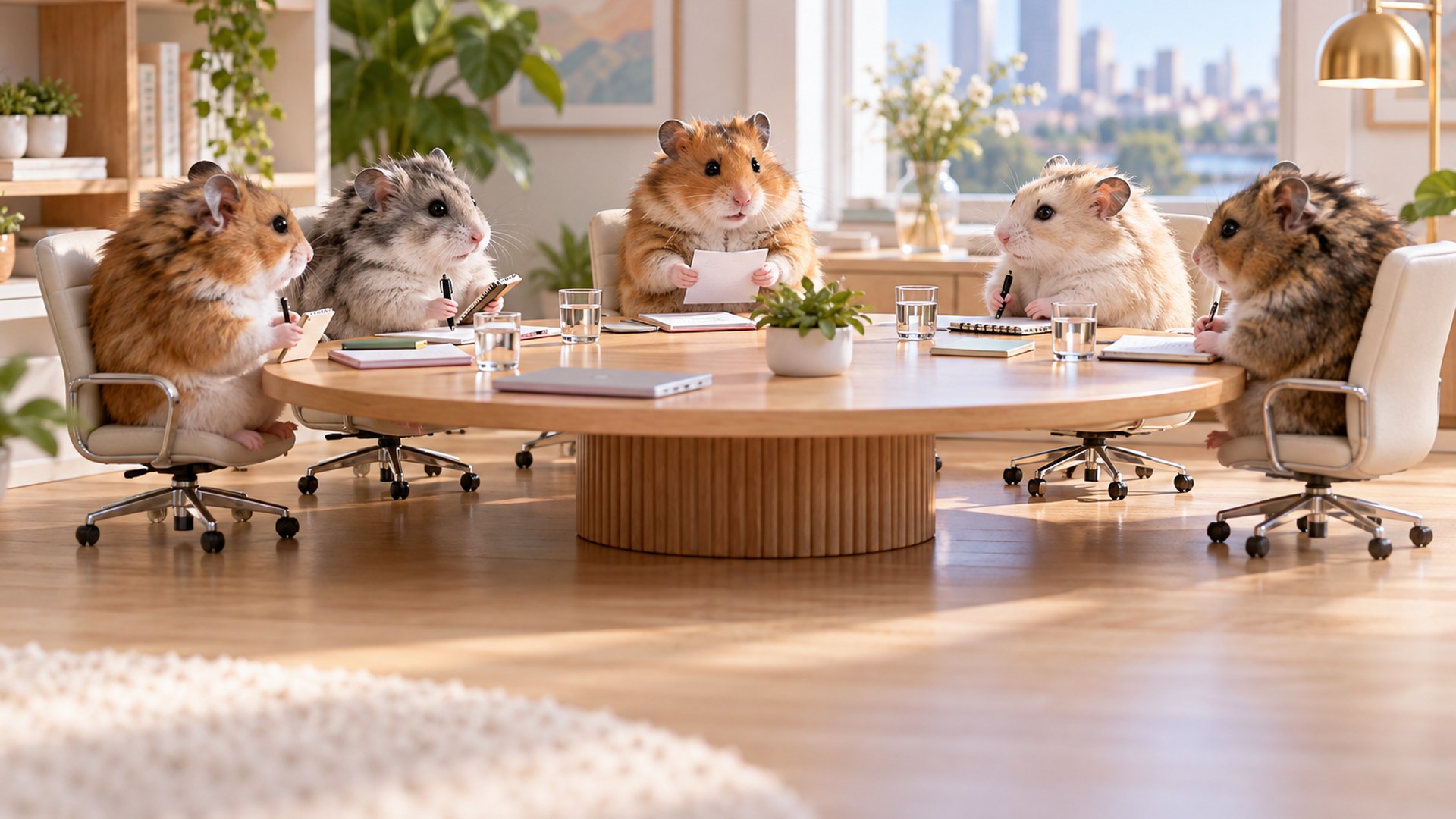
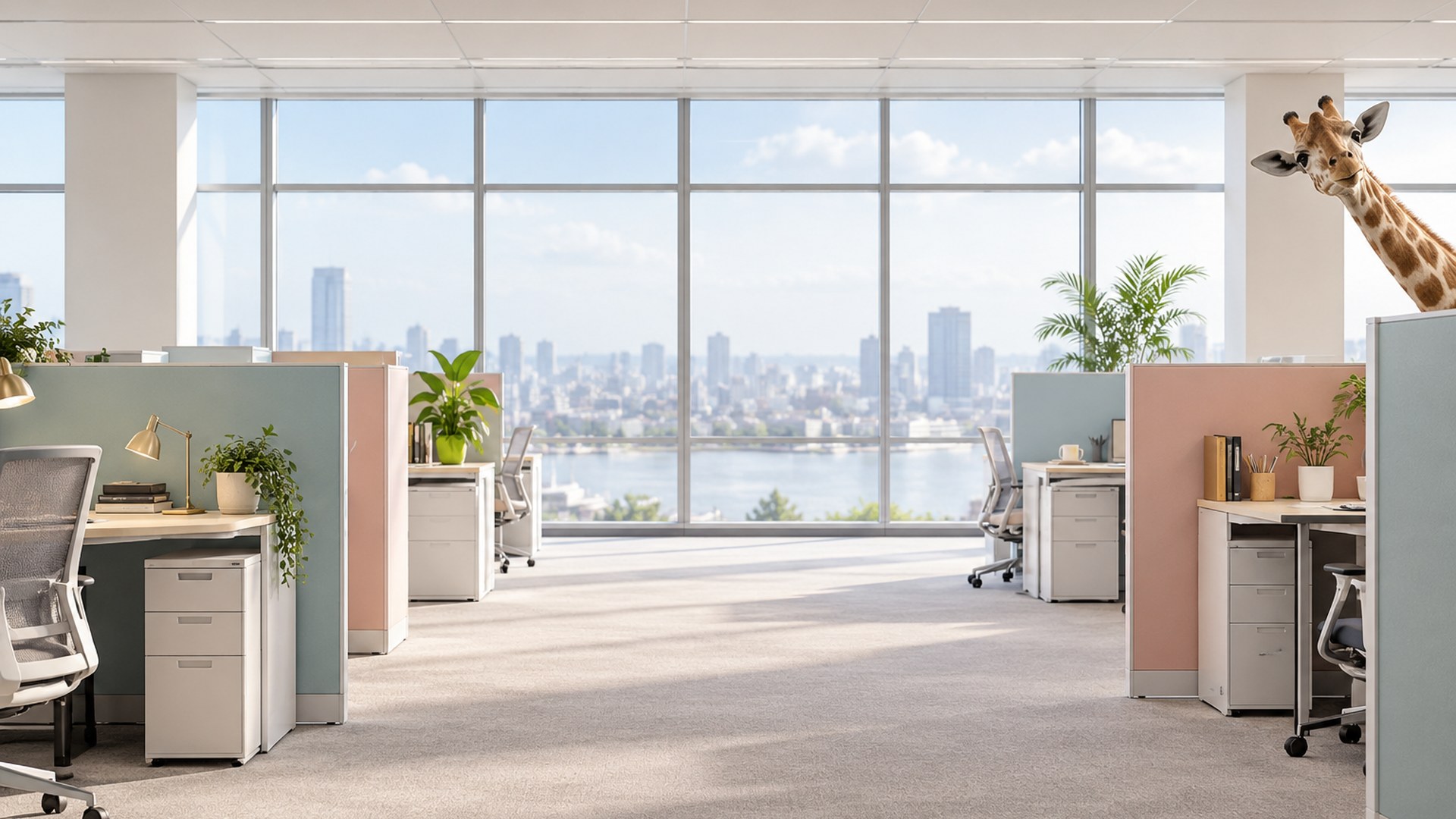
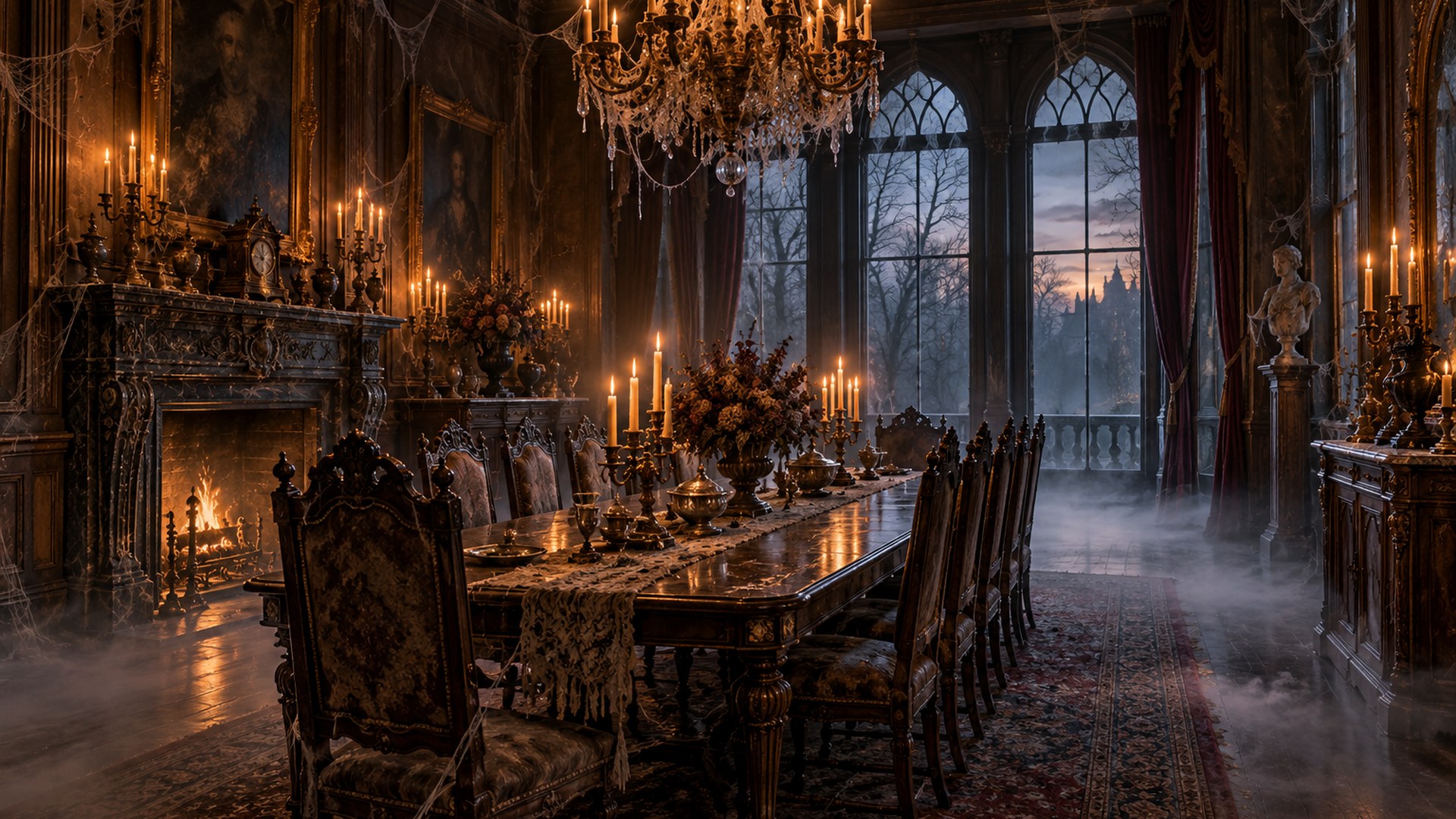
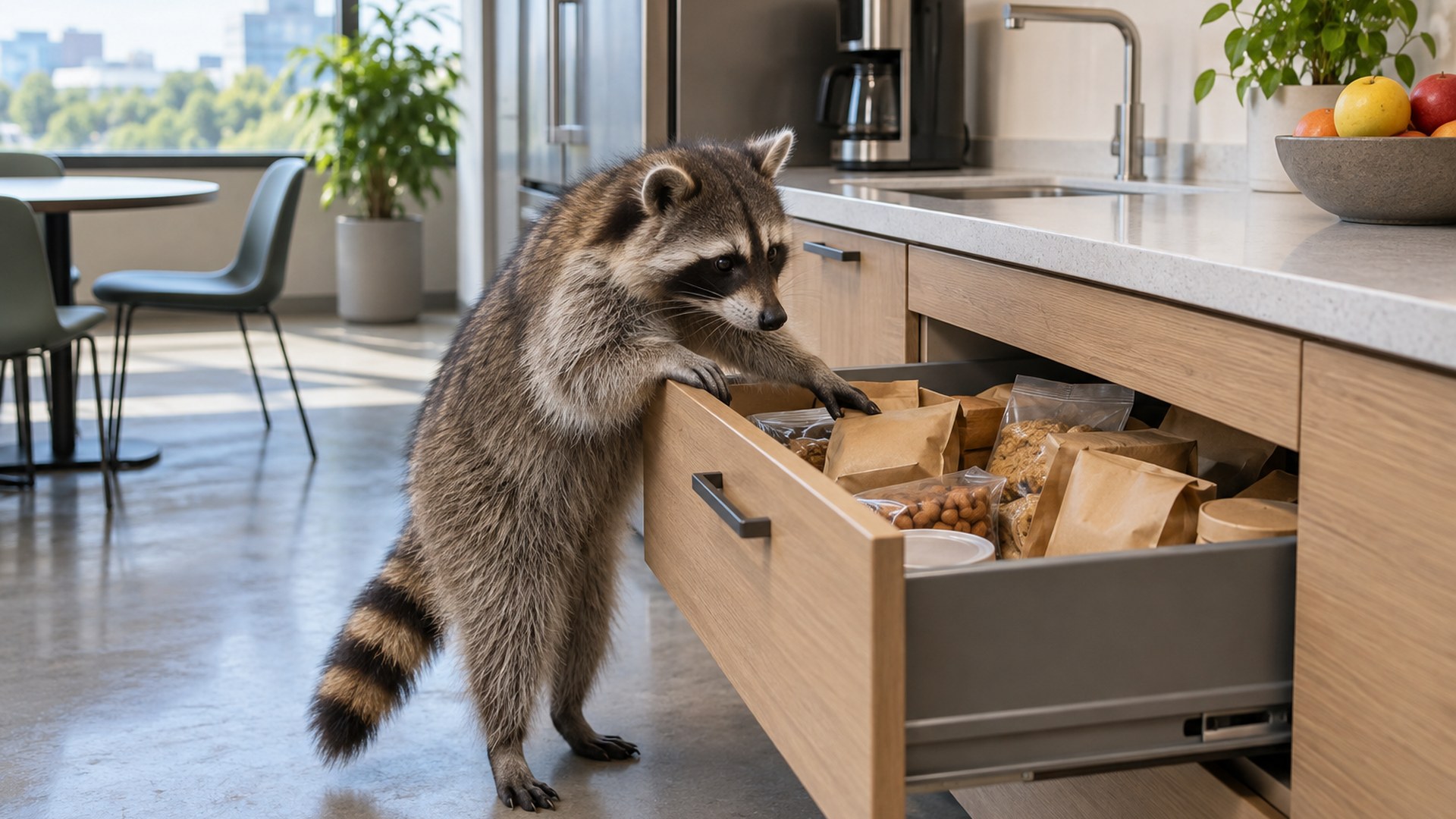
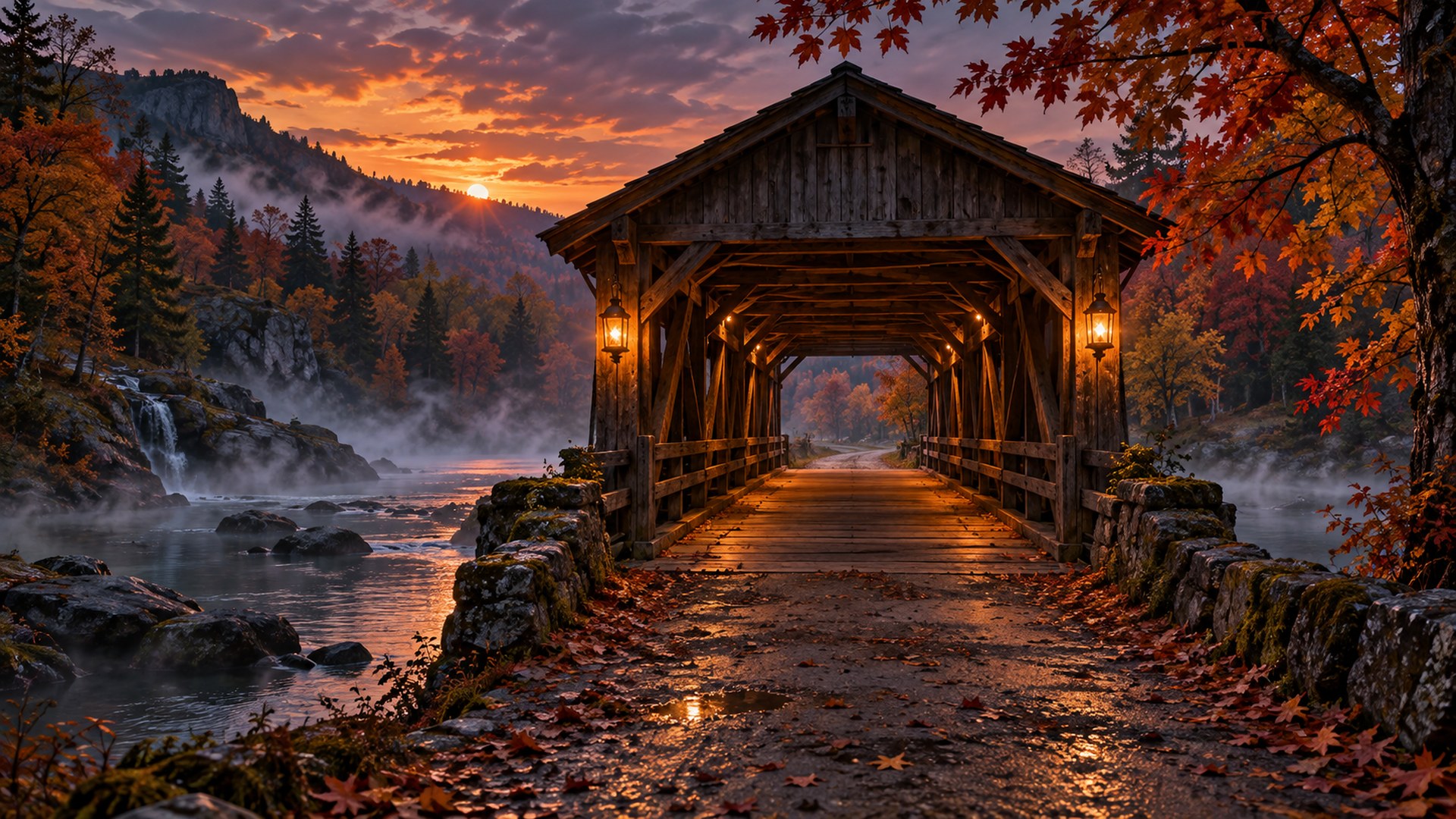
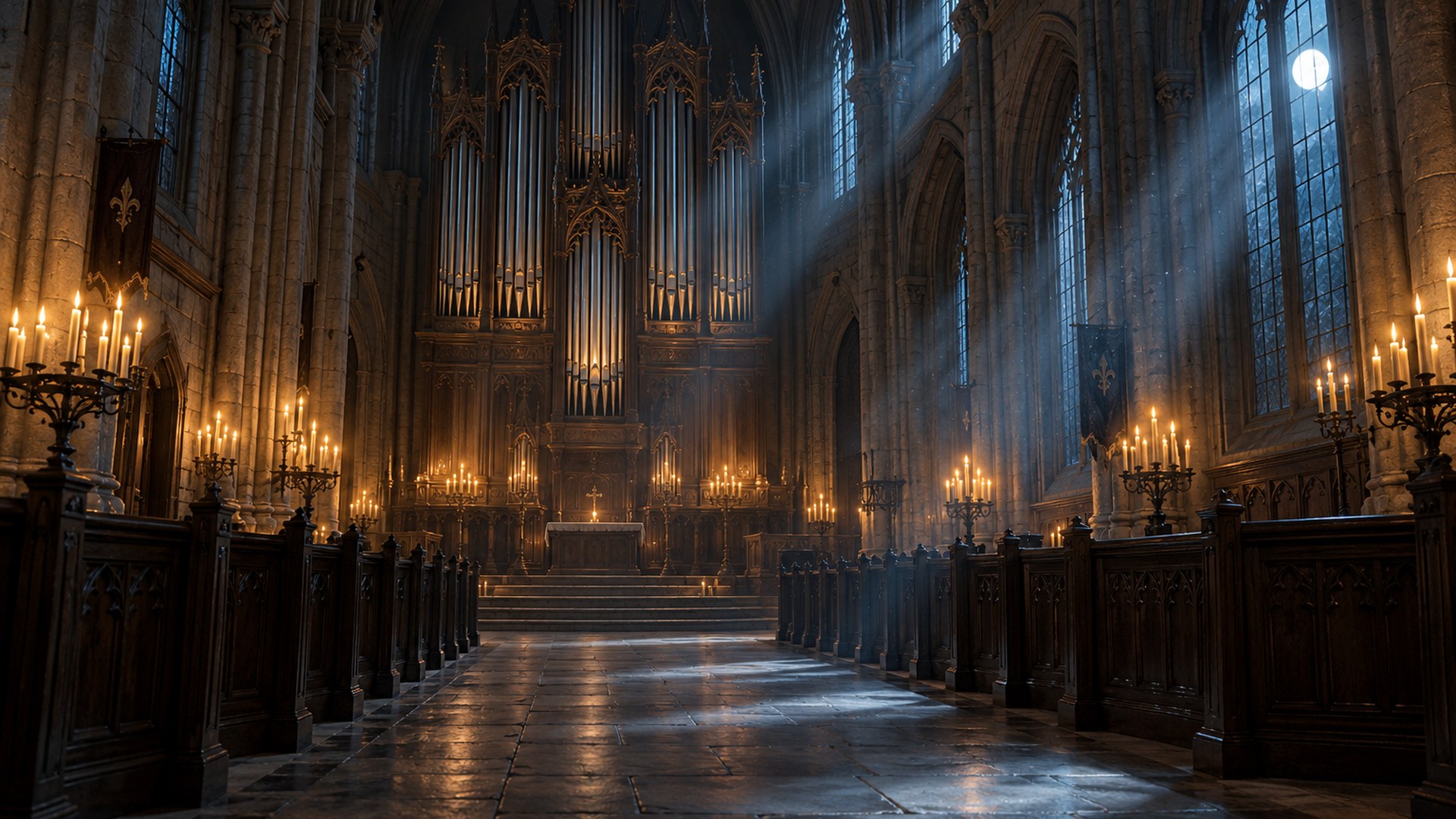
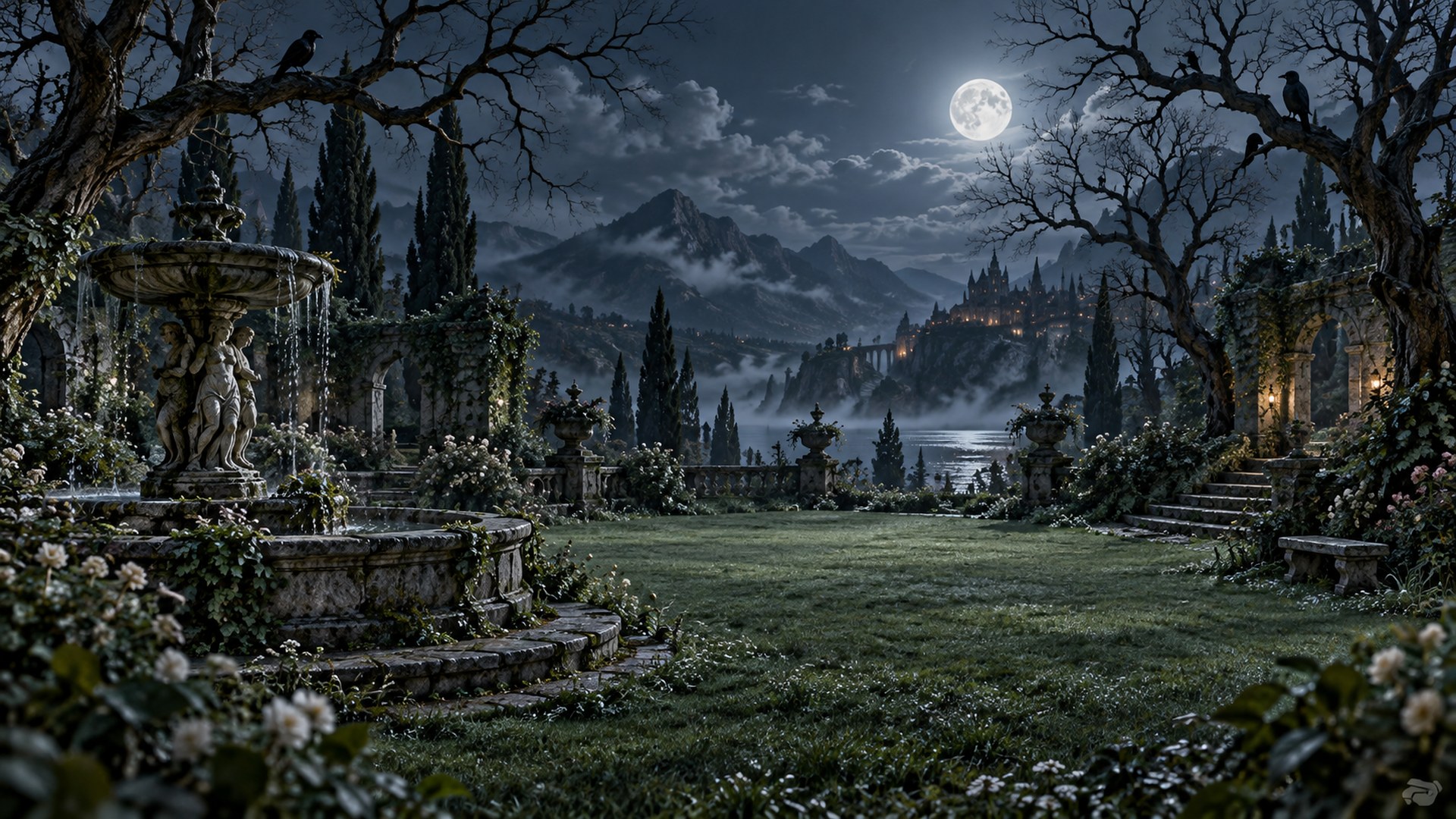
40cute · funny · spooky
ready to upload
ready to upload
The full set
Choose your Halloween.
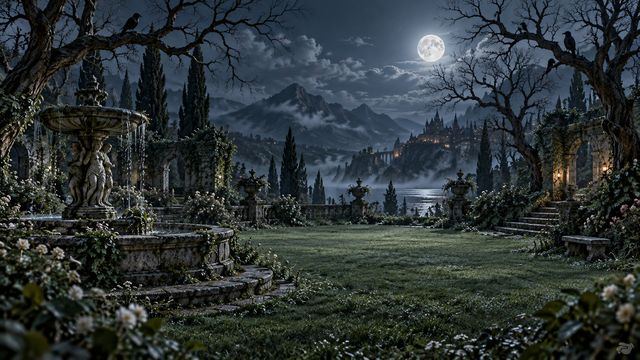
Three moods, one standard: 1920×1080, direct download, no editor.
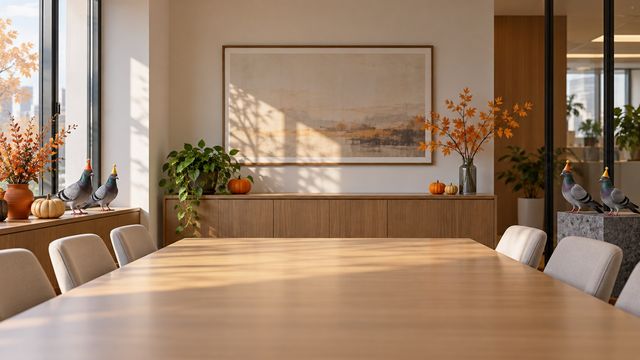


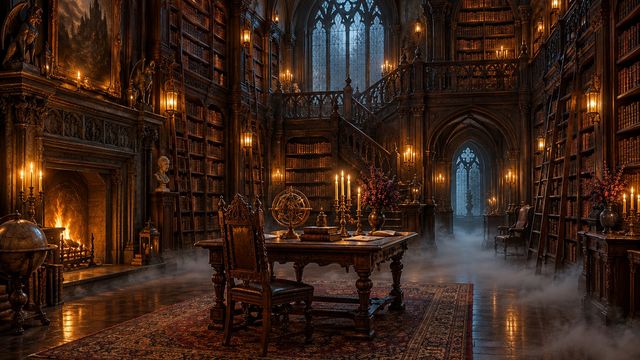
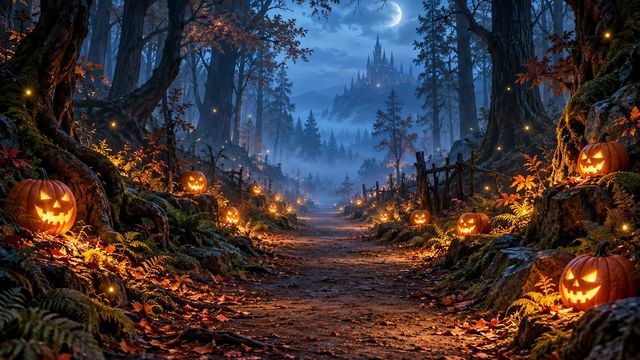

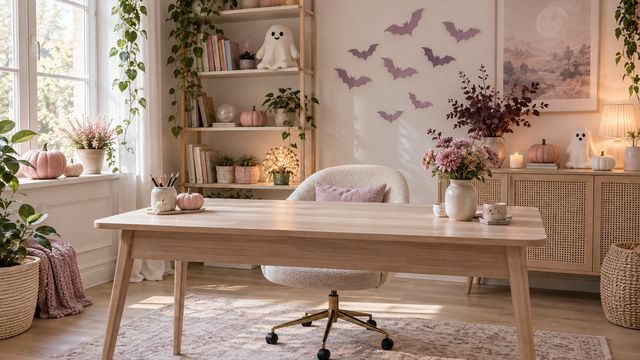
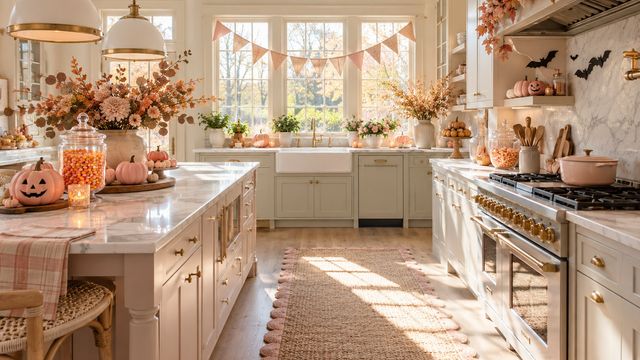
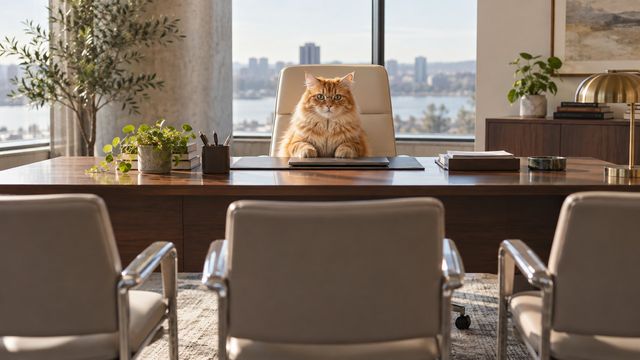

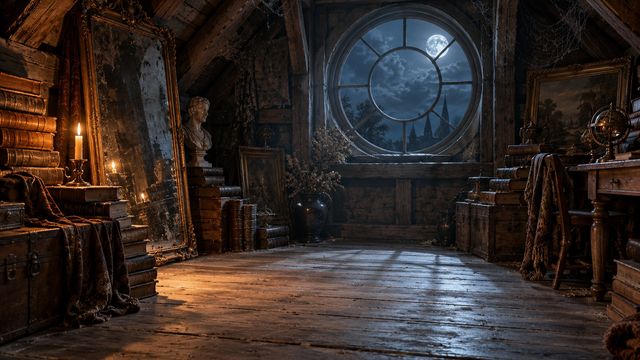
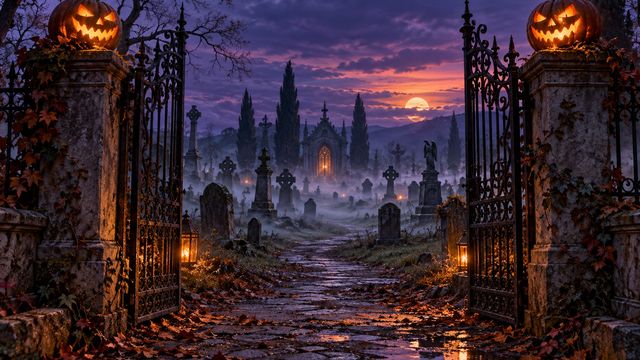
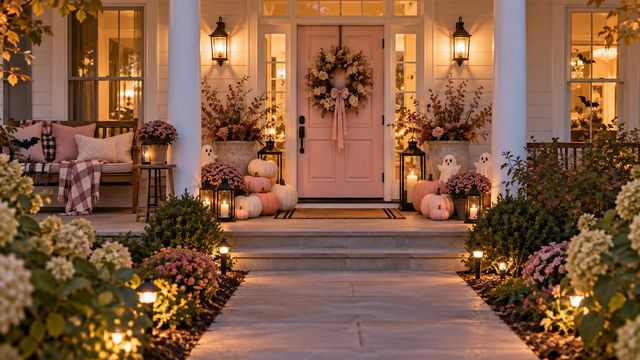


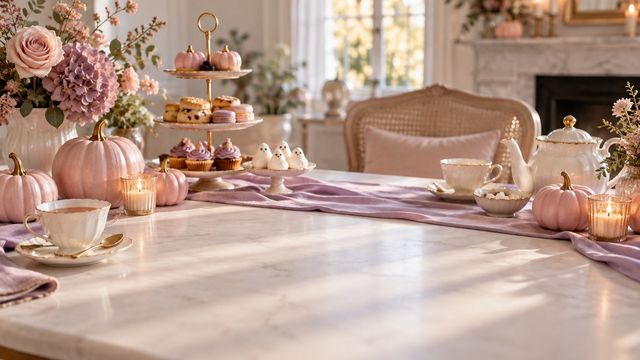
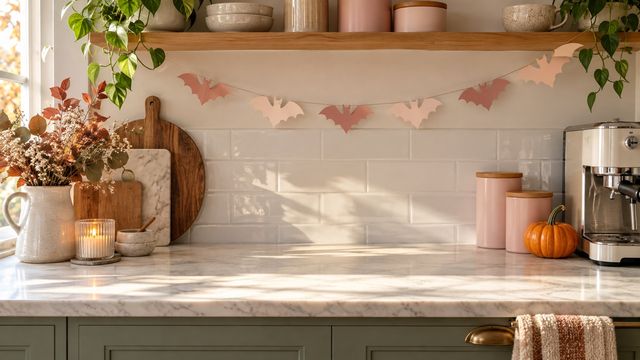

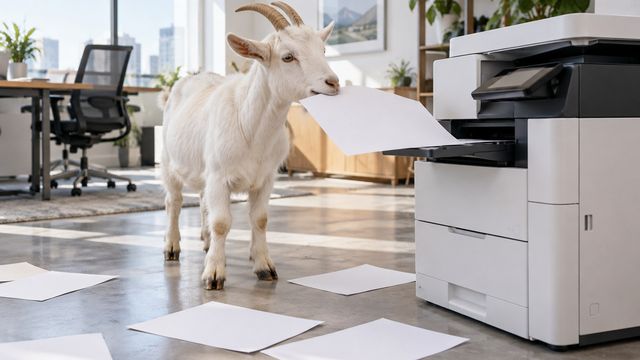


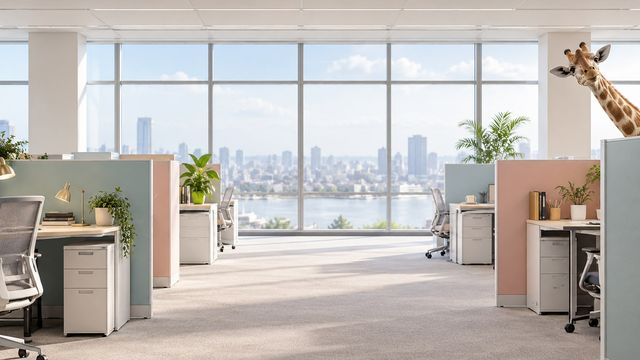
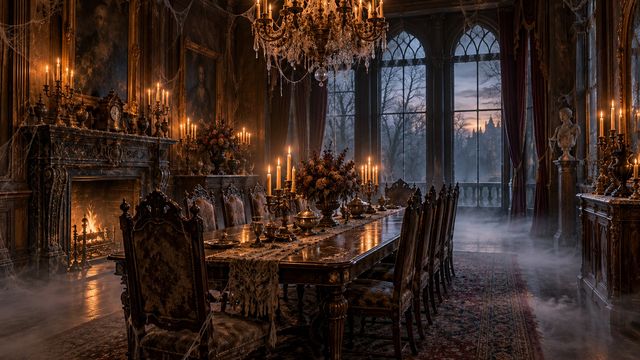
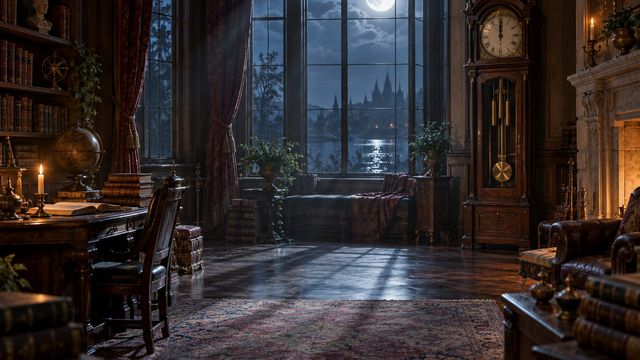

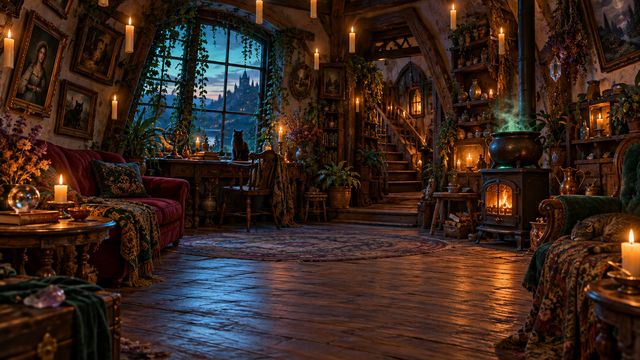
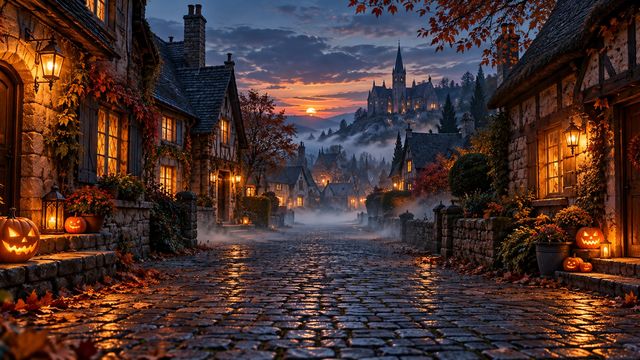
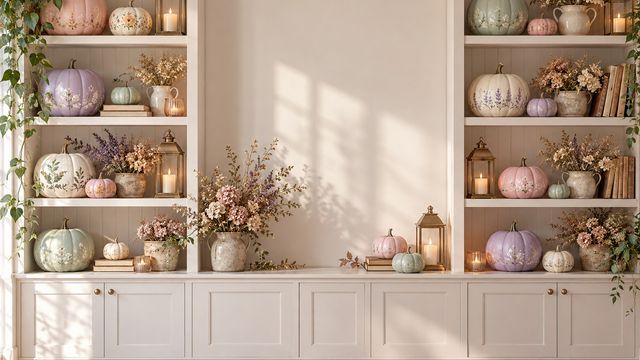
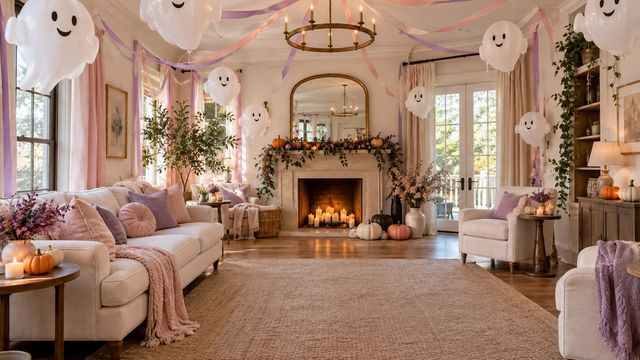


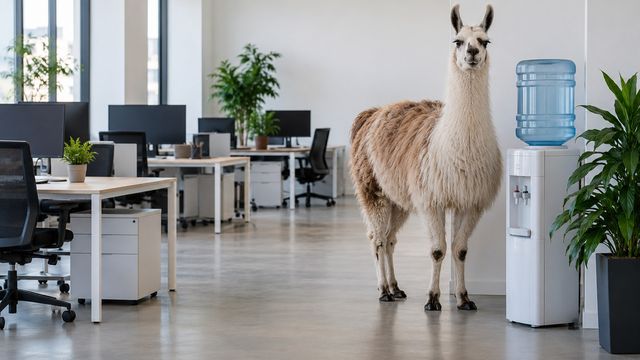
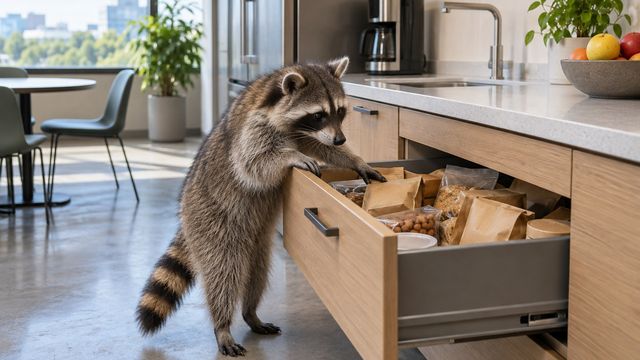

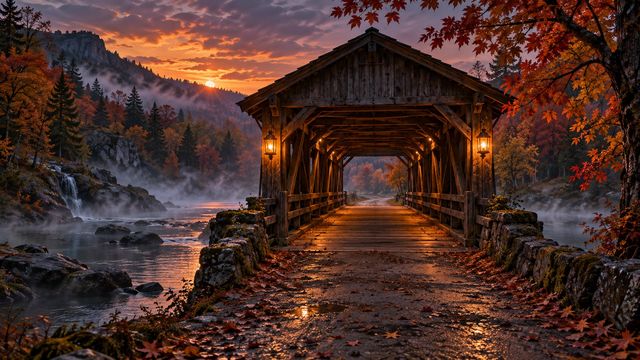
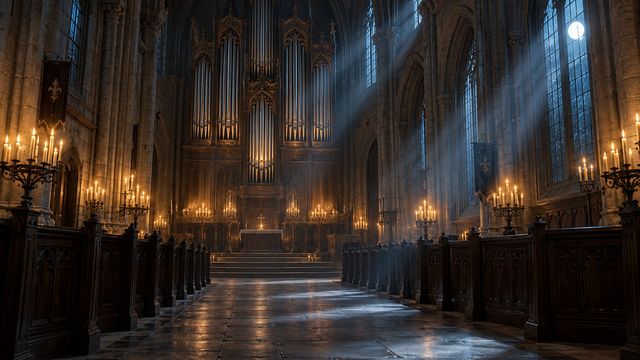
No editor
Finished rooms, not templates.
No sticker arranging. No export menu. Just a JPG at the exact size Zoom expects.
01 · DOWNLOAD
Pick a room
Save the original JPG. It is already 1920×1080 and ready for Zoom.
02 · OPEN ZOOM
Background & effects
Zoom Settings → Background & effects → Virtual Backgrounds → plus.
03 · JOIN
Upload and check
Add the image, leave green screen off, and check your framing in a test meeting.
Questions
Before the call.
What people ask before they pick a Halloween room.
Are these Halloween Zoom backgrounds free?
Yes. Every JPG is free to download, with no signup, trial or watermark.
Do I need a Canva-style editor?
No. These are finished images. Download the JPG, open Zoom Background & effects, and add it.
Can I use the same file in Microsoft Teams?
Yes. These are standard 1920×1080 JPGs and work in Teams, Zoom, Meet and most video tools.
Which Halloween set should I choose?
Use cute for approachable calls, funny for internal teams and spooky for evening socials or events.
Keep looking
All 180 backgrounds →