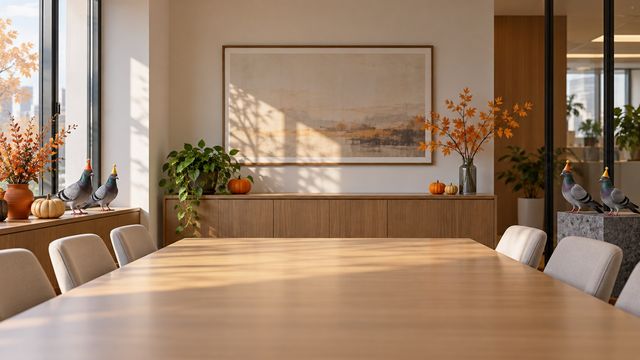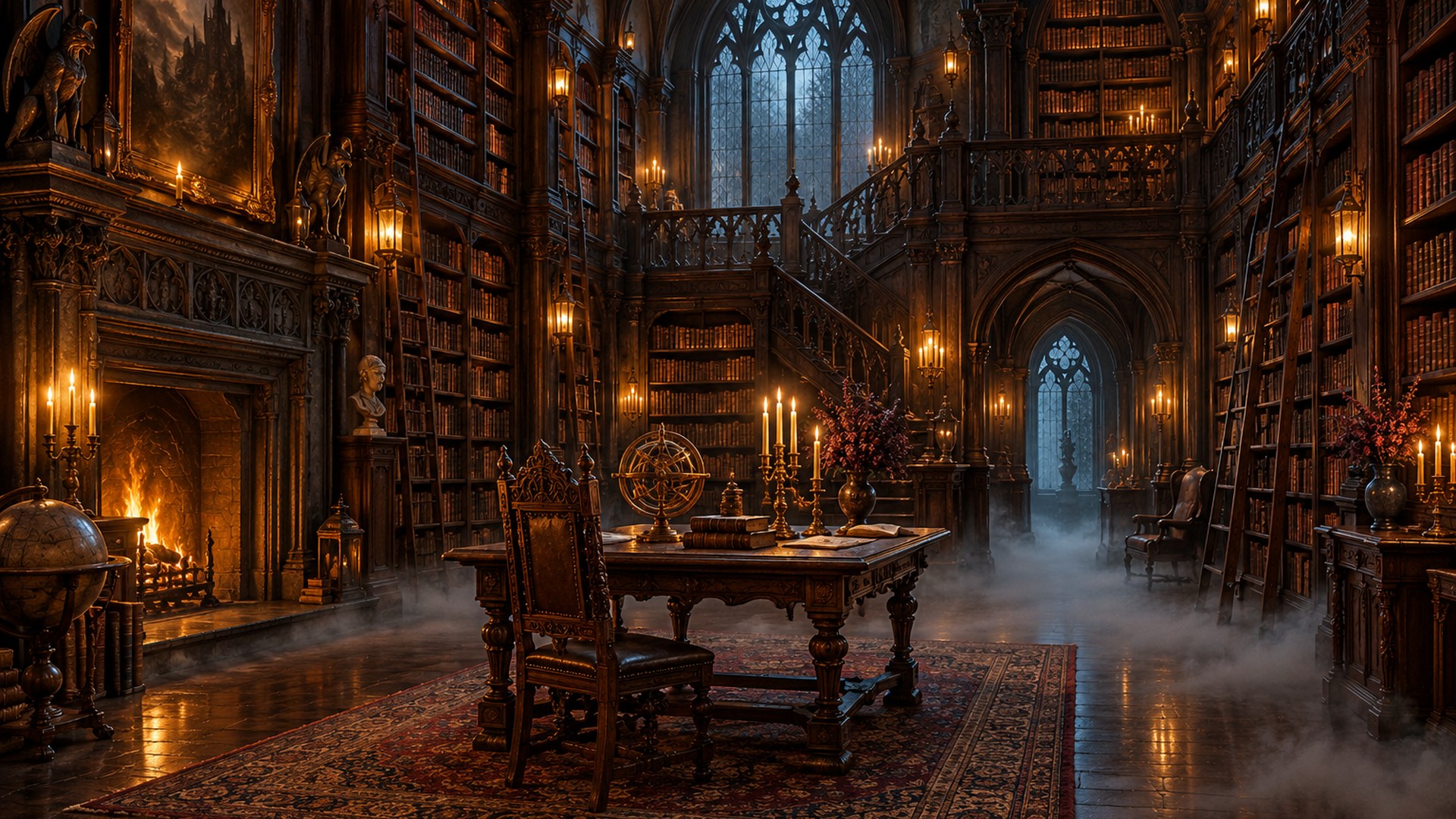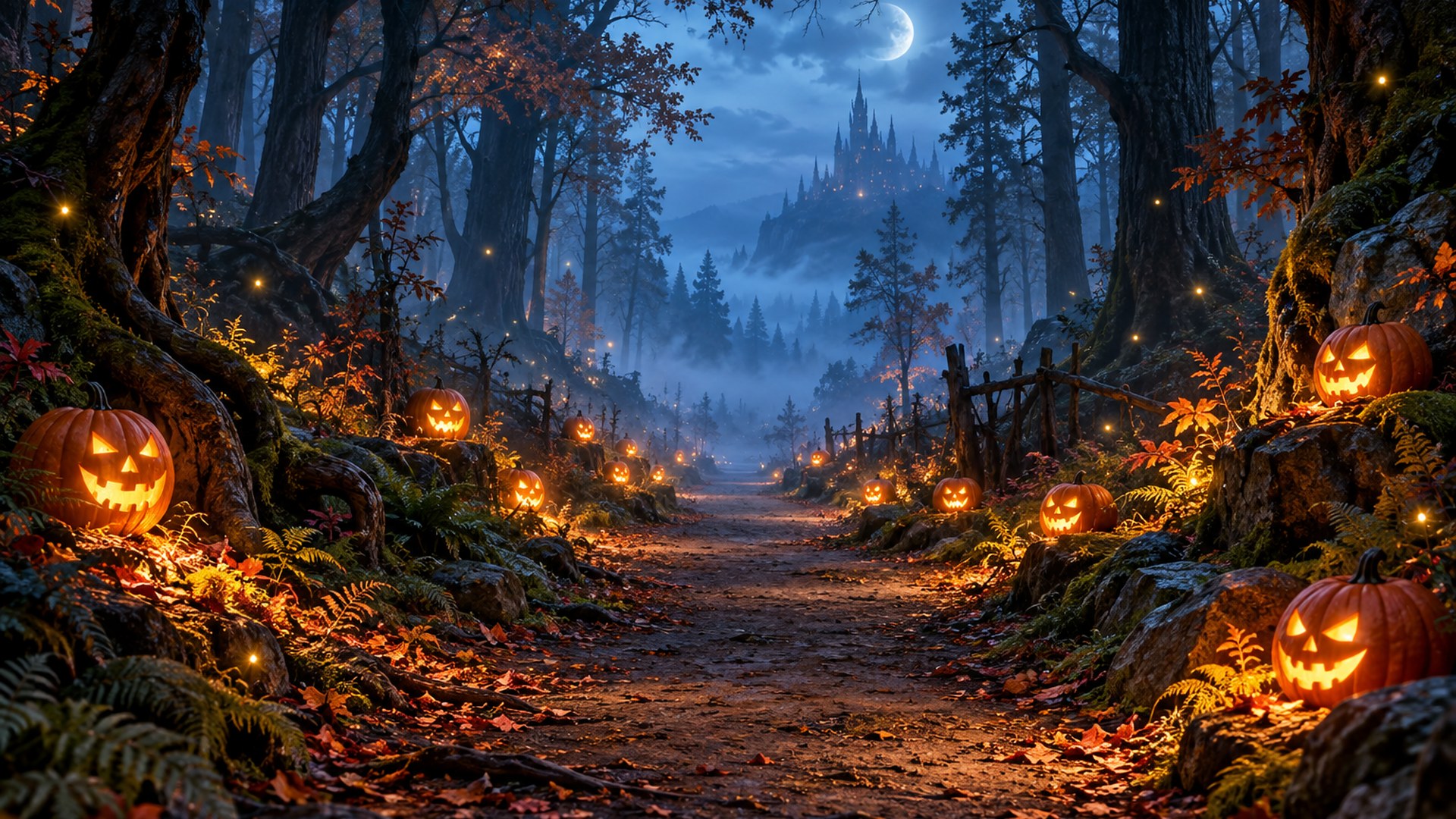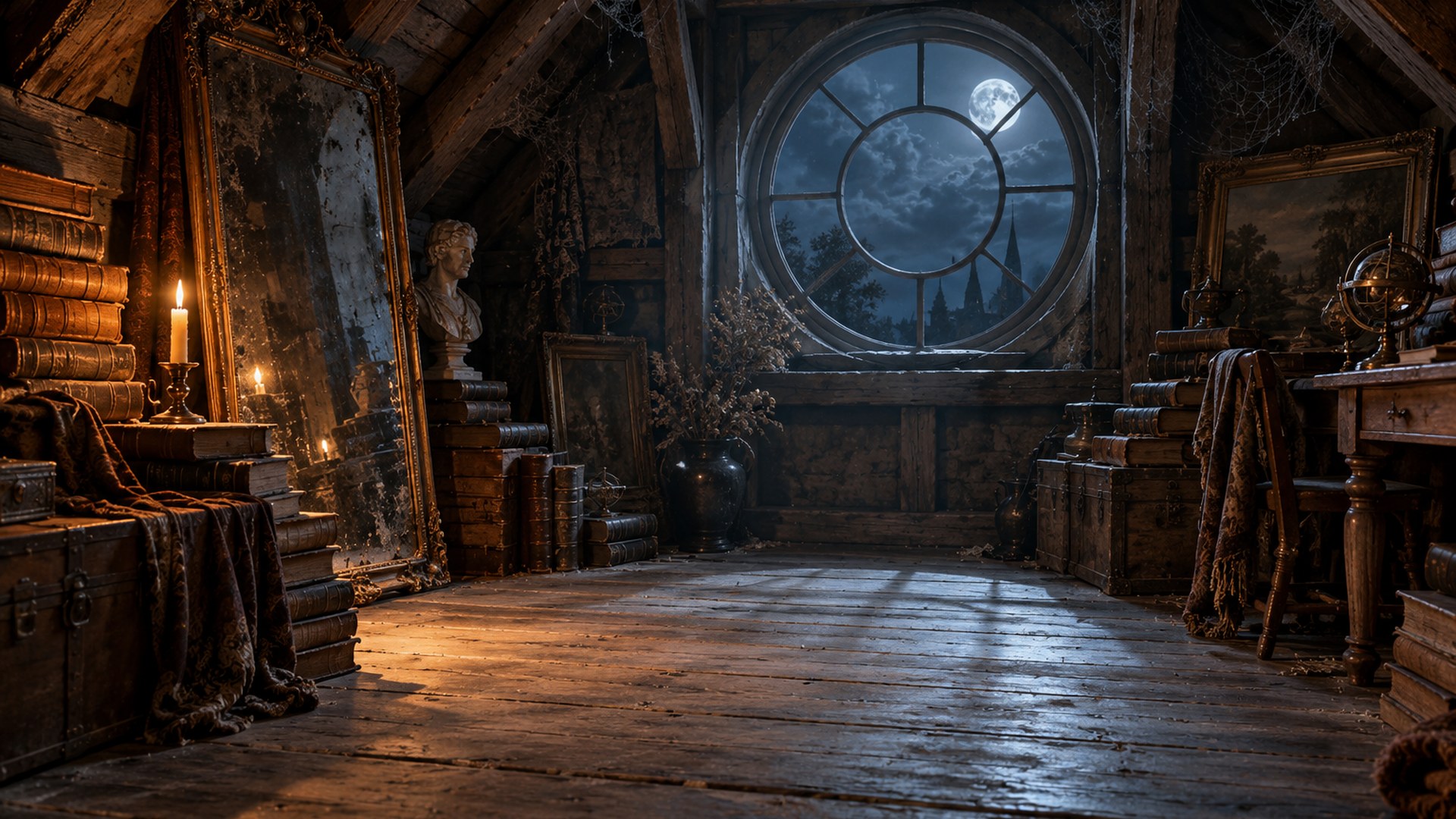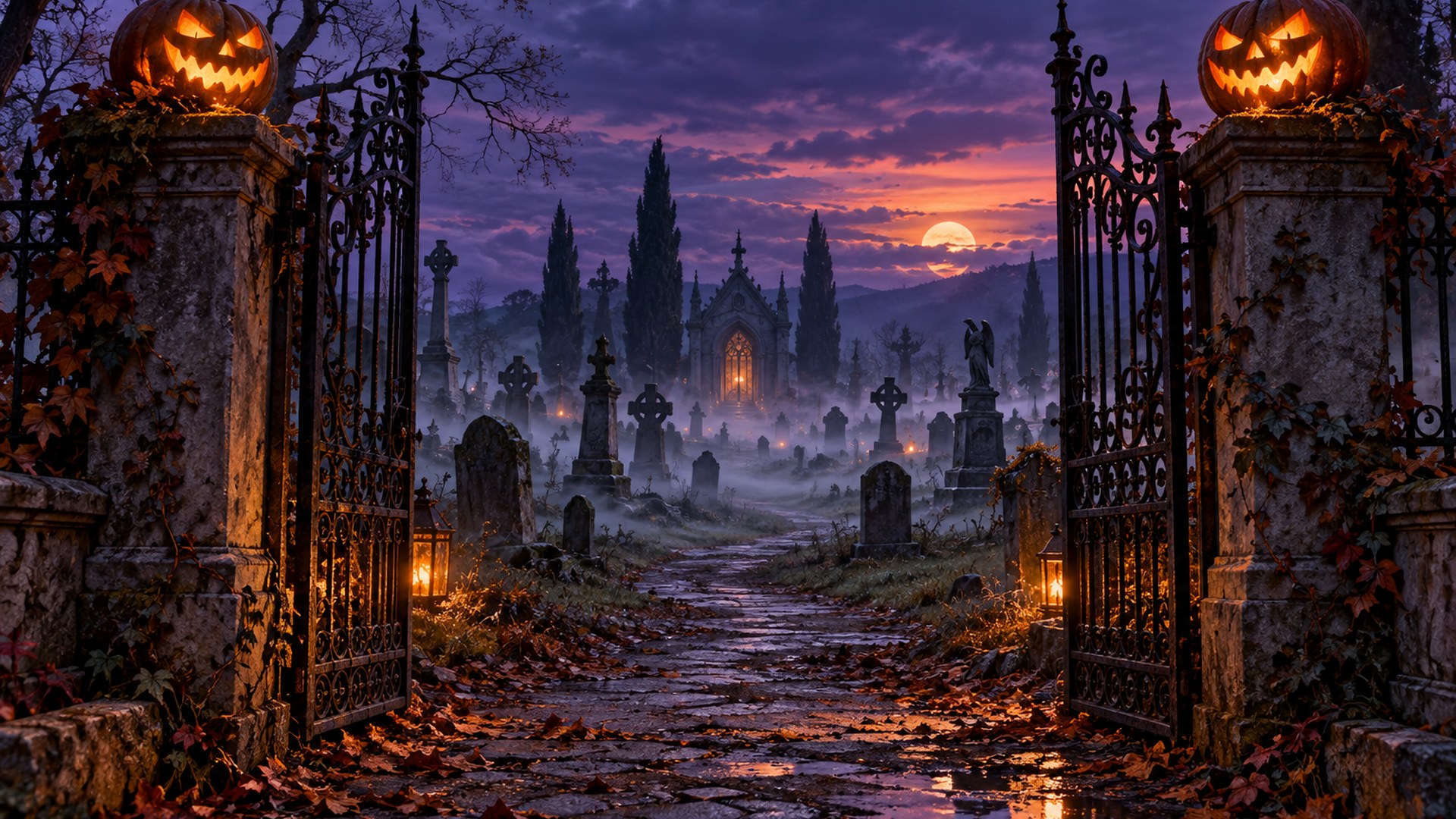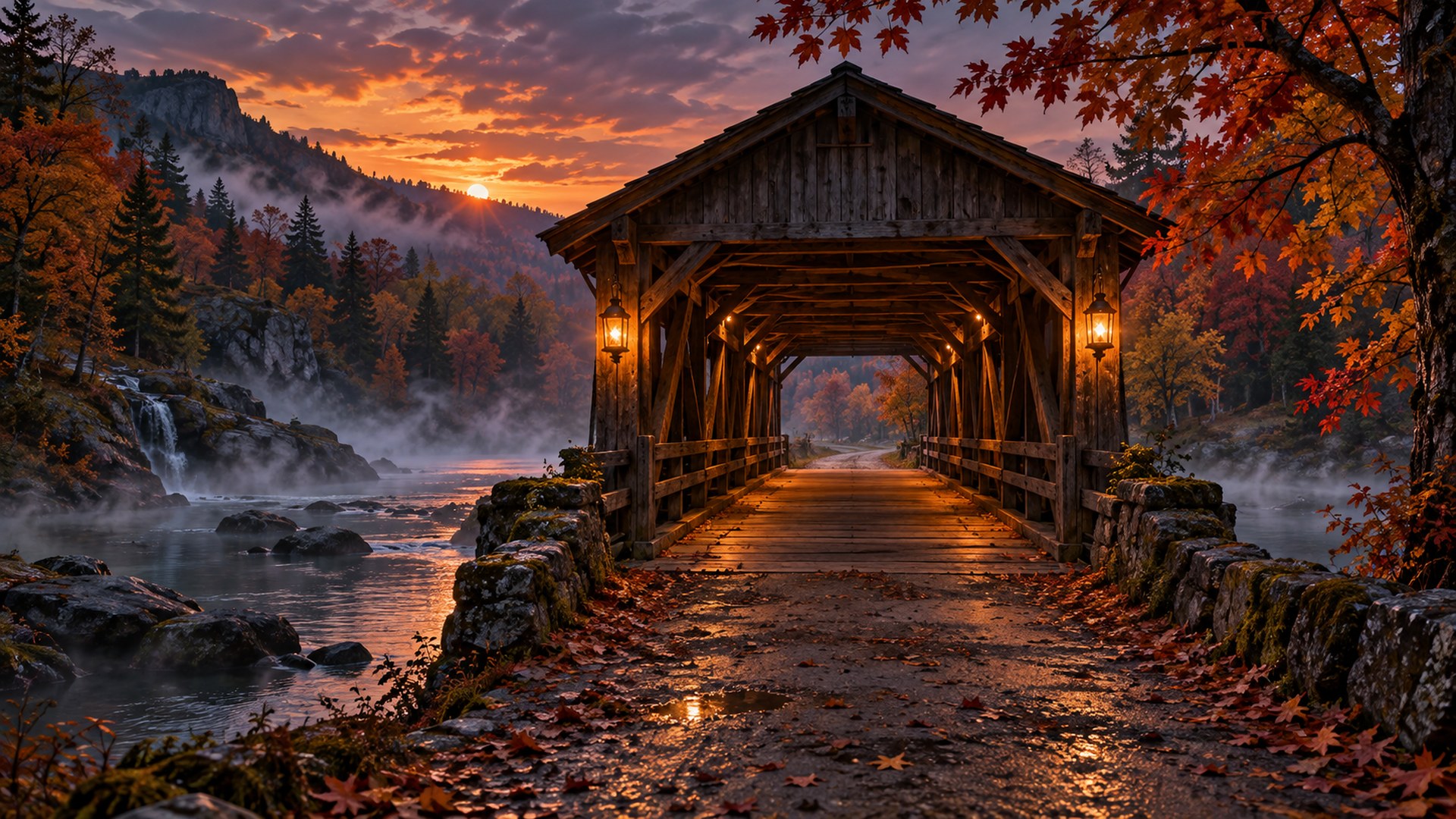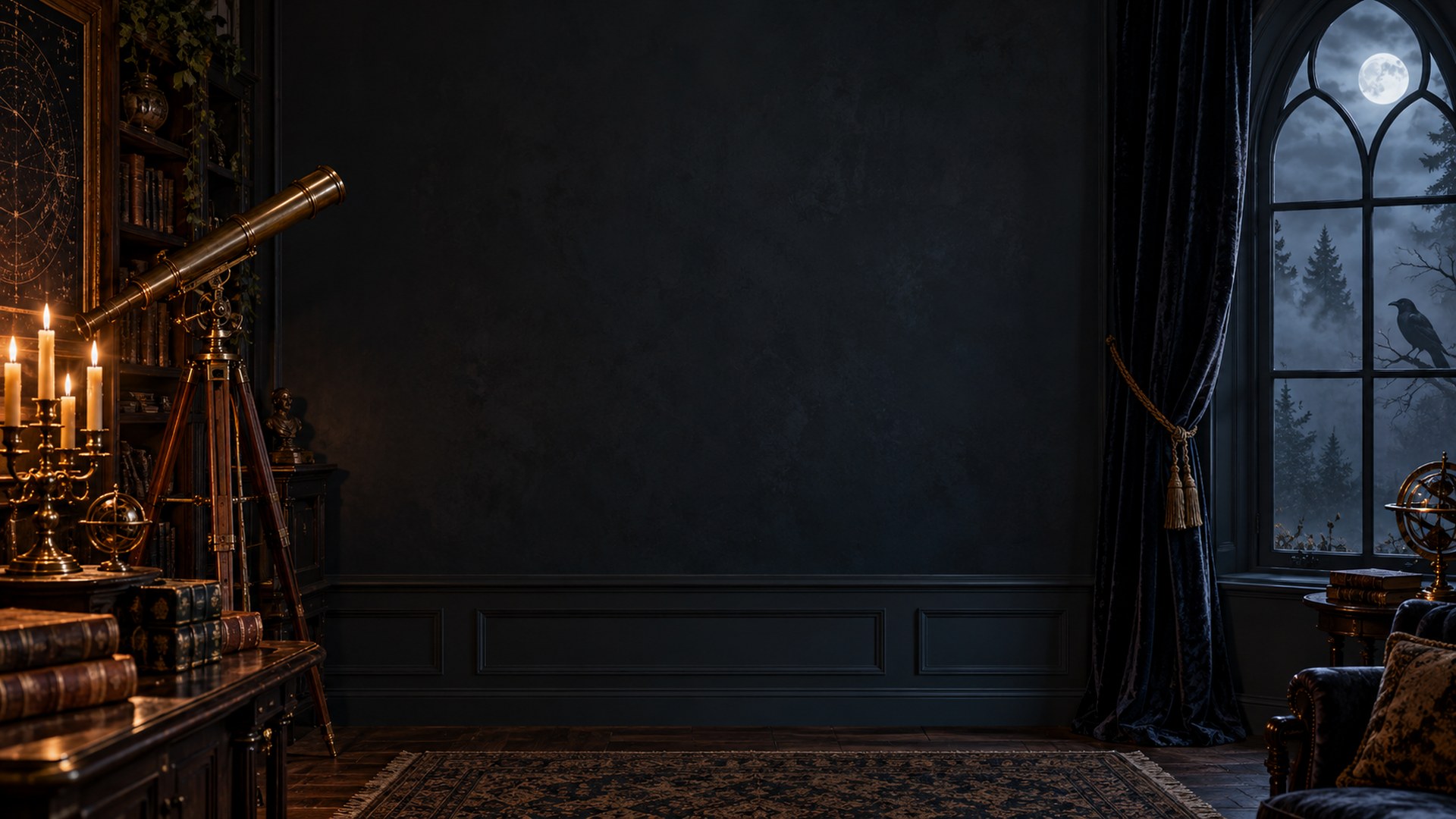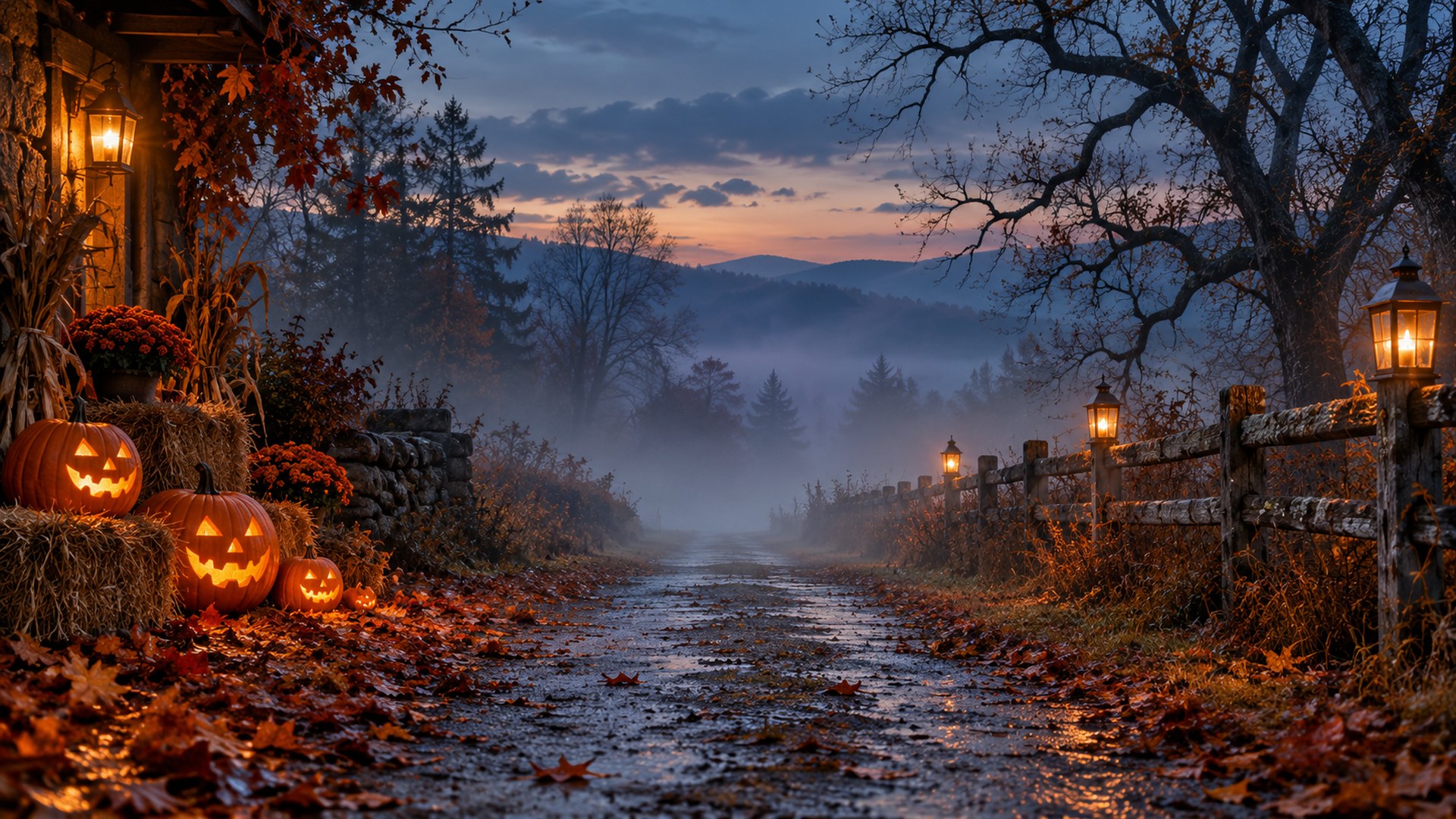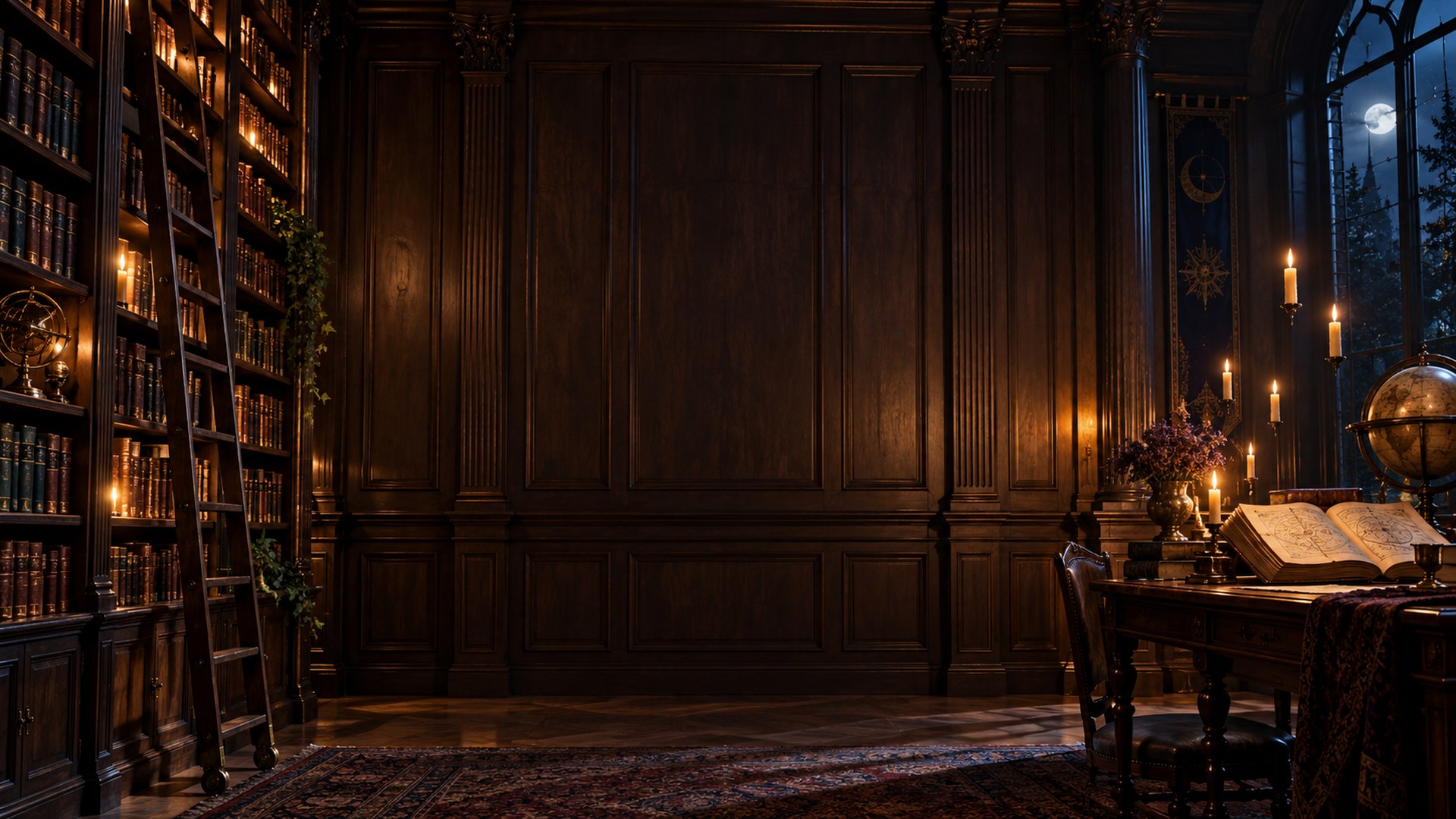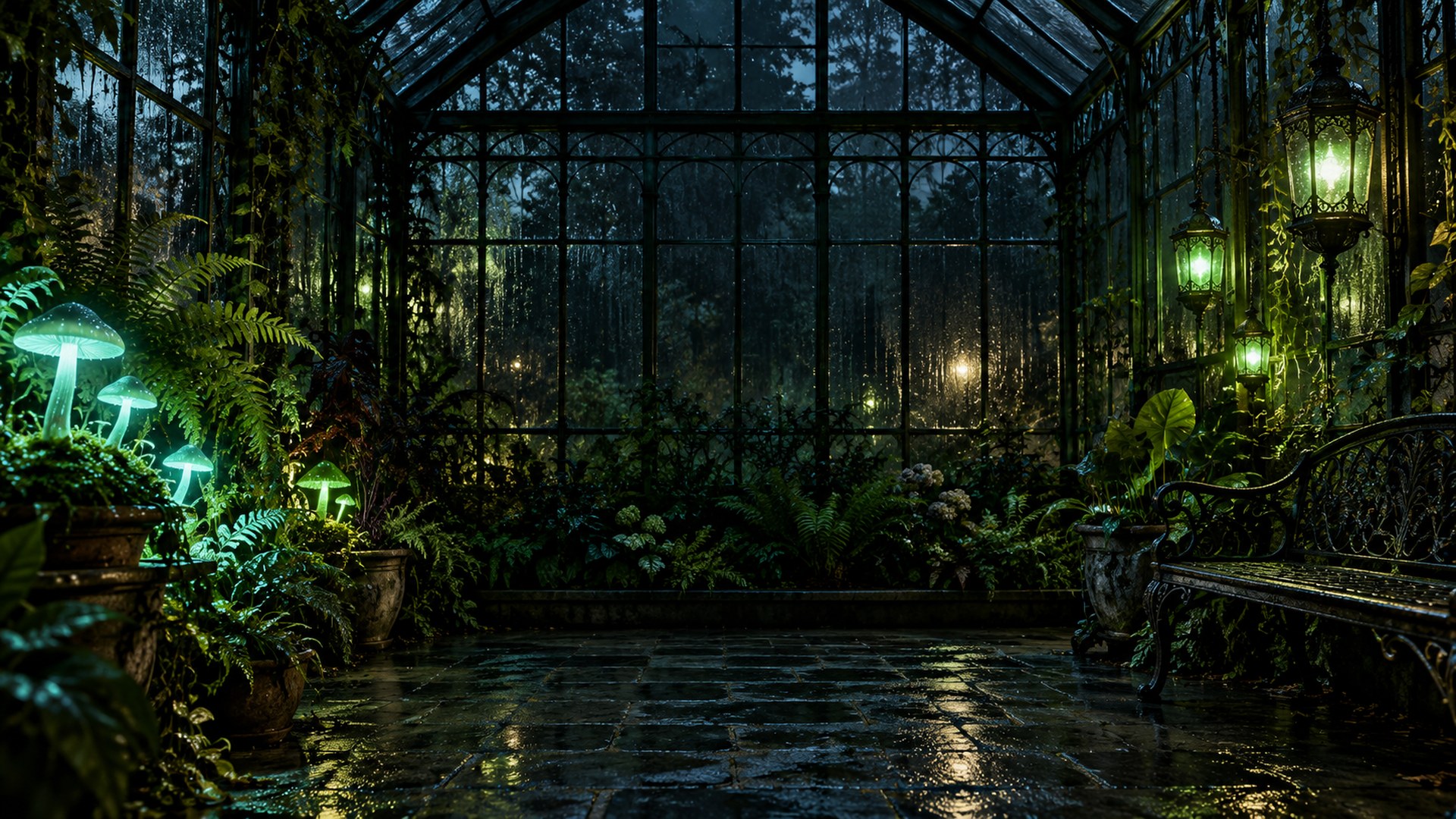
Spooky Halloween Teams Backgrounds
Haunted libraries, glowing forests and candlelit rooms with the subject area kept clear. Moody enough for Halloween, restrained enough for a team call.

ready to upload
Pick a room. Keep the call.
Every file is a finished 1920×1080 JPG. Search, filter, preview or download directly.
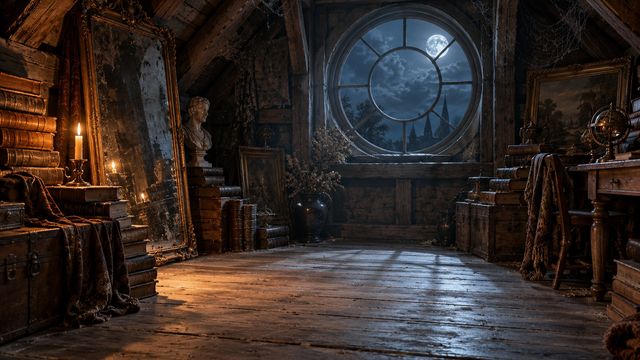
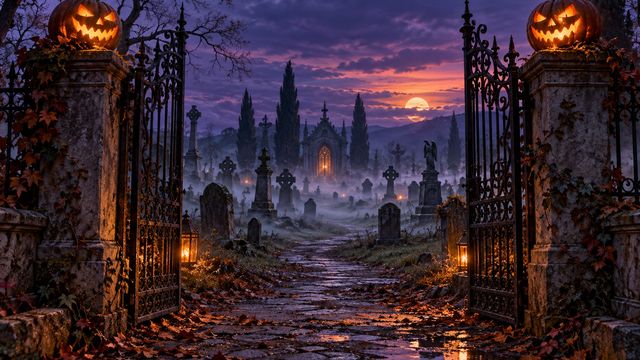
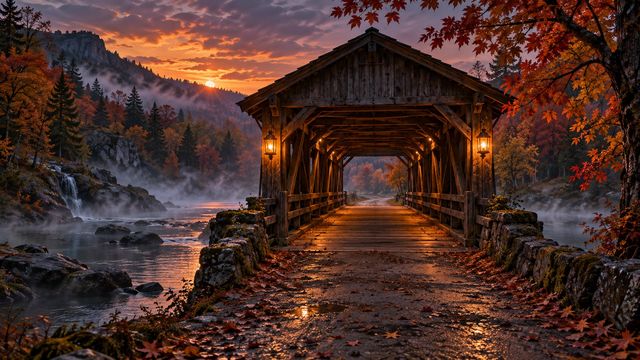
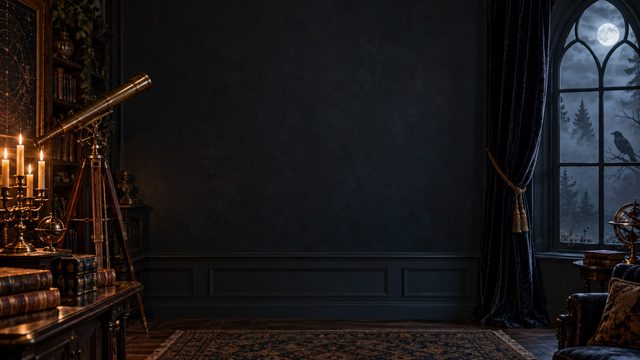
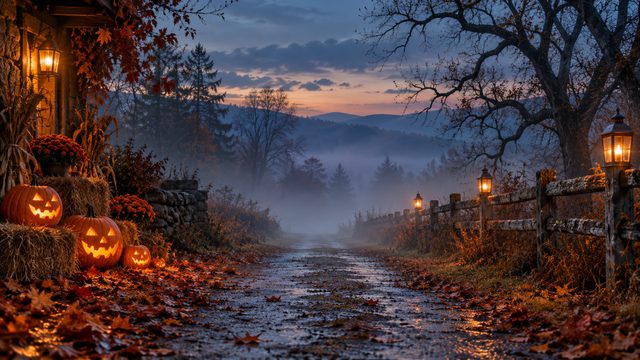


Match the scene to the meeting.
Not every good background is a good client backdrop. Use these as a starting point.
Team socials
Enough seasonal detail for the call to notice, not enough to derail it.
Client calls
Office-friendly scenes for December and November meetings.
Recorded greetings
A warm backdrop for a short video update or end-of-year message.
From download to done.
The same three steps work in Zoom, Teams and Google Meet.
Download the JPG
Choose any room above. The original 1920×1080 file downloads directly — no account, no editor.
Open your settings
Zoom: Background & effects. Teams: Backgrounds. Meet: Change background.
Upload and join
Add the file, leave green screen off, and check the framing before the call starts.
Need a different crop? The free size fixer, maker and compressor all run locally in your browser.
Open the tools ↗Before you upload.
Short answers to the things people ask before their first download.