
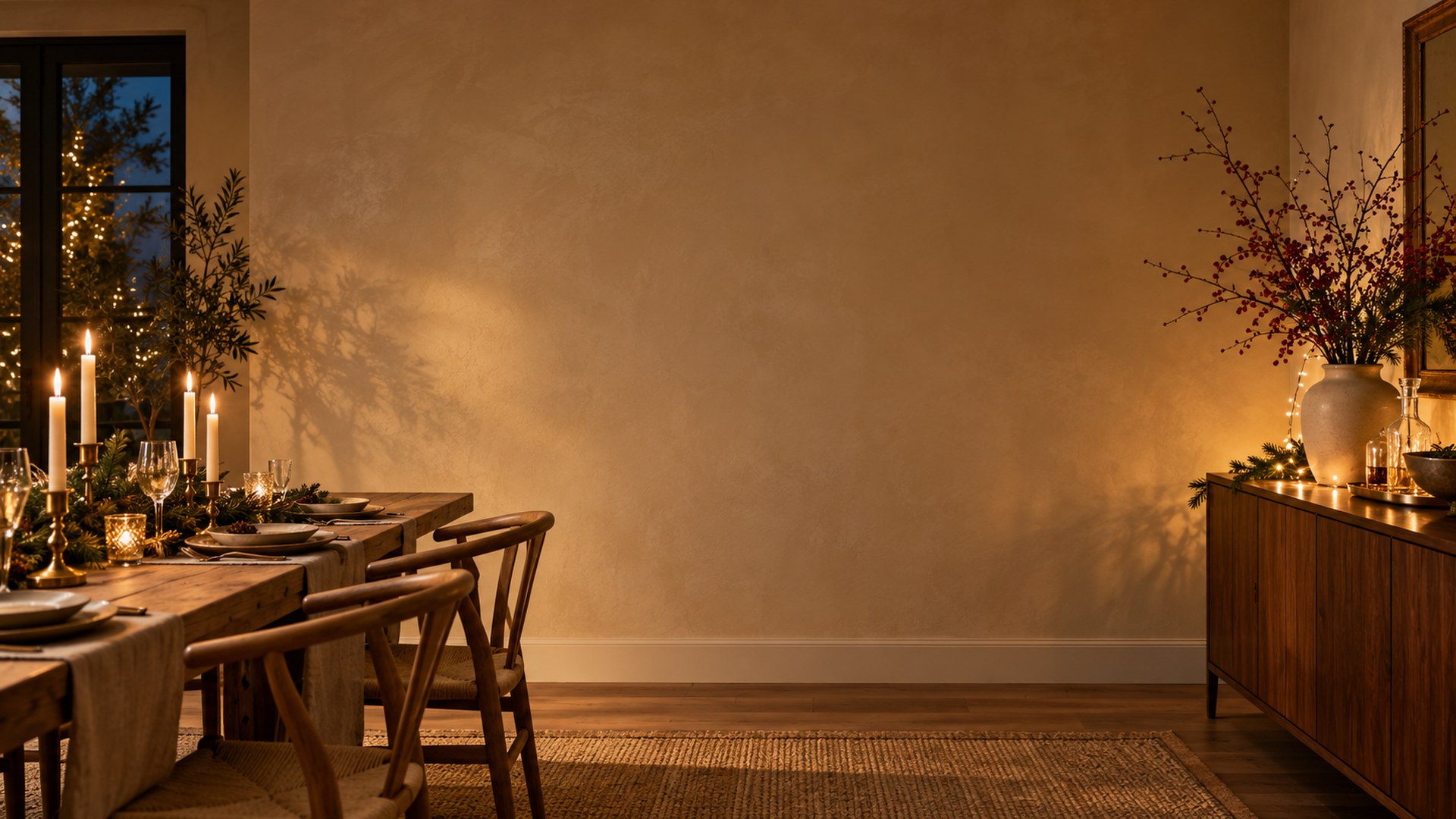
Golden Festive Dining
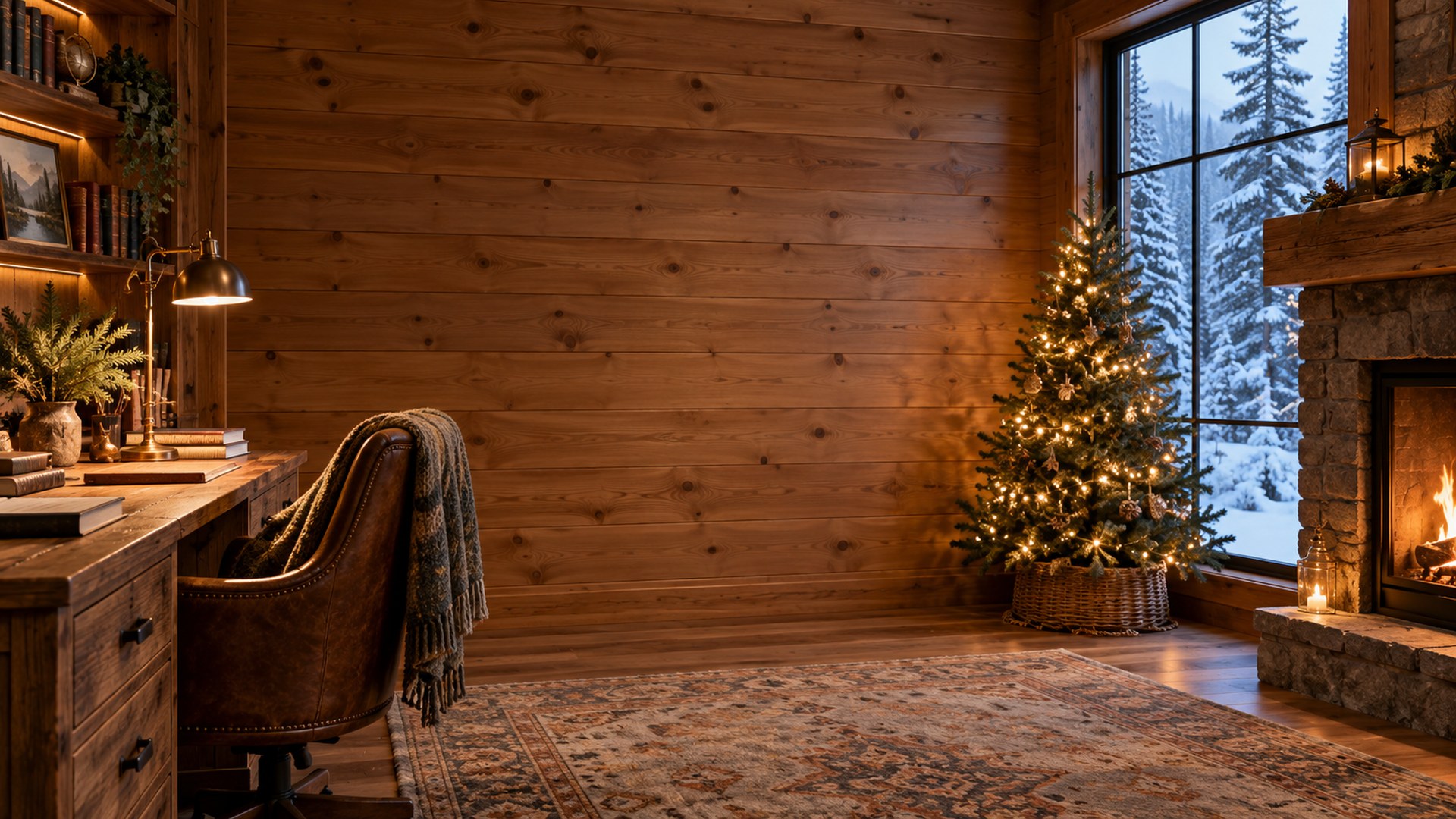
Golden festive dining Teams background.
| Dimensions | 1920 × 1080 |
|---|---|
| Format | JPG · 16:9 |
| File size | 0.3 MB |
| Licence | Free for personal & commercial use |
| Watermark | None |
Made for winter calls.
Neutral light and restrained decor keep the scene office-appropriate on camera.
Client calls
A calm centre and credible room for the meetings that need to look considered.
Interviews
Quiet walls, shelves and light that make the frame feel intentional.
Daily standups
A better room without tidying, moving furniture or opening an editor.
Why this frame works.
- December calls that need seasonal without being festive
- Mixed-faith and international teams
- Year-end reviews and recorded updates
Neutral light and restrained decor keep the scene office-appropriate on camera.
Add it in Microsoft Teams.
Download the JPG
Use the button above. The file is already 1920×1080 and needs no editing.
Open Backgrounds
In a meeting, choose More → Video effects → Backgrounds, or open Settings → Backgrounds.
Add and select
Choose Add new, upload the JPG, then select it. Leave the green-screen option off unless you use one.
Add it in Zoom.
Open settings
Open Zoom Settings → Background & effects. On mobile, use the meeting menu → Background & effects.
Add the image
Click the plus icon, choose Add image and select the JPG you downloaded.
Check the framing
Join a test meeting and check that the room sits behind your shoulders, not through your face.
More winter rooms.
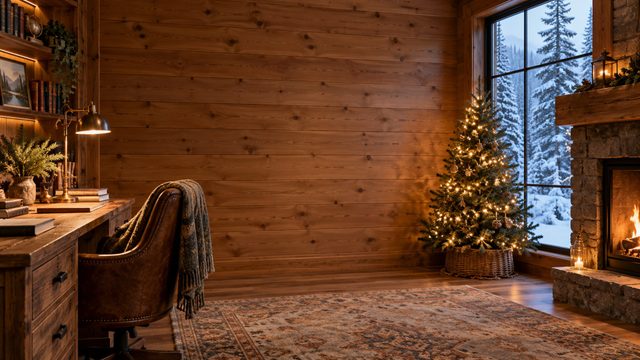
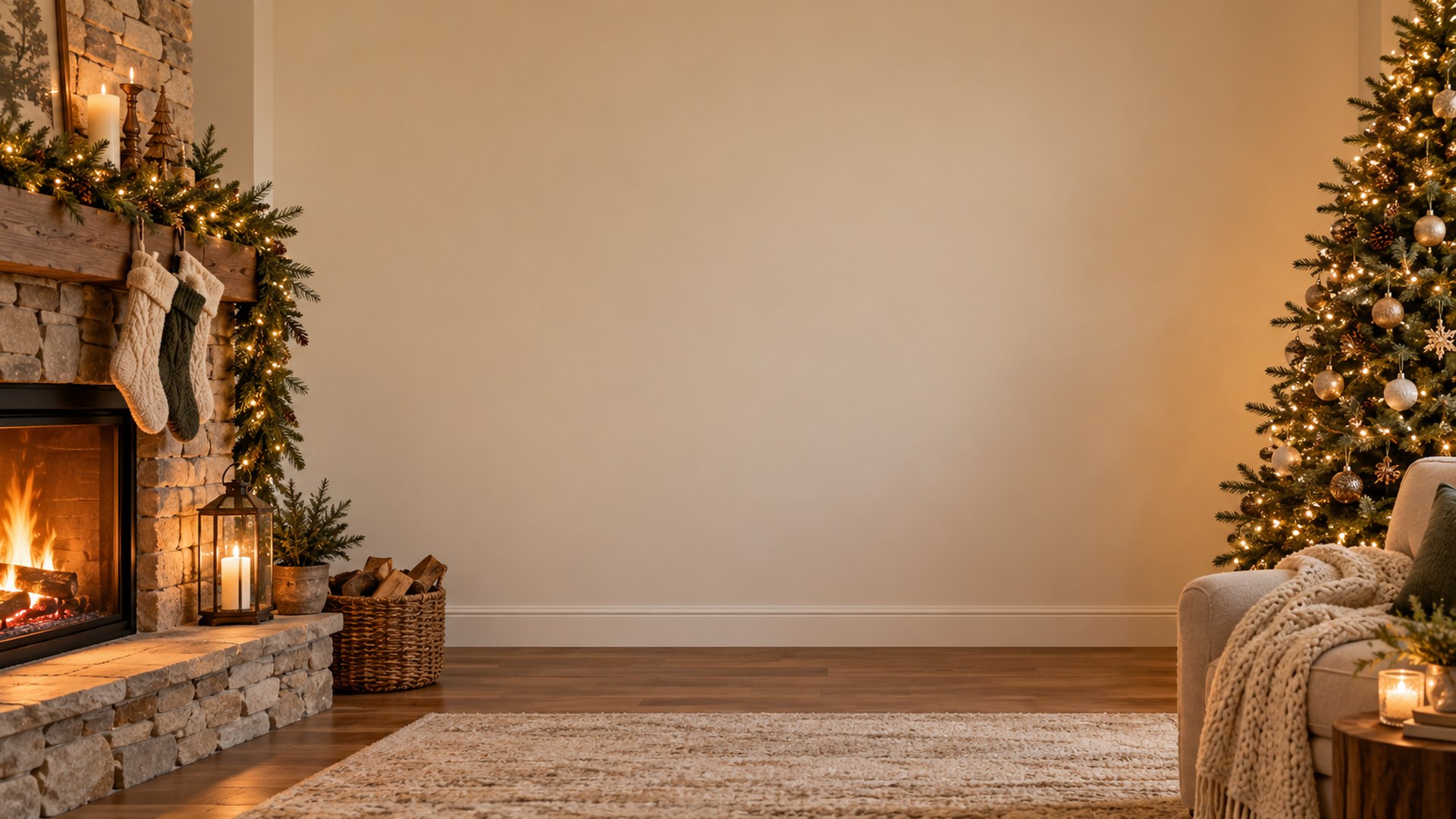
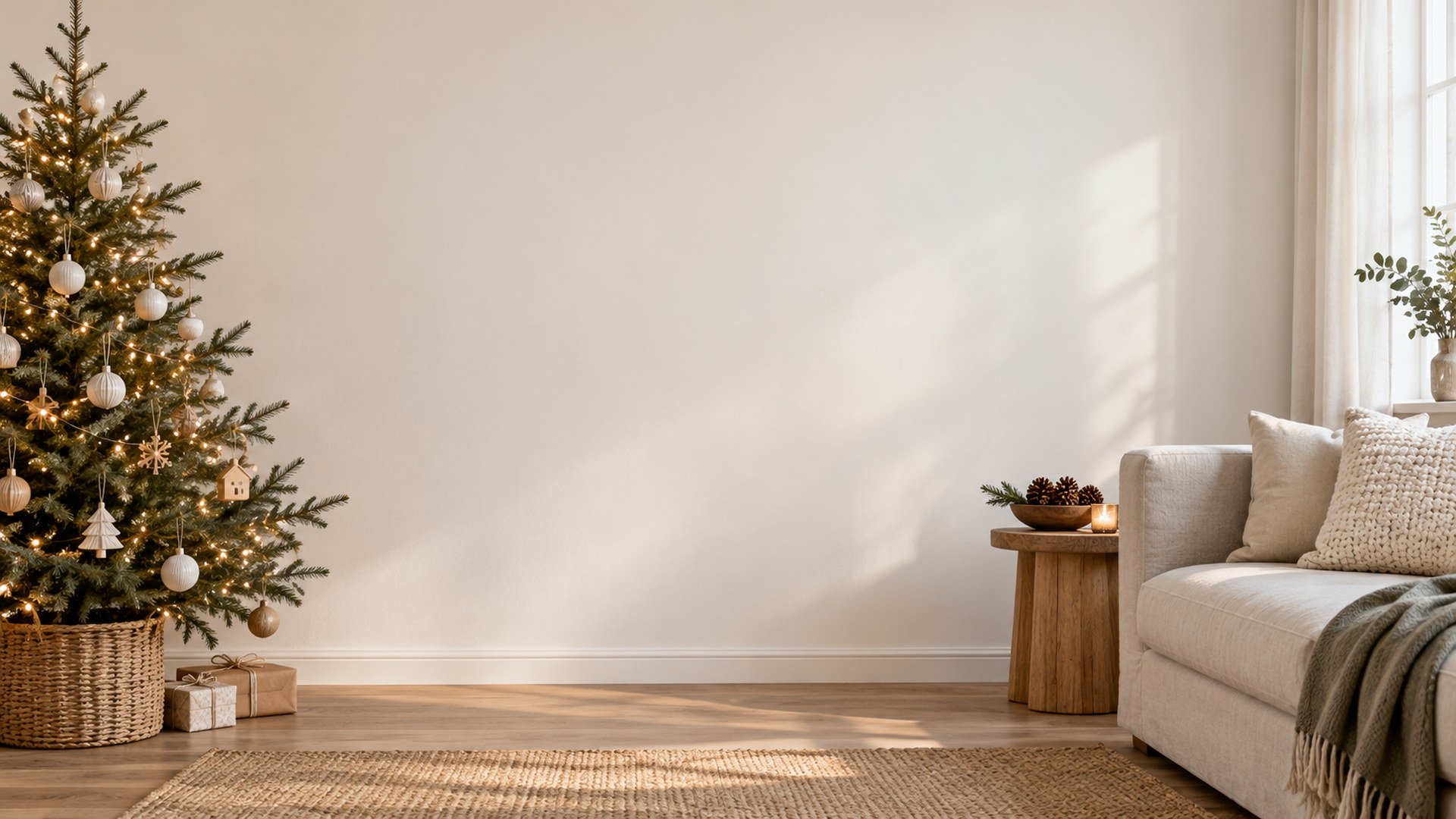
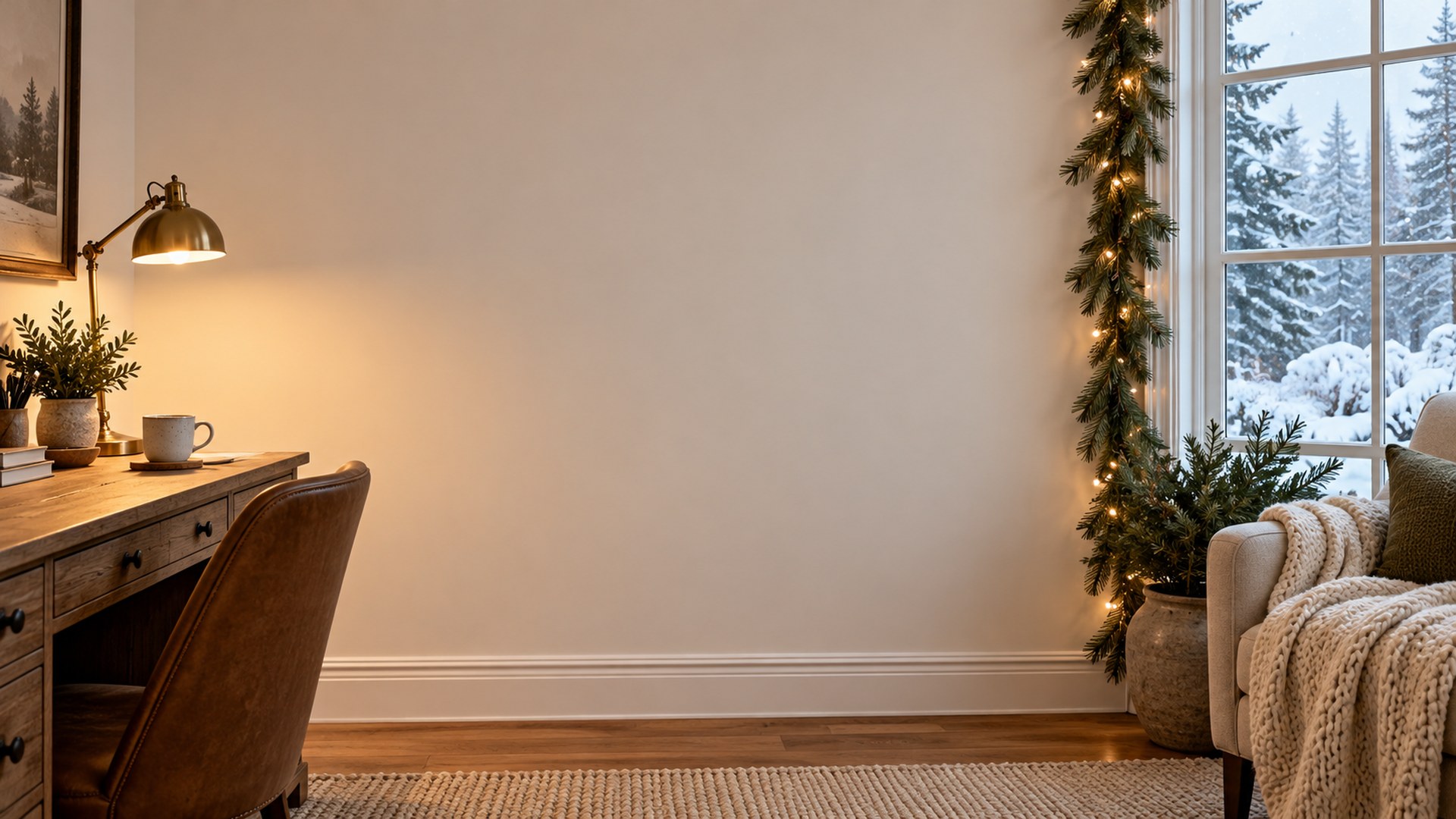
Keep looking, or start the call.
Every background is free, 1920×1080 and one click away. No signup, no watermark.
Browse all 180 rooms